
Duplica iPhone en Fire TV Stick
Duplica videos, fotos, apps, juegos y presentaciones desde tu iPhone o iPad a Fire TV con PigeonCast. Disfruta de una duplicación de pantalla fluida en Fire TV, transmite a Firestick de forma inalámbrica y disfruta de tu contenido favorito en una pantalla más grande con solo unos toques.
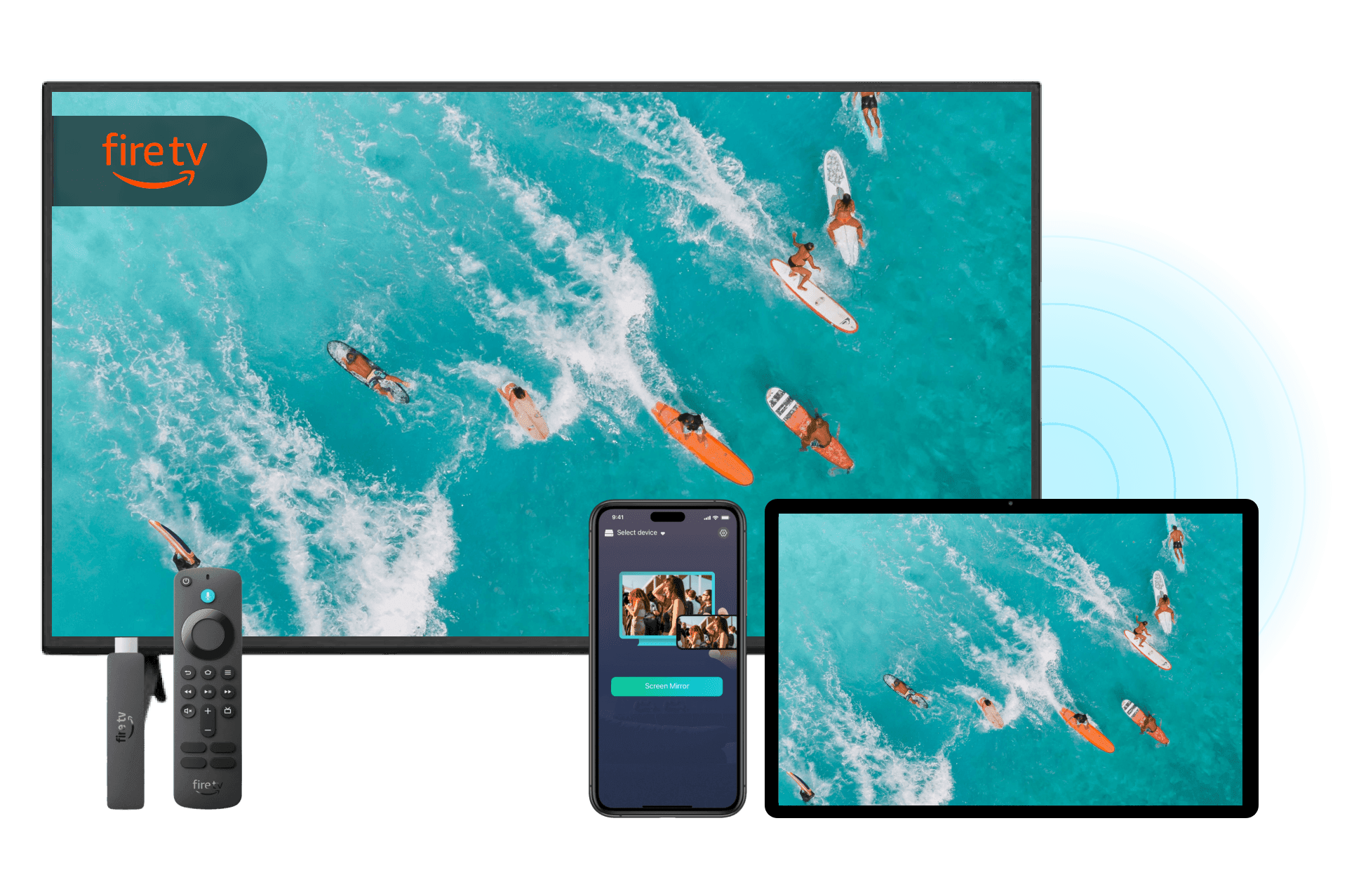
Por qué elegir PigeonCast para duplicar iPhone en Fire TV

No se necesita Apple TV
Usa PigeonCast como tu app de duplicación de pantalla para Firestick para conectar el iPhone a Fire TV directamente. No necesitas Apple TV ni hardware adicional.
Duplicación de pantalla inalámbrica
Duplica la pantalla de tu iPhone o transmite contenido por Wi-Fi con una conexión rápida, simple y confiable. No necesitas cable HDMI ni USB.
Amplia compatibilidad con Firestick
Compatible con muchos Fire TV Stick y dispositivos Fire TV, para que disfrutes fácilmente del contenido en una pantalla más grande.
Streaming de apps y videos
Mira videos, comparte fotos, muestra presentaciones y disfruta de tus apps favoritas directamente en tu TV.
Cómo duplicar iPhone en Fire TV con PigeonCast

Descarga e instala PigeonCast
Instala PigeonCast en tu iPhone y en tu dispositivo Fire TV para empezar. La configuración tarda menos de un minuto y funciona con la mayoría de los productos Amazon Fire TV.
Instalación rápida
Interfaz fácil de usar
Compatible con Amazon Fire TV, Fire TV Stick, Fire TV Cube y Smart TVs con Fire OS
Conéctate a la misma red Wi-Fi
Conecta tu iPhone y tu Fire TV a la misma red Wi-Fi. PigeonCast detecta automáticamente los dispositivos Fire TV compatibles cercanos.
Detección automática de dispositivos
Proceso de emparejamiento rápido
Conexión con un solo toque
Inicia la duplicación de pantalla en Fire TV
Selecciona tu dispositivo Fire TV y empieza a duplicar al instante. Comparte videos, fotos, apps y más en la pantalla grande.
Conexión instantánea con Fire TV
Duplica apps, fotos y videos
Rendimiento inalámbrico fluido
Qué puedes hacer con nuestra app de duplicación de pantalla para Firestick

Ver películas
Duplica películas, videos de YouTube y contenido en streaming desde tu iPhone a Fire TV para disfrutar de una experiencia de visualización más inmersiva.
Ver deportes en vivo
Transmite partidos en vivo, conciertos y eventos especiales desde tu iPhone a Fire TV y disfruta cada momento en una pantalla más grande.
Ya sea que estés viendo películas, compartiendo fotos, transmitiendo deportes en vivo, jugando o presentando contenido, PigeonCast hace que duplicar la pantalla del iPhone en Fire TV sea simple y confiable.
Jugar juegos de iPhone
Disfruta juegos móviles en una pantalla más grande con una duplicación fluida del iPhone en Fire TV, mientras mantienes los controles en tu teléfono.
Compartir fotos
Muestra fotos y álbumes en tu Fire TV al instante, para que sea fácil compartir recuerdos con todos en la habitación.
Presentar contenido
Duplica presentaciones, documentos y contenido educativo en tu Fire TV para reuniones, clases y aprendizaje colaborativo.
Preguntas frecuentes
Empieza a duplicar iPhone en Firestick gratis
Descarga PigeonCast y lleva videos, fotos, juegos y mucho más desde tu iPhone a Fire TV Stick en minutos.