
Send Files to Android TV
Transfer supported photos, videos, and other files to a compatible TV for viewing on a larger screen.
Send files to TVTransferencia inalámbrica de archivos al TV
Envía imágenes, videos, audio, archivos y carpetas al TV mediante una conexión inalámbrica local, sin cable USB ni subirlos a la nube.


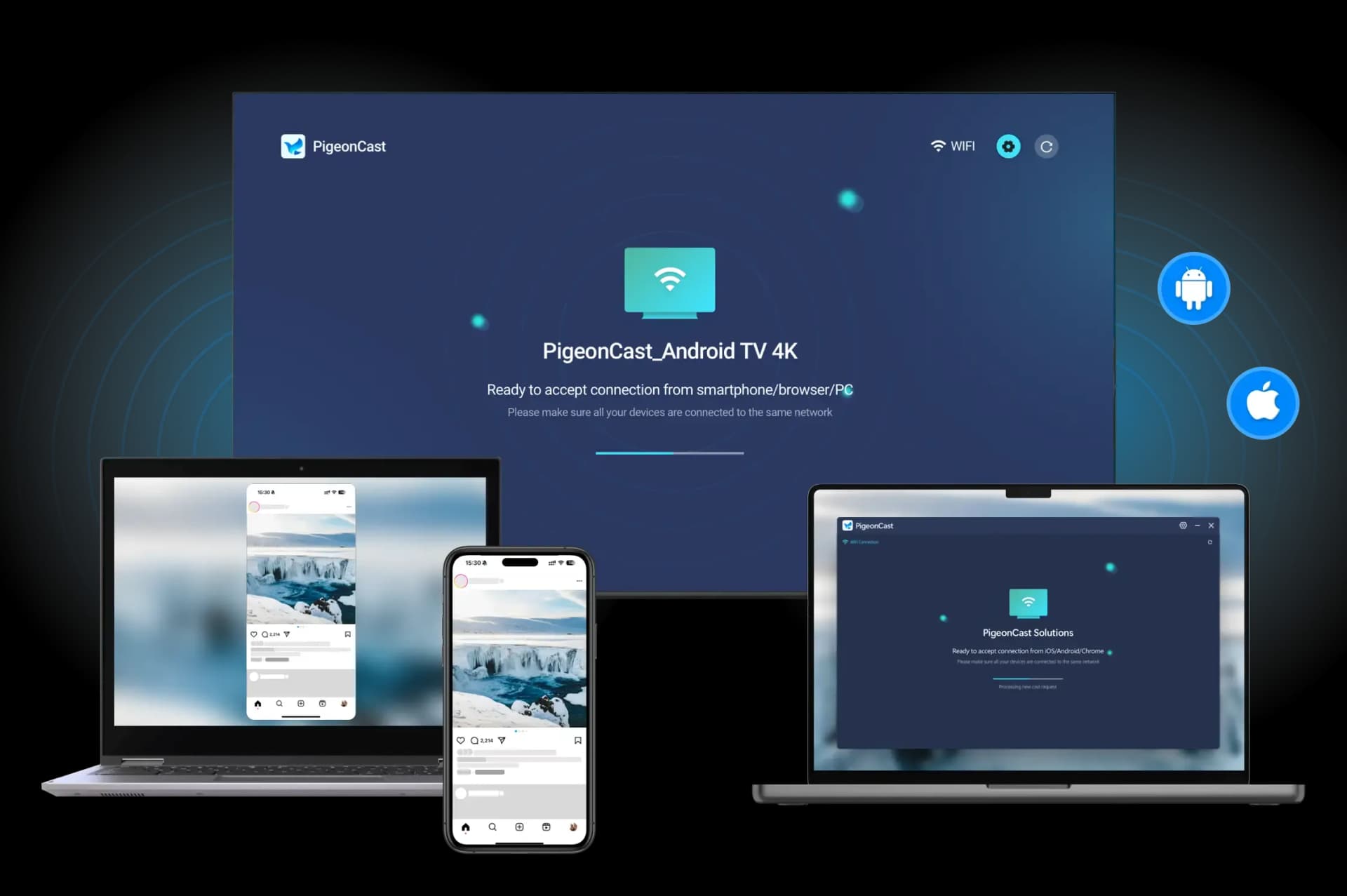
File Transfer Scenarios
Choose the transfer route that matches your setup, from phone-to-phone sharing to sending files to a TV.
Transfer supported photos, videos, and other files to a compatible TV for viewing on a larger screen.
Send files to TVShare photos, videos, and documents between Android phones, iPhones, and tablets without relying on messaging apps or cloud uploads.
Transfer between phonesQué puedes enviar
Envía elementos individuales o varios archivos y carpetas al TV en una sola sesión de transferencia.
Transfiere fotos, capturas de pantalla y otros archivos de imagen compatibles.
Envía clips, grabaciones, películas y otros archivos de video compatibles.
Transfiere música, grabaciones de voz, podcasts y otros archivos de audio compatibles.
Transfiere documentos, archivos comprimidos, archivos de aplicaciones, descargas y carpetas completas manteniendo el contenido organizado.
Conecta tus dispositivos e inicia una transferencia inalámbrica en tres sencillos pasos.
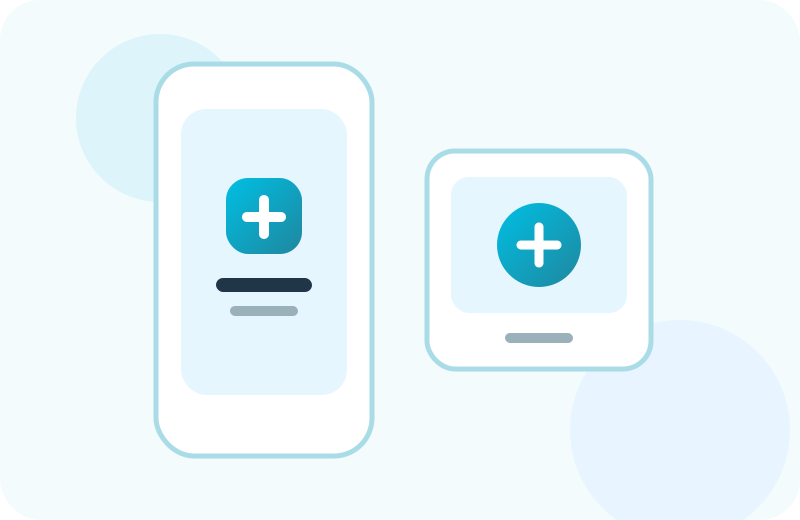
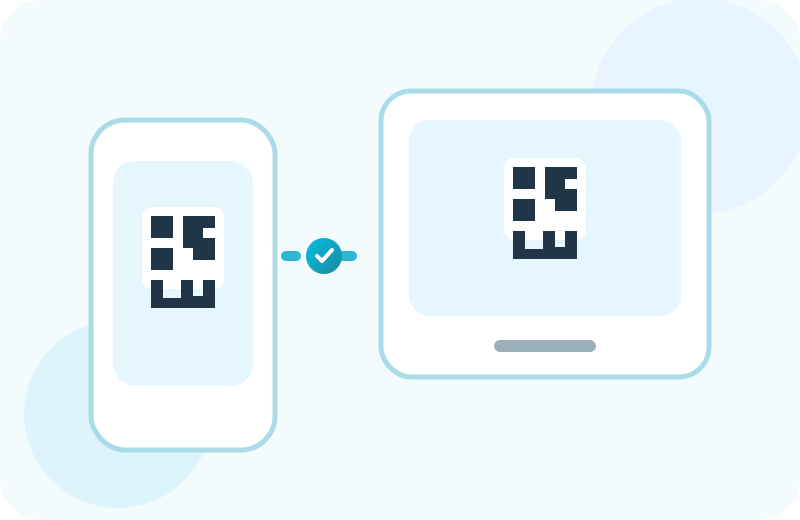
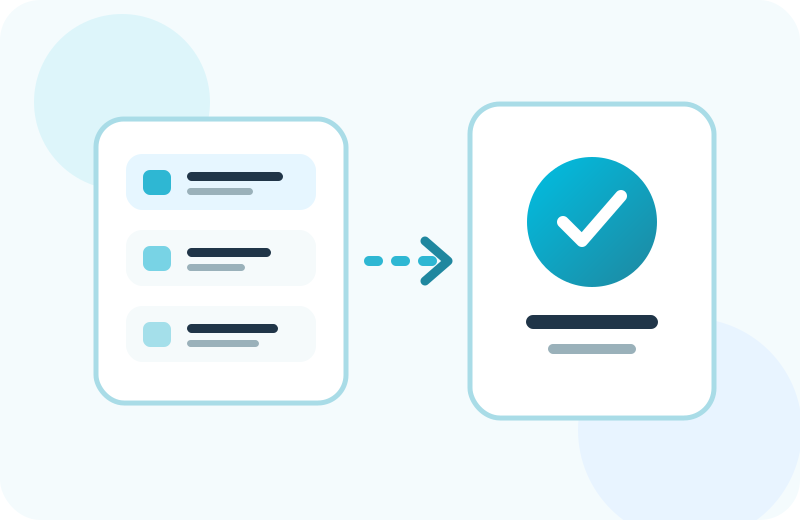
Transfiere el contenido al TV una vez y abre después los archivos compatibles en la pantalla grande.
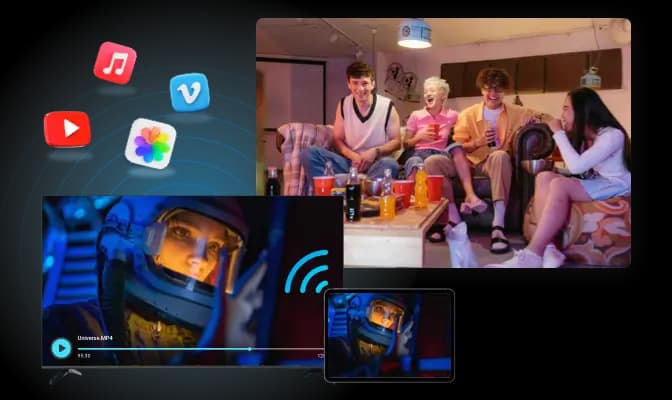
Envía fotos de vacaciones, videos familiares, películas descargadas o música al TV para que todos puedan disfrutarlos juntos.
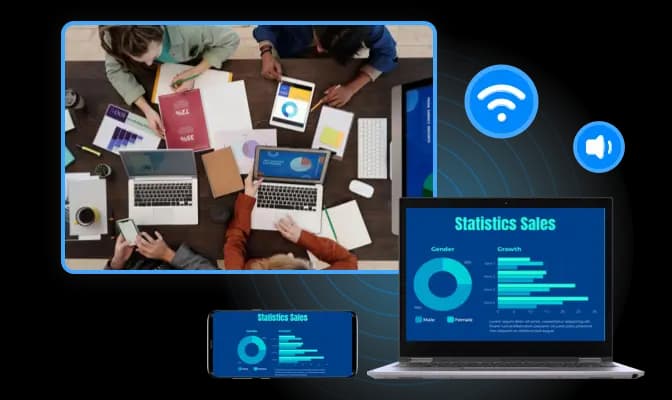
Transfiere presentaciones, PDF, videos de demostración y documentos de apoyo desde un teléfono u ordenador al TV de una sala de reuniones.
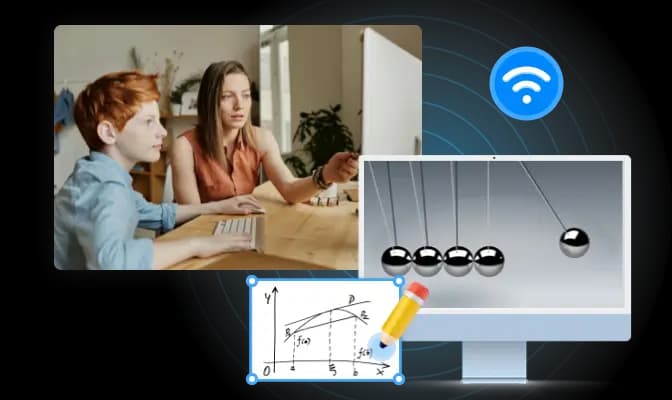
Transfiere videos de lecciones, hojas de trabajo, presentaciones y archivos de referencia antes de que comience una clase o formación.
Transfiere imágenes, videos, audio, archivos y carpetas de forma inalámbrica desde tu teléfono u ordenador a un TV compatible.