
PigeonCast vs. AirScreen
¿Buscas una forma más sencilla de duplicar la pantalla entre TVs, computadoras, navegadores y dispositivos de streaming? PigeonCast te ofrece una experiencia de duplicación de pantalla más flexible que una app receptora solo para TV, lo que la convierte en una alternativa práctica a AirScreen para configuraciones con dispositivos mixtos.
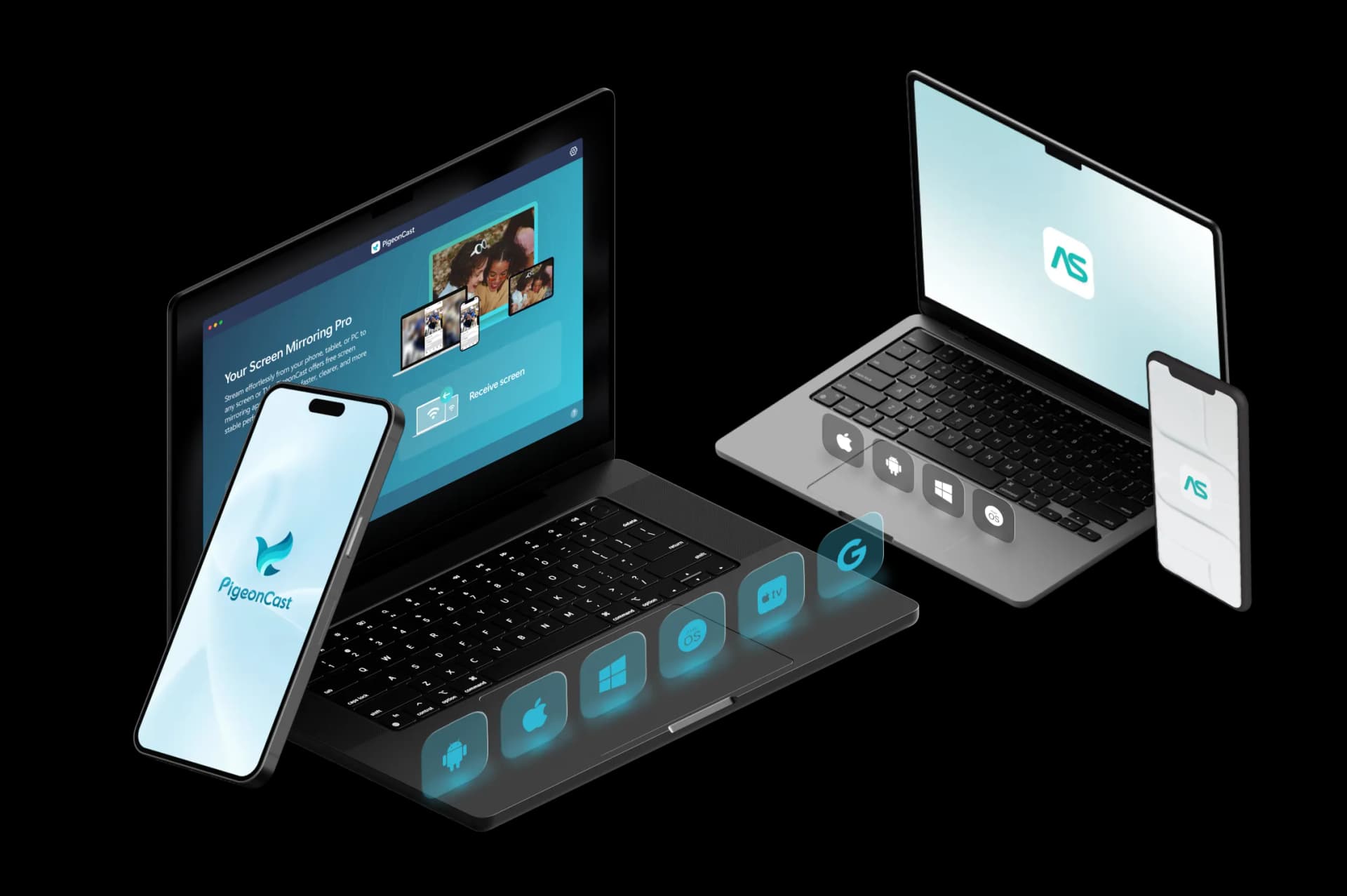
Comparación de funciones: PigeonCast vs AirScreen
| Features | PigeonCast | AirScreen |
|---|---|---|
| Ideal para | Duplicación de pantalla multiplataforma hacia TVs, computadoras, navegadores y pantallas compartidas | Convertir una TV o una pantalla basada en Android en un receptor de transmisión |
| Duplicar teléfono en TV | ✓ | ✓ |
| Duplicar teléfono en computadora | ✓ | ✕ |
| Duplicar computadora en TV | ✓ | ✓ |
| Duplicar computadora en computadora | ✓ | ✕ |
| Duplicar teléfono en navegador | ✓ | ✕ |
| Dispositivos emisores | iPhone, iPad, Android, Windows, Mac | iPhone, iPad, Android, Windows, Mac |
| Dispositivos receptores | TVs, Windows, Mac, navegadores, dispositivos de streaming | Android TV, Google TV, Fire TV y otras pantallas basadas en Android |
| Tipo de conexión | Conexión Wi‑Fi | Conexión Wi‑Fi |
| Protocolos de transmisión | AirPlay, Google Cast, DLNA, conexión PigeonCast | AirPlay, Cast, Miracast, DLNA |
| Calidad de video | HD, 2K, hasta 4K | 1080p y 4K |
| Velocidad de fotogramas | Hasta 60 FPS | Hasta 60 FPS |
| Compatibilidad de audio | ✓ | ✓ |
| Uso gratuito | Sesiones gratuitas de 5 minutos | Versión gratuita disponible |
| Uso premium | Duplicación ilimitada, opciones de mayor calidad | Elimina límites/anuncios según el plan y el dispositivo |
Diferencias clave entre PigeonCast y AirScreen

Compatibilidad de dispositivos multiplataforma
AirScreen se centra en convertir TVs y dispositivos de streaming en receptores. PigeonCast admite más combinaciones de dispositivos, incluidos teléfonos, computadoras, navegadores y TVs.
Duplicación de pantalla vs. transmisión de contenido
AirScreen está diseñado principalmente para transmitir contenido a receptores. PigeonCast se centra en la duplicación completa de pantalla para apps, archivos, presentaciones y más.
Conexión de dispositivos más sencilla
AirScreen requiere configurar el receptor antes de usarlo. PigeonCast simplifica las conexiones con emparejamiento por código QR y PIN entre dispositivos compatibles.
Precios de PigeonCast vs AirScreen
Una alternativa flexible a AirScreen para duplicar iPhone, Android, Windows, Mac y dispositivos de TV.
Best for Home Entertainment
PigeonCast
Duplicación de pantalla multiplataforma

- Native Google Cast Support
- Ultra HD 4K Quality
- Bank-Level Security
- Zero-Lag Gaming Mode
Best for Office Meetings
AirScreen
Receptor de transmisión para TV
- Built-in Annotation Tools
- One-Click Screenshot
- Max Resolution: 1440P
- No Native Google Cast
Cómo pasar de AirScreen a PigeonCast
Usa PigeonCast cuando necesites más que una app receptora para TV.

Tutorials and FAQs
Prueba PigeonCast como tu alternativa a AirScreen
Usa PigeonCast para duplicar tu teléfono, computadora o tablet en TVs, navegadores, computadoras y otras pantallas compatibles con una configuración multiplataforma más flexible.