
Duplica la pantalla del iPhone en Roku TV
Duplica videos, fotos, apps, juegos y presentaciones desde tu iPhone o iPad a Roku TV con PigeonCast. Disfruta de una duplicación de pantalla rápida e inalámbrica en Roku y mira todo en una pantalla más grande con solo unos toques.
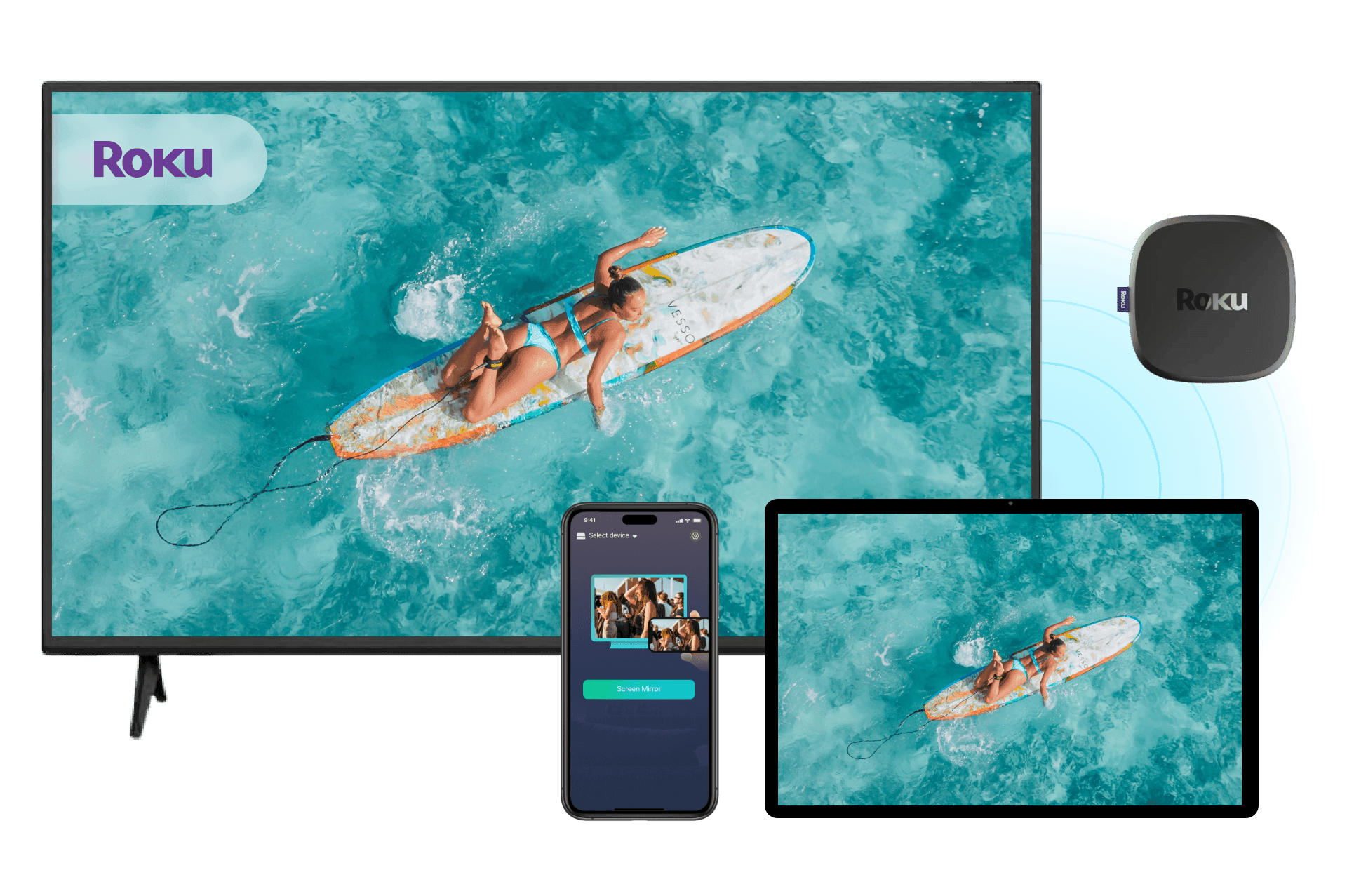
Por qué elegir PigeonCast para duplicar la pantalla del iPhone en Roku

No se necesita Apple TV
Usa PigeonCast como tu app de duplicación de pantalla para Roku y proyecta tu iPhone en Roku TV directamente. No necesitas Apple TV ni hardware adicional.
Duplicación de pantalla inalámbrica
Disfruta de una duplicación de pantalla fluida entre iPhone y Roku por Wi-Fi, sin adaptadores, cables ni configuraciones complicadas.
Amplia compatibilidad con Roku
Funciona con la mayoría de los Roku TV y dispositivos de streaming Roku, incluidos Roku Stick, Roku Ultra y más.
Streaming de apps y videos
Duplica contenido de apps populares de streaming y redes sociales, como YouTube, TikTok y más.
Cómo duplicar la pantalla del iPhone en Roku TV con PigeonCast

Descarga e instala PigeonCast
Instala PigeonCast en tu iPhone y en tu Roku TV para empezar. La configuración tarda menos de un minuto y funciona con la mayoría de los dispositivos con Roku.
Instalación rápida
Interfaz fácil de usar
Compatible con Roku TV, Roku Stick, Roku Express y Roku Ultra
Conéctate a la misma red Wi-Fi
Asegúrate de que tu iPhone y tu dispositivo Roku estén conectados a la misma red Wi-Fi. PigeonCast encuentra automáticamente los dispositivos Roku disponibles cerca de ti.
Detección automática de dispositivos
Proceso de emparejamiento rápido
Conexión con un toque
Inicia la duplicación de pantalla en Roku
Selecciona tu Roku TV o dispositivo Roku y empieza a duplicar la pantalla al instante. Disfruta de fotos, videos, apps y más en la pantalla grande.
Transmisión instantánea a Roku TV
Duplica apps, fotos y videos
Rendimiento inalámbrico fluido
Qué puedes hacer con nuestra app de duplicación de pantalla para Roku

Ver películas
Duplica películas, videos de YouTube y contenido en streaming desde tu iPhone a Roku Stick para disfrutar de una experiencia de visualización más inmersiva.
Ver deportes en vivo
Transmite partidos en vivo, conciertos y eventos especiales desde tu iPhone a Roku TV y disfruta cada momento en una pantalla más grande.
Ya sea que quieras ver películas, compartir recuerdos, transmitir eventos en vivo o presentar contenido, PigeonCast hace que la duplicación de pantalla en Roku sea simple y confiable.
Jugar juegos del iPhone
Disfruta de juegos móviles en una pantalla más grande con una duplicación fluida del iPhone en Roku TV mientras mantienes los controles en tu teléfono.
Compartir fotos
Muestra fotos y álbumes en tu Roku TV al instante, para que sea fácil compartir recuerdos con todos en la habitación.
Presentar contenido
Duplica presentaciones, documentos y contenido educativo en tu Roku TV para reuniones, clases y aprendizaje colaborativo.
Preguntas frecuentes
Empieza a duplicar la pantalla del iPhone en Roku TV gratis
Descarga PigeonCast y disfruta de tu contenido favorito en Roku TV con una duplicación de pantalla rápida y sencilla.