
PigeonCast vs. ApowerMirror
Need a simpler way to mirror across TVs, computers, browsers, and shared screens? PigeonCast is built for everyday cross-platform screen mirroring, especially when you want to move beyond phone-to-PC control. ApowerMirror is strong for phone mirroring, Android control, USB/Wi-Fi connection, multi-device mirroring, and recording.
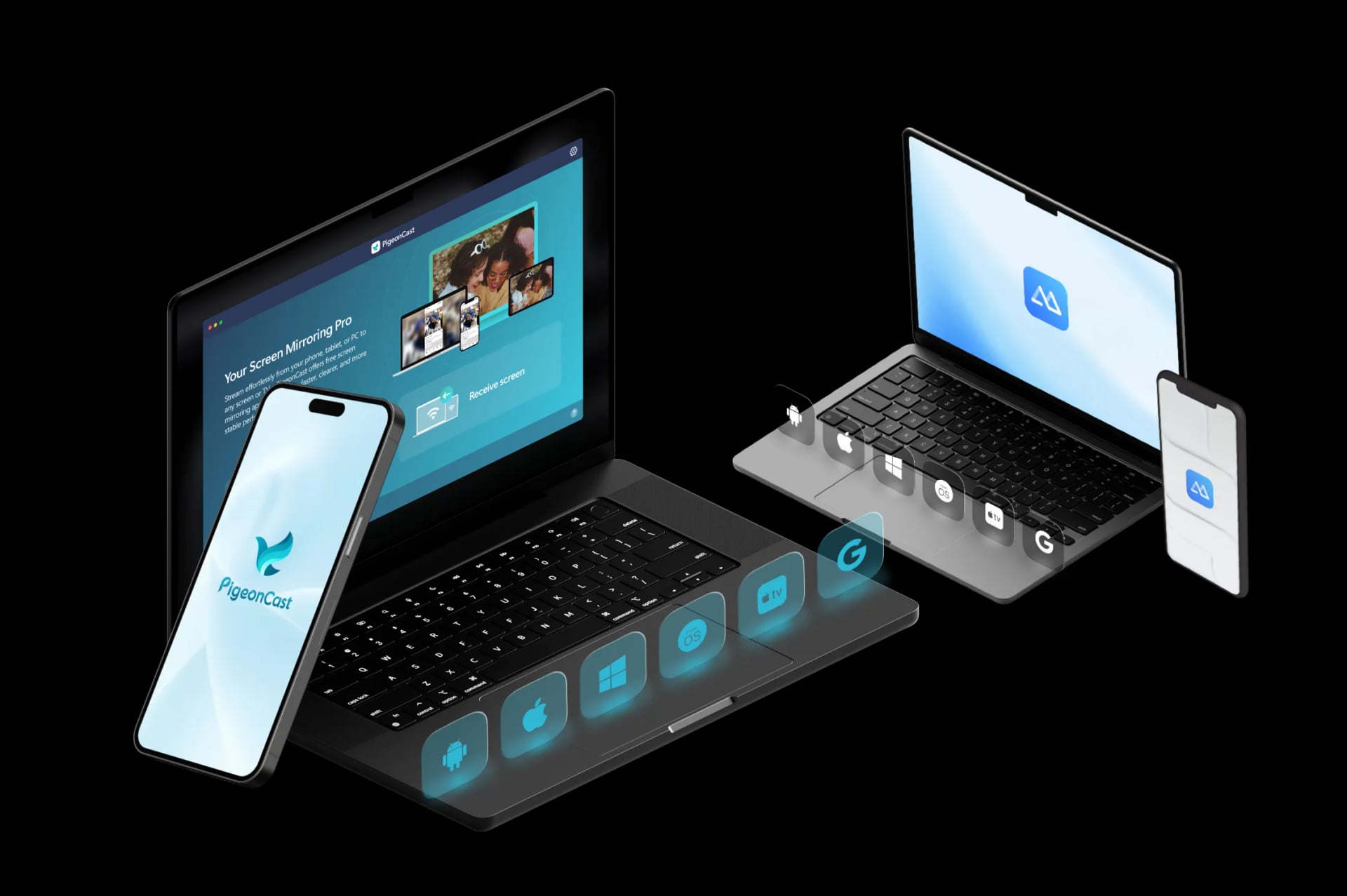
Why Choose PigeonCast over ApowerMirror for Screen Mirroring

Simple Big-Screen Mirroring
ApowerMirror offers a broad feature set, including phone mirroring, Android control, recording, and multi-device mirroring. PigeonCast keeps the focus on simple screen mirroring to TVs, computers, browsers, and shared displays.

Less Phone-Control Focus
ApowerMirror is useful when you want to control Android from a PC, use mouse and keyboard input, record screens, or mirror multiple devices. PigeonCast is better when you only need to show your phone, tablet, or computer on a larger screen.

Everyday Mixed Screens
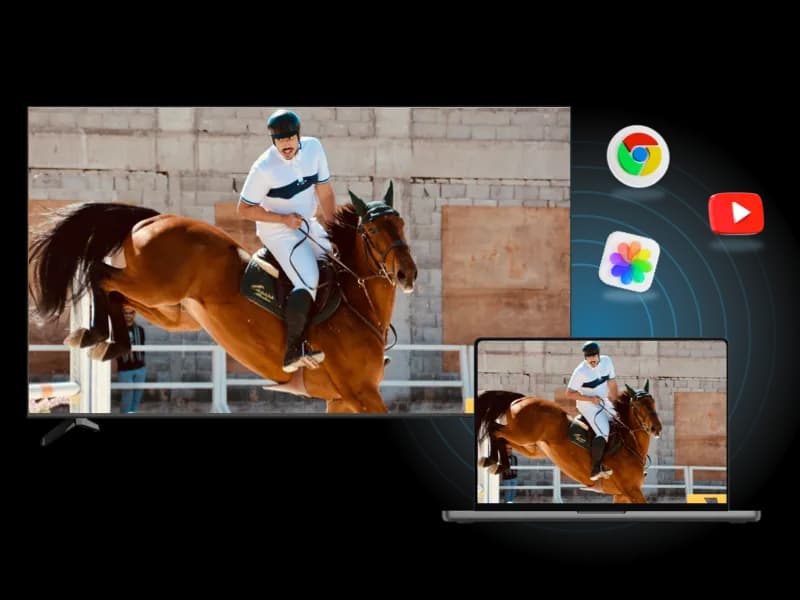
ApowerMirror works well for PC-centered mirroring and productivity workflows. PigeonCast is designed for everyday screen choices, such as phone to TV, computer to TV, phone to computer, and browser receiving.
How to Use PigeonCast as ApowerMirror Alternative
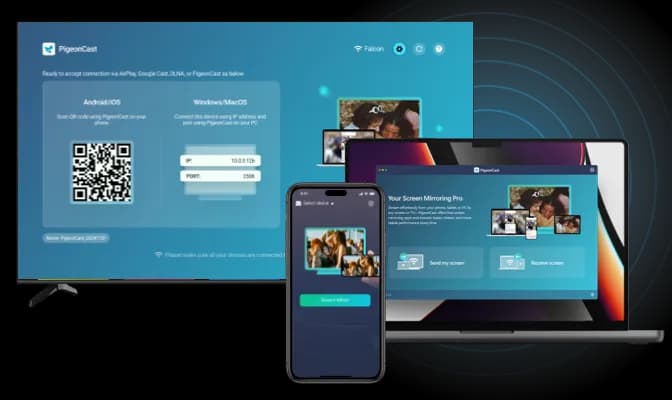
Quick and Easy Setup
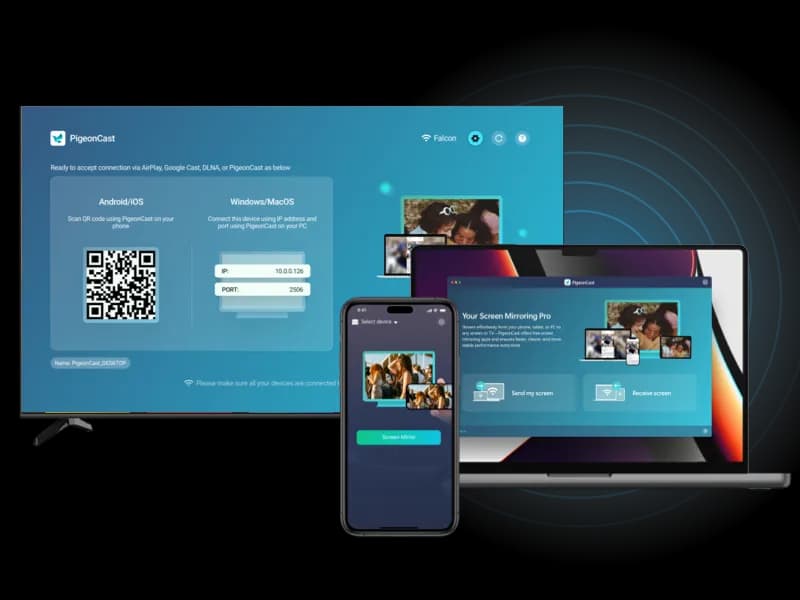
Getting started with PigeonCast is simple. Download the app, follow the easy steps, and you're ready to mirror on your TV, Windows, Mac, iPhone, or Android, no technical skills required.
Quick Download: Easily download PigeonCast from the official store or website.
Easy Installation: Install the app with minimal setup required.
Straightforward Setup: Follow on-screen instructions to get started quickly.
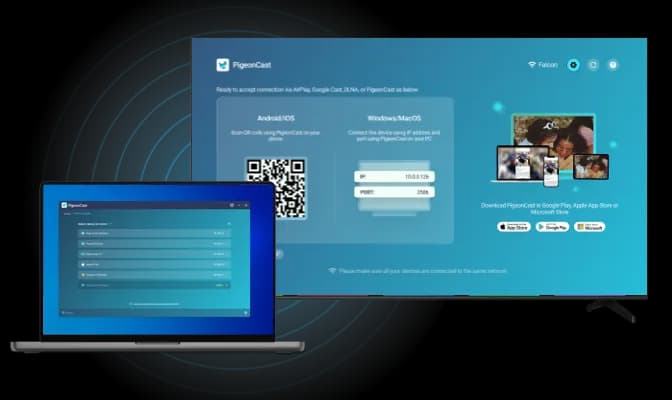
Smooth Wireless Connection
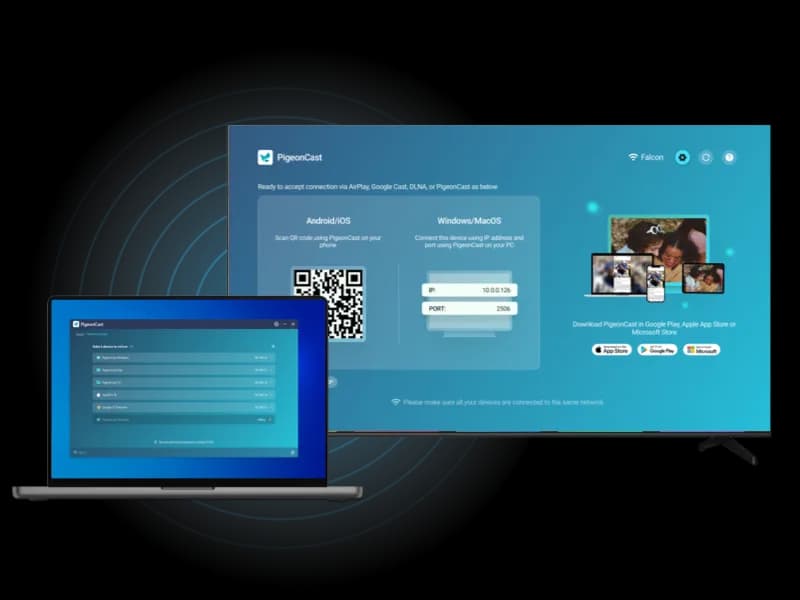
Connecting to another screen has never been easier with PigeonCast. Choose from multiple connection methods:
QR Code Scan: Instantly connect by scanning the on-screen QR code.
IP Address Input: Enter the IP address for manual control.
Device Selection: Select from a list of available devices for a smooth connection.
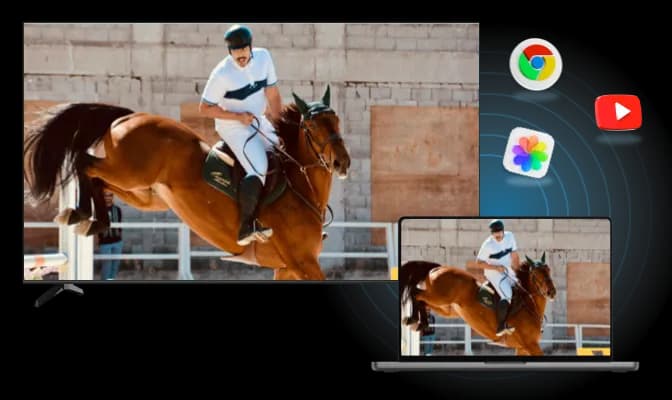
Cross-Platform Mirroring
PigeonCast offers effortless, cross-platform mirroring for all your devices:
Android to Apple: Mirror Android devices to MacBook or Apple TV.
Apple to Android TV: Stream from iPhone or MacBook to Android TV.
Windows to Apple: Cast from Windows PC to MacBook or Apple TV.
How to Switch from ApowerMirror to PigeonCast
Need a dedicated screen mirroring app? Try PigeonCast and mirror across TVs, computers, and browsers.
PigeonCast vs ApowerMirror FAQ
How to Use
Try PigeonCast as Your ApowerMirror Alternative
Mirror your phone, tablet, or computer to TVs, browsers, computers, and shared screens with a simpler cross-platform screen mirroring setup.