
Mirror iPhone to Android TV with PigeonCast
Stream your iPhone screen to Android TV in seconds with PigeonCast. Watch videos, share photos, or play content on a larger display with smooth wireless casting and no cables, no lag, and no setup required. Start for free and works instantly even without AirPlay.


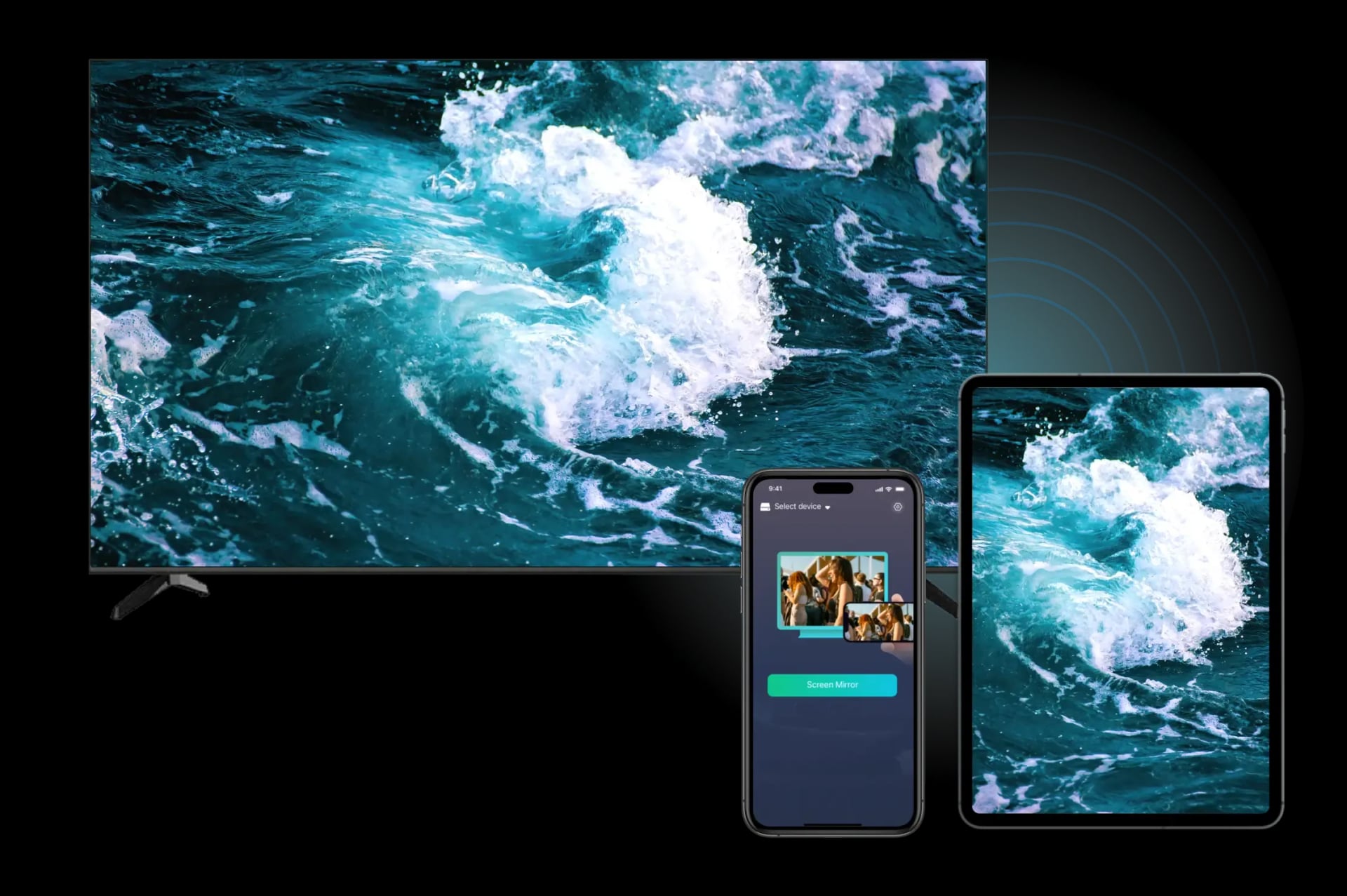
Why Start iOS to Android TV Screen Mirroring with PigeonCast
Free & Easy to Use
Enjoy free, ad-free screen mirroring iPhone to Android TV, with no subscriptions or hidden fees. Start mirroring instantly without any hassle.
Wireless Connection
Mirror your iPhone or iPad to Android TV effortlessly over the same Wi-Fi network. No cables, no setup complexity; just a quick and smooth connection.
Cross-Platform Compatibility
Effortlessly cast from iPhone to Android TV, bridging the gap between iOS and Android ecosystems for a seamless experience on both platforms.
Private & Secure
Ensure your data stays private and secure with local network transmission during screen mirroring. No data is sent to the cloud, keeping your information safe.
How to Mirror iPhone to Android TV for Free
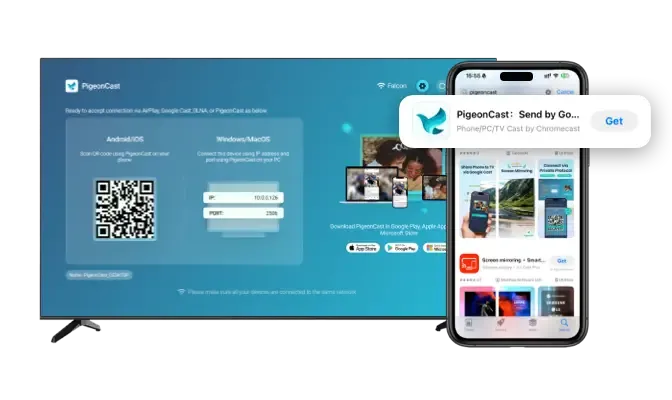
Download and Install PigeonCast
Install PigeonCast from the official app store on both your iPhone and Android TV, then launch the app on both devices to get started.
Download securely from the app store
Simple and quick setup process
Customize your TV name for easy identification
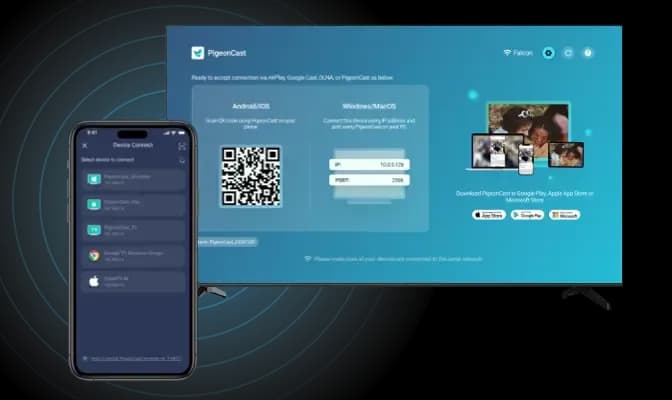
Connect iPhone to Android TV
Open PigeonCast on your iPhone and select your Android TV from the device list. Alternatively, scan the QR code shown on your TV screen.
Auto-connect to the last used device
Quickly connect by scanning the QR code
Easily manage devices with a single tap
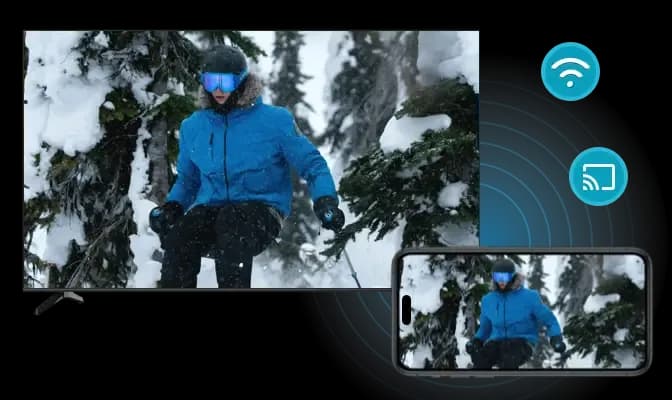
Start Mirroring
Simply mirror your iPhone screen to Android TV and enjoy high-quality, real-time playback.
Adjust resolution and frame rate for optimal performance
Mirror your iPhone screen with or without sound
Stream everything on your iPhone screen
Top Screen Mirroring App for iPhone and Android TV

Entertainment Sharing
Mirror everything from your iPhone to Android TV for an immersive viewing experience with family and friends.
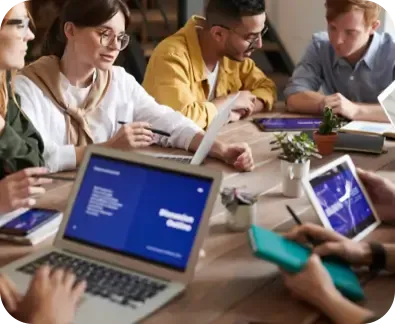
Work Presentations
Wirelessly mirror presentations or documents from your iPhone to Android TV for more efficient meetings.
PigeonCast offers a simple, free solution to mirror your iPhone to Android TV. Whether you're sharing videos, playing games, or presenting content, enjoy a seamless wireless connection with no cables required. Experience smooth, high-definition playback directly on your TV screen.

Social Media Sharing
Mirror photos, videos, and social media feeds from iPhone to Android TV for a larger, more collaborative view.

Mobile Gaming
Mirror your iPhone games to Android TV for a larger screen and smoother gaming experience.

Live Streaming
Mirror live events, sports, or news from iPhone to Android TV with high-quality, real-time playback.
FAQ
Download PigeonCast for iPhone to Android TV Mirroring
Try PigeonCast today for a hassle-free, HD experience of mirroring your iPhone to Android TV in just a few clicks.