
Screen Mirror Android to Fire TV
Mirror movies, photos, games, presentations, and more from your Android phone to Fire TV or Fire TV Stick with PigeonCast. Enjoy fast wireless screen mirroring without Chromecast.

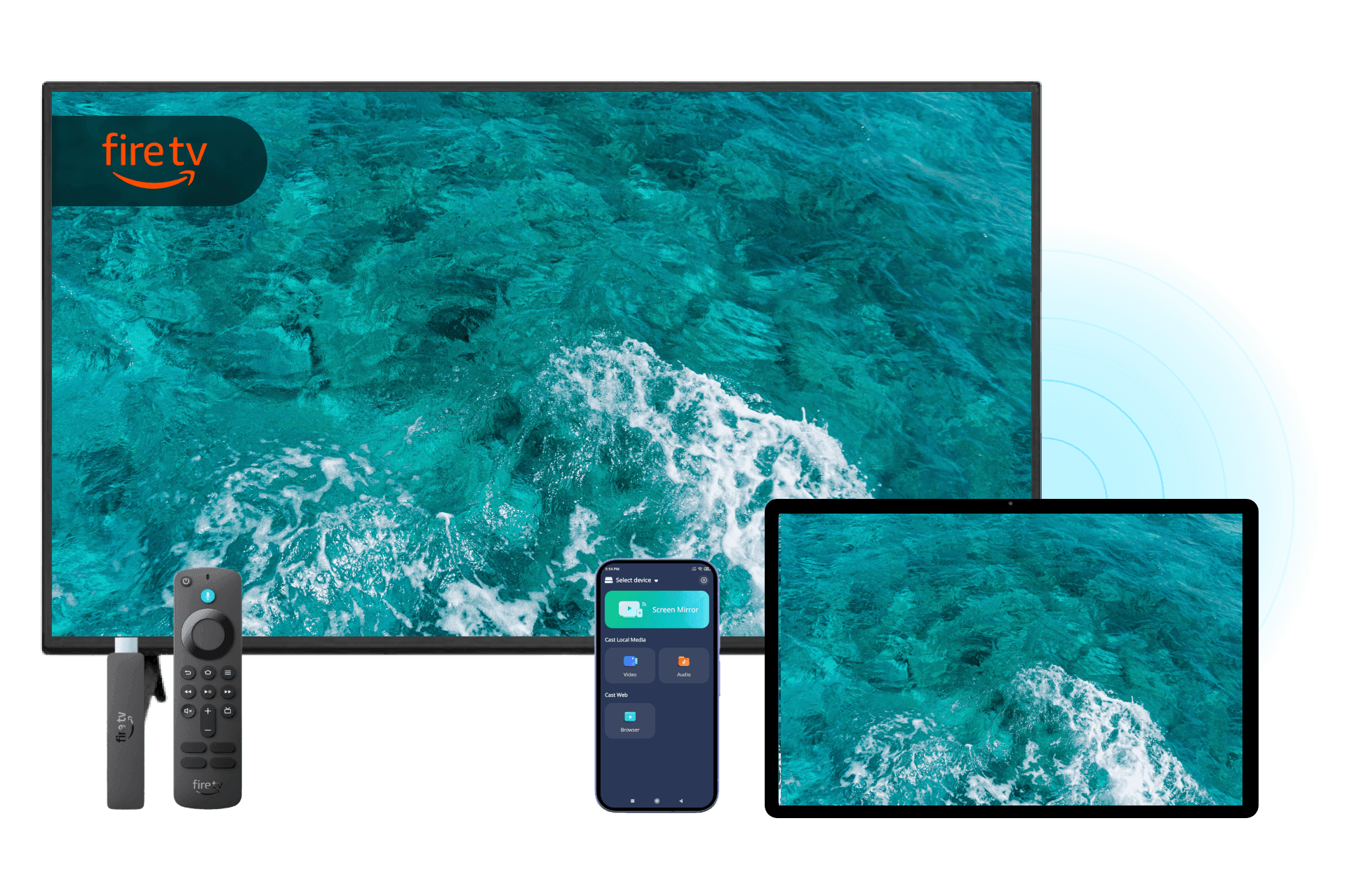
Why Choose PigeonCast to Connect Android to Fire TV
No Chromecast Required
Use PigeonCast as your Fire TV screen mirroring app to connect Android to Fire TV directly. No Chromecast, HDMI cable, or additional hardware needed.
Wireless Screen Mirroring
Mirror your Android device to Fire TV, Firestick, or Fire TV Cube over Wi-Fi with a quick and easy setup.
Wide Fire TV Compatibility
Works with many Fire TV models, including Fire TV Stick and Fire TV Edition TVs.
Apps & Videos Streaming
Enjoy videos, photos, games, presentations, and content from your favorite Android apps on Fire TV.
How to Mirror Android to Fire TV with PigeonCast
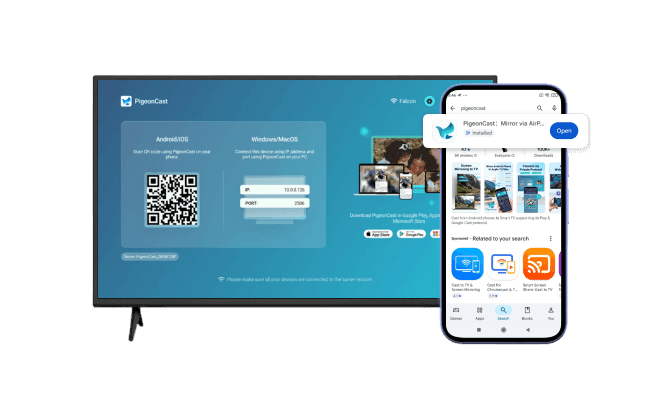
Download and Install PigeonCast
Install PigeonCast on your Android and Fire TV device to get started. Setup takes less than a minute and works with most Amazon Fire TV products.
Quick installation
User-friendly interface
Supports Amazon Fire TV, Fire TV Stick, Fire TV Cube, and Smart TVs with Fire OS
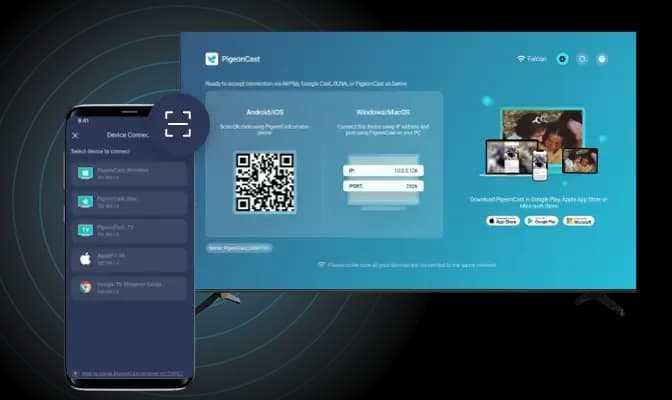
Connect to the Same Wi-Fi
Connect your Android and Fire TV to the same Wi-Fi network. PigeonCast automatically discovers compatible Fire TV devices nearby.
Automatic device detection
Fast pairing process
One-tap connection
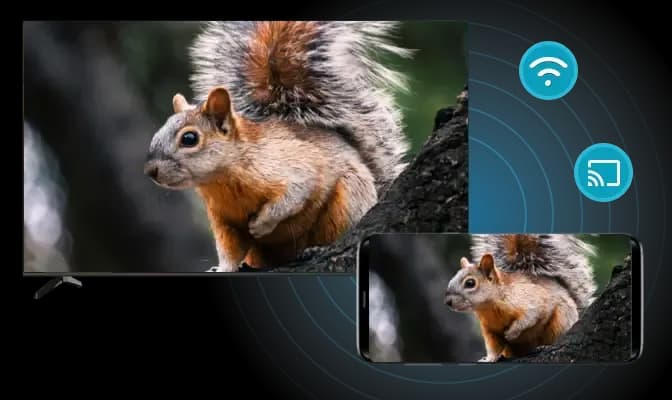
Start Fire TV Screen Mirroring
Scan the QR code on your Fire TV using your Android and begin mirroring instantly. Share videos, photos, apps, and more on the big screen.
Stable wireless connection
Mirror apps, photos, and videos
Smooth wireless performance
What Can You Do with Our Firestick Screen Mirroring App
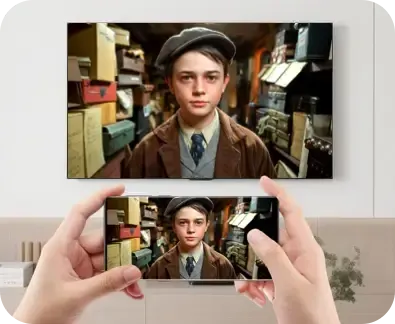
Watch Movies
Mirror movies, YouTube videos, and streaming content from your Android to Fire TV for a more immersive viewing experience.
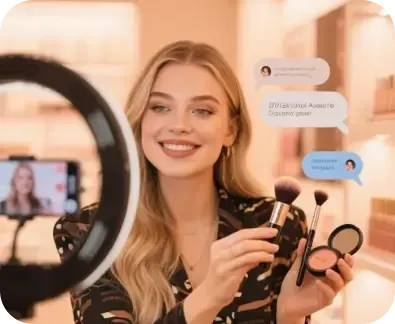
Watch Live Sports
Cast live games, concerts, and special events from your Android to Fire TV and enjoy every moment on a larger screen.
Whether you're watching movies, sharing photos, streaming live sports, gaming, or presenting content, PigeonCast makes Android to Fire TV screen mirroring simple and reliable.

Play Android Games
Enjoy mobile games on a bigger display with smooth Fire TV screen mirroring Android while keeping controls on your phone.
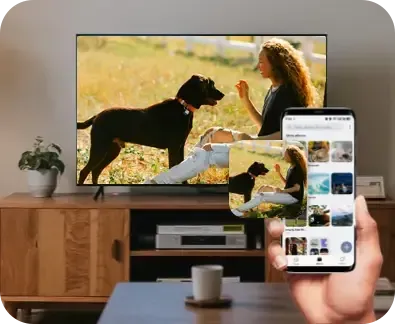
Share Photos
Display photos and albums on your Fire TV instantly, making it easy to share memories with everyone in the room.
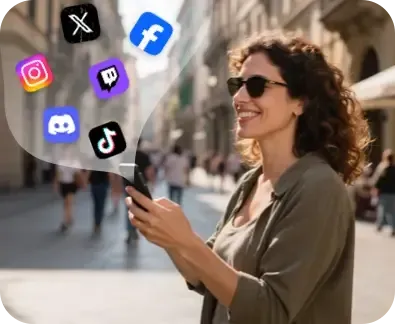
Present Content
Mirror presentations, documents, and educational content to your Fire TV for meetings, classes, and collaborative learning.
FAQ
Start Mirroring Android to Fire TV for Free
Download PigeonCast and enjoy your favorite Android content on Fire TV in just a few taps.