
PigeonCast vs LonelyScreen
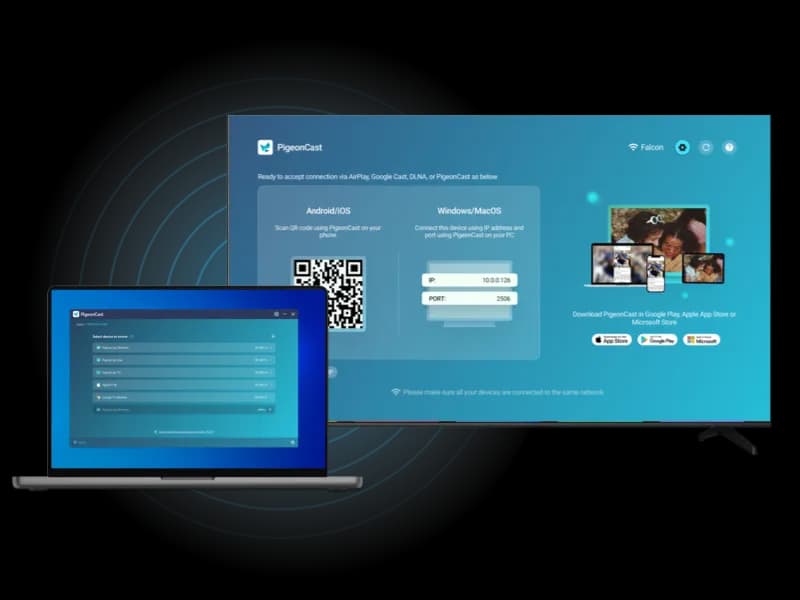
Mirror across phones, computers, TVs, streaming devices, and browsers with PigeonCast. As a flexible alternative to LonelyScreen, it gives you more ways to mirror beyond Apple-only AirPlay receiving.
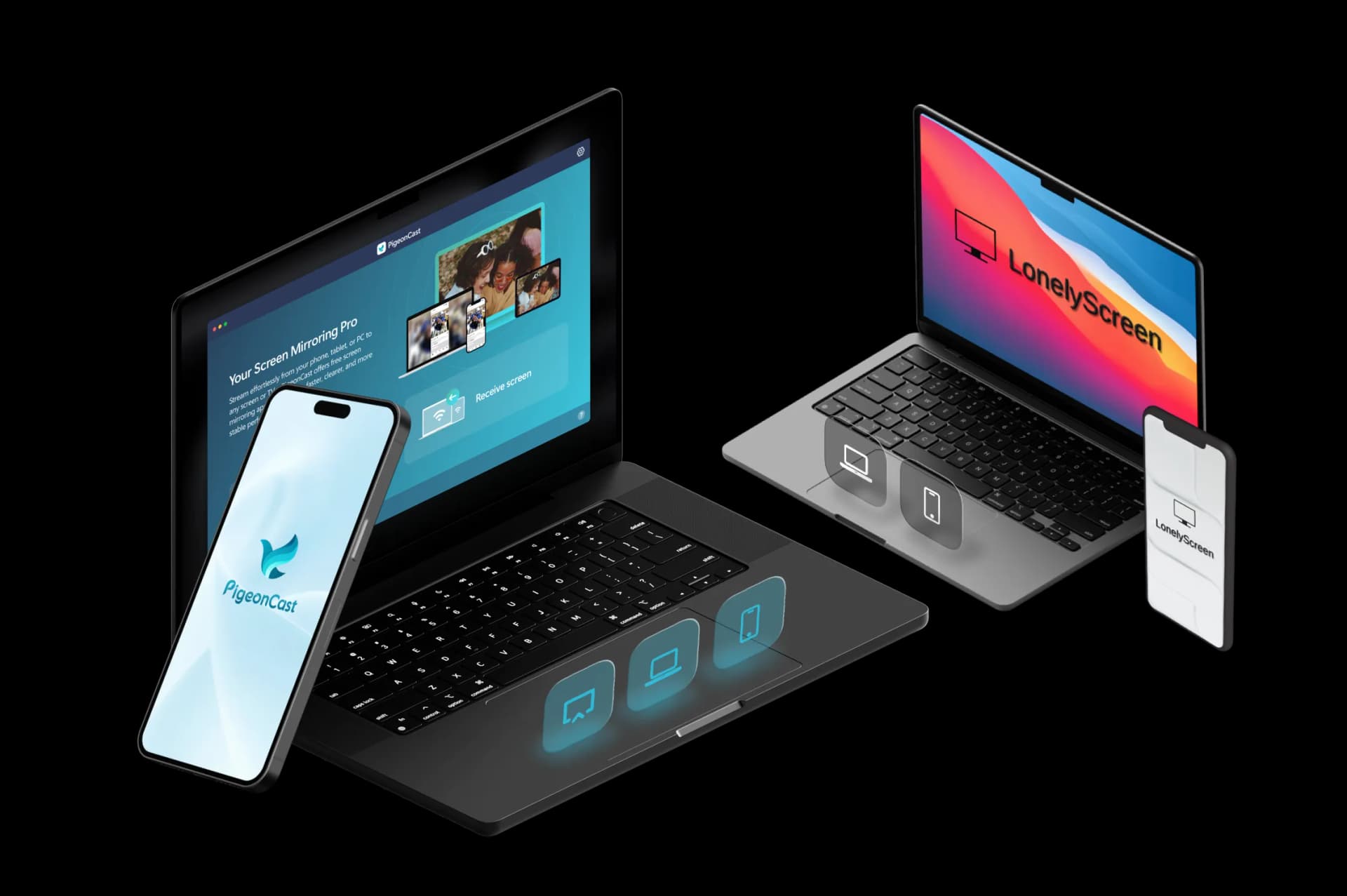
Feature Comparison: PigeonCast vs LonelyScreen
| Features | PigeonCast | LonelyScreen |
|---|---|---|
| Best for | Cross-platform screen mirroring to TVs, computers, browsers, and shared screens | Cross-platform screen mirroring to TVs, computers, browsers, and shared screens |
| Mirror phone to TV | ✓ | ✕ |
| Mirror phone to computer | ✓ | Only iPhone to PC/Mac |
| Mirror computer to TV | ✓ | ✕ |
| Mirror computer to computer | ✓ | ✕ |
| Mirror phone to browser | ✓ | ✕ |
| Sender devices | iPhone, iPad, Android, Windows, Mac | iPhone, iPad, Mac |
| Receiver devices | TVs, Windows, Mac, browsers, streaming devices | Windows PC, Mac |
| Connection type | Wi-Fi connection | Wi-Fi connection |
| Casting protocols | AirPlay, Google Cast, DLNA, PigeonCast connection | AirPlay |
| Video quality | HD, 2K, up to 4K | Depends on AirPlay and device setup |
| Frame rate | Up to 60 FPS | Depends on AirPlay and device setup |
| Audio support | ✓ | ✓ |
| Free use | Free 5-minute sessions | Free trial available |
| Premium use | Unlimited mirroring, higher-quality options, no ads | Personal and business licenses available |
Key Differences Between PigeonCast and LonelyScreen
Cross-Platform Device Support
LonelyScreen focuses on receiving AirPlay streams from Apple devices. PigeonCast supports iPhone, Android, Windows, Mac, TVs, browsers, and other supported devices.

Full Screen Mirroring vs AirPlay Receiving
LonelyScreen is mainly built for AirPlay receiver functionality. PigeonCast supports broader screen mirroring scenarios beyond Apple-only AirPlay connections.
Flexible Receiver Options
LonelyScreen typically uses a computer as the receiving screen. PigeonCast supports TVs, computers, browsers, and streaming devices for more display options.
PigeonCast vs LonelyScreen Pricing
A flexible LonelyScreen alternative for mirroring iPhone, Android, Windows, Mac, and TV devices.
Best for Home Entertainment

Cross-Platform Screen Mirroring

- Mirror across iPhone, Android, PC, Mac, and TV
- One app for cross-platform screen mirroring
- Unlimited Premium mirroring
- HD, 2K, and up to 4K support
- Fast wireless connection with QR & PIN
Best for Office Meetings
LonelyScreen
AirPlay Receiver for PC and Mac
- Free trial available
- AirPlay receiving for iPhone and iPad
- Works on Windows PC and Mac
- Useful for presentations and app demos
- Business license available separately
How to Switch from LonelyScreen to PigeonCast
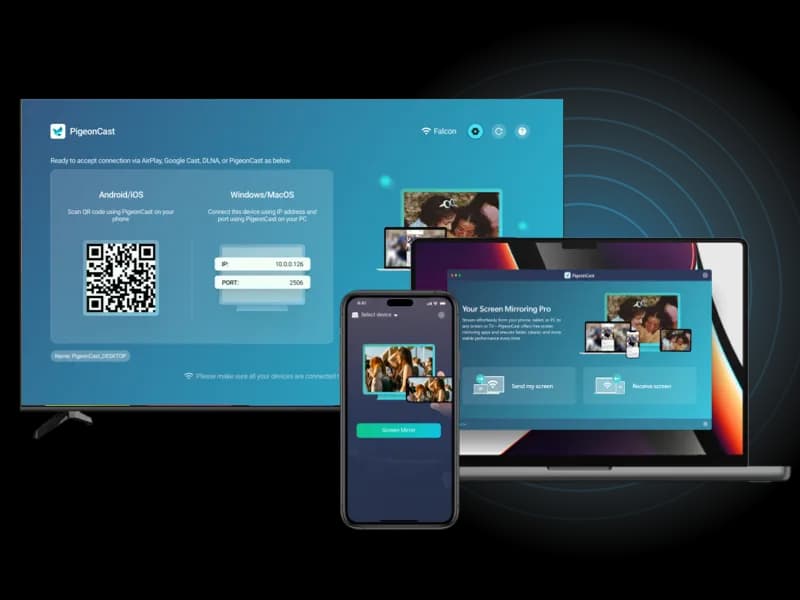
When AirPlay-to-computer is not enough, PigeonCast helps you mirror across more screens and more device types.
PigeonCast vs LonelyScreen FAQ
Try PigeonCast as Your LonelyScreen Alternative
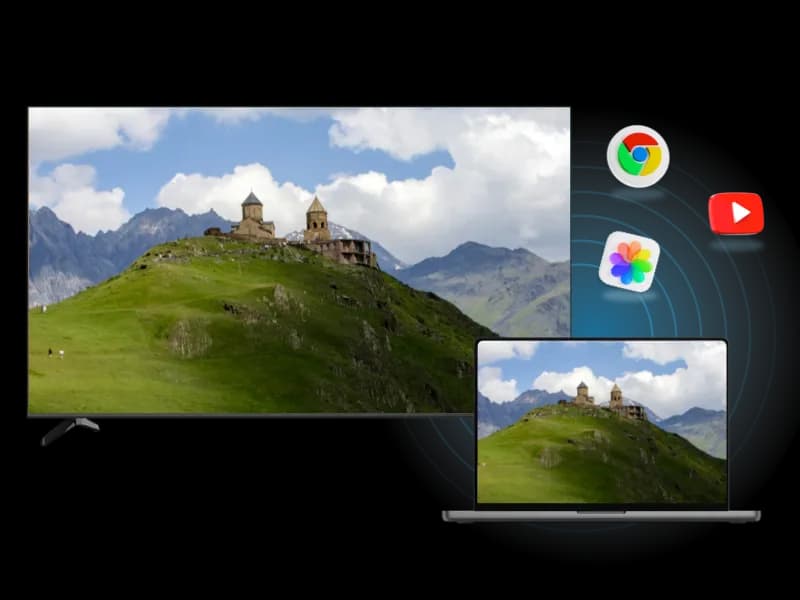
Mirror from phone to computer, phone to TV, computer to computer, or computer to TV with PigeonCast.