
PigeonCast vs. AirServer
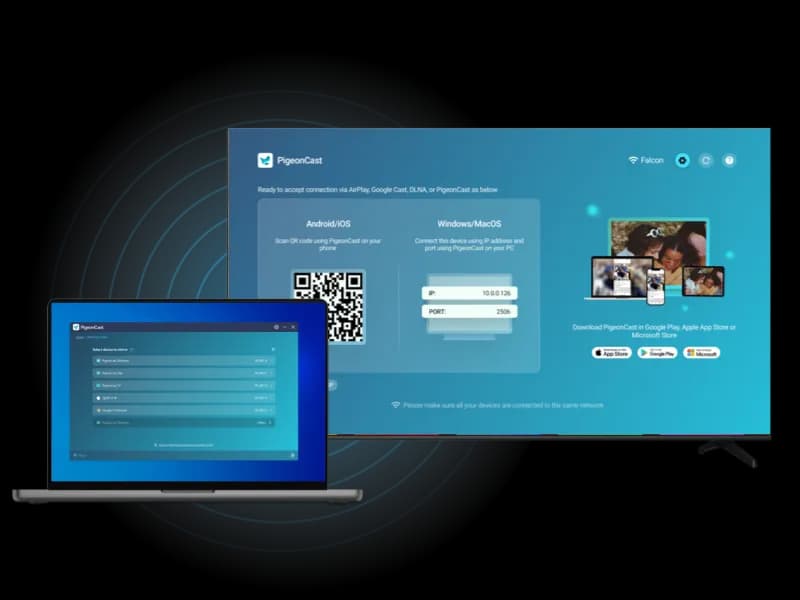
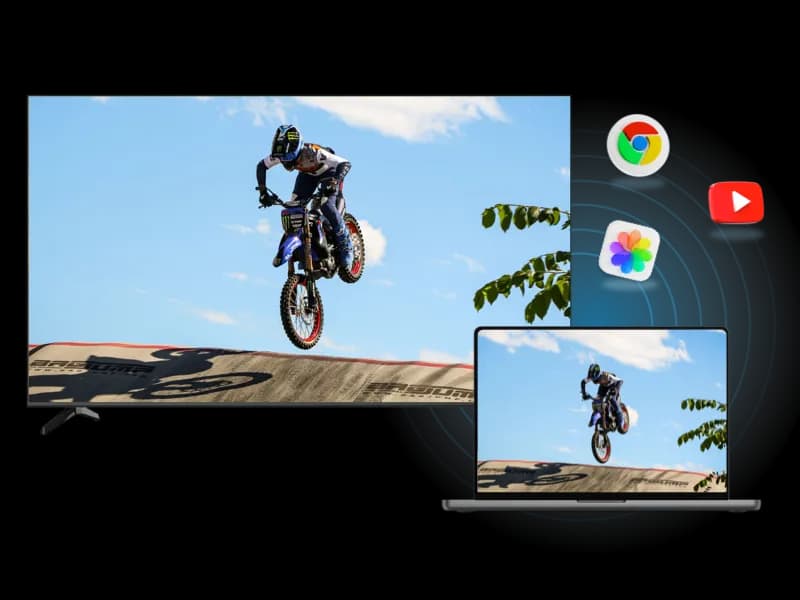
Looking for an easier way to mirror your phone, tablet, or computer across TVs, computers, browsers, and streaming devices? PigeonCast offers a simple cross-platform screen mirroring experience designed for everyday mixed-device setups as an alternative to AirServer.
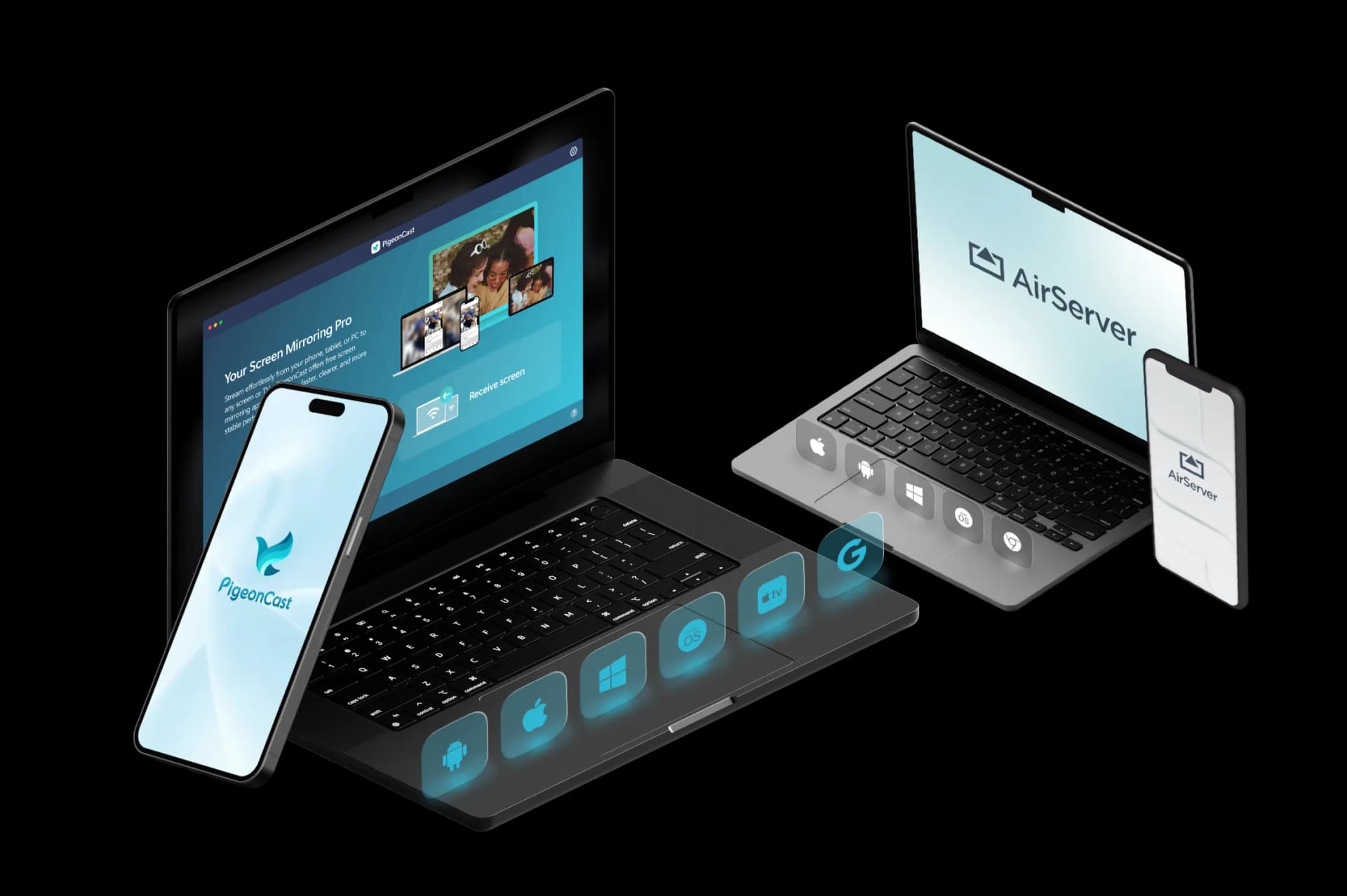
Feature Comparison: PigeonCast vs AirServer
| Features | PigeonCast | AirServer |
|---|---|---|
| Best for | Cross-platform screen mirroring to TVs, computers, browsers, and shared screens | Turning supported devices or hardware into universal mirroring receivers |
| Mirror phone to TV | ✓ | ✓ |
| Mirror phone to computer | ✓ | ✓ |
| Mirror computer to TV | ✓ | ✓ |
| Mirror computer to computer | ✓ | ✓ |
| Mirror phone to browser | ✓ | ✕ |
| Sender devices | iPhone, iPad, Android, Windows, Mac | iPhone, iPad, Android, Chromebook, Windows, Mac |
| Receiver devices | TVs, Windows, Mac, browsers, streaming devices | Mac, PC, Xbox, Surface Hub, and AirServer Connect hardware |
| Connection type | Wi-Fi connection | Wi-Fi connection |
| Casting protocols | AirPlay, Google Cast, DLNA, PigeonCast connection | AirPlay, Google Cast, Miracast |
| Video quality | HD, 2K, up to 4K | 1080p, up to 4K |
| Frame rate | Up to 60 FPS | Up to 60 FPS |
| Audio support | ✓ | ✓ |
| Free use | Free 5-minute sessions | Trial available for some versions |
| Premium use | Unlimited mirroring, higher-quality options | Paid software licenses and hardware options |
Key Differences Between PigeonCast and AirServer
Simpler for Everyday Mirroring
AirServer is powerful for turning supported software or hardware into a universal receiver. PigeonCast is easier to position for everyday users who just want to mirror a phone, tablet, or computer to a TV, browser, computer, or streaming device.
Less Setup for Personal Use
AirServer fits classrooms, meeting rooms, BYOD spaces, and professional display setups. PigeonCast is more suitable for home viewing, family sharing, travel, and regular mixed-device mirroring.

No Extra Hardware for Mirroring
AirServer can support dedicated hardware and professional receiver environments. PigeonCast usually needs no extra hardware when your devices are supported and connected to the same Wi-Fi network.
PigeonCast vs AirServer Pricing
A flexible AirServer alternative for mirroring iPhone, Android, Windows, Mac, and TV devices.
Best for Home Entertainment

Cross-Platform Screen Mirroring

- Mirror across iPhone, Android, PC, Mac, and TV
- One app for cross-platform screen mirroring
- Unlimited Premium mirroring
- HD, 2K, and up to 4K support
- Fast wireless connection with QR & PIN
Best for Classroom & Business
AirServer
Universal Mirroring Receiver
- 30-day trial for some versions
- Software license for Mac or PC
- Hardware options available
- Receives AirPlay, Google Cast, and Miracast
- Strong for classrooms and meeting rooms
How to Switch from AirServer to PigeonCast
PigeonCast gives you a simpler way to mirror across your own devices.
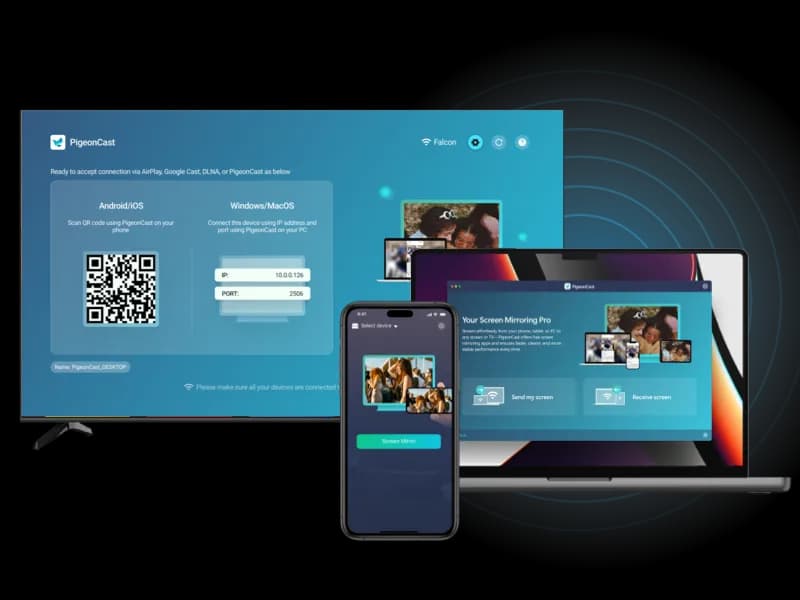
Tutorials and FAQs
Try PigeonCast as Your AirServer Alternative
Use PigeonCast to mirror your phone, computer, or tablet to TVs, browsers, computers, and other supported screens with a simpler cross-platform setup.