
Screen Mirror iPhone to Fire TV Stick
Mirror videos, photos, apps, games, and presentations from your iPhone or iPad to Fire TV with PigeonCast. Enjoy smooth Fire TV screen mirroring, cast to Firestick wirelessly, and experience your favorite content on a bigger screen in just a few taps.

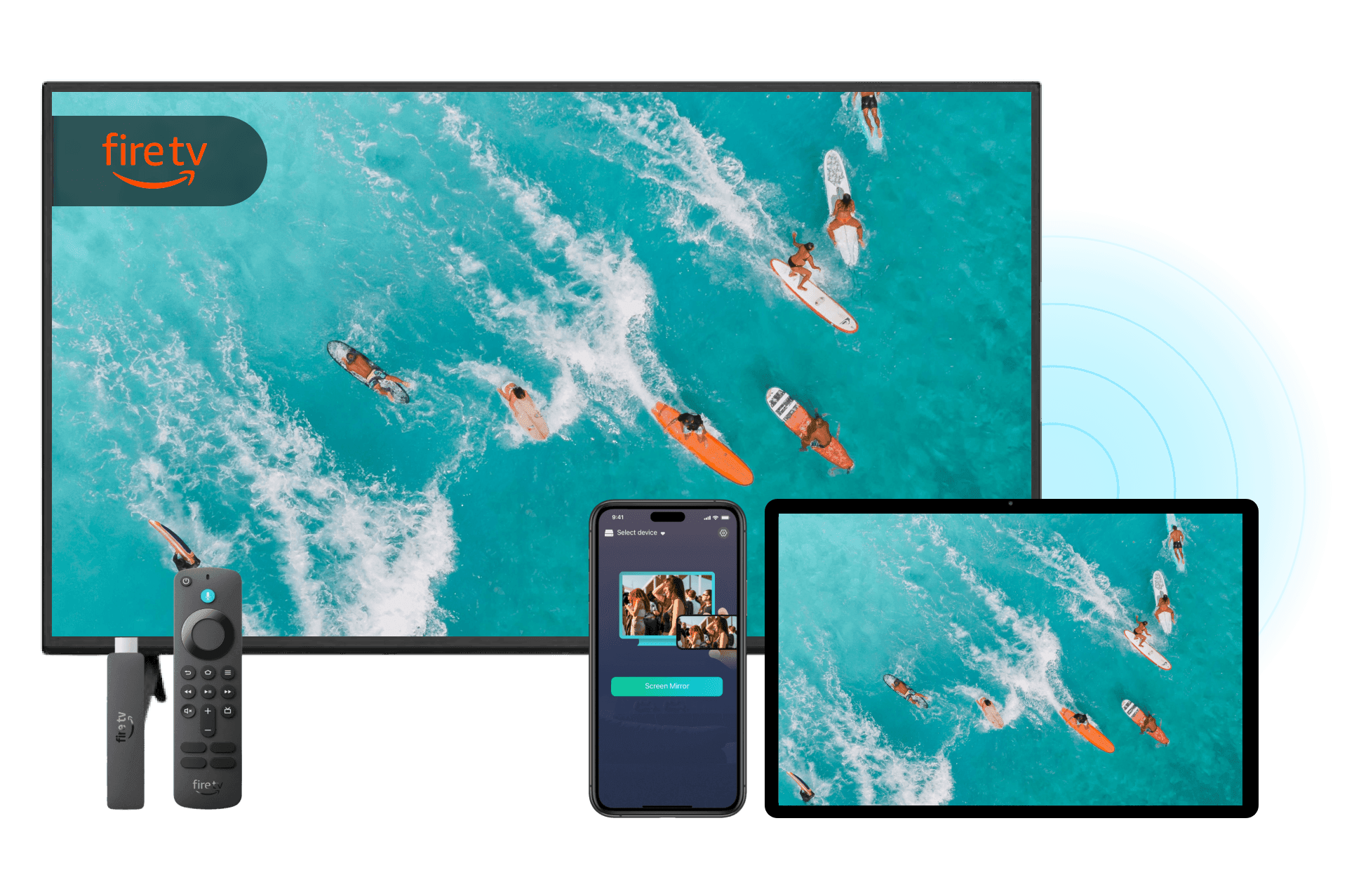
Why Choose PigeonCast for Screen Mirroring iPhone to Fire TV
No Apple TV Required
Use PigeonCast as your Firestick screen mirroring app to connect iPhone to Fire TV directly. No Apple TV or extra hardware needed.
Wireless Screen Mirroring
Mirror your iPhone screen or cast content over Wi-Fi with a fast, simple, and reliable connection. No HDMI or USB cable needed.
Wide Firestick Compatibility
Supports many Fire TV Sticks and Fire TV devices, making it easy to enjoy content on a larger screen.
Apps & Videos Streaming
Watch videos, share photos, display presentations, and enjoy your favorite apps directly on your TV.
How to Mirror iPhone to Fire TV with PigeonCast
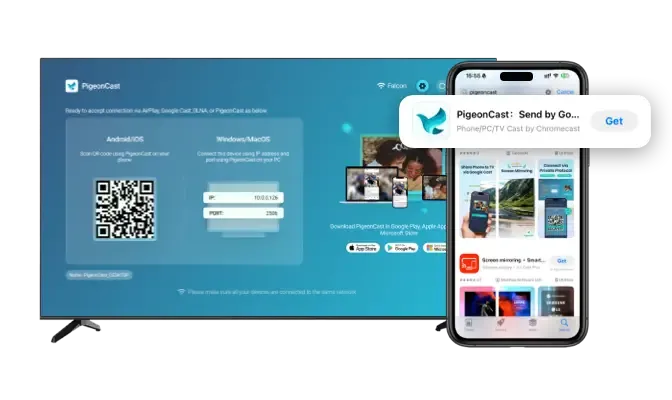
Download and Install PigeonCast
Install PigeonCast on your iPhone and Fire TV device to get started. Setup takes less than a minute and works with most Amazon Fire TV products.
Quick installation
User-friendly interface
Supports Amazon Fire TV, Fire TV Stick, Fire TV Cube, and Smart TVs with Fire OS
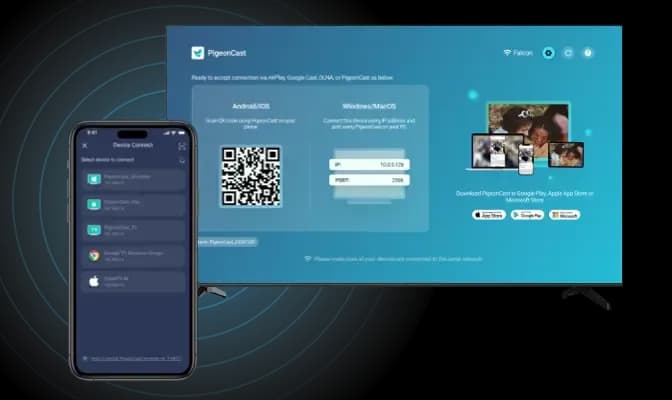
Connect to the Same Wi-Fi
Connect your iPhone and Fire TV to the same Wi-Fi network. PigeonCast automatically discovers compatible Fire TV devices nearby.
Automatic device detection
Fast pairing process
One-tap connection
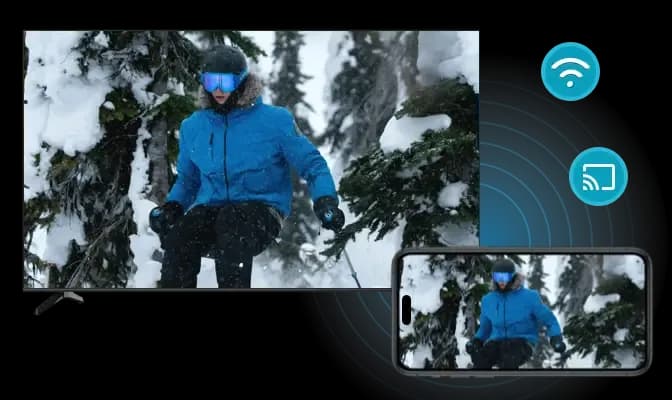
Start Fire TV Screen Mirroring
Select your Fire TV device and begin mirroring instantly. Share videos, photos, apps, and more on the big screen.
Instant Fire TV connection
Mirror apps, photos, and videos
Smooth wireless performance
What Can You Do with Our Firestick Screen Mirroring App
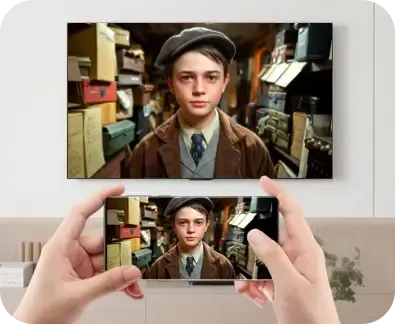
Watch Movies
Mirror movies, YouTube videos, and streaming content from your iPhone to Fire TV for a more immersive viewing experience.
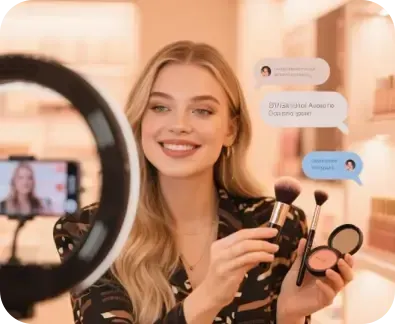
Watch Live Sports
Cast live games, concerts, and special events from your iPhone to Fire TV and enjoy every moment on a larger screen.
Whether you're watching movies, sharing photos, streaming live sports, gaming, or presenting content, PigeonCast makes iPhone to Fire TV screen mirroring simple and reliable.

Play iPhone Games
Enjoy mobile games on a bigger display with smooth Fire TV screen mirroring iPhone while keeping controls on your phone.
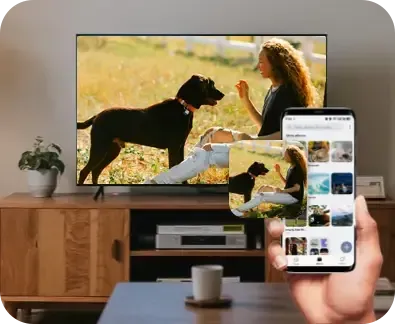
Share Photos
Display photos and albums on your Fire TV instantly, making it easy to share memories with everyone in the room.
Present Content
Mirror presentations, documents, and educational content to your Fire TV for meetings, classes, and collaborative learning.
FAQ
Start Mirroring iPhone to Firestick for Free
Download PigeonCast and bring videos, photos, games, and more from your iPhone to Fire TV Stick in minutes.