
Transfer Files from Android to Android TV
Transfer supported photos, videos, and other files from your Android phone or tablet to your Android TV for viewing on a larger screen.
Send Android files to Android TVWireless File Transfer to TV
Send photos, videos, music, files, and folders from Android, iPhone, Windows PC, or Mac to your TV instantly with PigeonCast. No USB drives. No cloud uploads. Just seamless sharing.


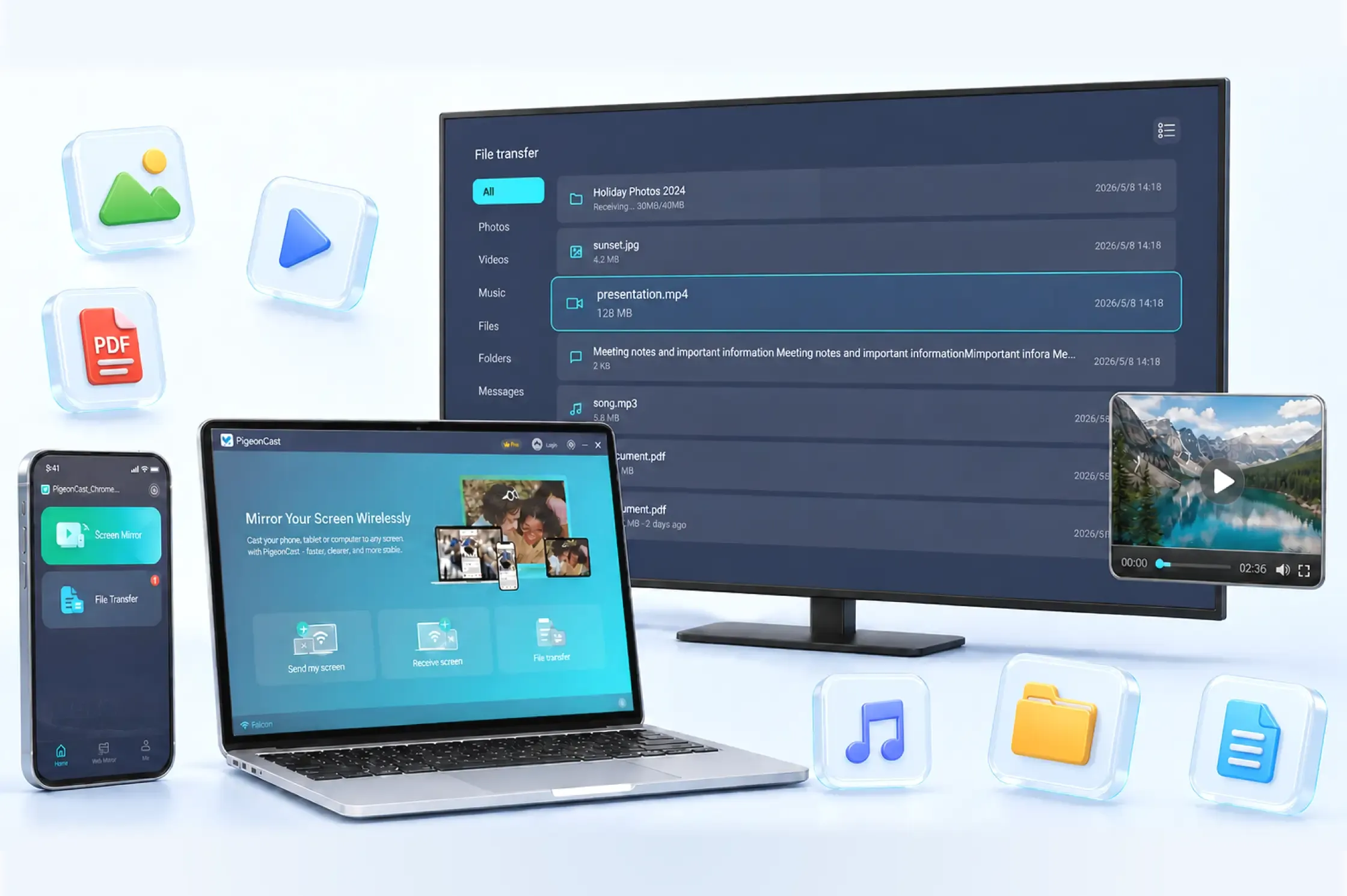
File Transfer Scenarios
Easily transfer videos, photos, and documents to your TV and enjoy your content on a bigger screen without cables or complicated setup.
Transfer supported photos, videos, and other files from your Android phone or tablet to your Android TV for viewing on a larger screen.
Send Android files to Android TVTransfer photos, videos, and documents from your Windows computer to Android TV without USB drive or cable swapping.
Transfer files from PC to Android TVWhat You Can Send
Send individual items or multiple files and folders to your TV in one transfer session.
Transfer photos, screenshots, and other supported image files.
Send video clips, recordings, movies, and other supported video files.
Move music, voice recordings, podcasts, and other supported audio files.
Transfer documents, archives, app files, downloads, and complete folders while keeping your content organized.
Connect your devices and start a wireless file transfer in three simple steps.
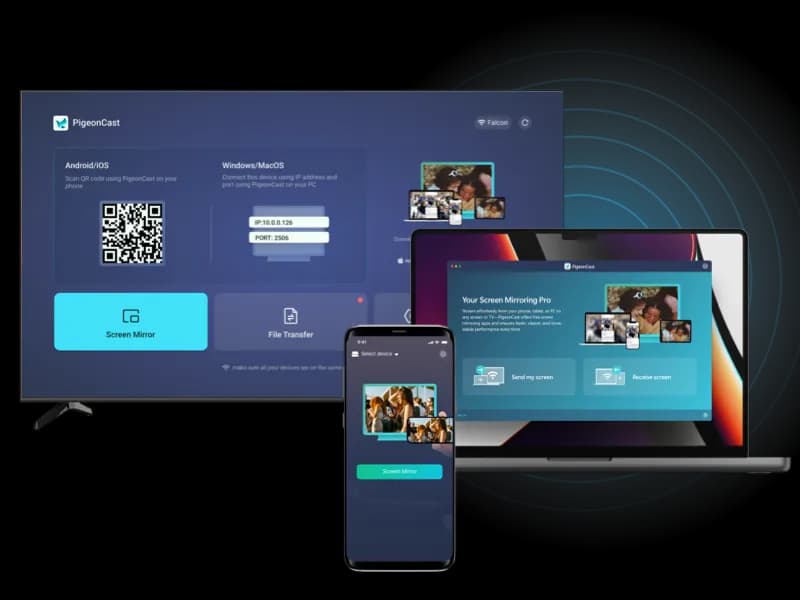
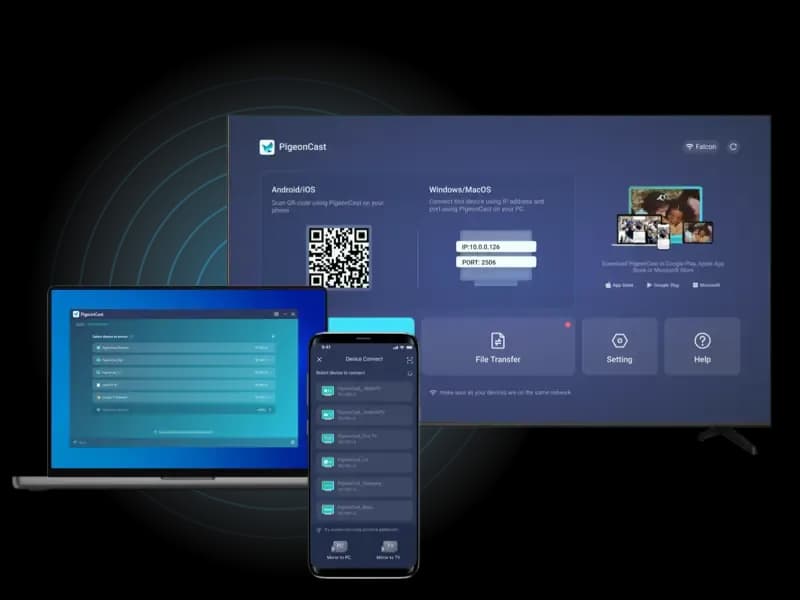
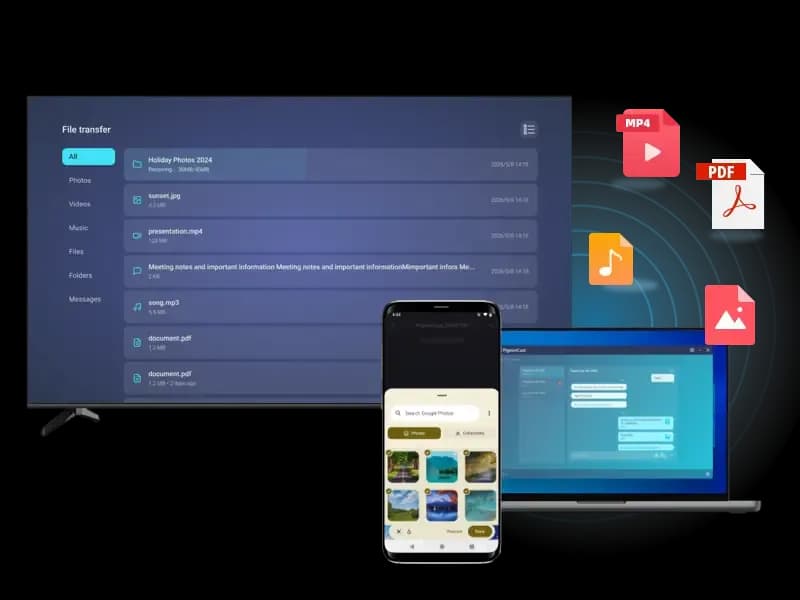
From sharing memories to working smarter, PigeonCast makes TV file transfer easy in any situation.
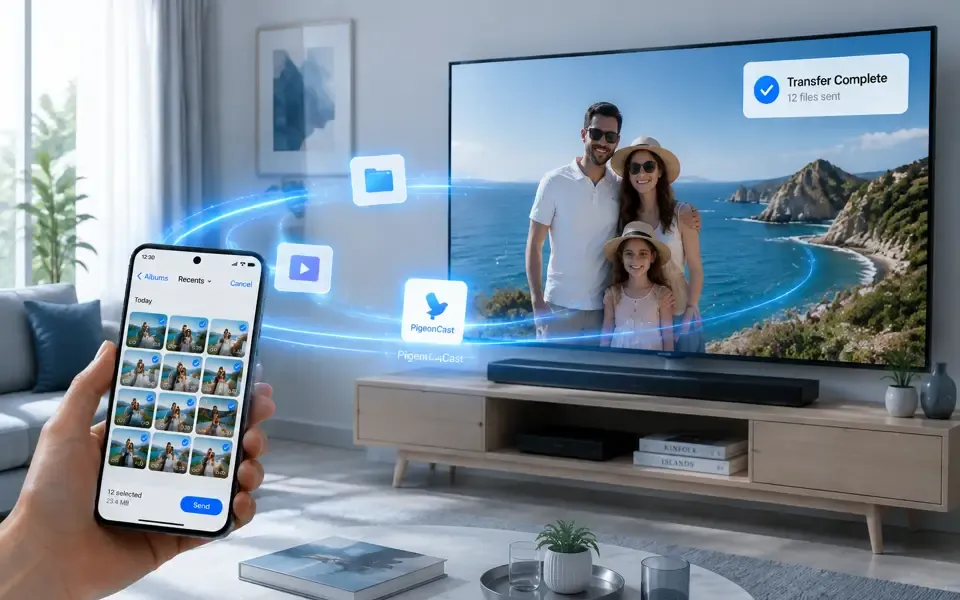
Your best moments deserve a bigger screen. Send photos from your phone to TV and enjoy travel memories, family gatherings, and special occasions together.
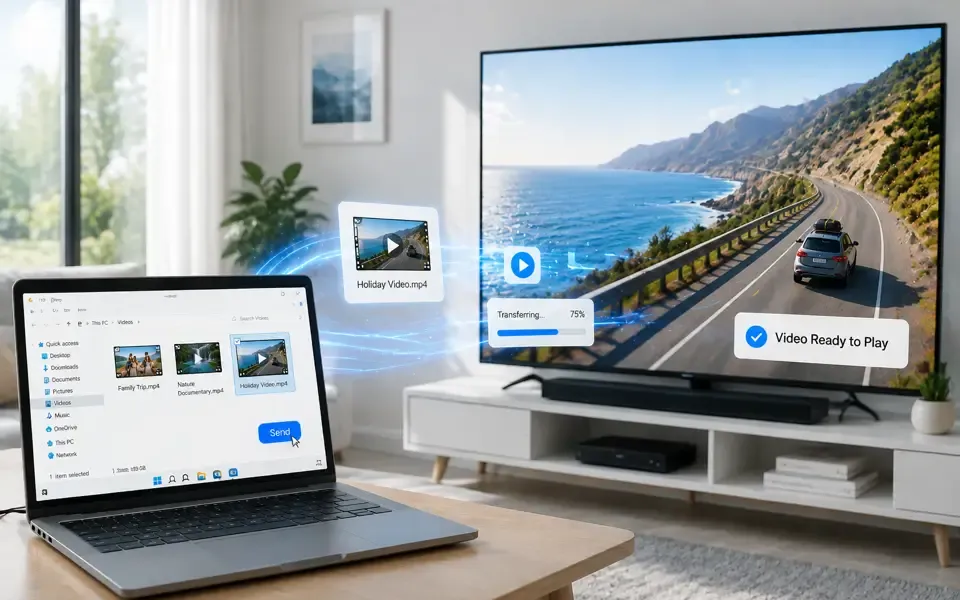
Send videos from your phone or computer to TV and enjoy movies, personal recordings, and downloaded content with a more immersive viewing experience.
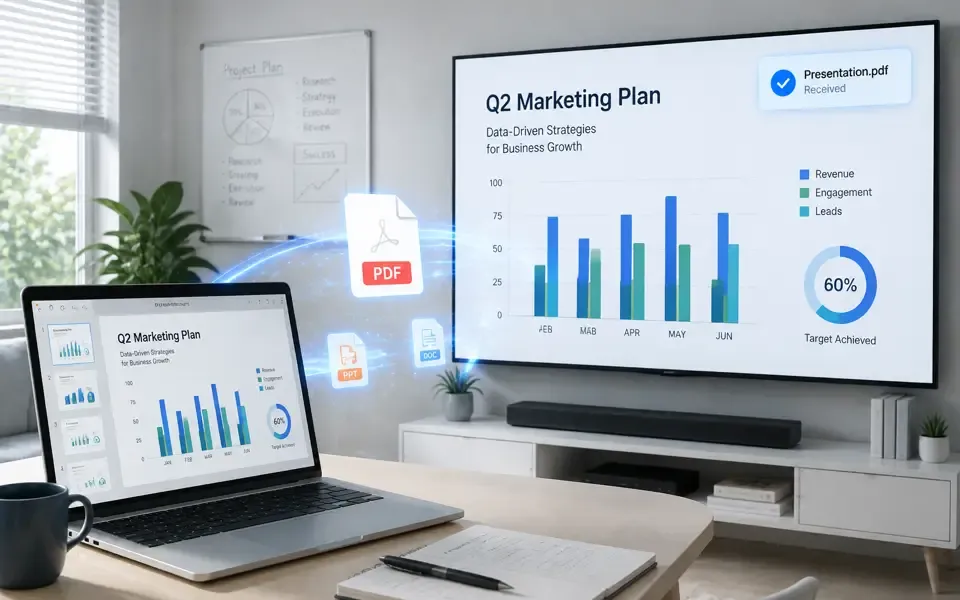
Send presentations, PDFs, and documents to your TV for meetings, lessons, and group discussions. Make information easier to view and share.
Transfer images, videos, audio, files, and folders wirelessly from your phone or computer to a compatible TV.