
Free iPhone Screen Mirroring App
Mirror your iPhone or iPad to PC, TV, or other screens in seconds with PigeonCast. Enjoy crystal-clear video, stable audio, and seamless wireless streaming.

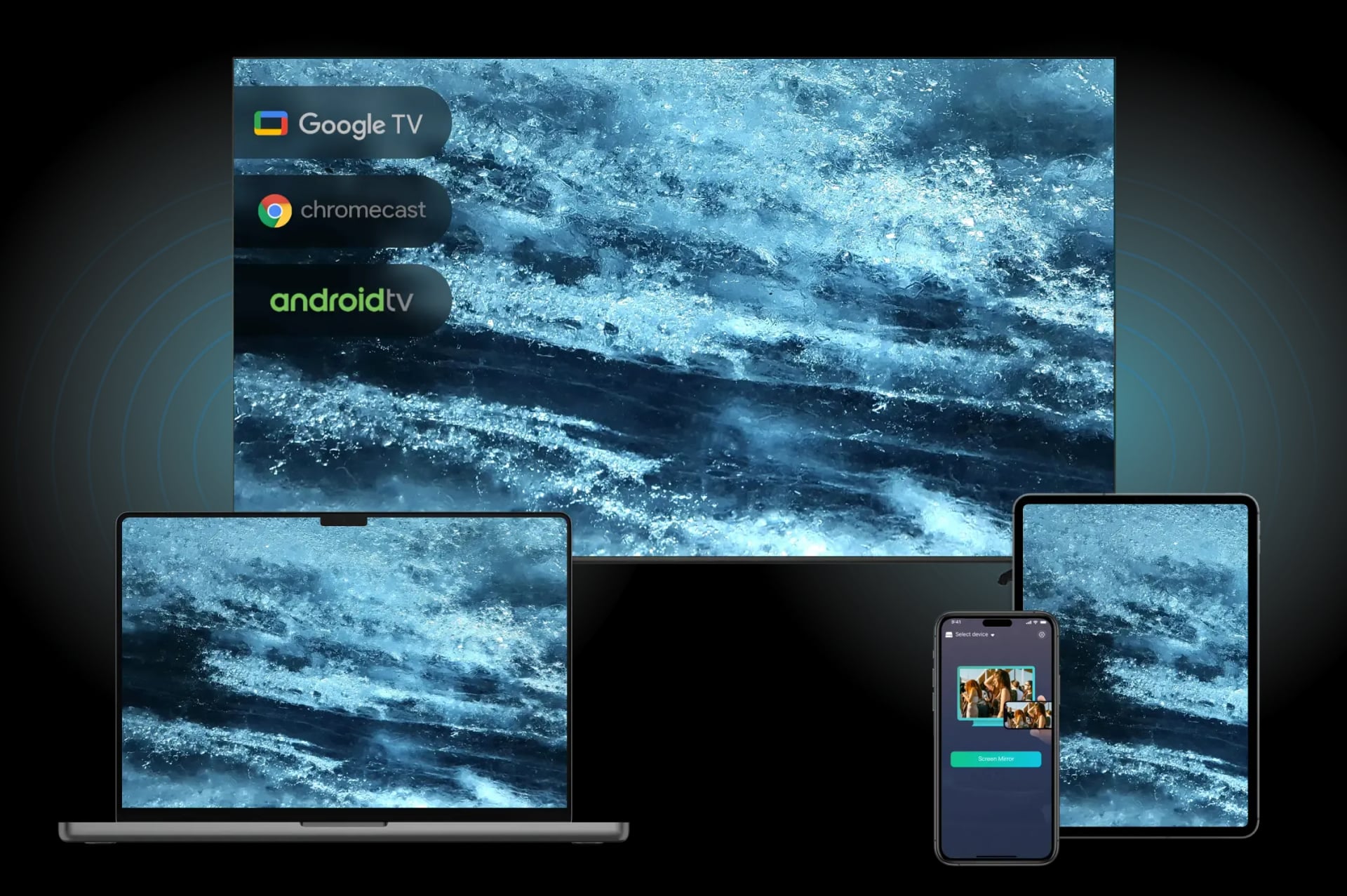
Why Choose PigeonCast for iPhone Screen Mirroring
Free iPhone Screen Mirroring App for TV, PC, Mac, Chromecast, and More

Wireless iPhone Mirroring
Enjoy smooth iPhone and iPad screen sharing over Wi-Fi with no cables or adapters.

Universal iPhone Mirroring
Mirror iPhone to Android TV, PCs, Chromecast, projectors, and other compatible screens.

Google Cast Support
Cast iPhone and iPad to Chromecast-enabled TVs or Chromecast dongles with ease.

HD iPhone Mirroring
Enjoy high-quality iPhone screen mirroring with sharp visuals and smooth playback.

Bigger-Screen Viewing
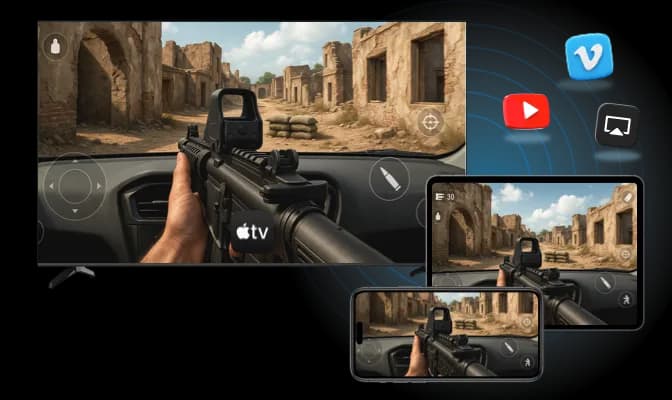
Expand your iPhone or iPad screen for movies, presentations, games, and more.

Stream Any Content
Mirror videos, photos, games, apps, and more from your iPhone or iPad.
Mirror & Share Your iPhone Screen Anywhere
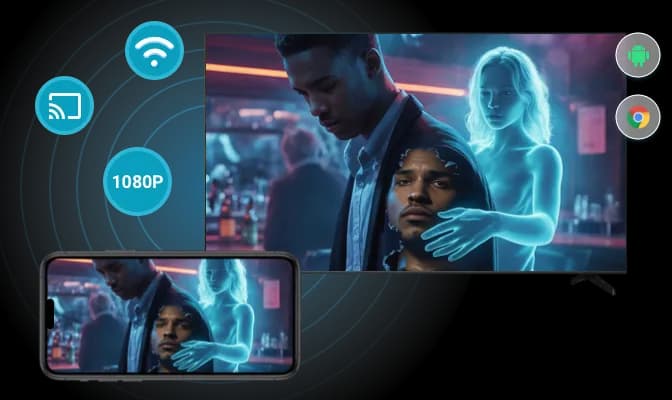
Mirror iPhone to Google TV & Android TV
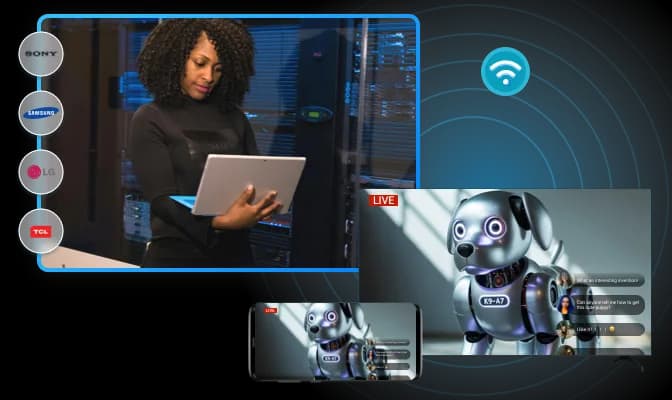
PigeonCast mirrors your iPhone or iPad to Google TV, Android TV, LG, Sony, TCL, and other smart TVs wirelessly.
Wireless Screen Mirroring: Mirror iPhone to TV over Wi-Fi without cables or adapters.
HD Viewing Experience: Enjoy videos, photos, presentations, and games on a bigger screen.
Broad TV Compatibility: Works with Google TV, Android TV, and most popular smart TV brands.
Mirror iPhone to Chromecast
Use PigeonCast to Chromecast from iPhone and cast your screen or photos to Chromecast-enabled TVs and displays.
Google Cast Support: Turn your iPhone into a Chromecast sender.
Full-Screen Mirroring: Mirror your entire iPhone screen to Chromecast devices.
Easy Media Streaming: Cast videos, photos, and web content with ease.
Mirror iPhone to Browser & PC
View and share your iPhone screen on Windows PCs, Macs, and web browsers with PigeonCast.
Browser-Based Mirroring: Access your iPhone screen directly from Chrome, Edge, and more.
Cross-Platform Sharing: Mirror iPhone to Windows PCs, Macs, and web browsers.
Perfect for Work & Education: Great for presentations, remote support, online classes, and collaboration.
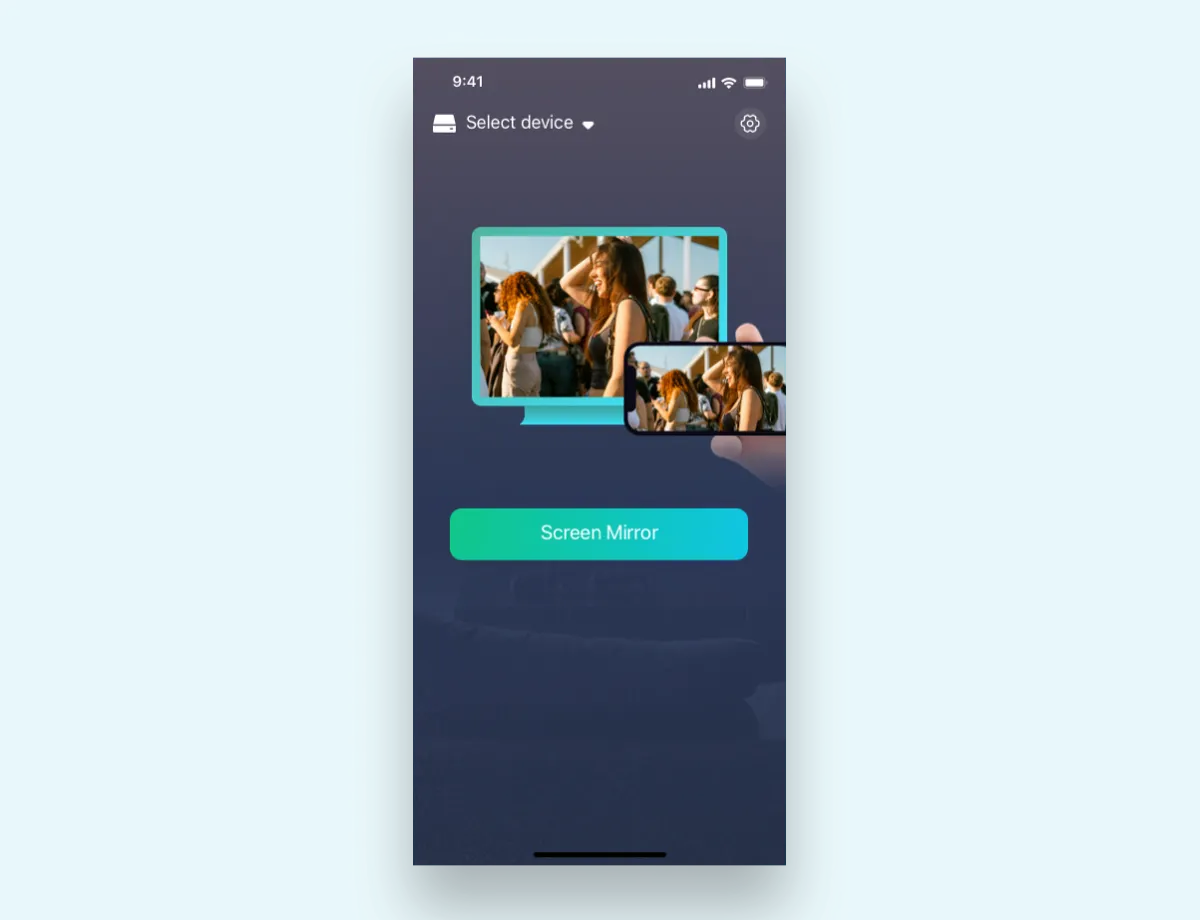
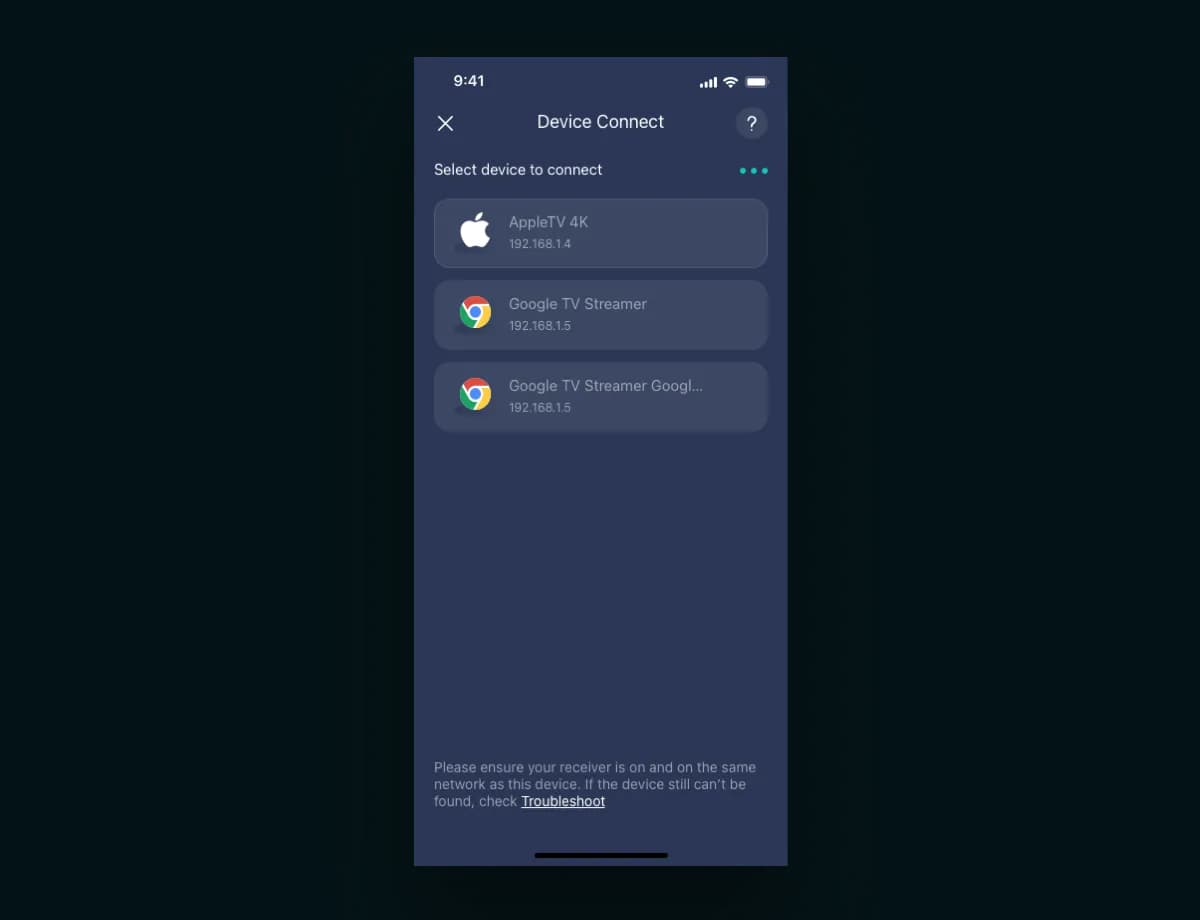
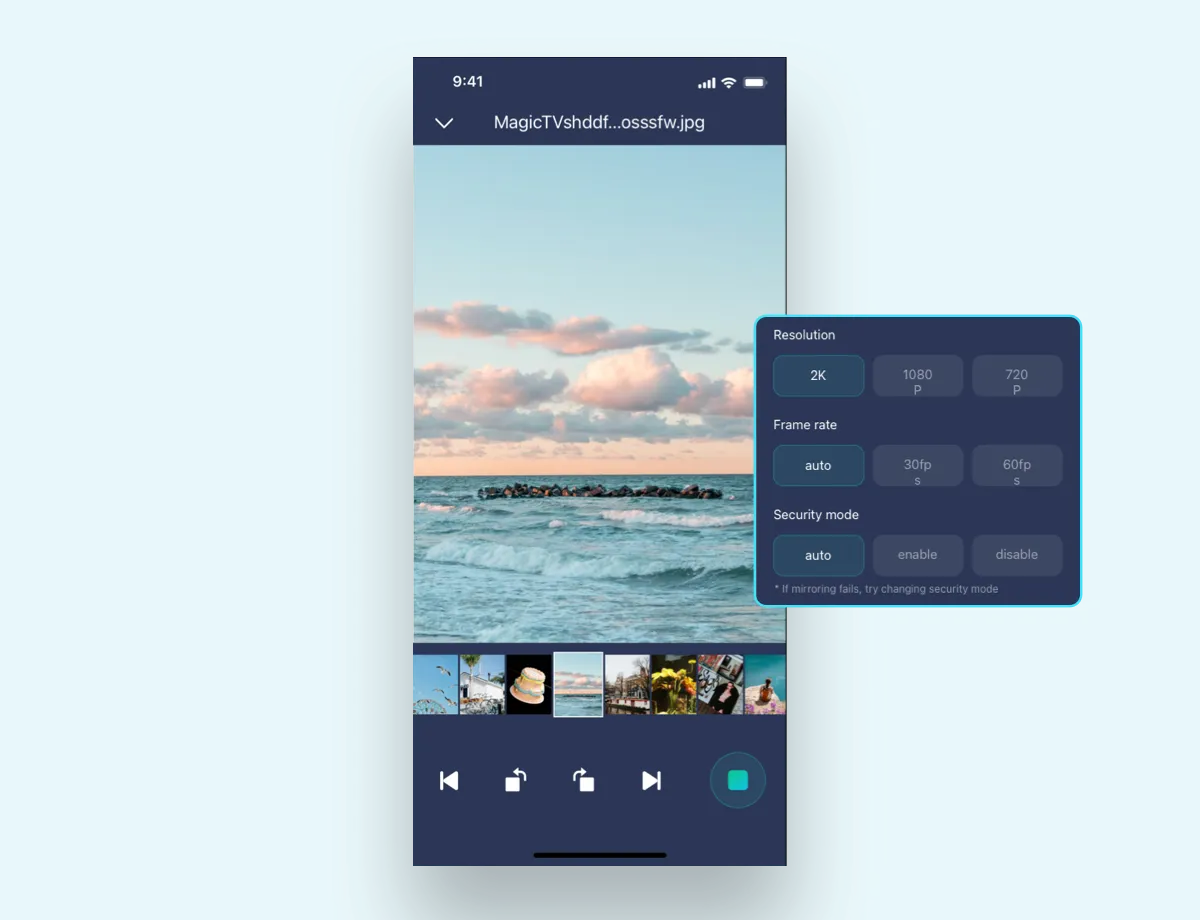
Screen Mirror from iPhone in Seconds
Three Steps to Mirror iPhone or iPad
Ready to Mirror Your iPhone & iPad
Mirror iPhone to Android TV, Chromecast, and browser with PigeonCast. Free to try and easy to get started.