
PigeonCast vs. LetsView
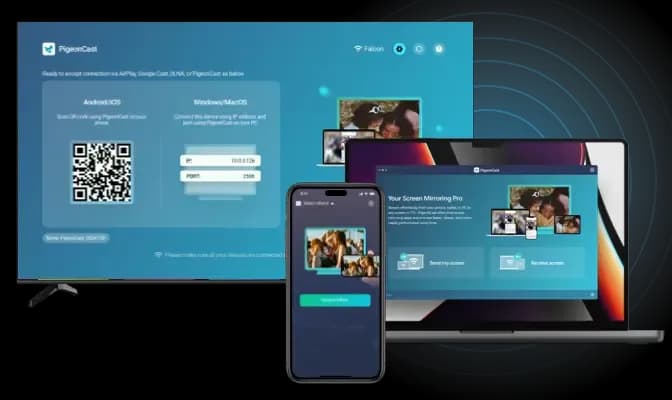
Mirror your screen across phones, computers, TVs, and streaming devices with PigeonCast. Designed for mixed-device setups, it provides a simple and reliable cross-platform screen mirroring experience as an alternative to LetsView.
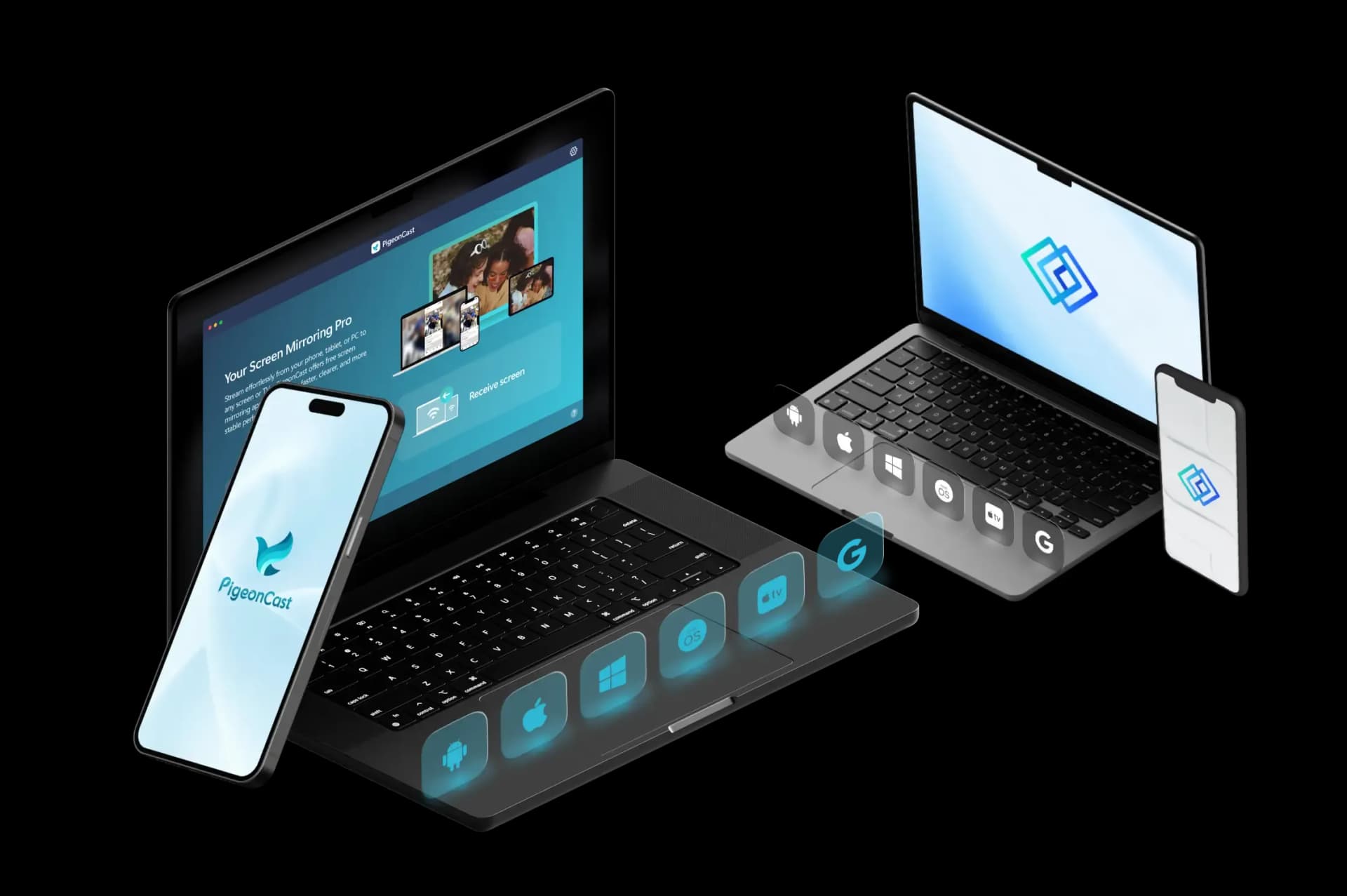
Feature Comparison: PigeonCast vs LetsView
| Features | PigeonCast | LetsView |
|---|---|---|
| Best for | Cross-platform screen mirroring for TVs, computers, browsers, and mixed devices | Quick screen sharing, presentations, and phone-to-computer mirroring |
| Mirror phone to TV | ✓ | ✓ |
| Mirror phone to computer | ✓ | ✓ |
| Mirror computer to TV | ✓ | ✓ |
| Mirror computer to computer | ✓ | ✓ |
| Mirror phone to browser | ✓ | ✕ |
| Sender devices | iPhone, iPad, Android, Windows, Mac | iPhone, iPad, Android, Windows, Mac |
| Receiver devices | TVs, Windows, Mac, browsers, streaming devices | Windows, Mac, mobile devices, TVs |
| Connection type | Wi-Fi connection | Wi-Fi connection |
| Casting protocols | AirPlay, Google Cast, DLNA, PigeonCast connection | AirPlay, Google Cast, DLNA, Miracast, AMCast |
| Video quality | HD, 2K, up to 4K | 1080P, up to 2K |
| Frame rate | Up to 60 FPS | Up to 60 FPS |
| Audio support | ✓ | ✓ |
| Free use | Free 5-minute sessions | Free plan available |
| Premium use | Unlimited mirroring + higher-quality options | FHD, 60 FPS, and advanced features |
Key Differences Between PigeonCast and LetsView
More Screen Options
LetsView works well for phone-to-computer mirroring and quick screen sharing. PigeonCast gives users more receiver choices, including TVs, computers, browsers, streaming devices, and shared screens.
Browser Mirroring
LetsView mainly uses app-based mirroring, cast codes, and QR-code pairing. PigeonCast also supports browser receiving in compatible cases, making it easier to mirror when installing a receiver app is not ideal.
Better Long-Term Use
LetsView is practical for lightweight sharing, presentations, and occasional use. PigeonCast is built for regular screen mirroring with HD, 2K, up to 4K support, 60 FPS options, and unlimited sessions with Premium.
PigeonCast vs LetsView Pricing
Powerful features for screen mirroring Android
Best for Home Entertainment

Cross-Platform Screen Mirroring

- Mirror across iPhone, Android, PC, Mac, and TV
- One app for cross-platform screen mirroring
- Unlimited Premium mirroring
- HD, 2K, and up to 4K support
- Fast wireless connection with QR & PIN
Basic Wireless Mirroring
LetsView
Wireless Screen Mirroring
- Free plan available
- SD quality on free plan
- FHD and 60 FPS on paid plans
- Cast code and QR-code pairing
- Useful for presentations and classroom sharing
How to Switch from LetsView to PigeonCast
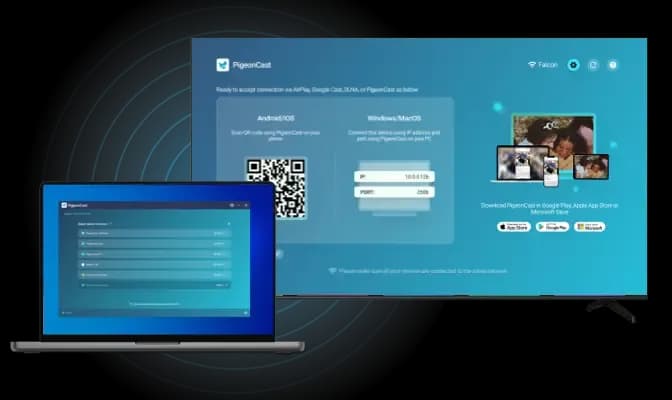
Need more than quick phone-to-PC sharing? Use PigeonCast when you want to mirror to a TV, browser, computer, or another shared screen.
PigeonCast vs LetsView FAQ
Try PigeonCast as Your LetsView Alternative
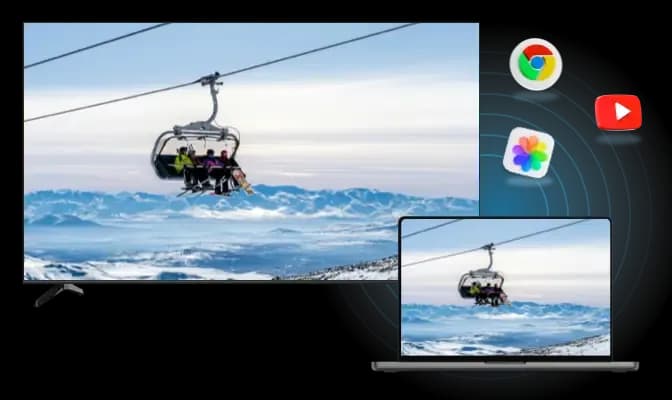
Use PigeonCast to mirror your phone, computer, or tablet to TVs, browsers, and other screens with a smoother cross-platform setup.