
Free Windows Screen Mirroring App
Mirror your phone to Windows or share your Windows on a bigger screen via PigeonCast. Fast, wireless screen mirroring with no cables and minimal lag.
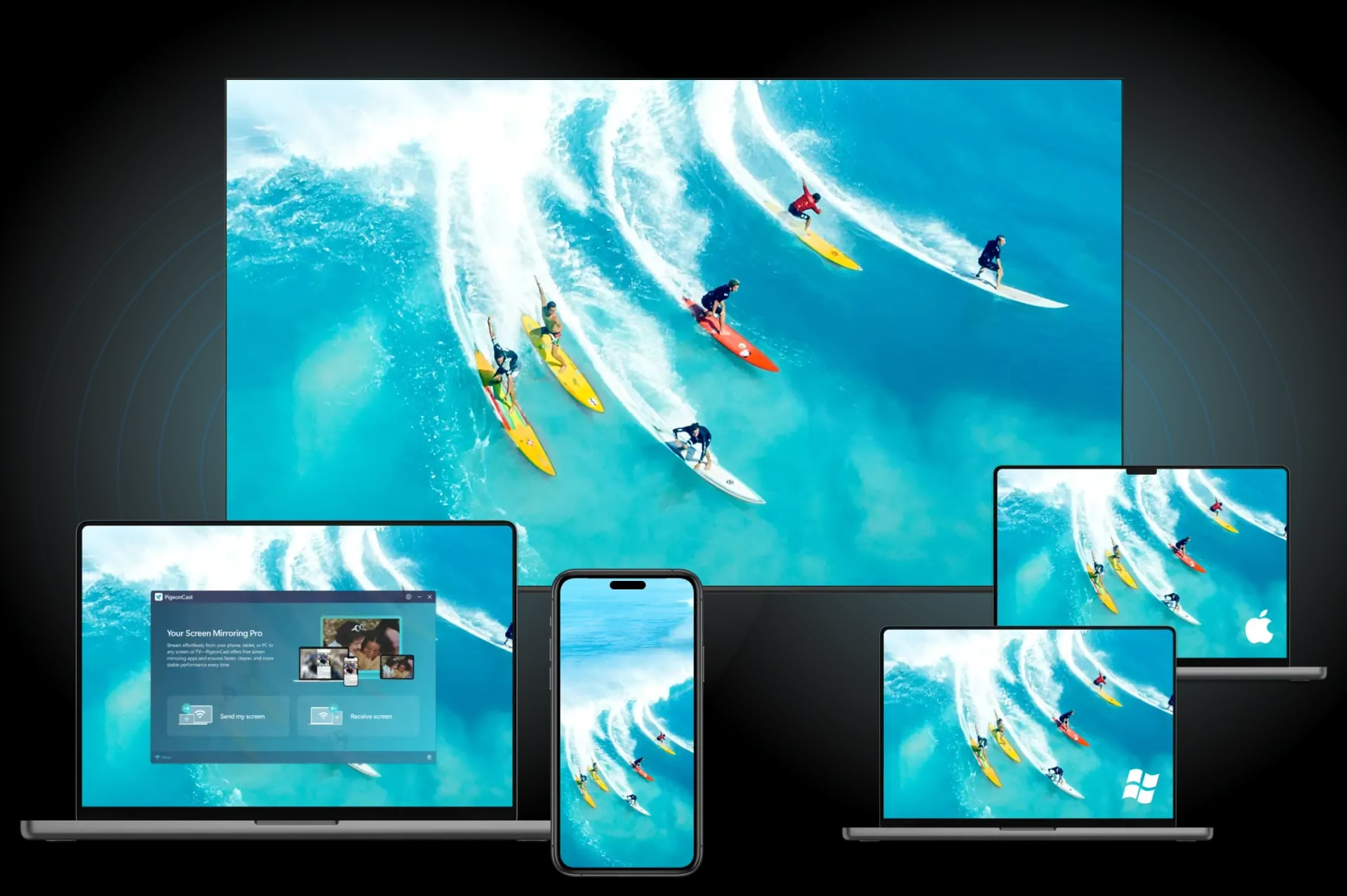
Why Choose PigeonCast for Windows Screen Mirroring
Free Windows Screen Mirroring App for TV, PC, Mac, Apple TV, and More

Wireless PC Mirroring
Enjoy smooth Windows screen mirroring over Wi-Fi with no cables, adapters, or extra hardware.

Universal PC Mirroring
Mirror your Windows PC to TVs, Macs, Chromecast, projectors, and other compatible screens.

Apple AirPlay Support
Use AirPlay to mirror Windows to Apple TV, Mac, and other AirPlay-enabled devices.

Google Cast Support
Cast your Windows screen, videos, and browser tabs to Chromecast-enabled TVs and displays.

Screen & App Sharing
Share your Windows desktop, apps, presentations, and media across screens with PigeonCast.

4K Video Streaming
Enjoy crystal-clear Windows screen mirroring with up to 4K streaming quality and smooth playback.
Mirror & Share Your Windows Screen Anywhere
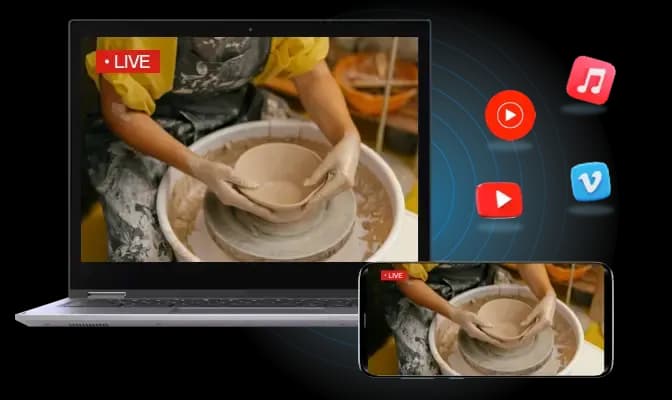
Mirror iPhone & Android to Windows
PigeonCast turns your Windows PC into a wireless screen mirroring receiver for iPhone, iPad, and Android devices.
AirPlay & Cast Support: Mirror iPhone, iPad, and Android screens to Windows with ease.
Media & Screen Sharing: Display photos, videos, apps, and presentations on your PC.
Smooth HD Mirroring: Enjoy responsive screen mirroring with low latency.
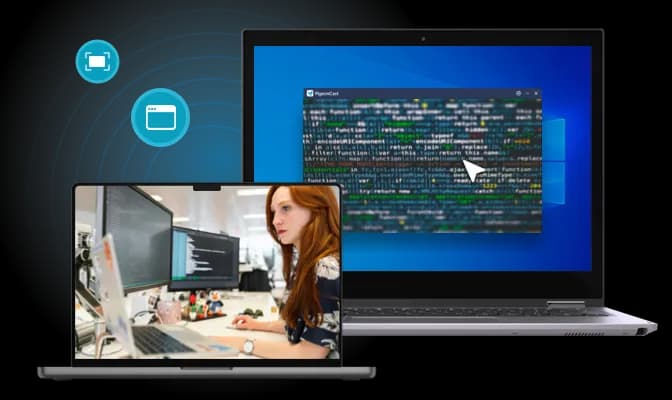
Mirror Windows to Smart TV
Use PigeonCast to mirror your Windows desktop, apps, and media to smart TVs without cables.
Cursor visibility support: See mouse movements clearly during mirroring.
Stream local media: Cast local videos, music, and photos with playback features.
Works with Smart TVs: Compatible with Android TV, Samsung, LG, Sony, TCL, and more.
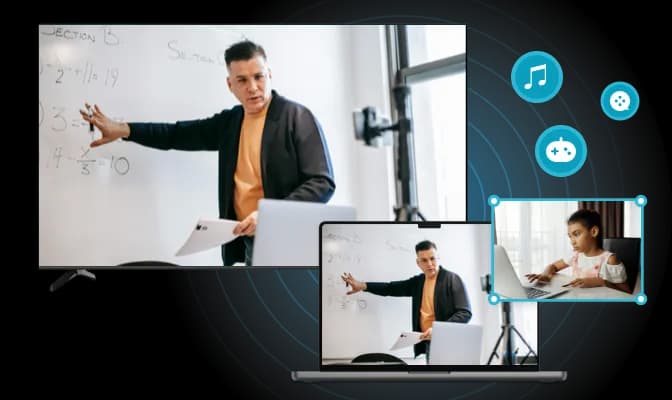
Mirror Windows to Apple TV & Chromecast
Cast your Windows screen to Apple TV, Chromecast, and other streaming devices with PigeonCast.
Enjoy on the big screen: Stream movies, shows, or music from your PC to your TV in crisp HD or up to 4K.
Present with ease: Share slides, documents, or full-screen content in meetings or classrooms instantly.
Smooth and wireless: Connect to Android TV or Apple TV with no cables—just fast, stable screen mirroring.
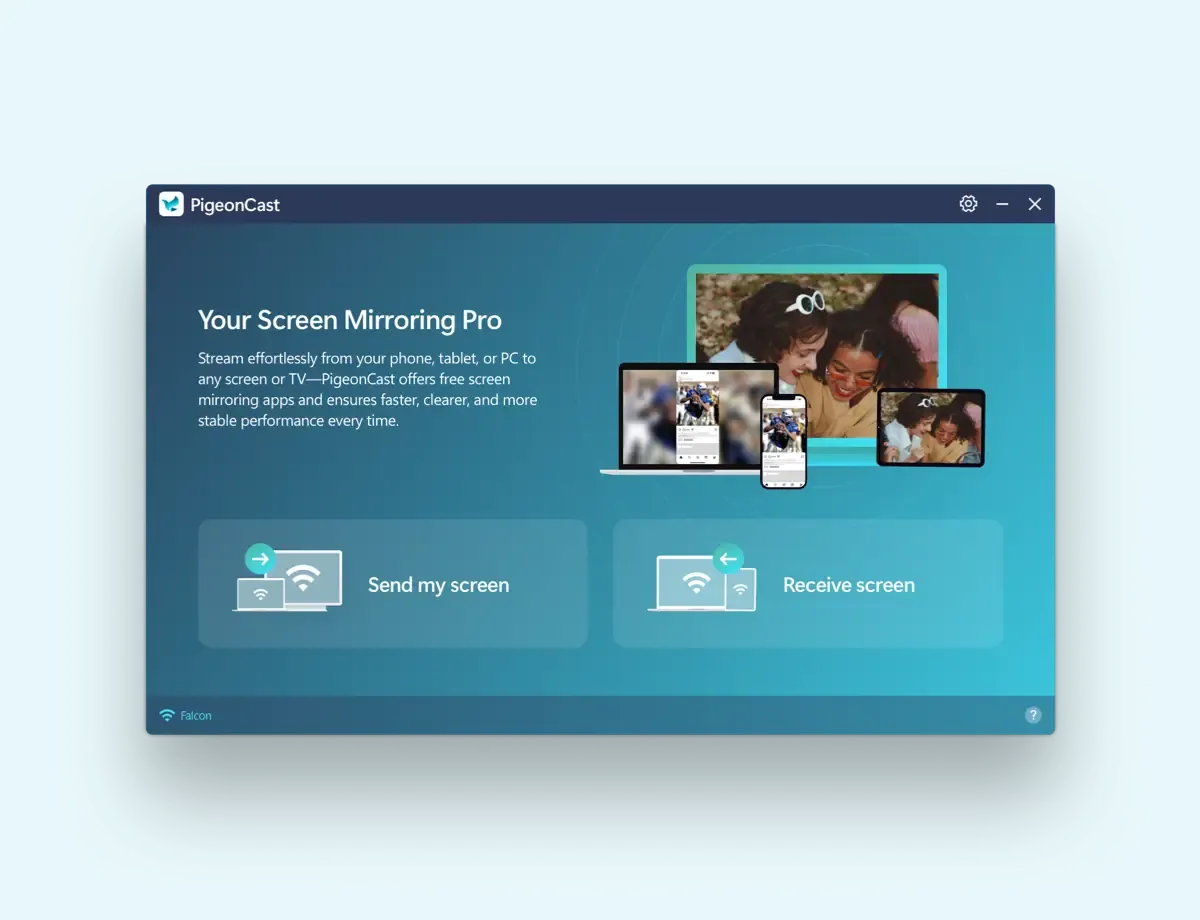
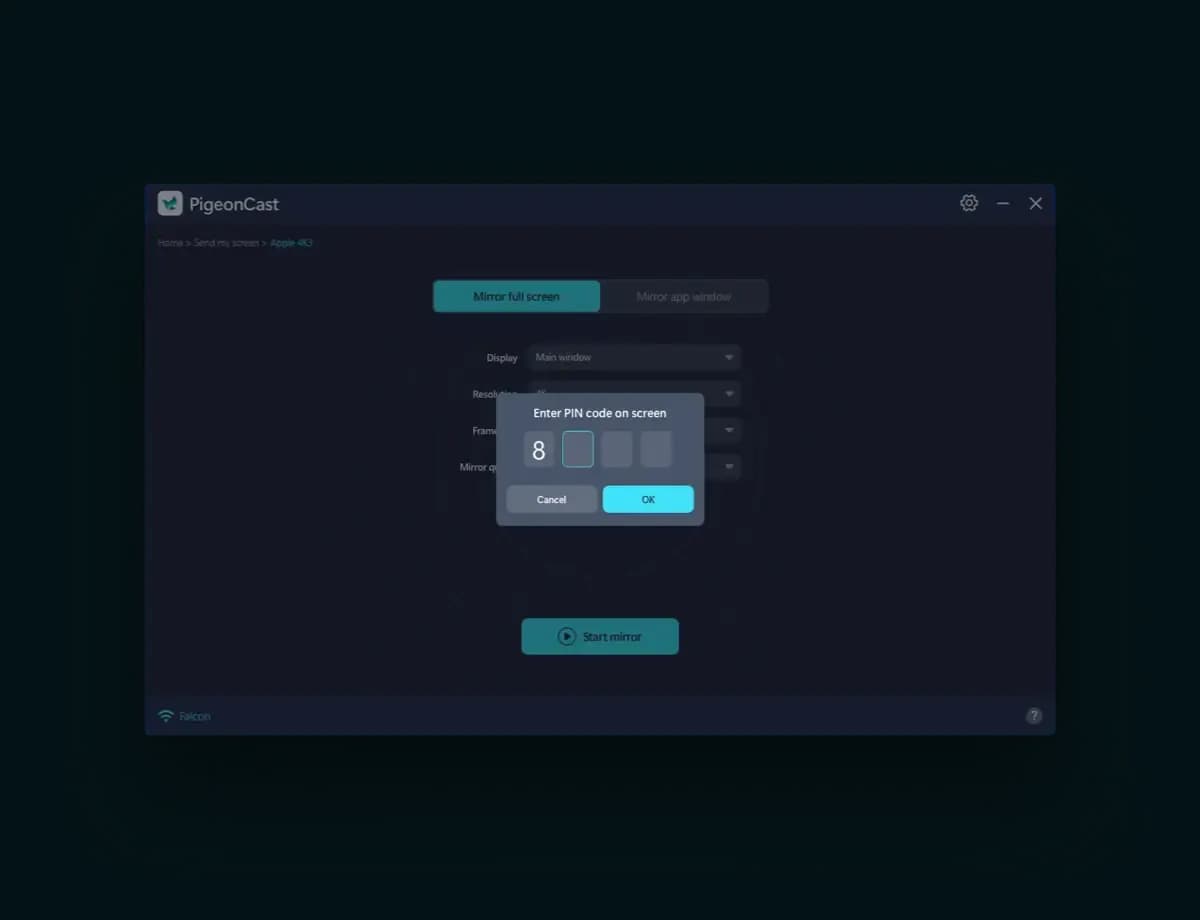
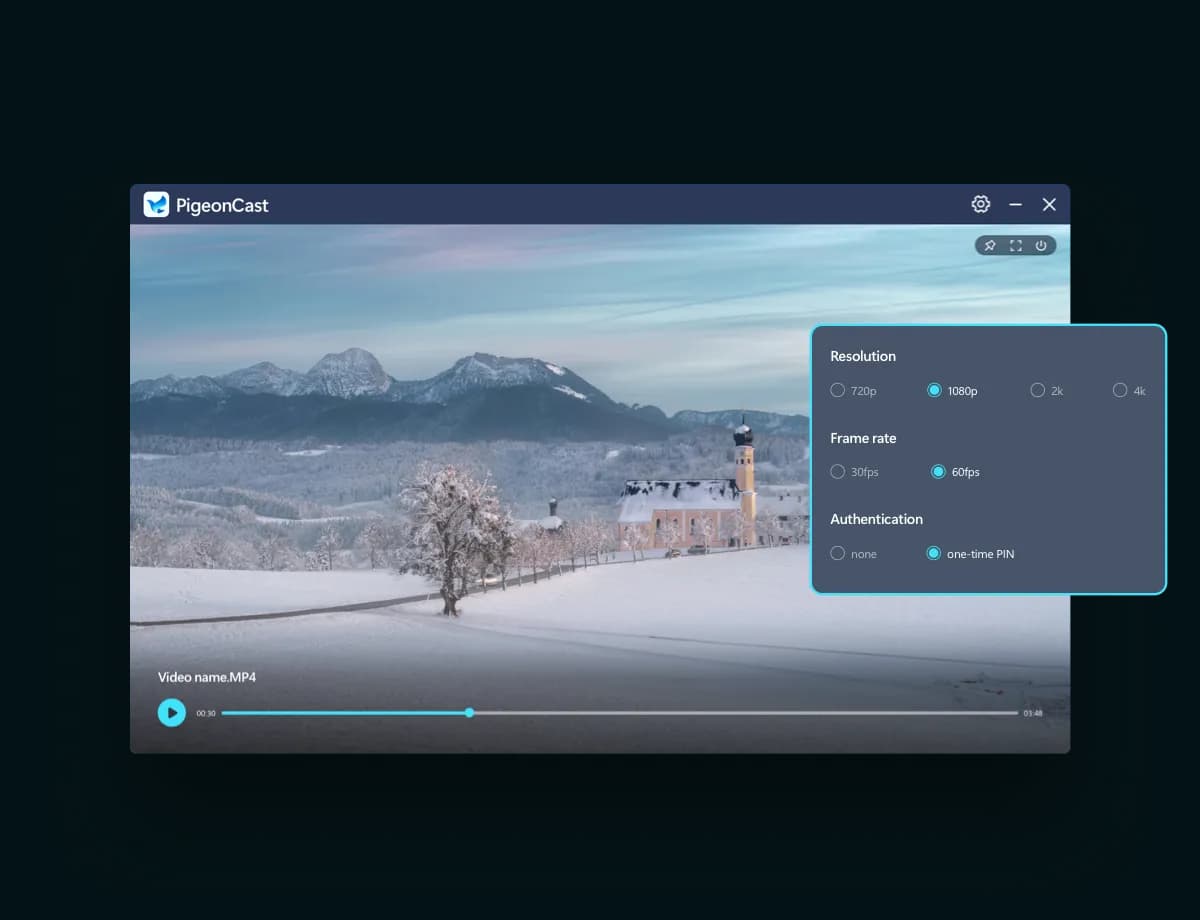
Screen Mirror Windows PC in Seconds
Three Steps to Mirror from or to Windows PC
Start Windows Screen Mirroring Today
Mirror Windows to TVs or mirror phone to Windows with PigeonCast. Fast, wireless, and easy to get started.