
Mirror Windows to Apple TV with PigeonCast
Cast your Windows screen to Apple TV in seconds with PigeonCast. Stream videos, share content, or present on a bigger display with smooth wireless casting and no cables, no lag, and no setup required. Start mirroring for free in seconds with no extra setup needed.


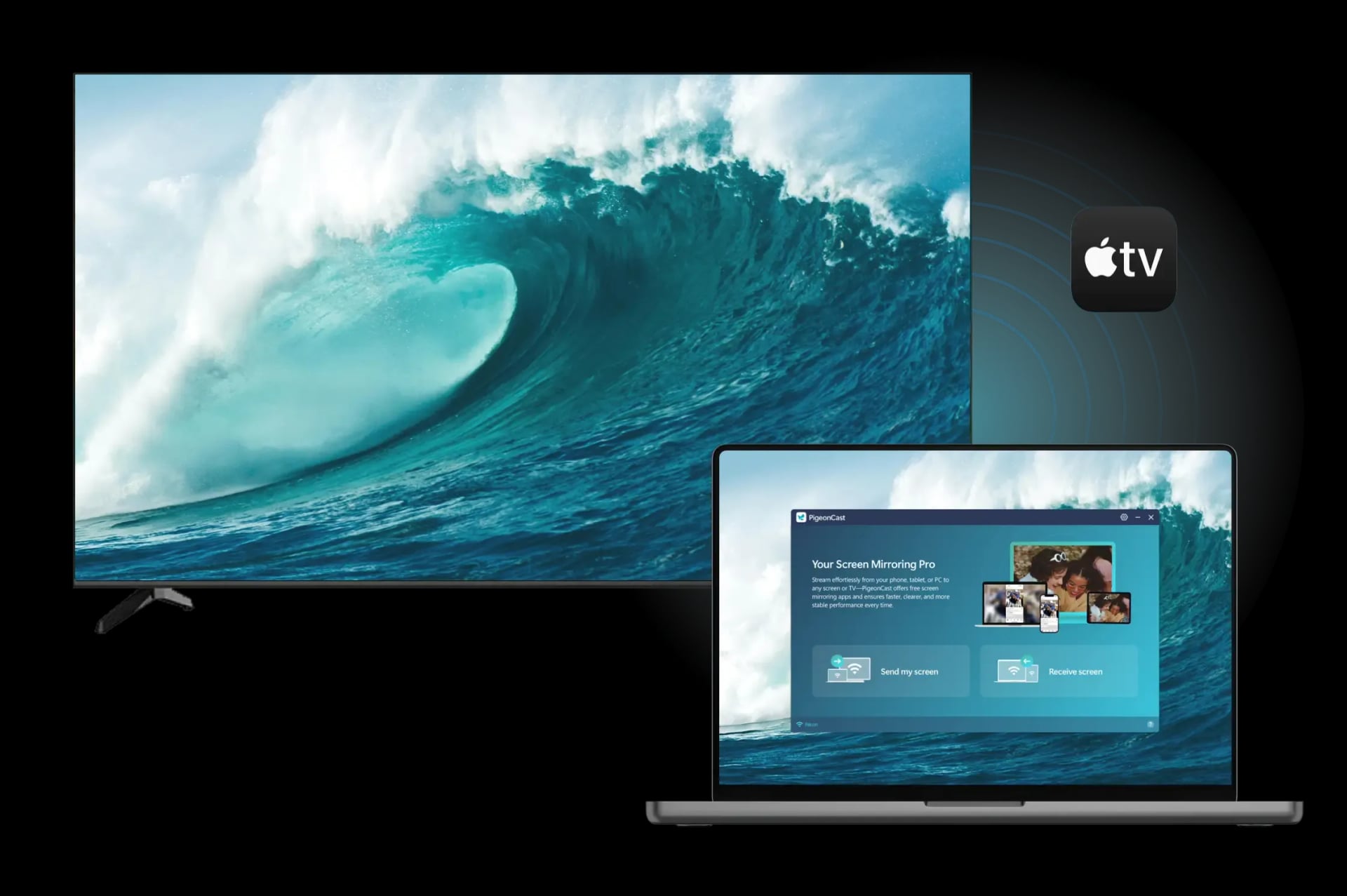
Why Use PigeonCast to Mirror Windows to Apple TV

Free to Start
Enjoy screen mirror Windows to Apple TV without subscriptions, hidden fees, or disruptive ads.
Quick Wi-Fi Setup
Mirror PC to Apple TV over your existing Wi-Fi network with an easy, cable-free setup.

Universal Compatibility
Effortlessly screen mirror PC to Apple TV even on Windows laptops that lack AirPlay support.
Smooth & Secure
Your content streams through your local network only, providing stable performance and private connections.
How to Mirror PC to Apple TV for Free
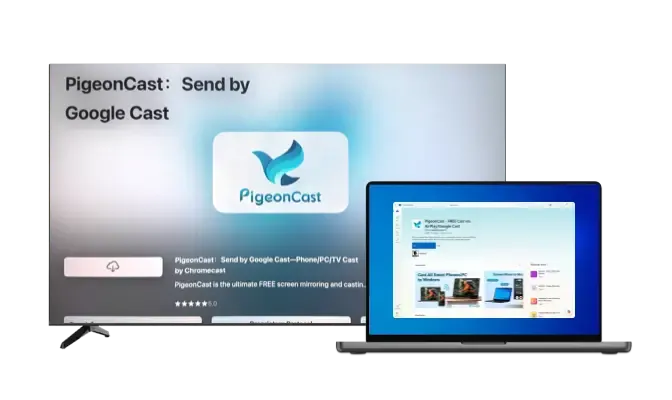
Download and Install PigeonCast
Install PigeonCast on your Windows PC and your Apple TV, then open the app on both devices to begin.
Download securely from the app store
Simple and quick setup process
Customize your TV name for easy identification
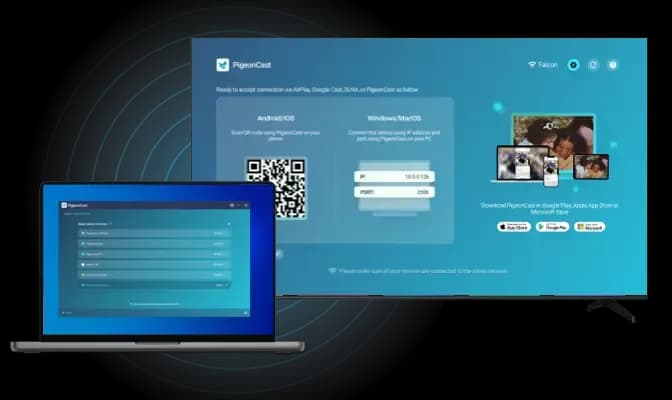
Connect Windows PC to Apple TV
Choose to share your PC screen and select your Apple TV from the available device list.
Instant device detection over the same Wi-Fi network
Quick pairing for seamless connection
Seamless device switching
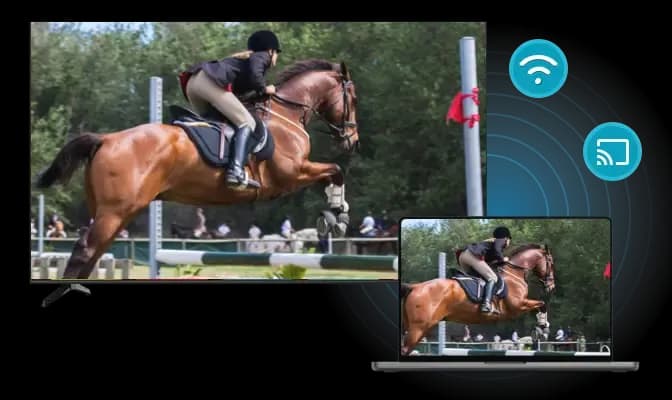
Start Screen Mirroring
Begin screen mirroring Windows to Apple TV instantly and enjoy smooth, high-quality playback.
Adjust resolution and frame rate for optimal performance
Mirror your laptop screen with or without sound
Display your mouse cursor in real time
The Best Way to Mirror Windows Laptop to Apple TV
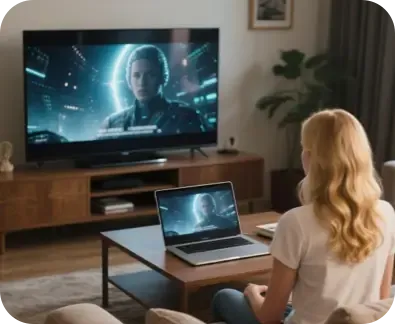
Cinematic Display
Turn your Apple TV into a larger viewing hub for your Windows PC, with fast, smooth wireless mirroring.
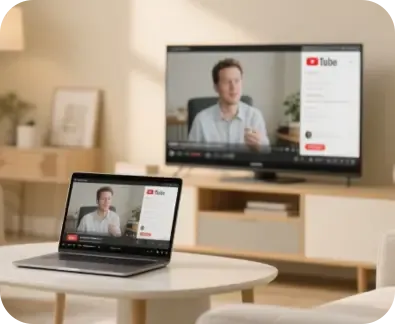
Cable-Free Casting
Enjoy clean, cable-free mirroring that lets you move your Windows laptop anywhere while staying connected.
PigeonCast provides a fast, reliable way to mirror PC to Apple TV wirelessly. Whether you're watching videos, presenting slides, or sharing apps, enjoy stable, high-definition streaming without HDMI or AirPlay support.
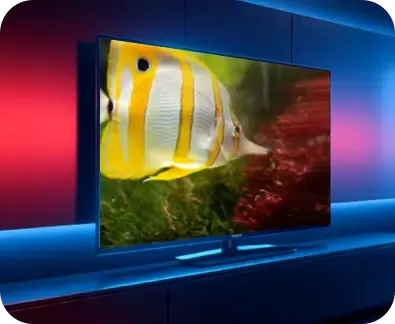
Clear HD Visuals
Experience clean, high-definition visuals where every detail remains clear on the larger display.
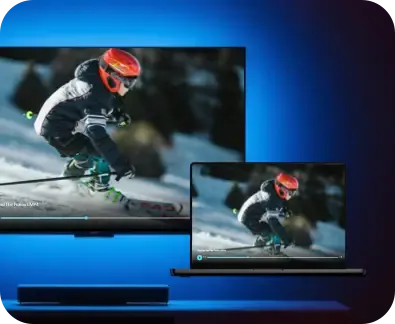
Smooth Live Play
Enjoy lag-free playback when mirroring live events, online classes, or tutorial windows.
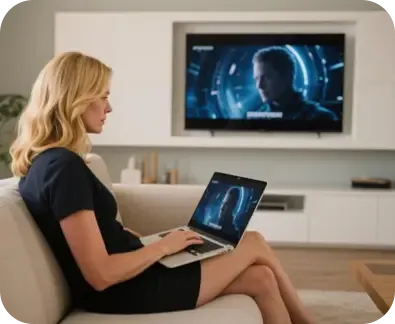
Instant PC Casting
Connect and mirror Windows to Apple TV in seconds, making it easy to share apps, tabs, or your entire desktop.
FAQ
Start Free Windows-to-Apple TV Screen Mirroring
Download PigeonCast and enjoy fast, wireless Windows screen mirroring to your Apple TV in just a few clicks.