
Free Apple TV Screen Mirroring App
Mirror your iPhone, iPad, Android, Mac, or Windows PC to Apple TV in seconds with PigeonCast. Crystal-clear video. Smooth wireless streaming. No hassle.

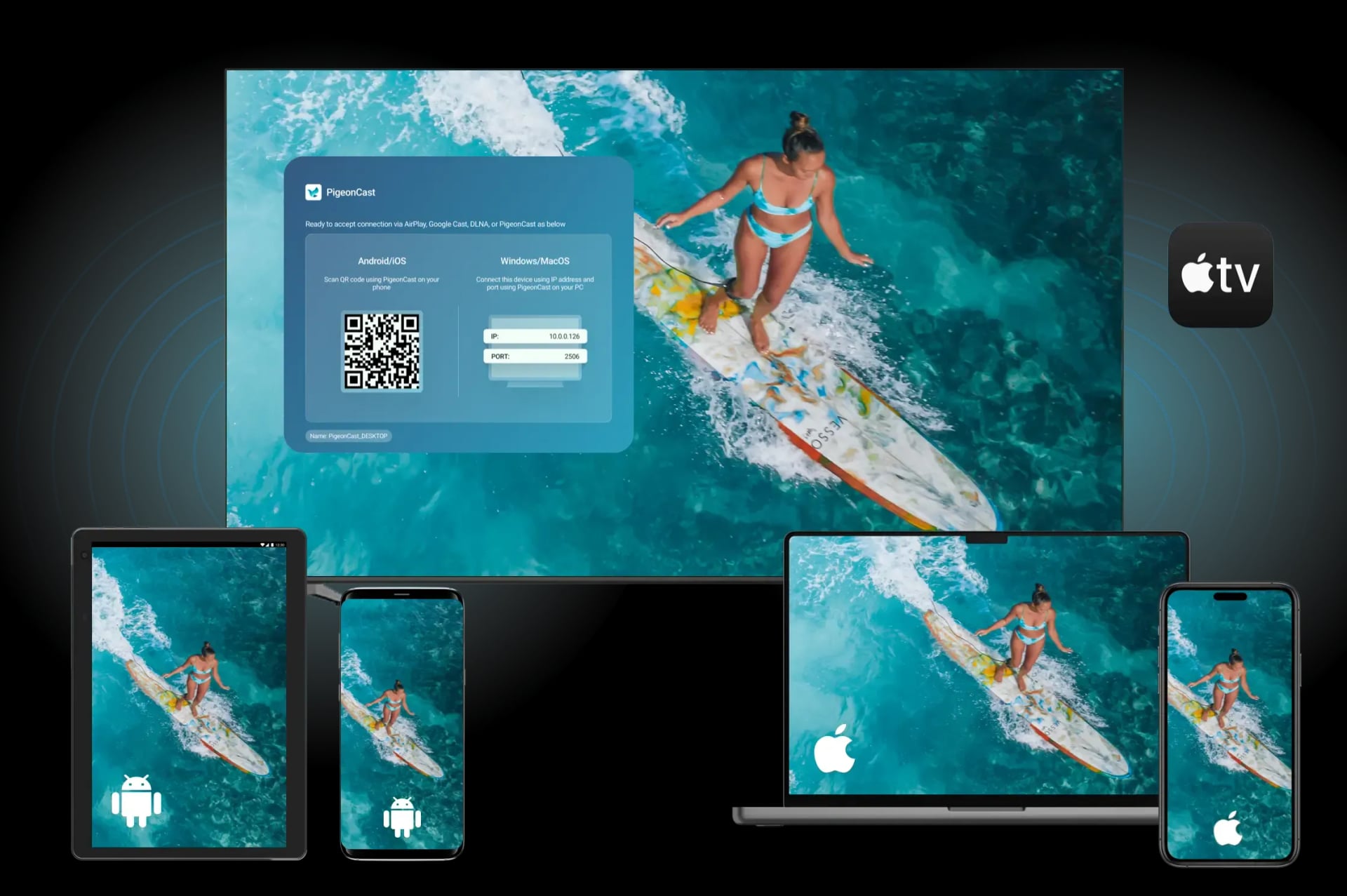
Why Use PigeonCast for Apple TV
Powerful mirroring receiver designed for Apple TV users

Cross-Ecosystem Casting
Cast freely from Android, iOS, or Mac — no cables, no platform lock-in

Unified Protocol Support
Fully supports AirPlay, Google Cast, and DLNA — no extra setup required

Ultra-Smooth Mirroring
Enjoy HD screen mirroring with adaptive frame rate and low latency

YouTube & Browser Casting
Cast YouTube videos or browser tabs directly from your phone

Smart Playback Control
Play, pause, seek, or skip — all directly from your Apple TV remote

Cast What You Need
Mirror your whole desktop or just a single app window with ease
Next-Level Casting for Apple TV with PigeonCast
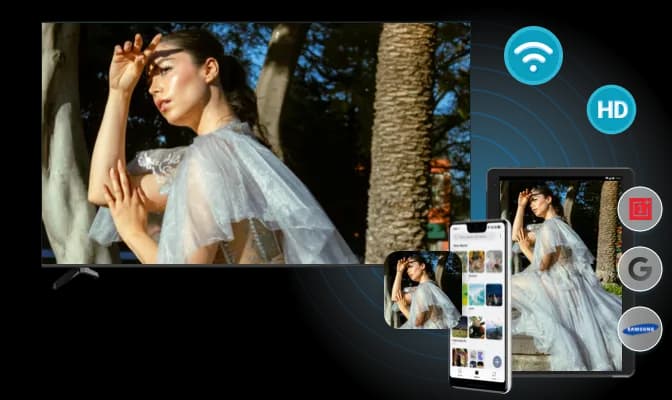
Cast Android to Apple TV
PigeonCast integrates Google Cast and bridges the gap—effortlessly start Android to Apple TV screen mirroring. Stream games, videos, or photos wirelessly, no limits, no cables.
Universal support: Works with major Android brands like Pixel, Samsung, and OnePlus
Pure software: No hardware or additional setup required on Android and Apple TV
Instant casting: Start streaming Android to Apple TV with zero configuration
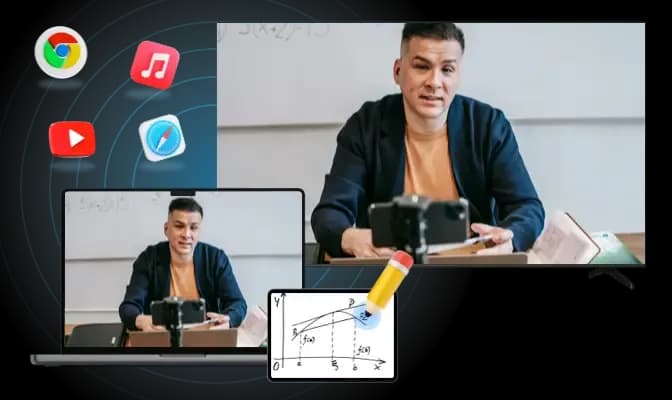
Cast Apple to Apple TV
Mirror iPhone to Apple TV or mirror Mac to Apple TV with full AirPlay support. Enjoy smooth playback for tutorials, slideshows, and music.
Native AirPlay Support: Stream screen, photos, or music directly — all via built-in system AirPlay
Broad compatibility: Compatible with YouTube app, Safari/Chrome, and third-party AirPlay senders
Smooth and synced: Enjoy smooth playback with low latency and high fidelity
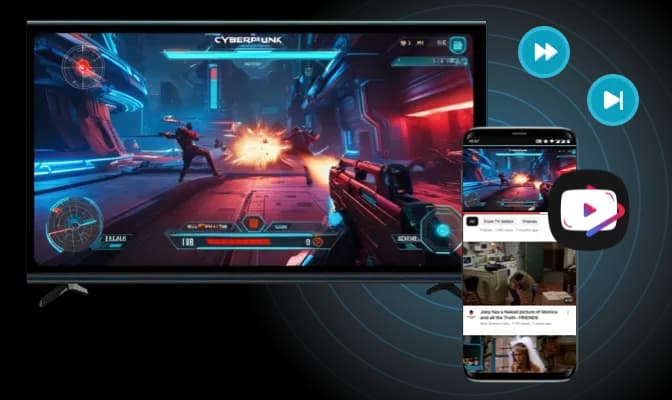
DLNA Media Casting
Stream online videos or local media directly to Apple TV. A seamless way to enjoy your favorite content on the big screen—with full control.
Easy casting: Stream directly from DLNA-enabled video platforms, like YouTube, Vimeo, or local media apps
Wide-ranging support: Works with third-party DLNA senders, such as custom apps or popular platforms like Plex and Kodi
Full control: Play, pause, seek, and skip tracks seamlessly from Apple TV, with intuitive navigation for content playback
How to Mirror on Apple TV?
Follow these simple steps to start mirroring from your device to Apple TV without hassles.
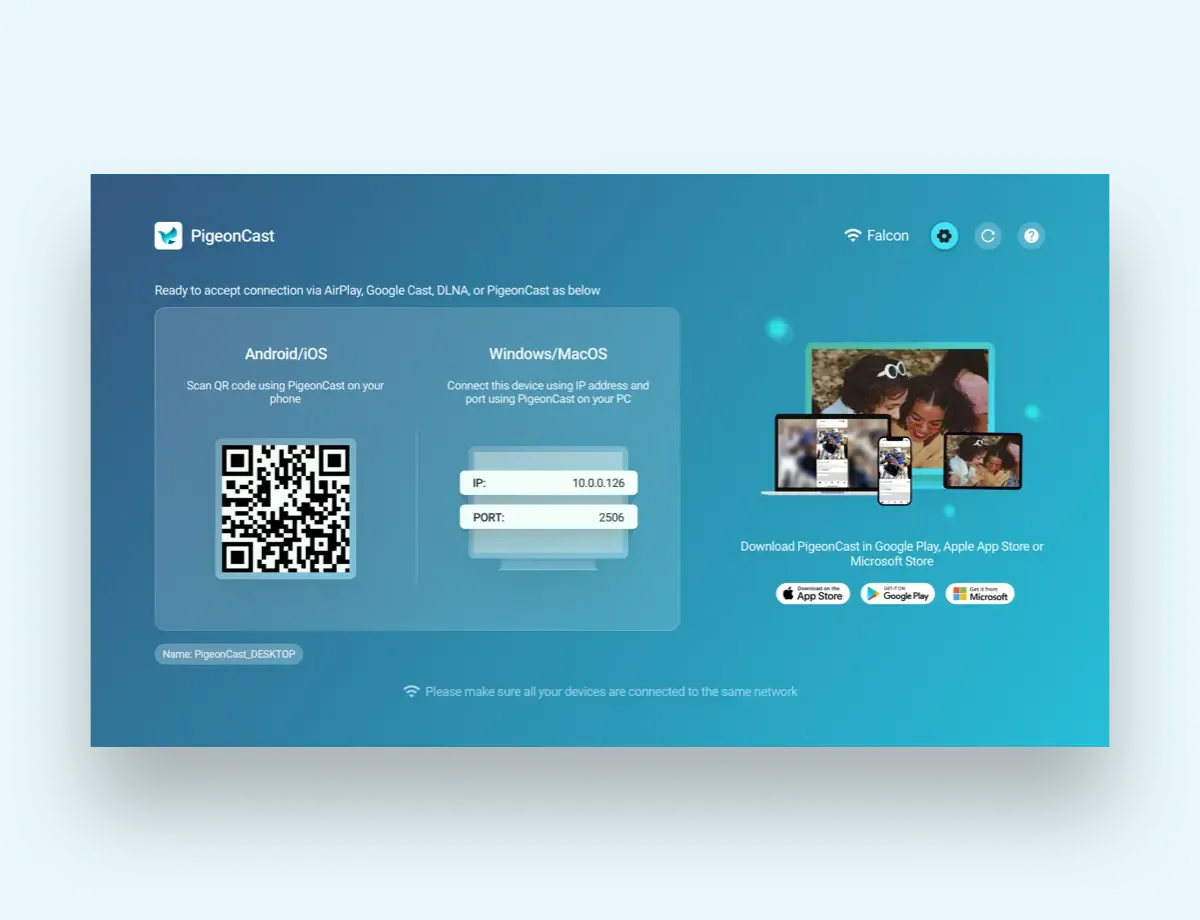
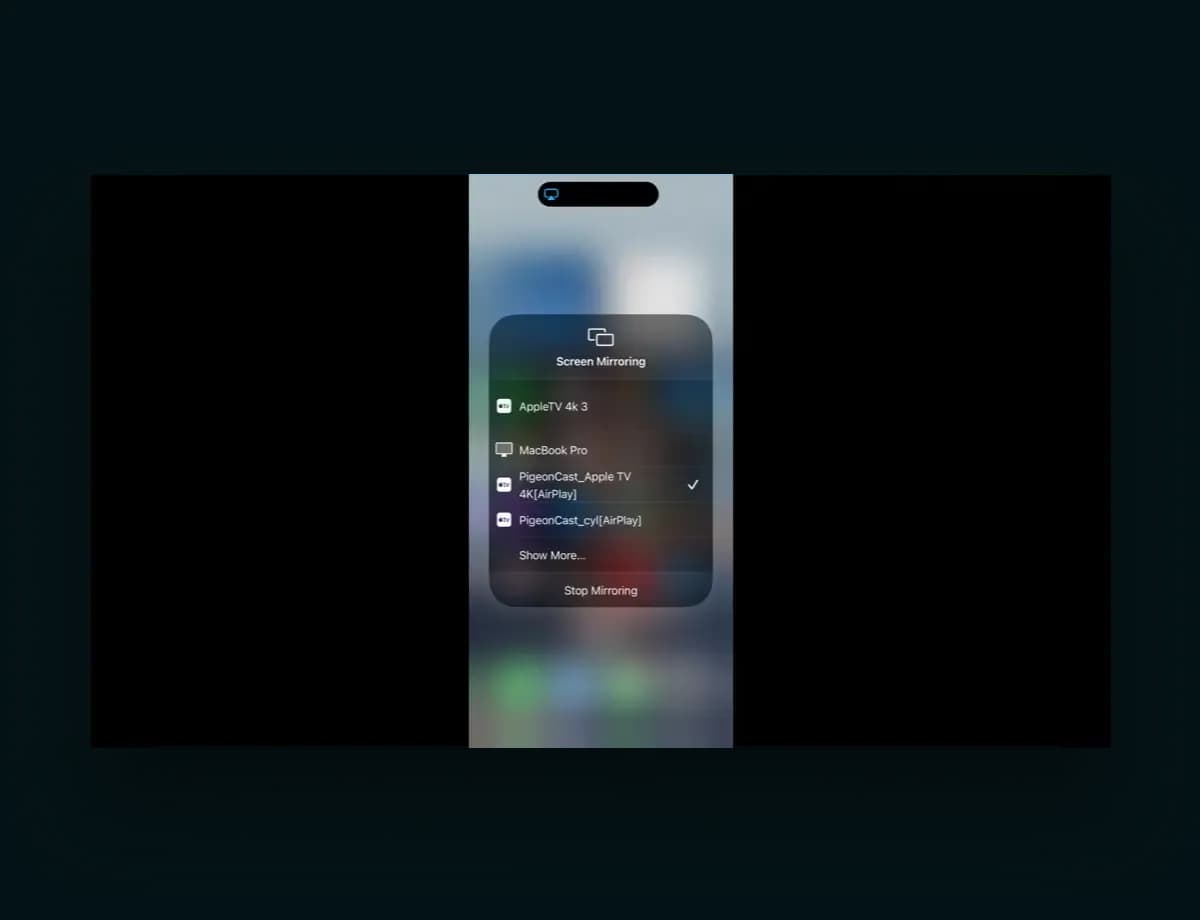
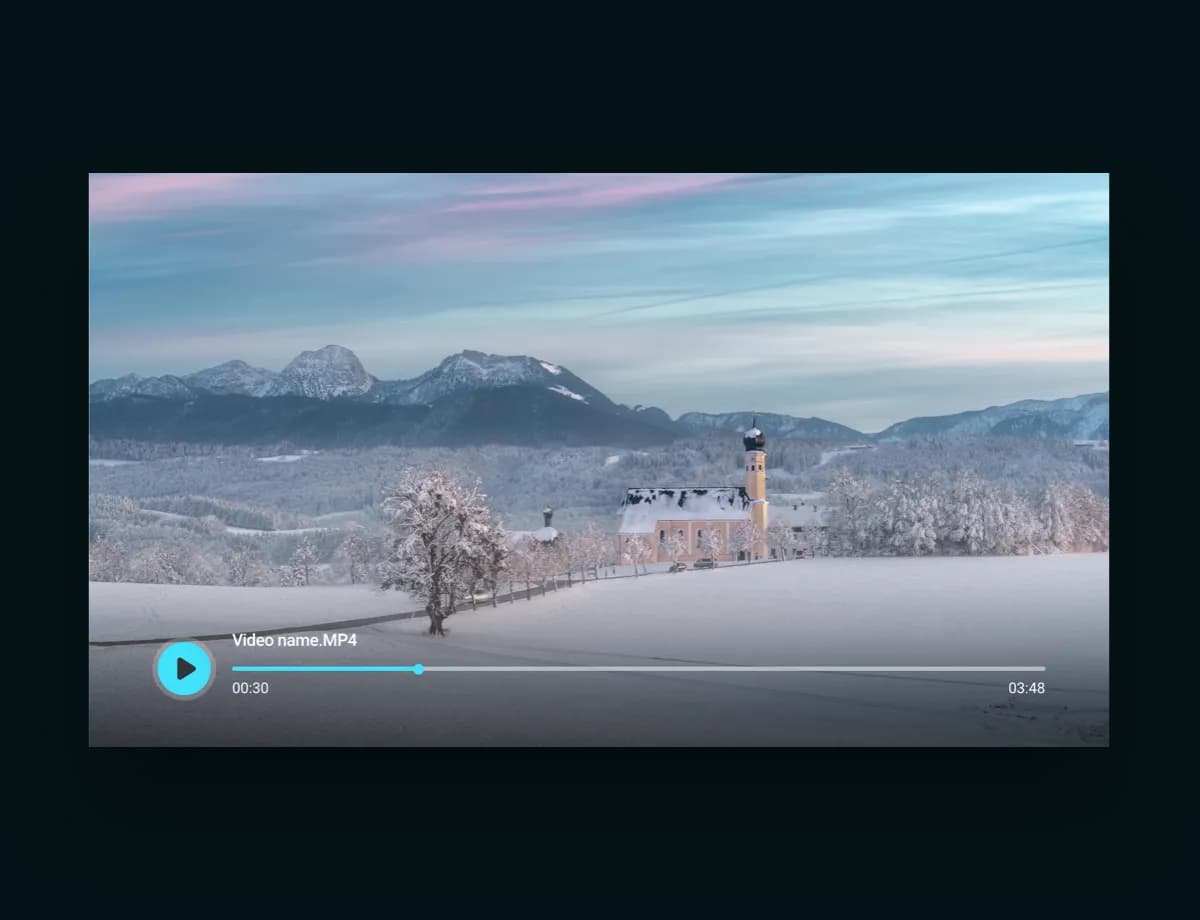
Instantly Screen Mirror to Apple TV
Download PigeonCast for Apple TV, screen mirror to Apple TV from any device, and experience smooth, hassle-free casting.