
PigeonCast vs. AirScreen
Looking for a simpler way to mirror across TVs, computers, browsers, and streaming devices? PigeonCast gives you a more flexible screen mirroring experience than a TV-only receiver app, making it a practical alternative to AirScreen for mixed-device setups.
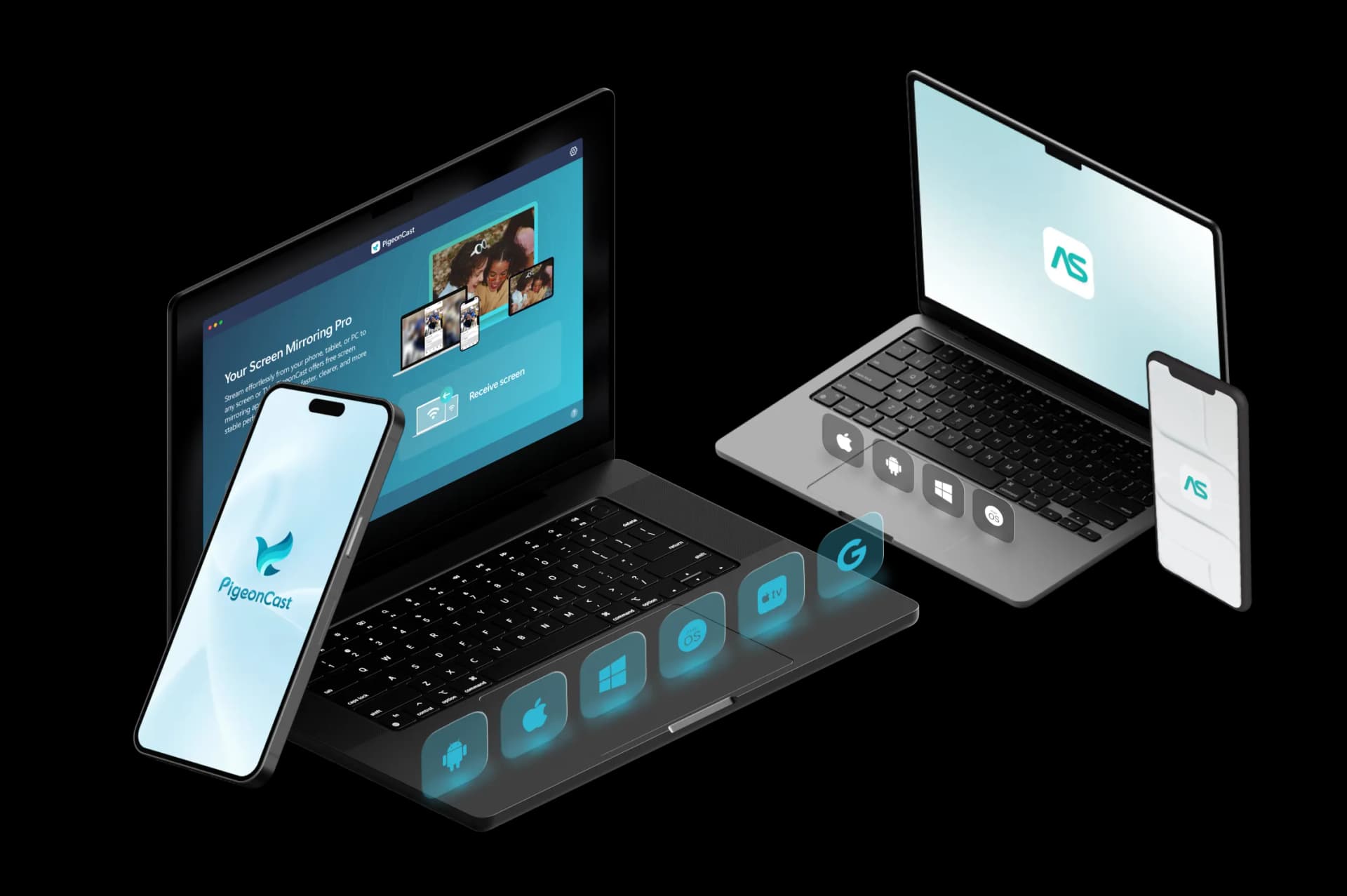
Feature Comparison: PigeonCast vs AirScreen
| Features | PigeonCast | AirScreen |
|---|---|---|
| Best for | Cross-platform screen mirroring to TVs, computers, browsers, and shared screens | Turning a TV or Android-based screen into a casting receiver |
| Mirror phone to TV | ✓ | ✓ |
| Mirror phone to computer | ✓ | ✕ |
| Mirror computer to TV | ✓ | ✓ |
| Mirror computer to computer | ✓ | ✕ |
| Mirror phone to browser | ✓ | ✕ |
| Sender devices | iPhone, iPad, Android, Windows, Mac | iPhone, iPad, Android, Windows, Mac |
| Receiver devices | TVs, Windows, Mac, browsers, streaming devices | Android TV, Google TV, Fire TV, and other Android-based screens |
| Connection type | Wi-Fi connection | Wi-Fi connection |
| Casting protocols | AirPlay, Google Cast, DLNA, PigeonCast connection | AirPlay, Cast, Miracast, DLNA |
| Video quality | HD, 2K, up to 4K | 1080p and 4K |
| Frame rate | Up to 60 FPS | Up to 60 FPS |
| Audio support | ✓ | ✓ |
| Free use | Free 5-minute sessions | Free version available |
| Premium use | Unlimited mirroring, higher-quality options | Removes limits/ads depending on plan and device |
Key Differences Between PigeonCast and AirScreen
Cross-Platform Device Support
AirScreen focuses on turning TVs and streaming devices into receivers. PigeonCast supports more device combinations, including phones, computers, browsers, and TVs.
Screen Mirroring vs Media Casting
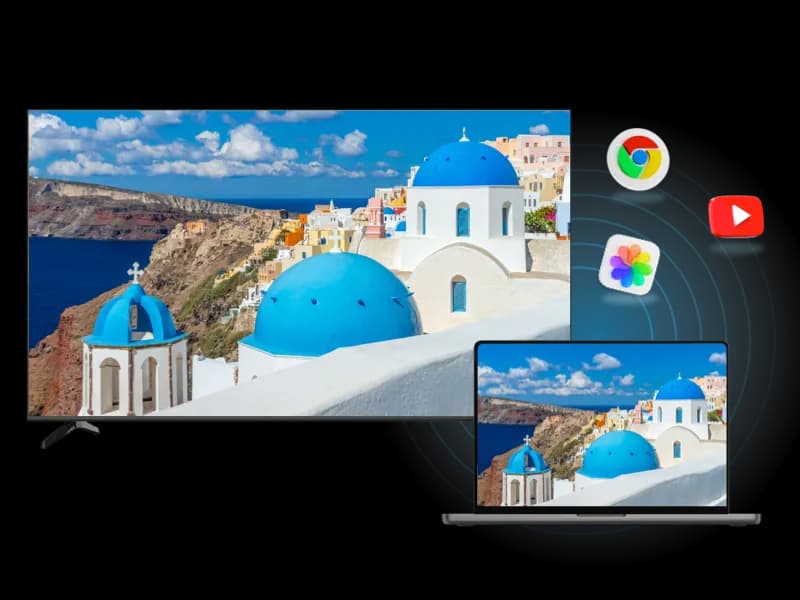
AirScreen is mainly designed for casting content to receivers. PigeonCast focuses on full screen mirroring for apps, files, presentations, and more.

Easier Device Connection
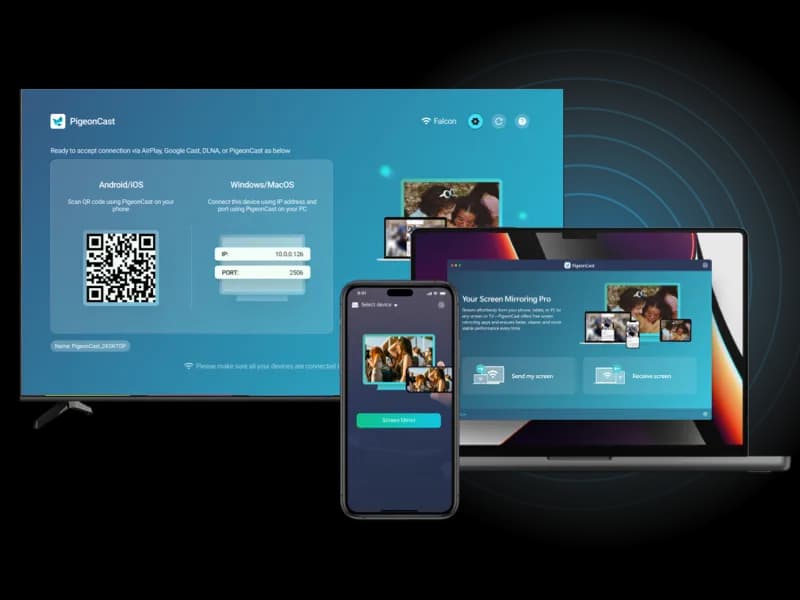
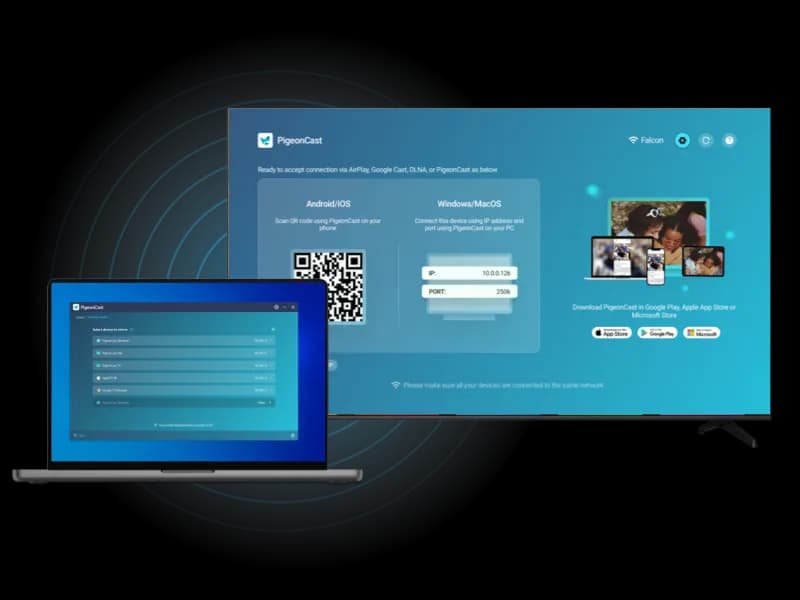
AirScreen requires receiver setup before use. PigeonCast simplifies connections with QR code and PIN pairing across supported devices.
PigeonCast vs AirScreen Pricing
A flexible AirScreen alternative for mirroring iPhone, Android, Windows, Mac, and TV devices.
Best for Home Entertainment

Cross-Platform Screen Mirroring

- Mirror across iPhone, Android, PC, Mac, and TV
- One app for cross-platform screen mirroring
- Unlimited Premium mirroring
- HD, 2K, and up to 4K support
- Fast wireless connection with QR & PIN
Best for TV Casting
AirScreen
TV Casting Receiver
- Free version available
- Contains ads
- In-app purchases available
- Receives AirPlay, Cast, Miracast, and DLNA
- Best for TV receiver use
How to Switch from AirScreen to PigeonCast
Use PigeonCast when you need more than a TV receiver app.
Tutorials and FAQs
Try PigeonCast as Your AirScreen Alternative
Use PigeonCast to mirror your phone, computer, or tablet to TVs, browsers, computers, and other supported screens with a more flexible cross-platform setup.