
PigeonCast vs. AirDroid Cast
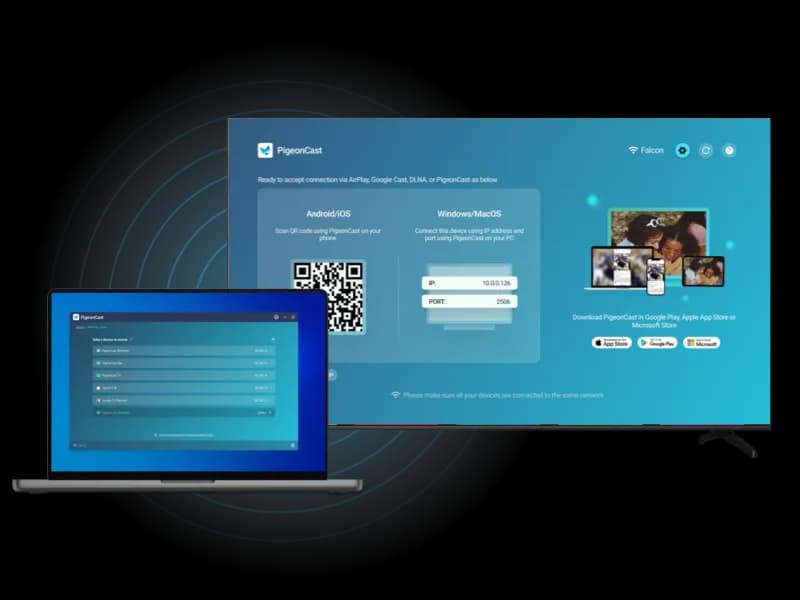
Looking for a simpler way to mirror your phone, tablet, or computer to a larger screen? PigeonCast gives you an easy cross-platform screen mirroring experience. AirDroid Cast is strong for remote casting, USB casting, browser viewing, and phone control.
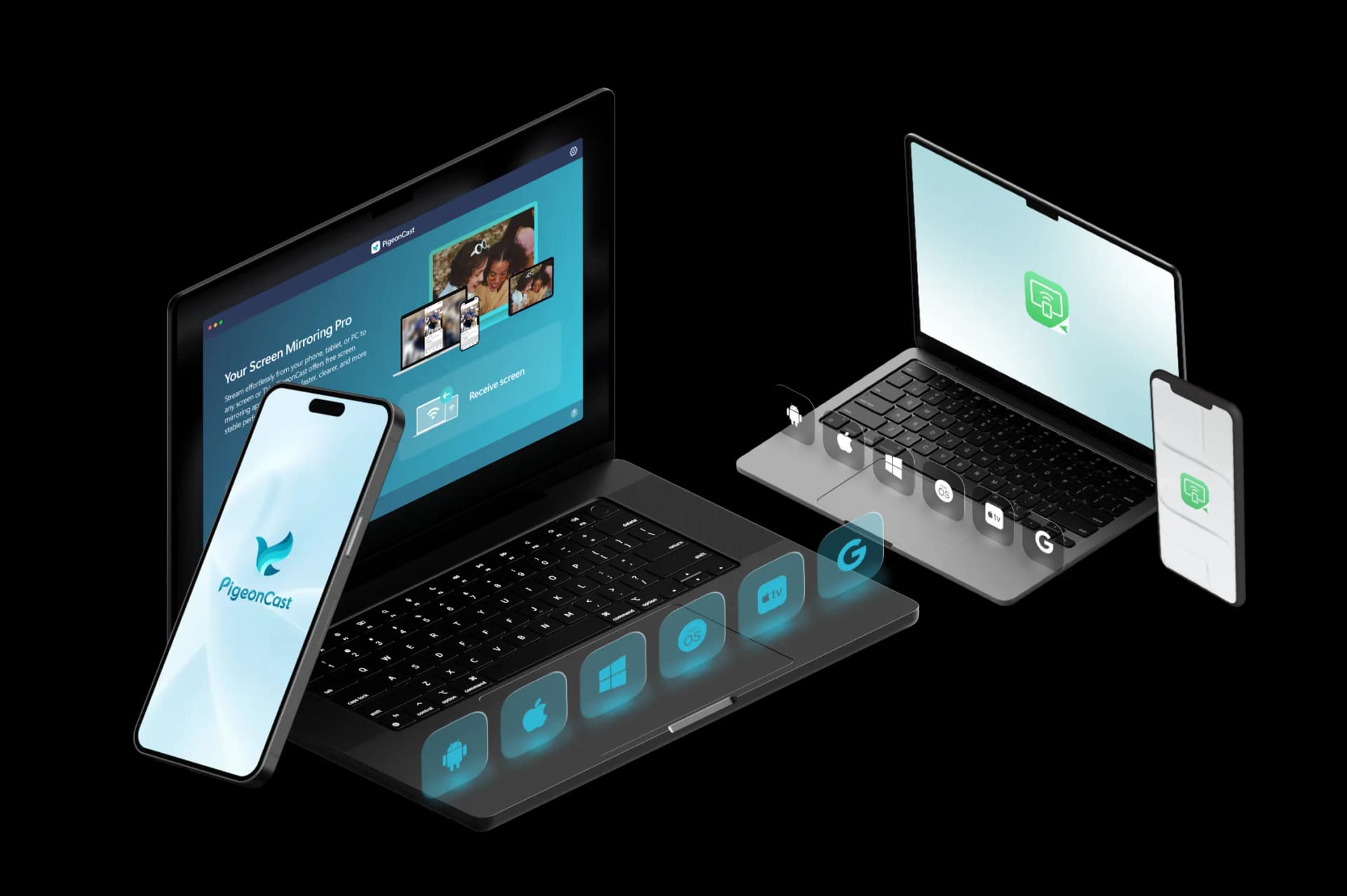
Feature Comparison: PigeonCast vs AirDroid Cast
| Features | PigeonCast | AirDroid Cast |
|---|---|---|
| Best for | Simple cross-platform mirroring to TVs, computers, browsers, and shared screens | Remote casting, USB casting, browser viewing, and phone control |
| Mirror phone to TV | ✓ | ✓ |
| Mirror phone to computer | ✓ | ✓ |
| Mirror computer to TV | ✓ | ✓ |
| Mirror computer to computer | ✓ | ✓ |
| Mirror phone to browser | ✓ | ✓ |
| Sender devices | iPhone, iPad, Android, Windows, Mac | iPhone, iPad, Android, Windows, Mac |
| Receiver devices | TVs, Windows, Mac, browsers, streaming devices | Windows, Mac, browser, Android TV |
| Connection type | Wi-Fi connection | Wi-Fi and USB connection |
| Casting protocols | AirPlay, Google Cast, DLNA, PigeonCast connection | AirPlay, USB, WebRTC and WSS, proprietary wireless casting |
| Video quality | HD, 2K, up to 4K | 1080P or higher |
| Frame rate | Up to 60 FPS | Up to 60 FPS |
| Audio support | ✓ | ✓ |
| Free use | Free 5-minute sessions | Free features available |
| Premium use | Unlimited mirroring, higher-quality options, no ads | Remote casting, control, and advanced features |
Key Differences Between PigeonCast and AirDroid Cast
Simpler Local Mirroring
AirDroid Cast supports local and remote casting, USB connection, AirPlay, browser viewing, and phone control. PigeonCast is used to mirror nearby devices on the same network.

Less Control Setup
AirDroid Cast includes phone control, mouse and keyboard input, and collaboration tools in supported setups. PigeonCast is a better fit when you only need screen mirroring without setting up a control or remote-access workflow.
TV and Shared-Screen Use
AirDroid Cast is strong for remote work, classrooms, support, and cross-network sharing. PigeonCast is more focused on everyday screen mirroring to TVs, computers, browsers, and shared displays at home, work, or while traveling.
PigeonCast vs AirDroid Cast
TV Mirroring vs Remote Device Control
Best for Home Entertainment

Cross-Platform Screen Mirroring

- Mirror across iPhone, Android, PC, Mac, and TV
- One app for cross-platform screen mirroring
- Unlimited Premium mirroring
- HD, 2K, and up to 4K support
- Fast wireless connection with QR & PIN
Best for Office Meetings
AirDroid Cast
Remote Casting and Phone Control
- Free features available
- Local and remote casting options
- USB and wireless connection options
- Browser viewing with Cast Web
- Advanced control features on paid plans
How to Switch from AirDroid Cast to PigeonCast
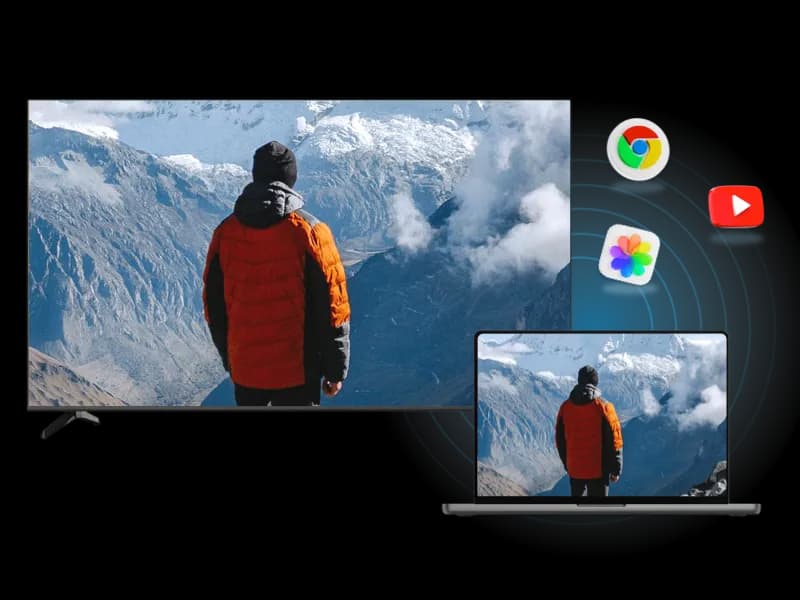
PigeonCast gives you a simpler way to mirror to TVs, computers, browsers, and shared screens.
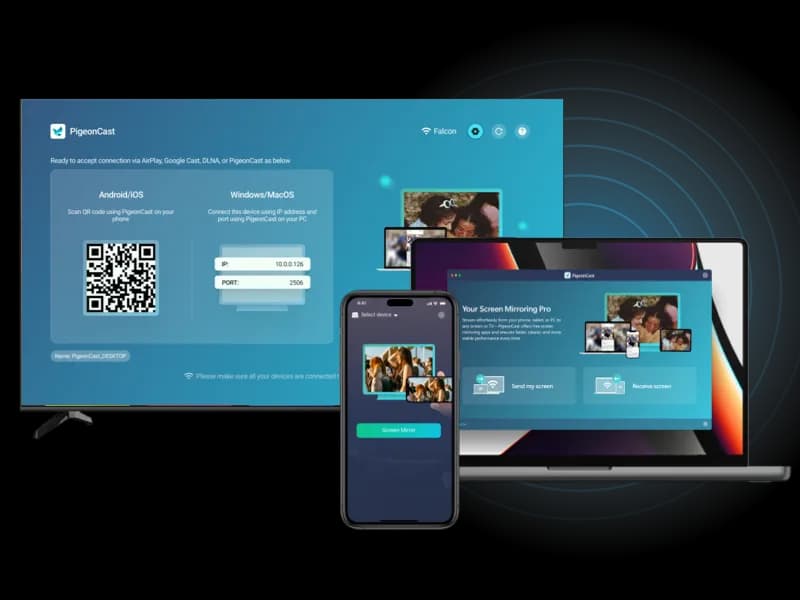
PigeonCast vs AirDroid Cast FAQ
y PigeonCast as Your AirDroid Cast Alternative
Mirror your phone, tablet, or computer to TVs, browsers, computers, and shared screens with a simpler cross-platform setup.