
PigeonCast vs. MirrorGo
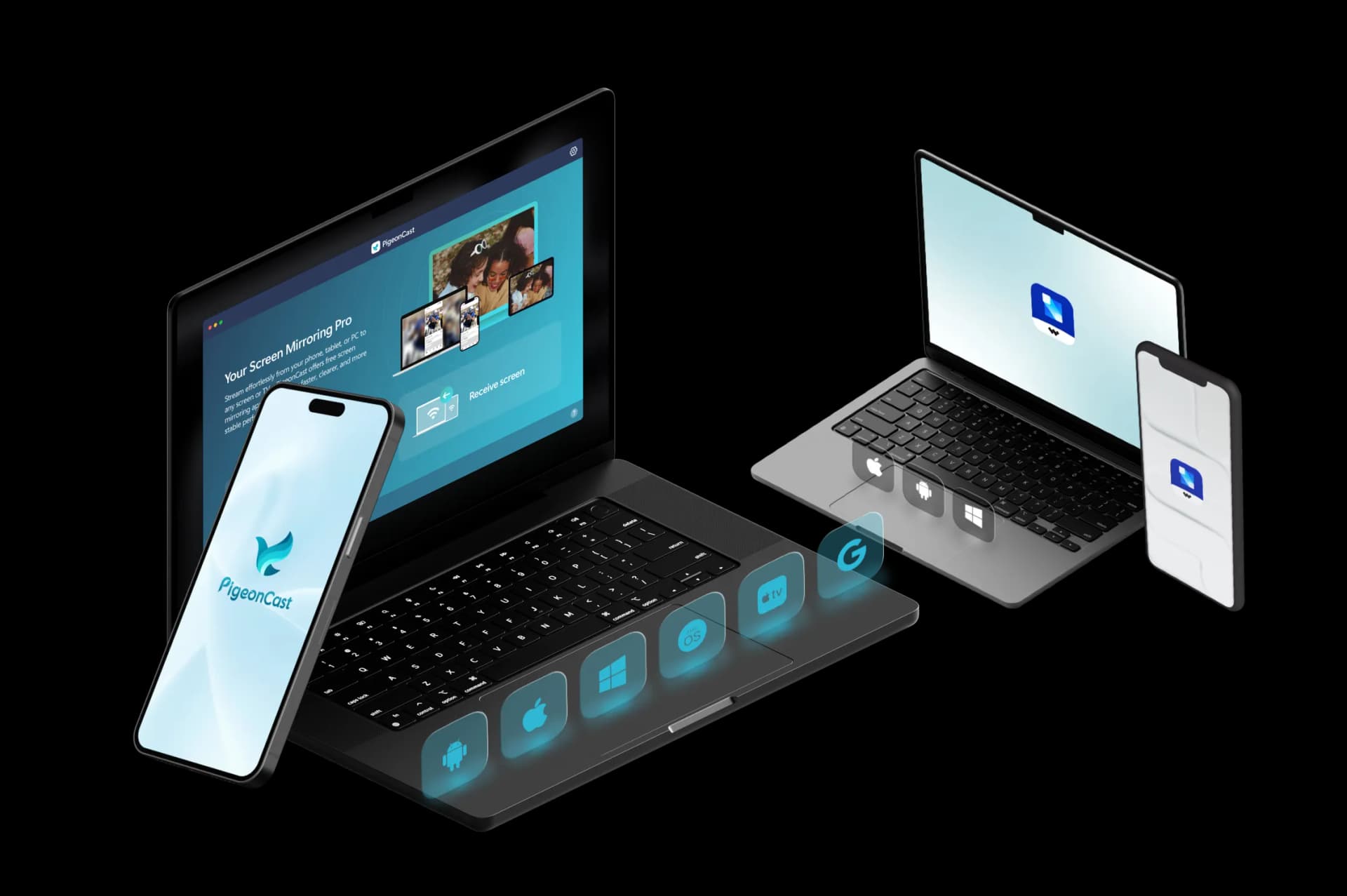
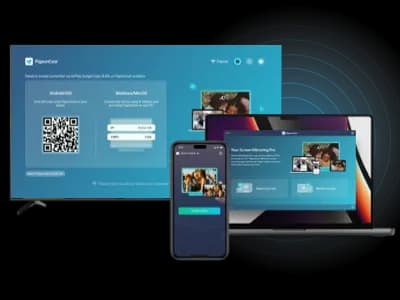
Looking for an easy way to mirror your phone to a PC wirelessly? PigeonCast is a more flexible alternative to MirrorGo, letting you mirror your phone to computers, TVs, browsers, and more, not just phone-to-PC streaming.
Feature Comparison: PigeonCast vs MirrorGo
| Features | PigeonCast | MirrorGo |
|---|---|---|
| Best for | Cross-platform screen mirroring to TVs, computers, browsers, and shared screens | Phone-to-computer mirroring and phone control |
| Mirror phone to TV | ✓ | ✕ |
| Mirror phone to computer | ✓ | ✓ |
| Mirror computer to TV | ✓ | ✕ |
| Mirror computer to computer | ✓ | ✕ |
| Mirror phone to browser | ✓ | ✕ |
| Sender devices | iPhone, iPad, Android, Windows, Mac | iPhone and Android |
| Receiver devices | TVs, Windows, Mac, browsers, streaming devices | Windows PC |
| Connection type | Wi-Fi connection | USB or Wi-Fi connection |
| Casting protocols | AirPlay, Google Cast, DLNA, PigeonCast connection | ADB, TCP/IP |
| Video quality | HD, 2K, up to 4K | 1080P |
| Frame rate | Up to 60 FPS | Up to 60 FPS |
| Audio support | ✓ | ✓ |
| Free use | Free 5-minute sessions | Free trial available |
| Premium use | Unlimited mirroring, higher-quality options, no ads | Full phone mirroring, control, screenshots, and recording features |
Key Differences Between PigeonCast and MirrorGo
Cross-Platform Mirroring Scenarios
MirrorGo is mainly designed for phone-to-PC mirroring and device control. PigeonCast supports more scenarios, including phone-to-TV, phone-to-computer, computer-to-TV, and browser mirroring.
Screen Mirroring vs Phone Control
MirrorGo adds features like mouse control, keyboard input, file transfer, recording, and gameplay tools. PigeonCast focuses on simple screen sharing across supported devices.
TV and Shared Display Support
MirrorGo works best when a computer is the target screen. PigeonCast supports TVs, computers, browsers, and streaming devices for home, work, and presentation use.
PigeonCast vs MirrorGo Pricing
A flexible MirrorGo alternative for mirroring iPhone, Android, Windows, Mac, and TV devices.
Best for Home Entertainment

Cross-Platform Screen Mirroring

- Mirror across iPhone, Android, PC, Mac, and TV
- One app for cross-platform screen mirroring
- Unlimited Premium mirroring
- HD, 2K, and up to 4K support
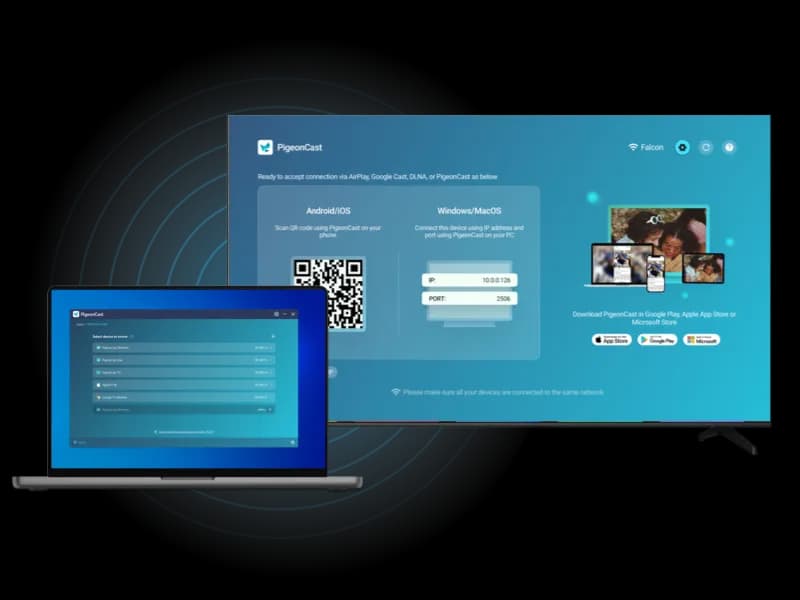
- Fast wireless connection with QR & PIN
Best for Gaming & Phone Control
MirrorGo
Phone Mirror and Control
- Mirror Android and iPhone to PC
- Control phone from computer
- Useful for mobile gaming on PC
- Support screenshots and recording
- Best for phone-to-PC mirroring
How to Switch from MirrorGo to PigeonCast
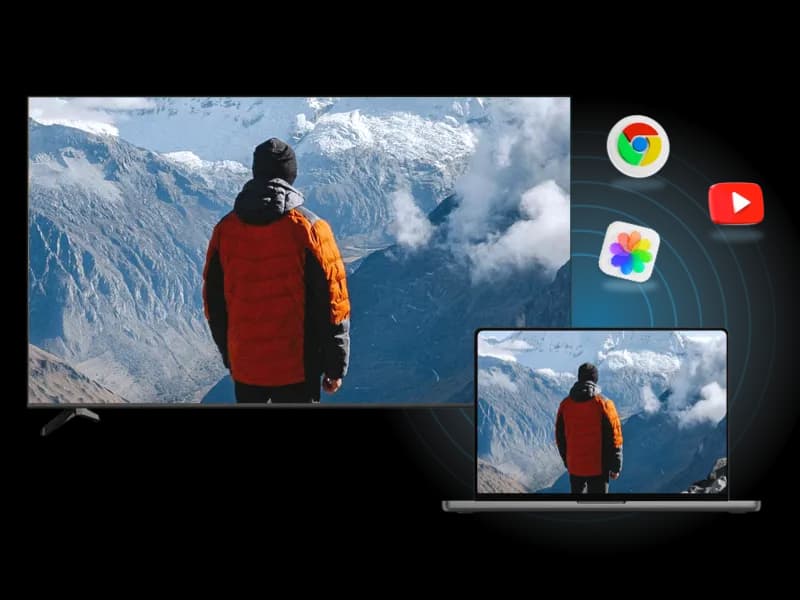
PigeonCast helps you mirror to TVs, computers, browsers, and other screens.
Tutorials and FAQs
Try PigeonCast as Your MirrorGo Alternative
Use PigeonCast to mirror your phone, computer, or tablet to TVs, browsers, computers, and other supported screens with a more flexible cross-platform setup.