
Mirror iPhone to Windows with PigeonCast
PigeonCast lets you mirror your iPhone screen to Windows in seconds. Watch videos, play games, or present on a bigger screen with smooth wireless casting and minimal lag, no cables, and easy setup. Download for free and start in seconds without relying on AirPlay.


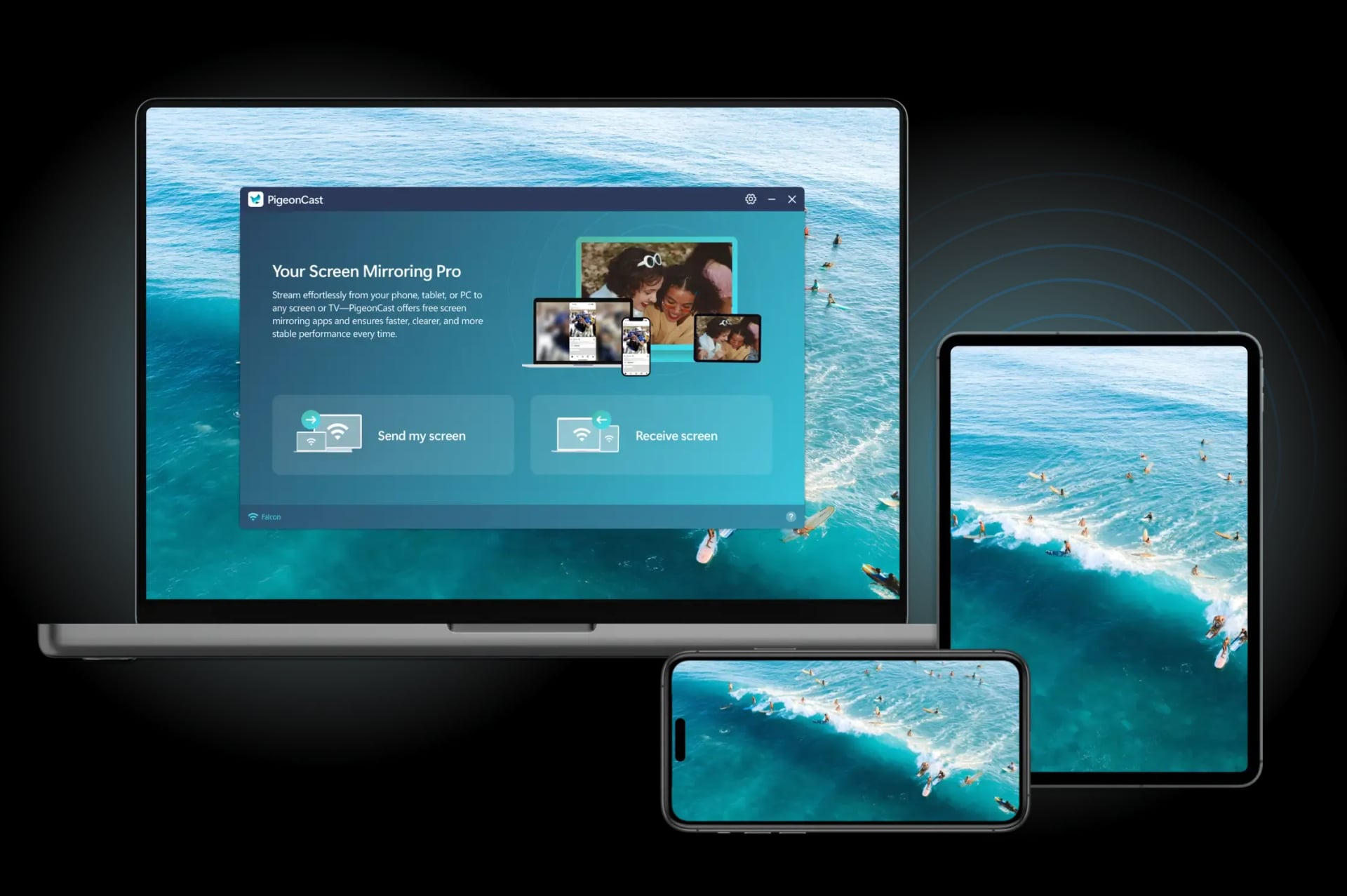
Why Choose PigeonCast to Connect iPhone to Windows PC
Free Solution
Access all features completely free, with no subscriptions or ads—just seamless, high-quality streaming.
Wireless Connection
Enjoy hassle-free, stable screen mirroring without the need for cables. Connect instantly in just a few seconds.
HD Performance
Stream content in sharp HD clarity with smooth, real-time playback. Watch videos, photos, and apps with no lag or interruptions.
Safe Streaming
Your privacy is our priority. All content stays secure on your local network with no data sent to the cloud.
How to Mirror iPhone to PC Windows 10/11 for Free with PigeonCast
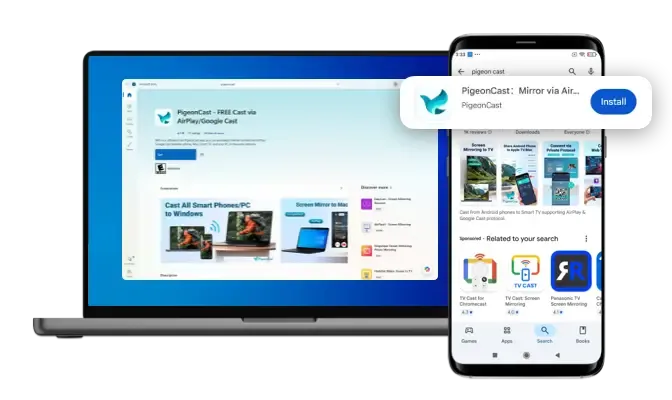
Download and Install PigeonCast
Get PigeonCast from the App Store or Microsoft Store. Install it on both iPhone (or iPad) and Windows 10/11 laptop for the best performance, or use single-side installation to start mirroring instantly.
Download securely from the app store
Simple and quick setup process
Customize your Windows PC name for easy identification
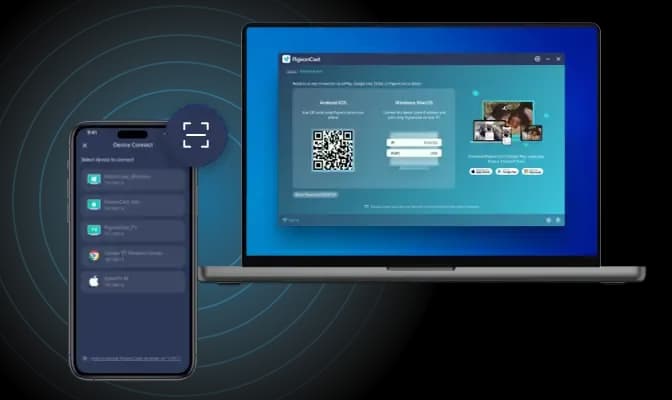
Connect iPhone to Windows PC
Open PigeonCast on your Windows PC and make sure both devices are on the same network. Select your PC from the list on your iPhone, or scan the on-screen QR code to connect instantly with a stable, low-latency link.
Auto-connect to the last used device
Quickly connect by scanning the QR code
Easily manage devices with a single tap
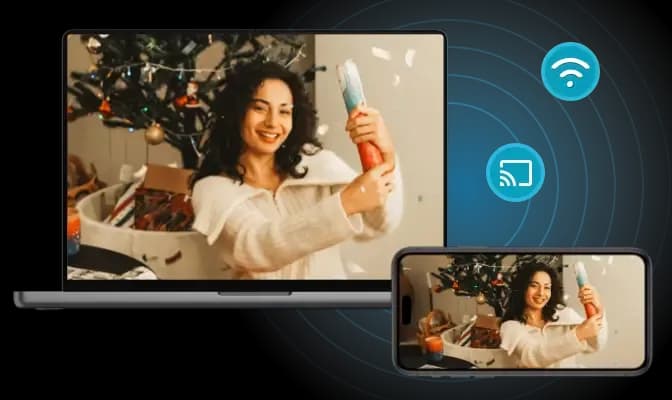
Start Screen Mirroring to PC
Enable Screen Mirroring on your iPhone to share your entire display on your Windows PC. Enjoy real-time, stable HD mirroring for apps, presentations, photos, and videos exactly as they appear on your phone.
Adjust resolution and frame rate for optimal performance
Mirror your iPhone screen with or without sound
Stream everything on your iPhone screen
Free Software Solution for Large-Screen Viewing
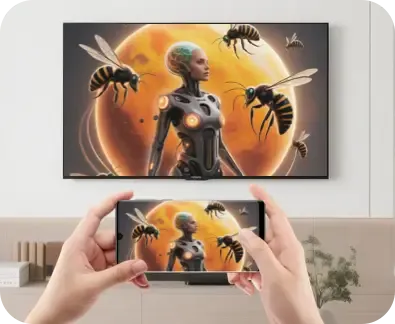
Full Screen Mirroring
View your entire iPhone screen on a bigger display for clearer visuals and smoother interaction.

Work Companion
Present slides, demonstrate apps, or share workflows during meetings with simple, wireless mirroring.
PigeonCast helps you enjoy more clarity and comfort by extending your iPhone experience to your Windows 11 PC. Whether for learning, entertainment, or daily tasks, everything feels easier on a larger display. With PigeonCast, you can easily mirror iPhone to Windows 11, making your experience smoother and more convenient.

Real-Time Gaming
Play mobile games on a larger screen with responsive, low-latency performance.

Study Assistant
Review notes, follow tutorials, or attend online classes with more space and better focus.

Entertainment Sharing
Enjoy livestreams together on a larger screen for a more comfortable viewing experience.
FAQ
Mirror iPhone to Windows PC with PigeonCast Today
Perfect for screen mirroring iPhone to PC when working, studying, or entertaining. Works across iPhone and Windows devices with ease.