
Transfer Files from Android to Android TV
Transfer supported photos, videos, and other files from your Android phone or tablet to your Android TV for viewing on a larger screen.
Send Android files to Android TVCross-Platform File Transfer
Send photos, videos, audio, documents, and folders between Android, iPhone, Windows, Mac, and TV with PigeonCast. Move files wirelessly across platforms without switching between multiple sharing apps.


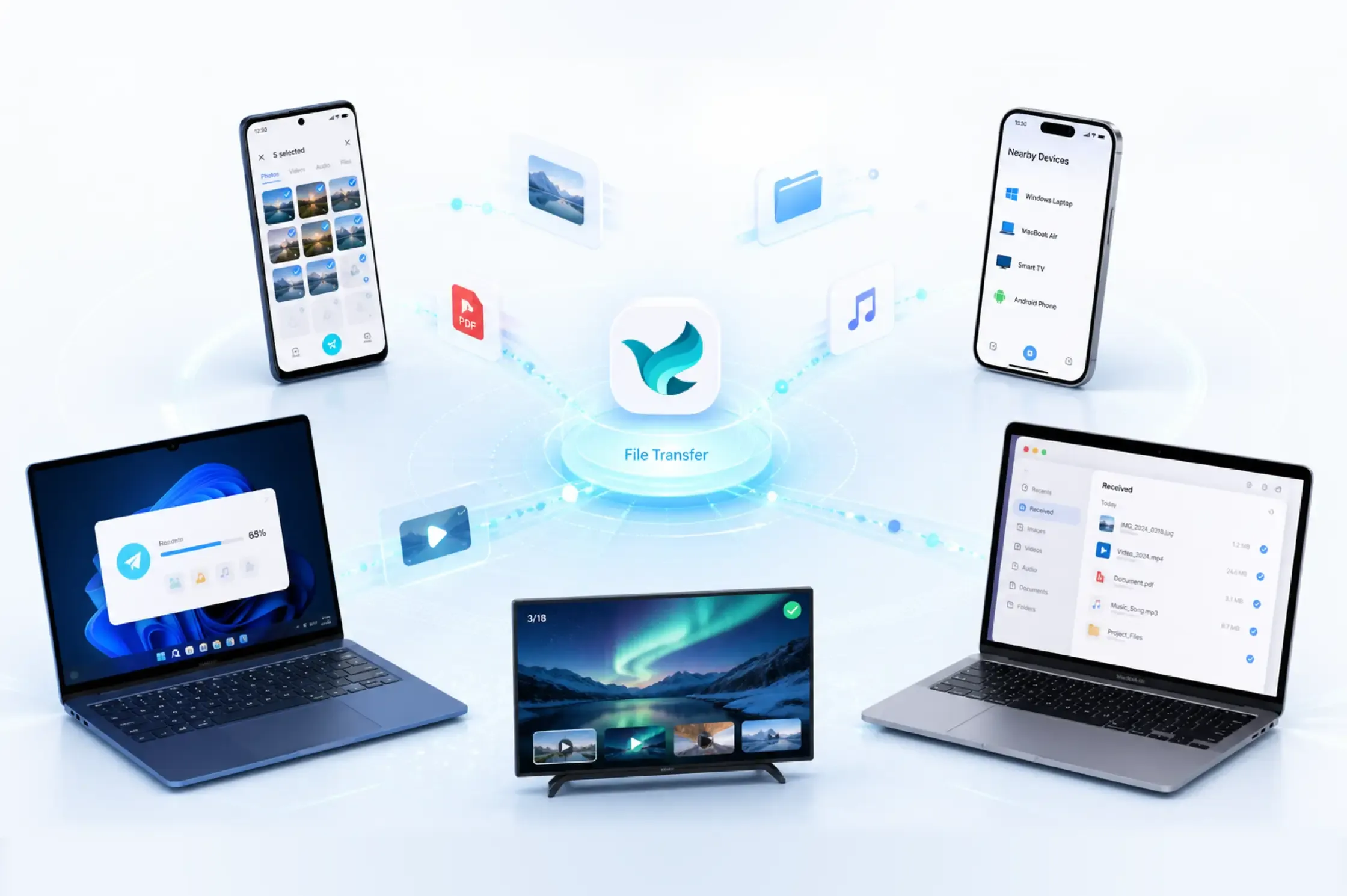
File Transfer Scenarios
Choose the transfer route that matches your setup, from phone-to-phone sharing to sending files to a TV.
Transfer supported photos, videos, and other files from your Android phone or tablet to your Android TV for viewing on a larger screen.
Send Android files to Android TVTransfer photos, videos, and documents from your Windows computer to Android TV without USB drive or cable swapping.
Transfer files from PC to Android TVMove files between your Android phone and a Windows PC for editing, backup, work, or everyday access.
Transfer Android and Windows filesSend files between two Windows PCs without setting up shared folders, attaching files to email, or carrying a USB drive.
Share between Windows PCsWhat You Can Transfer
Send individual items or multiple files and folders between supported devices in one transfer session.
Transfer photos, screenshots, and other supported image files.
Send video clips, recordings, movies, and other supported video files.
Move music, voice recordings, podcasts, and other supported audio files.
Transfer documents, archives, app files, and complete folders while keeping your content organized.
Use the same simple transfer flow across supported phones, computers, and TVs.
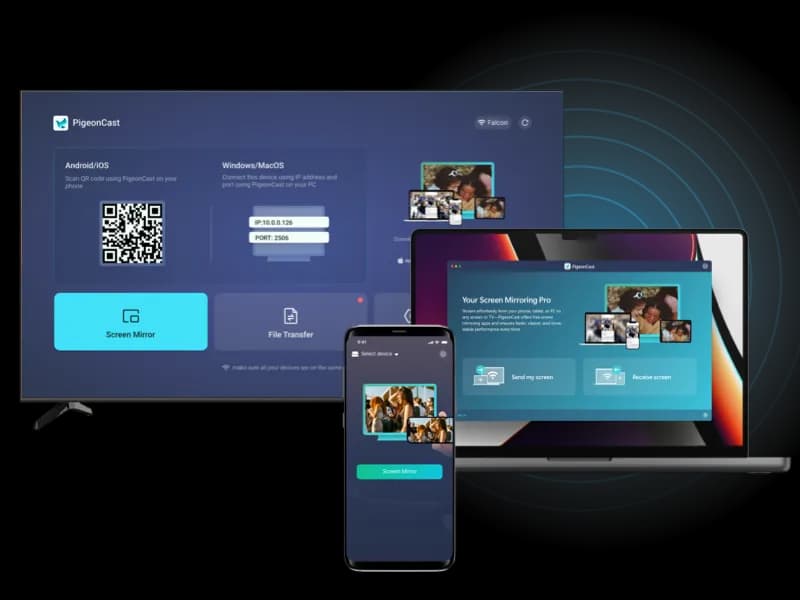
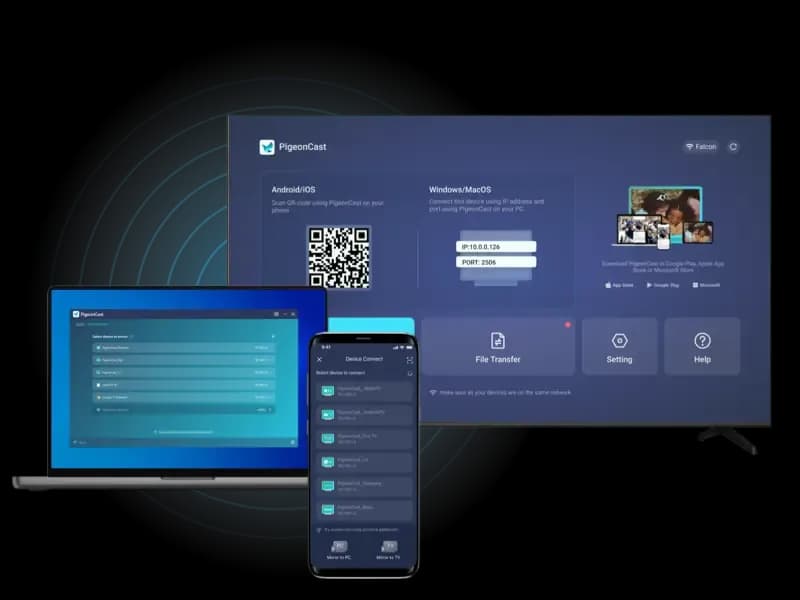
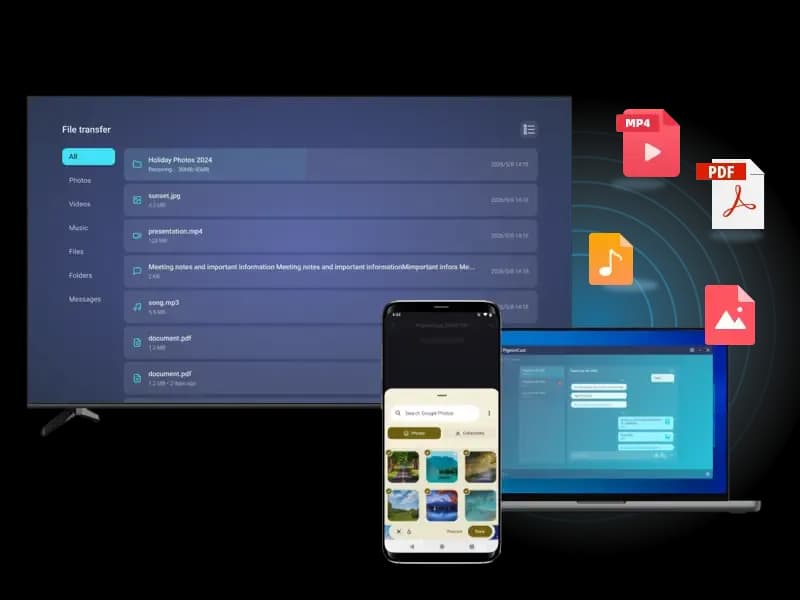
Connect your phones, computers, and TVs, then send files across platforms with one simple app.