
PigeonCast vs. LetsView
Mirror your screen across phones, computers, TVs, and streaming devices with PigeonCast. Designed for mixed-device setups, it provides a simple and reliable cross-platform screen mirroring experience as an alternative to LetsView.
Key Differences Between PigeonCast and LetsView

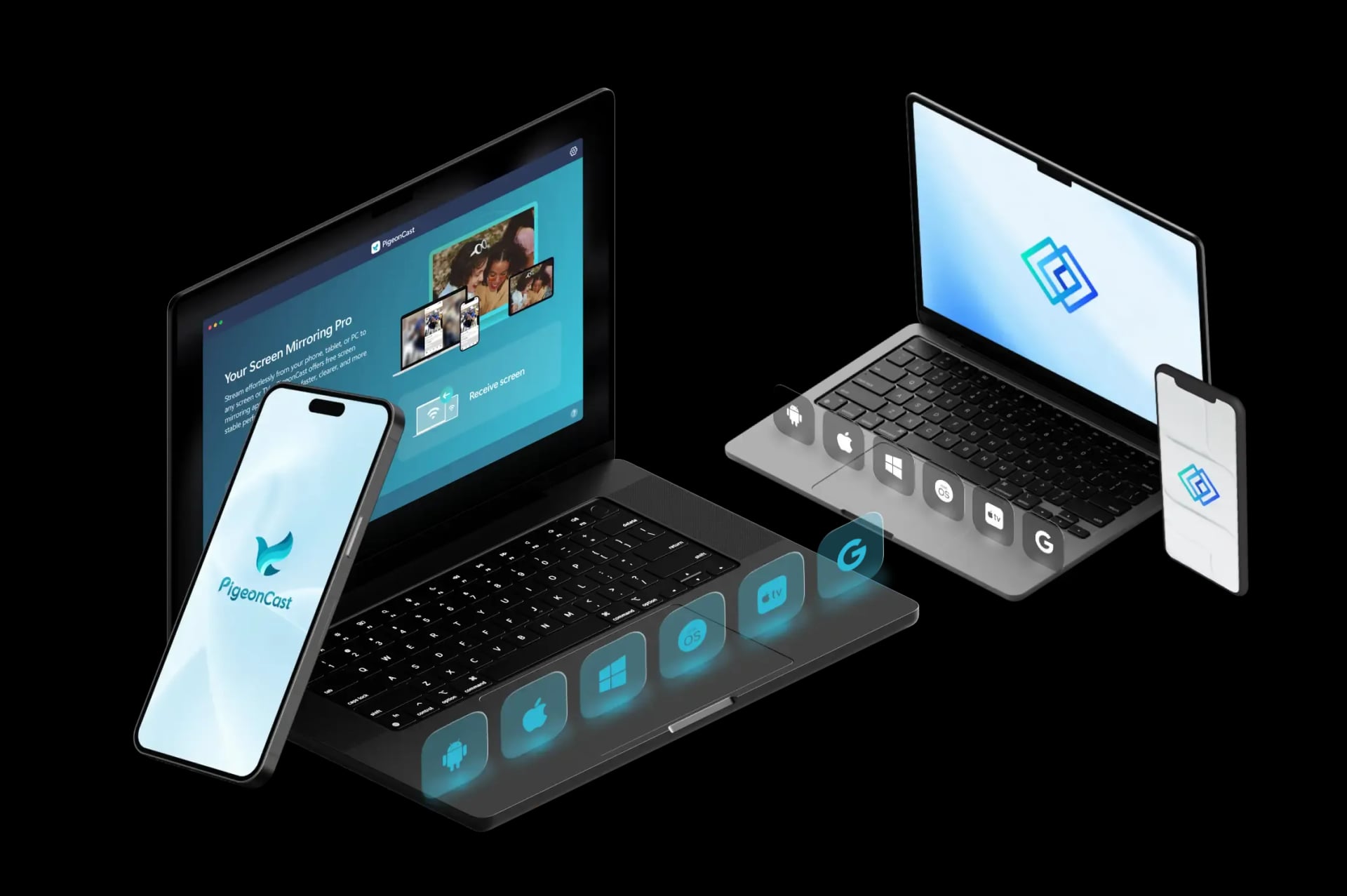
More Screen Options
LetsView works well for phone-to-computer mirroring and quick screen sharing. PigeonCast gives users more receiver choices, including TVs, computers, browsers, streaming devices, and shared screens.

Browser Mirroring
LetsView mainly uses app-based mirroring, cast codes, and QR-code pairing. PigeonCast also supports browser receiving in compatible cases, making it easier to mirror when installing a receiver app is not ideal.
Better Long-Term Use
LetsView is practical for lightweight sharing, presentations, and occasional use. PigeonCast is built for regular screen mirroring with HD, 2K, up to 4K support, 60 FPS options, and unlimited sessions with Premium.
How to Use PigeonCast as LetsView Alternative
Easy App Setup
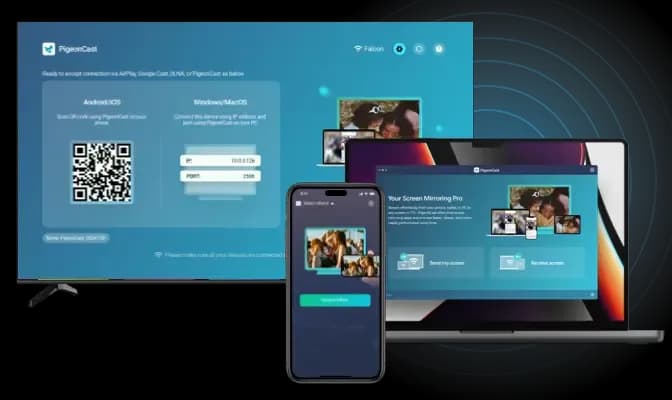
Setting up PigeonCast is quick and simple on TV, Windows, Mac, iPhone, and Android. Just download the app, follow the easy steps, and you're ready to mirror. No technical skills needed!
Quick Download: Easily download PigeonCast from the official store or website.
Fast Installation: Install the app with minimal setup required.
Simple Setup: Follow on-screen instructions to get started quickly.
Smooth Wireless Connection
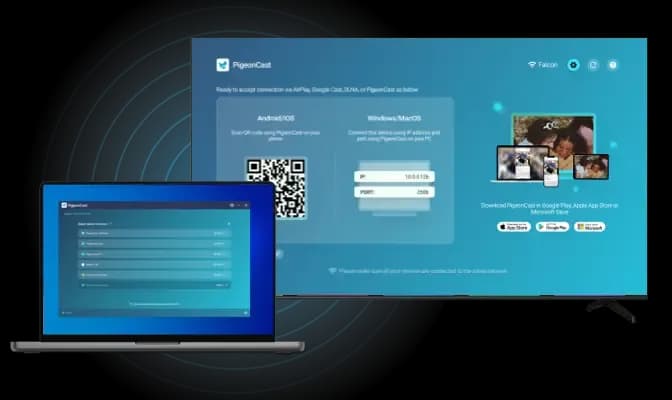
With PigeonCast, connecting your device to another screen has never been easier. The software supports multiple connection methods, allowing you to mirror your screen using:
QR Code Scan: Simply scan the on-screen QR code to establish an instant connection.
IP Address Input: For more manual control, you can input the IP address of your casting device directly.
Device Selection: If you prefer, choose your target device from a list of available options for seamless connection.
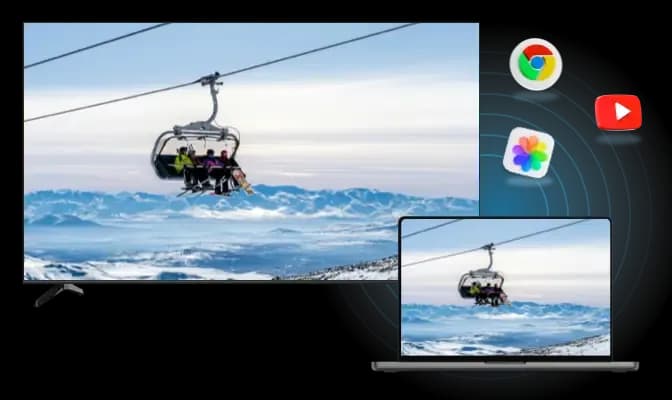
Cross-Platform Streaming
Enjoy seamless cross-platform mirroring, whether you're streaming media, casting specific apps, or sharing a single software window, PigeonCast works across all major platforms with ease.
Android to Apple Device: Wirelessly connect an Android phone or tablet to MacBook or Apple TV.
Apple Device to Android TV: Wirelessly connect an iPhone or MacBook to TV with Android TV OS.
Windows PC to Apple device: Wirelessly connect a Windows PC or tablet to MacBook or Apple TV.
How to Switch from LetsView to PigeonCast
Need more than quick phone-to-PC sharing? Use PigeonCast when you want to mirror to a TV, browser, computer, or another shared screen.
PigeonCast vs LetsView FAQ
How to Use
Try PigeonCast as Your LetsView Alternative
Use PigeonCast to mirror your phone, computer, or tablet to TVs, browsers, and other screens with a smoother cross-platform setup.