

Mirror Phone to TV
Cast your iPhone, iPad, or Android screen to a compatible TV. Enjoy videos, photos, games, and apps on a bigger display.
WIRELESS SCREEN MIRRORING
Mirror your phone or tablet to a TV, Windows PC, or Mac wirelessly with PigeonCast. Enjoy high-quality screen mirroring across devices with AirPlay and Google Cast support.
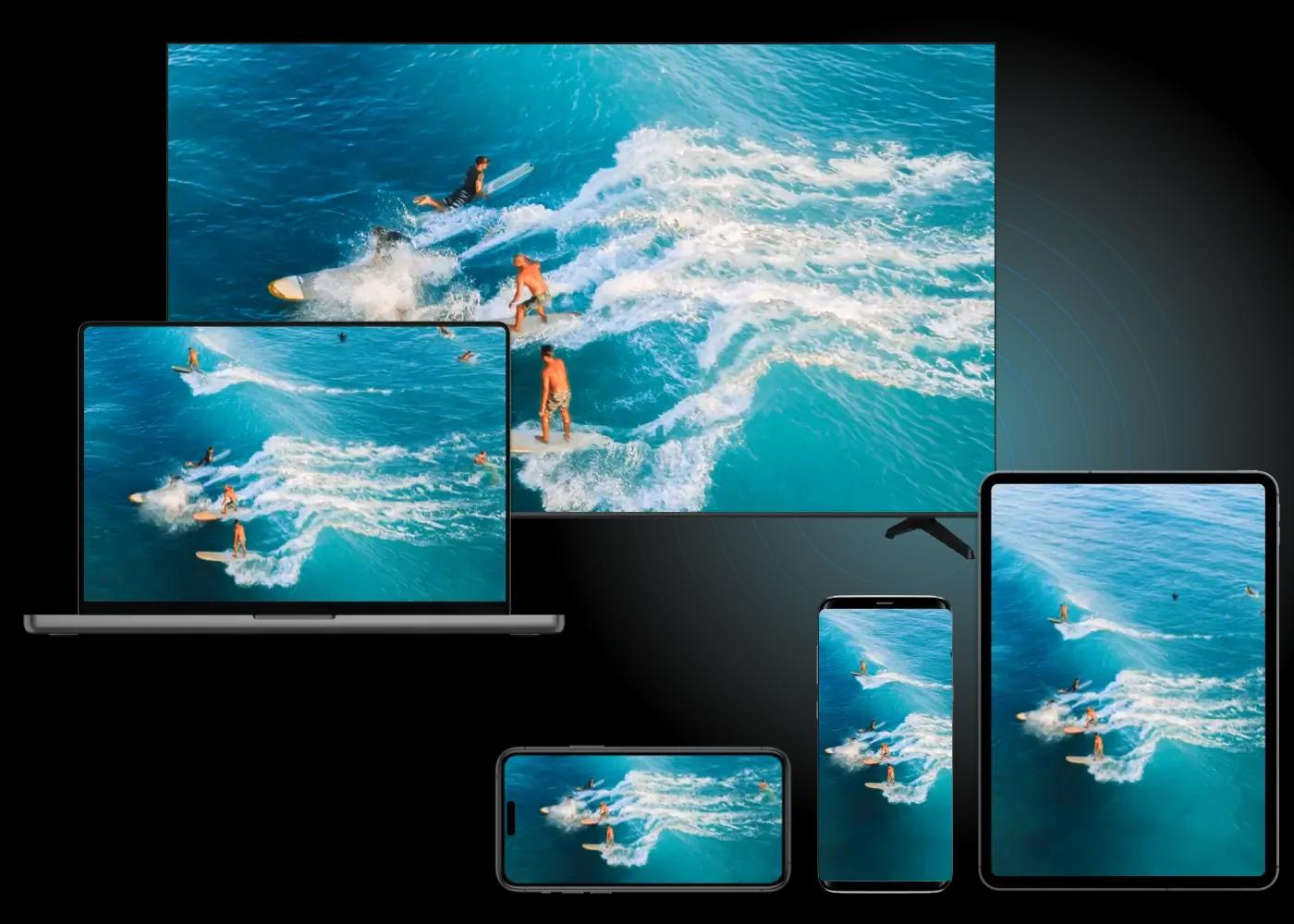
Enjoy wireless screen mirroring from your iPhone, iPad, or Android device to a compatible TV, computer, or web browser.
Cast your iPhone, iPad, or Android screen to a compatible TV. Enjoy videos, photos, games, and apps on a bigger display.
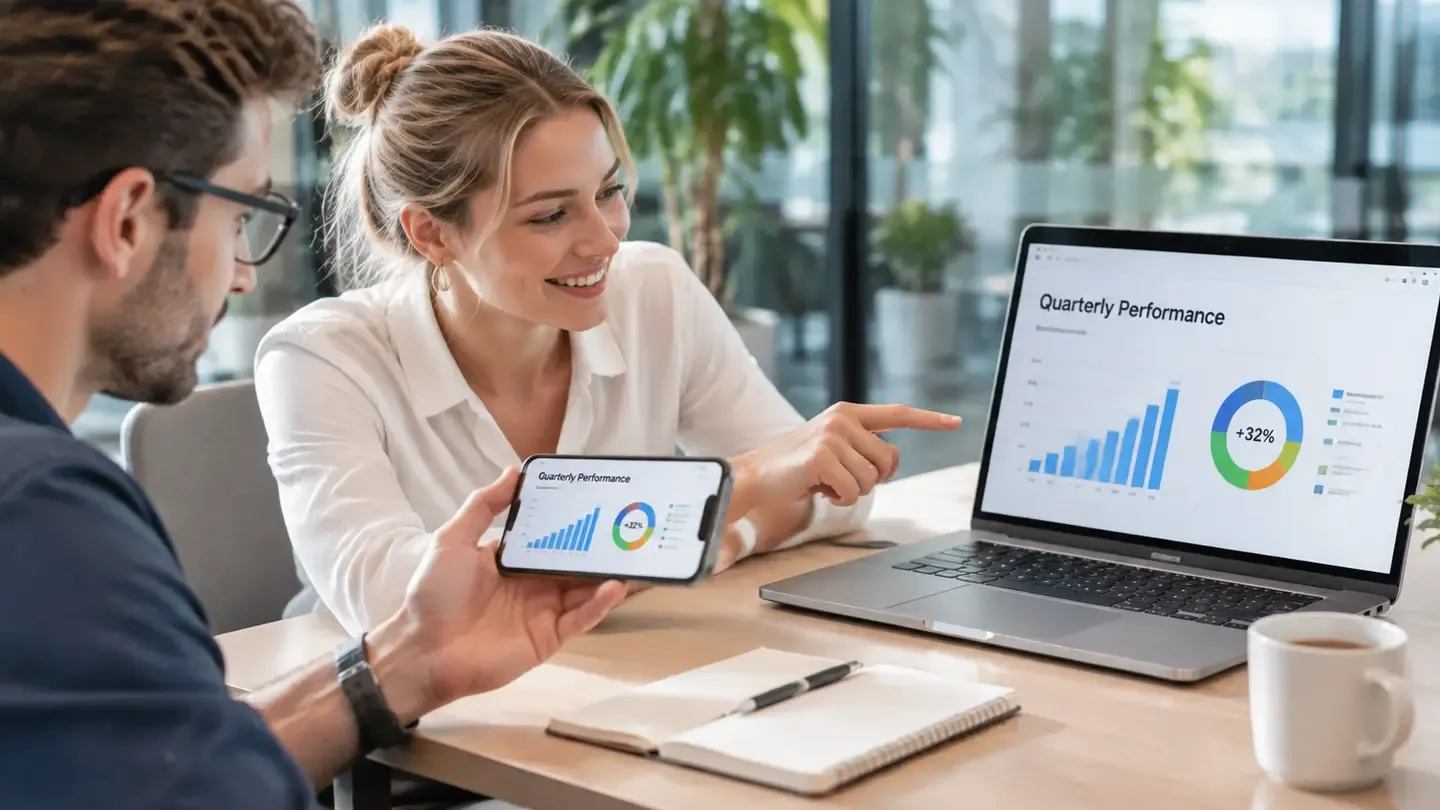
Display your phone or tablet screen on a Windows PC or Mac. Share videos, apps, and presentations wirelessly without cables.
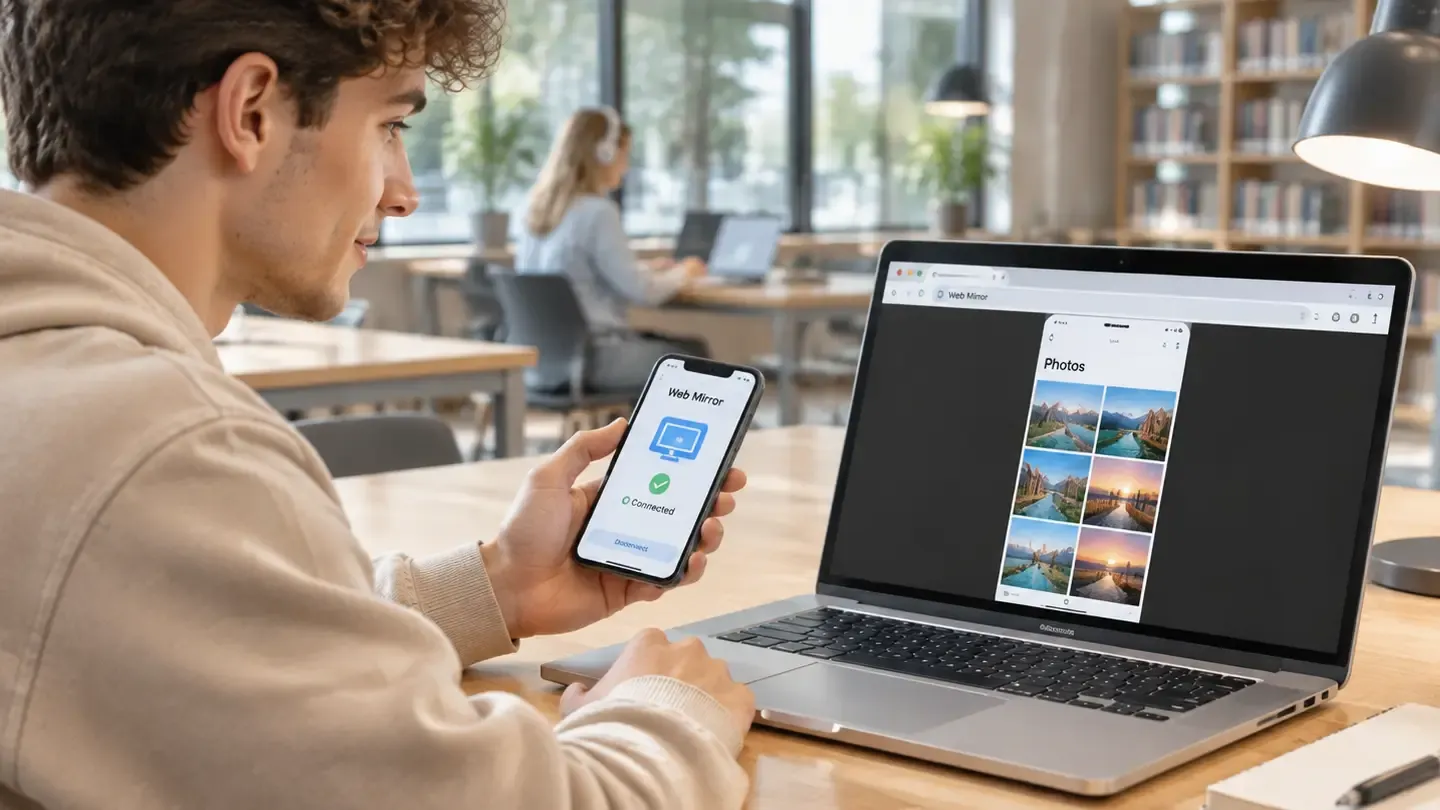
Mirror your phone or tablet screen to a web browser using a QR code or PIN. No receiver app installation needed.
No cables, adapters, or complicated setup.
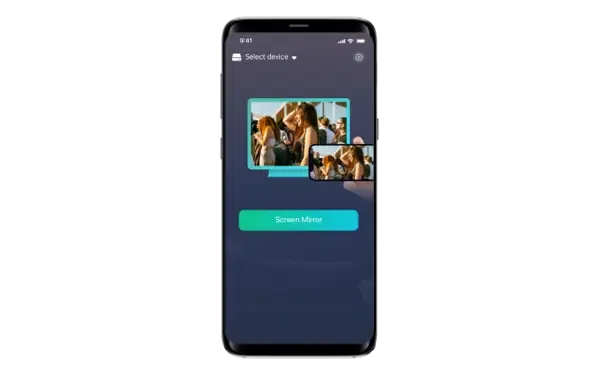
Install PigeonCast on your iPhone, iPad, or Android device.
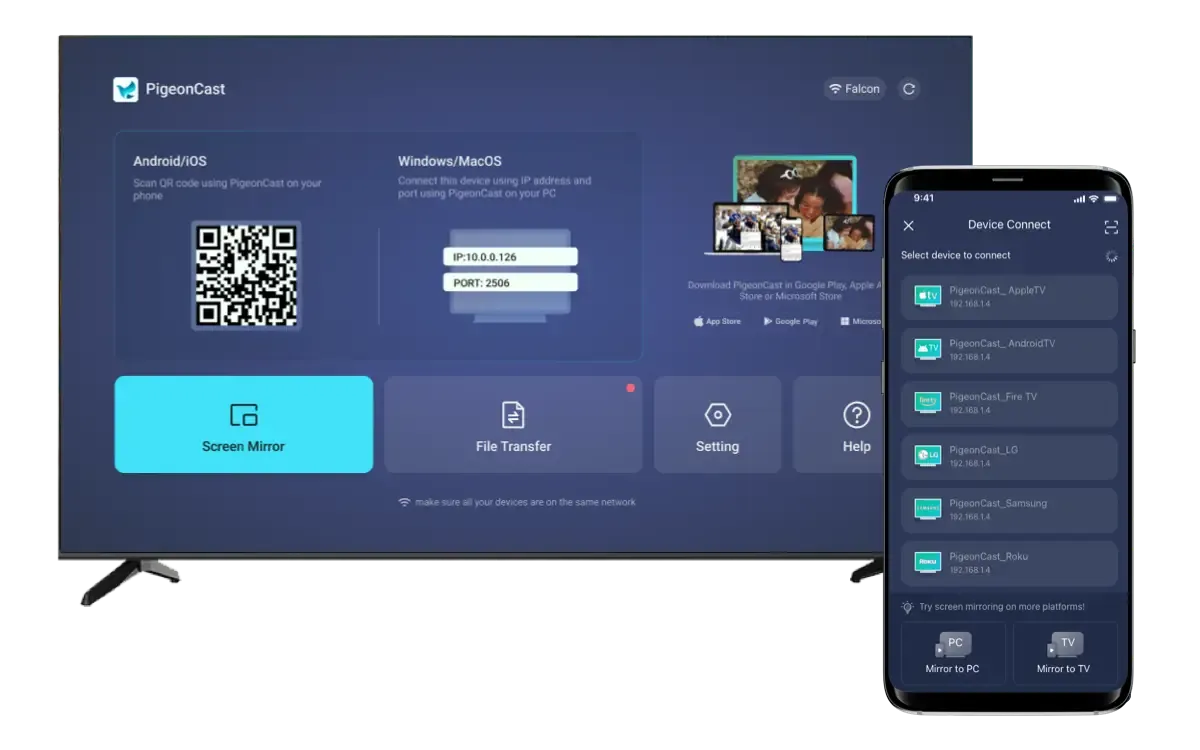
Connect both devices to the same Wi-Fi network.
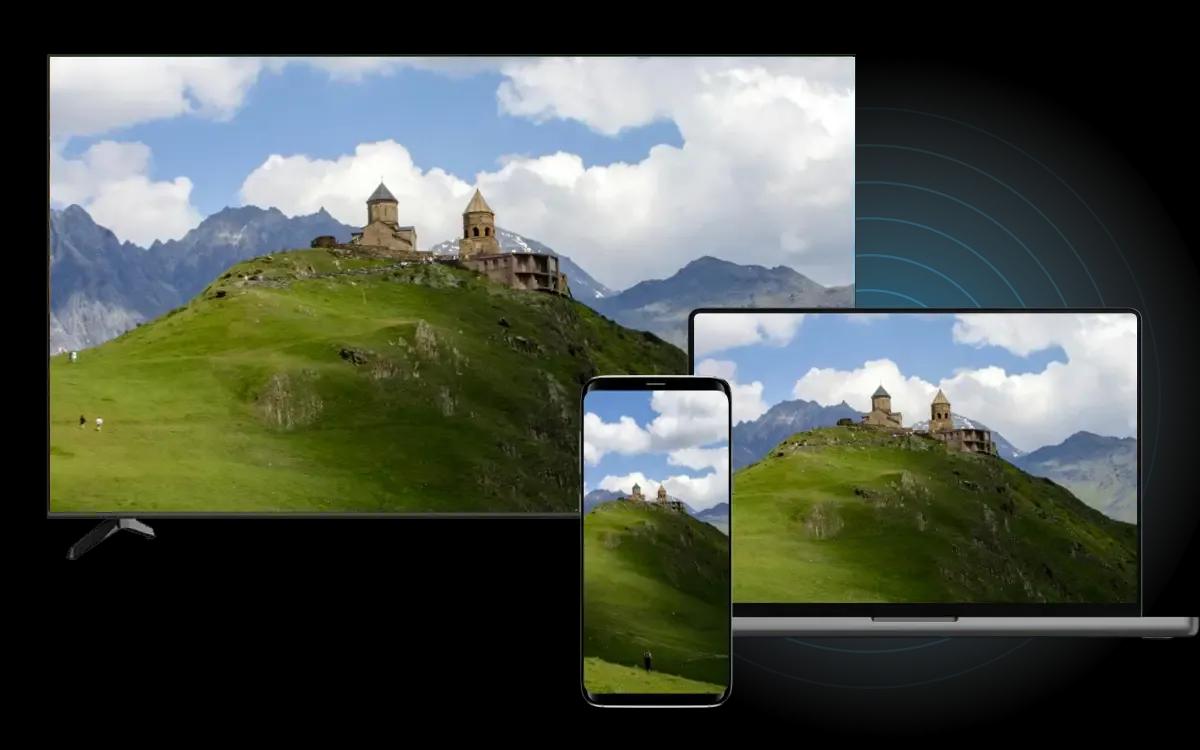
Select your target screen and start sharing content wirelessly.
BUILT FOR EVERYDAY USE
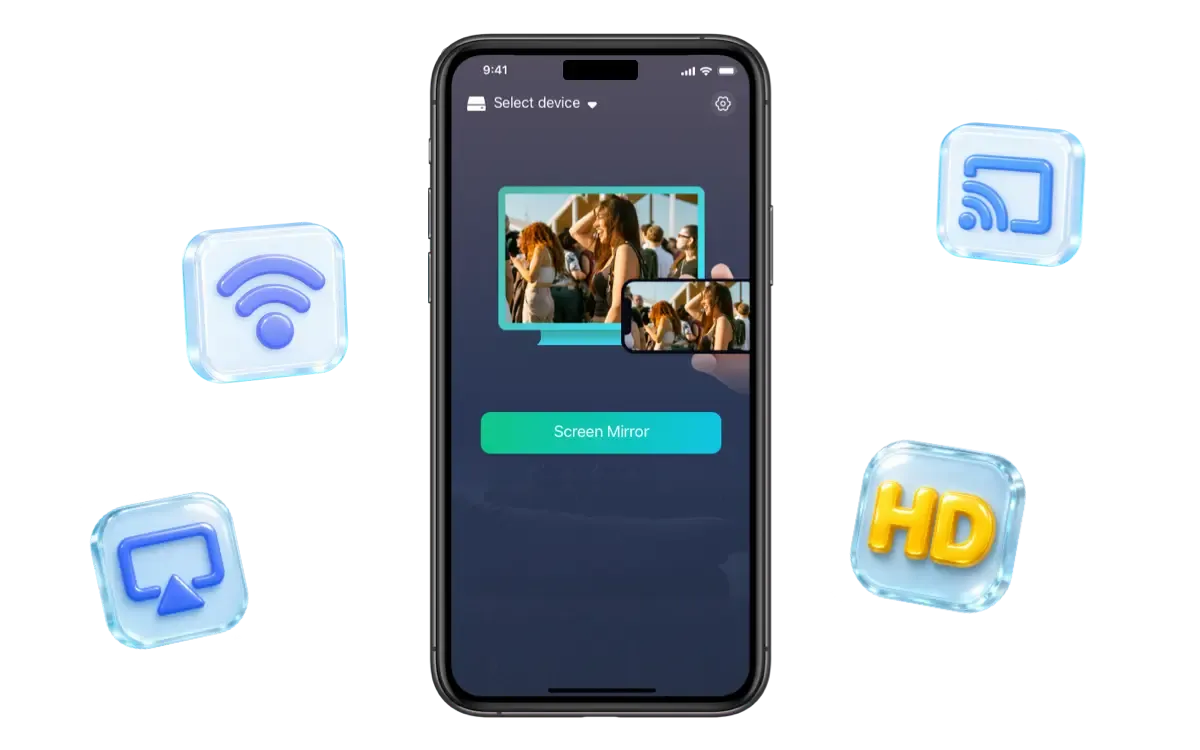
Mirror your phone or tablet to a bigger screen with PigeonCast. Enjoy smooth, high-quality mirroring across compatible devices without cables or complicated setup.
Mirror your iPhone, iPad, or Android screen to compatible TVs, Windows PCs, and Macs.
Share your screen wirelessly over Wi-Fi without HDMI cables or extra adapters.
Enjoy up to 2K resolution and 60 FPS+ for sharper, smoother mirroring.
Go beyond AirPlay and Google Cast with flexible wireless mirroring across devices.
FLEXIBLE PLANS
Try PigeonCast first, then unlock unlimited sessions and higher-quality controls.
FREE
Everything you need to get started.
PREMIUM
More quality and control for everyday use.
Download PigeonCast for iPhone, iPad, or Android and start sharing your screen wirelessly.