
PigeonCast vs. Reflector
Mirror your screen across phones, computers, TVs, and browsers with PigeonCast. Designed for flexible screen mirroring beyond Mac and Windows receivers, it offers a more versatile mirroring experience as an alternative to Reflector.
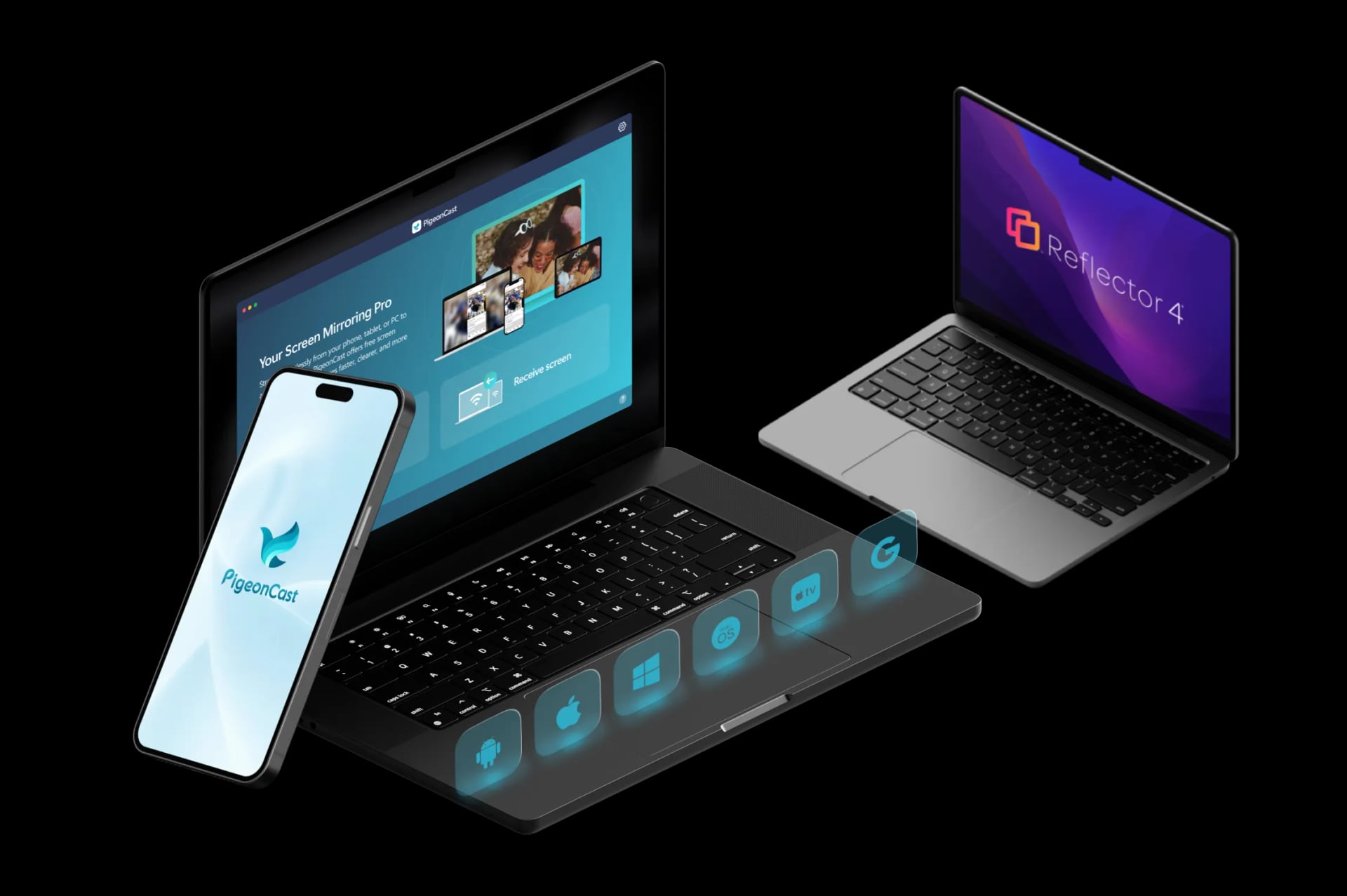
Key Differences Between PigeonCast and Reflector

Broader Device Support
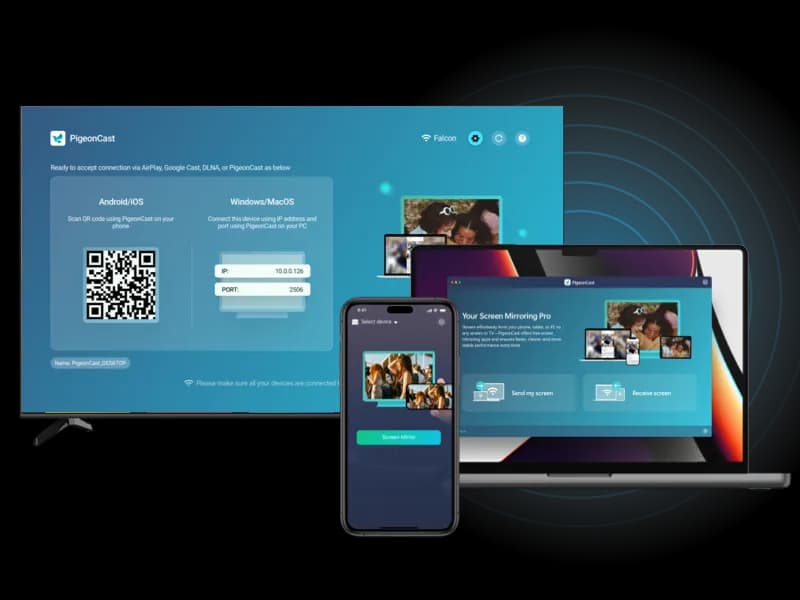
Reflector is mainly designed to turn a Mac or Windows computer into a wireless receiver. PigeonCast supports mirroring between phones, computers, TVs, browsers, and streaming devices.

Screen Sharing vs Presentation Tools
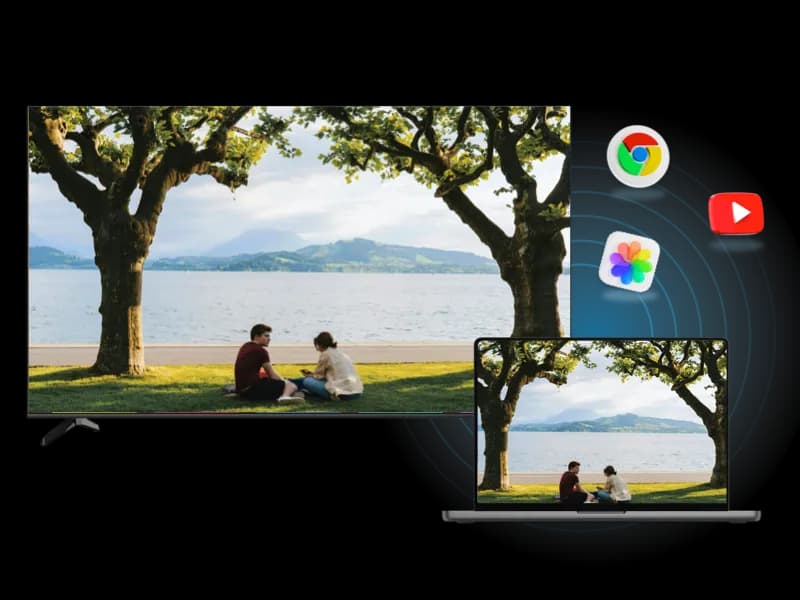
Reflector focuses on classrooms, meetings, demos, and recording workflows. PigeonCast is built for everyday screen mirroring, including videos, apps, photos, and personal content sharing.

TV and Home Entertainment
Reflector works best when a computer is the receiving screen. PigeonCast is designed for TVs, streaming devices, and larger displays for home viewing and sharing.
How to Use PigeonCast as Reflector Alternative
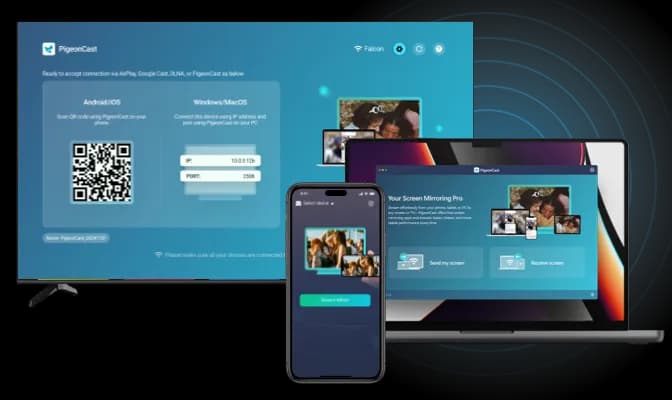
Quick and Easy Setup
Getting started with PigeonCast is simple. Download the app, follow the easy steps, and you're ready to mirror on your TV, Windows, Mac, iPhone, or Android, no technical skills required.
Quick Download: Easily download PigeonCast from the official store or website.
Easy Installation: Install the app with minimal setup required.
Straightforward Setup: Follow on-screen instructions to get started quickly.
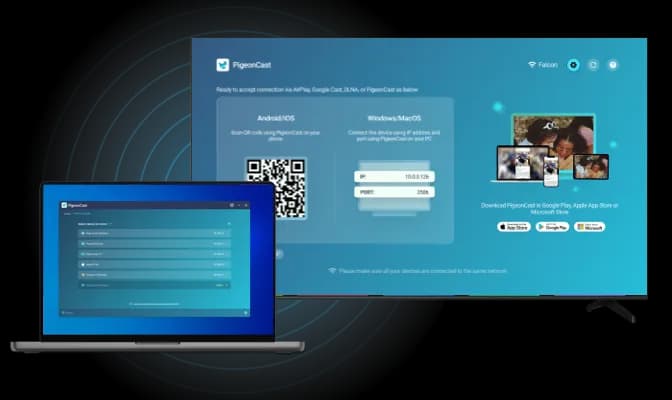
Smooth Wireless Connection
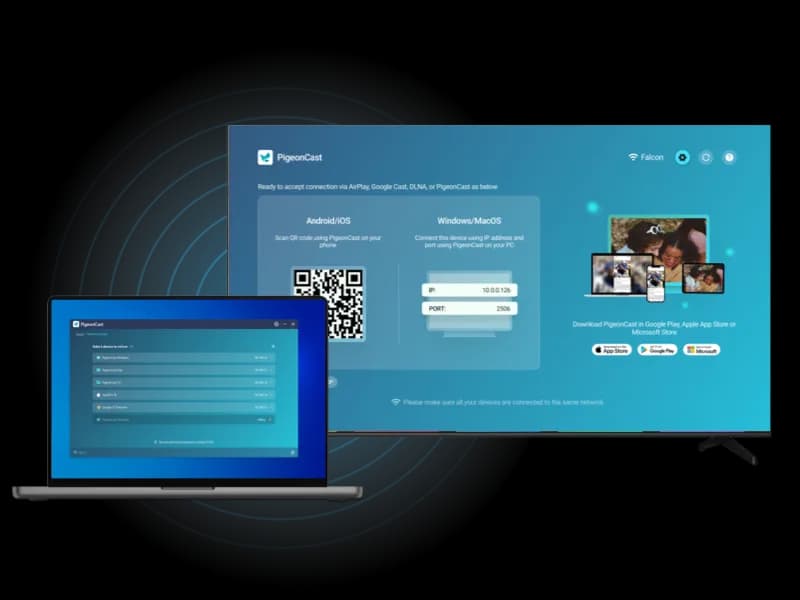
Connecting to another screen has never been easier with PigeonCast. Choose from multiple connection methods:
QR Code Scan: Instantly connect by scanning the on-screen QR code.
IP Address Input: Enter the IP address for manual control.
Device Selection: Select from a list of available devices for a smooth connection.
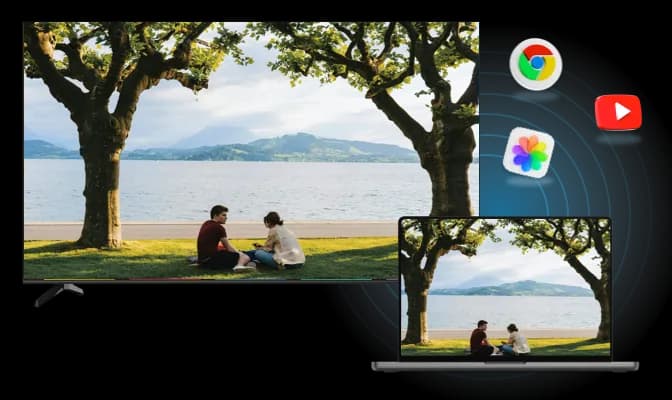
Cross-Platform Mirroring
PigeonCast offers effortless, cross-platform mirroring for all your devices:
Android to Apple: Mirror Android devices to MacBook or Apple TV.
Apple to Android TV: Stream from iPhone or MacBook to Android TV.
Windows to Apple: Cast from Windows PC to MacBook or Apple TV.
How to Switch from Reflector to PigeonCast
Use PigeonCast when your mirroring target is not always a Mac or Windows computer.
PigeonCast vs Reflector FAQ
How to Use
Try PigeonCast as Your Reflector Alternative
Use PigeonCast to mirror your phone, computer, or tablet to TVs, browsers, computers, and other supported screens with a more flexible cross-platform setup.