
Mirror Android to Apple TV with PigeonCast
Cast your Android screen to Apple TV effortlessly with PigeonCast. Stream videos, share apps, or present content on a bigger display with smooth wireless casting and no cables, no lag, and no setup required. Download for free and start mirroring in seconds.


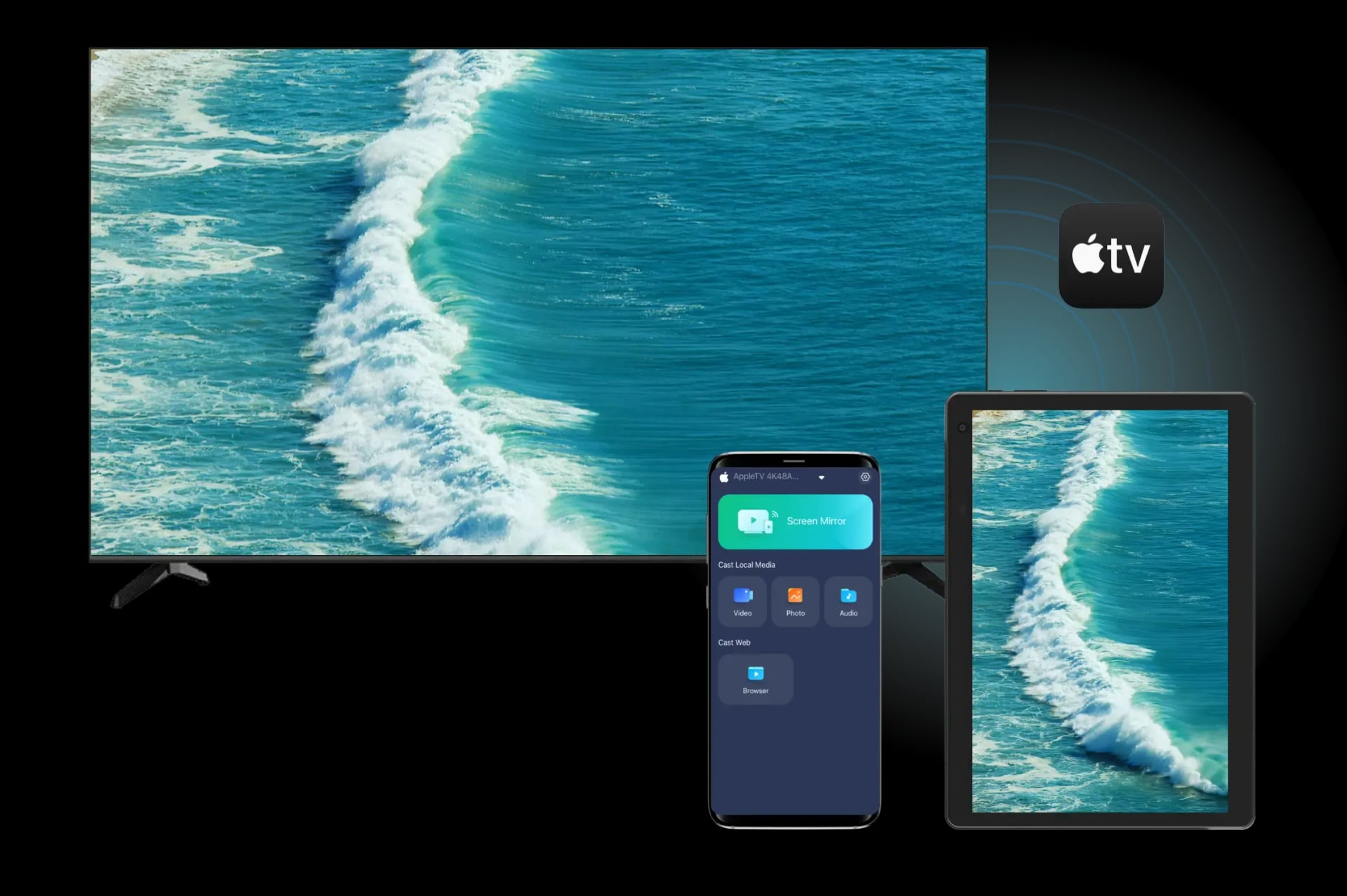
Why Choose PigeonCast to Connect Android to Apple TV
Free Solution
Experience all features completely free, with no hidden costs or ads. Enjoy seamless streaming with no interruptions.
Wireless Connection
Cast your Android device to Apple TV instantly without the hassle of cables. Enjoy a wireless experience from start to finish.
HD Performance
Stream videos, photos, and games in stunning 4K clarity, with lag-free HD performance on your Apple TV.
Safe Streaming
Stream safely with encrypted local connections. Your privacy is protected, and we never collect your data.
How to Mirror Android to Apple TV for Free with PigeonCast
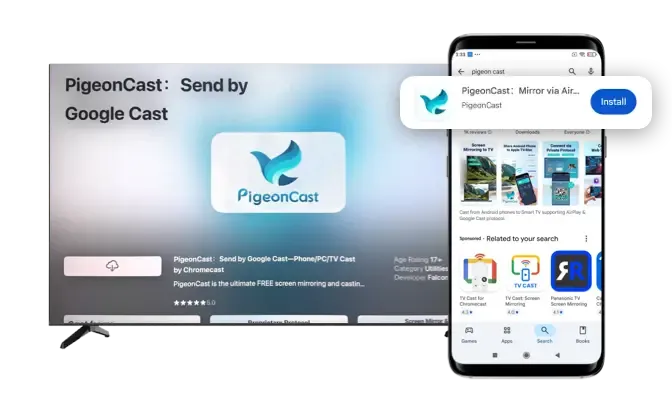
Download and Install PigeonCast
Get PigeonCast from Google Play or the App Store. Install it on both devices for a complete cross-platform experience, or start mirroring right away with just one device.
Download securely from the app store
Simple and quick setup process
Customize your Apple TV name for easy identification
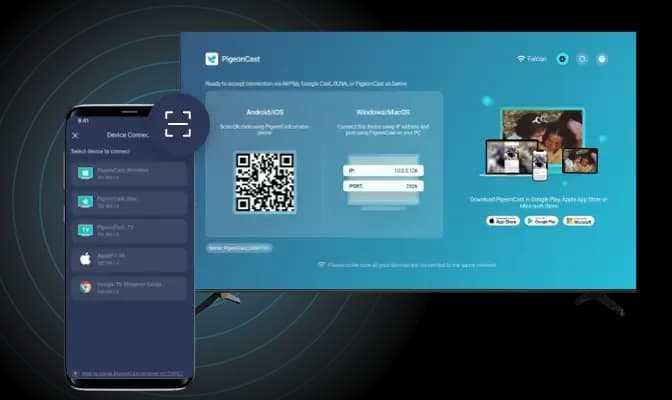
Connect Android to Apple TV
Choose your Apple TV from the device list or scan the QR code for a fast, stable connection. PigeonCast ensures low-latency casting and smooth HD performance.
Auto-connect to the last used device
Quickly connect by scanning the QR code
Easily manage devices with a single tap
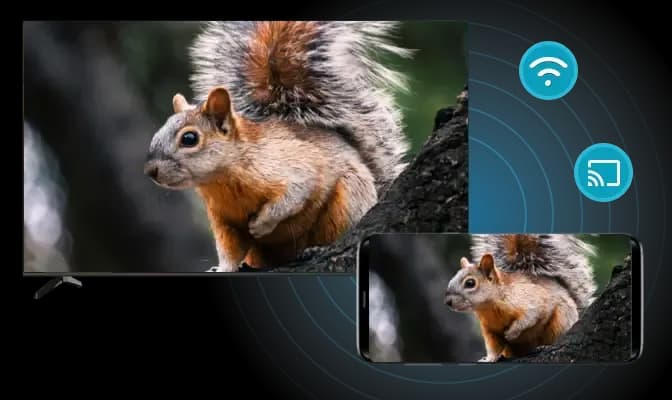
Mirror or Cast Android to Apple TV
Start screen mirroring or casting content with just one tap. Enjoy smooth, stable playback in crystal-clear HD quality, whether you're streaming photos, audio, Chrome tabs, YouTube, or other online platforms.
Adjust resolution and frame rate for optimal performance
Mirror your Android screen with or without sound
Stream local videos/audio or cast from web platforms
Free Software Solution for Big-Screen Viewing
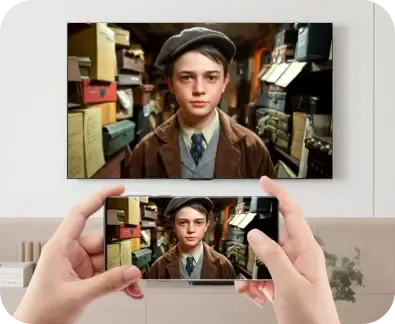
Full Screen Mirroring
Share your full Android display on Apple TV for presentations, gaming, apps, or any real-time walkthrough.
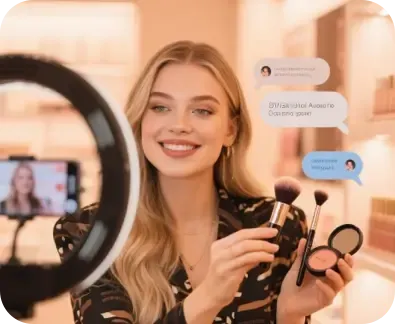
Online Content Casting
Cast browsers and websites like YouTube, Twitch, news sites, and education platforms, directly to your Apple TV.
PigeonCast makes it effortless to turn small-screen moments into shared experiences. From weekend movies to travel photos and late-night browsing, everything feels better, brighter, and more connected on your TV, all with one simple app.
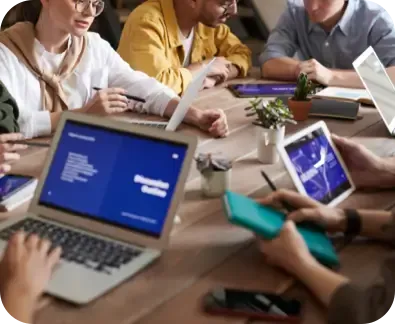
Work Moments
Display documents, slides, and work materials wirelessly for meetings, classes, or remote collaboration.
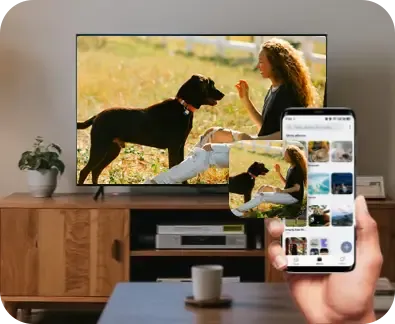
Offline Media Sharing
Play local videos, photos, and downloads on the big screen without cables or setup delays.
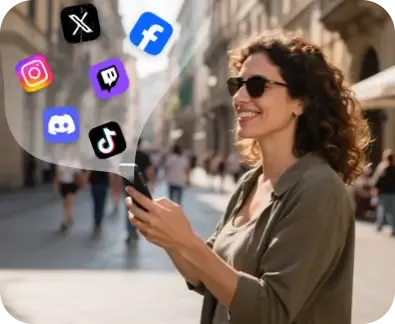
Social Sharing
Project social apps or live streams to enjoy chats, reactions, and feeds on a larger and clearer screen.
FAQ
Mirror Android to Apple TV with PigeonCast Now
Download PigeonCast, connect wirelessly in seconds, and enjoy smooth, crisp big-screen viewing anytime.