
Mirror Android to Mac with PigeonCast
With PigeonCast, you can display your Android screen on Mac effortlessly. Share apps, videos, or presentations on a bigger screen with smooth wireless casting and no compatibility issues, no cables, and no setup required. Download for free and start casting in seconds.


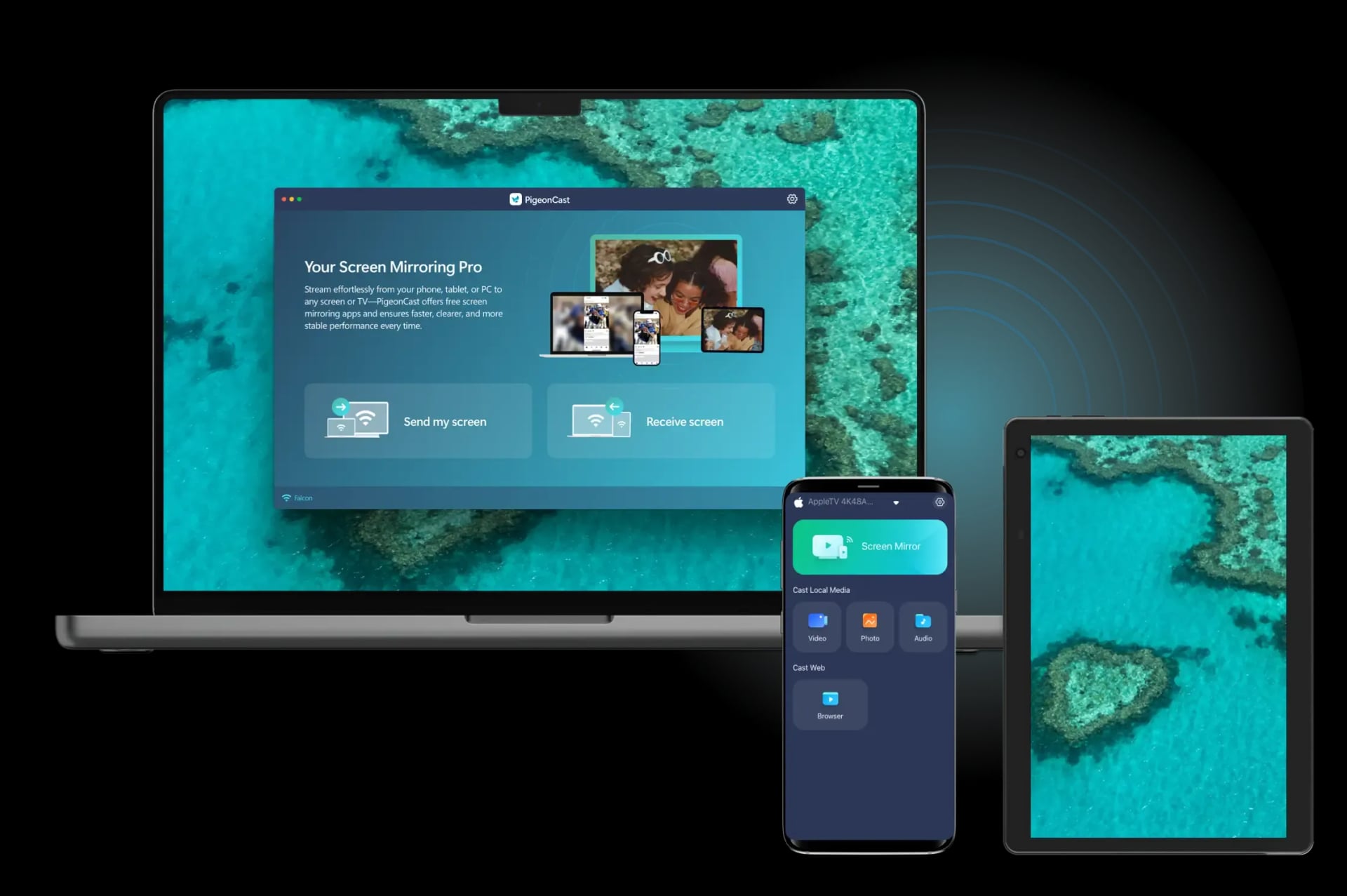
Why Use PigeonCast for Android Screen Mirroring to Mac
100% Free and Ad-Free
Enjoy seamless, ad-free Android to Mac mirroring with no subscriptions or hidden fees. Start streaming instantly without interruptions.
Easy Wireless Setup
Mirror your Android device to Mac over Wi-Fi, with no cables or complex configurations needed. Simply connect and start mirroring immediately.
Cross-Platform Flexibility
Connect Android to Mac effortlessly, eliminating any compatibility issues between different platforms for a smooth and seamless experience.

Instant Connection
Connect your Android phone or tablet to your MacBook by simply scanning the QR code. It's quick and easy, with no complicated setup required.
How to Mirror Android to MacBook for Free
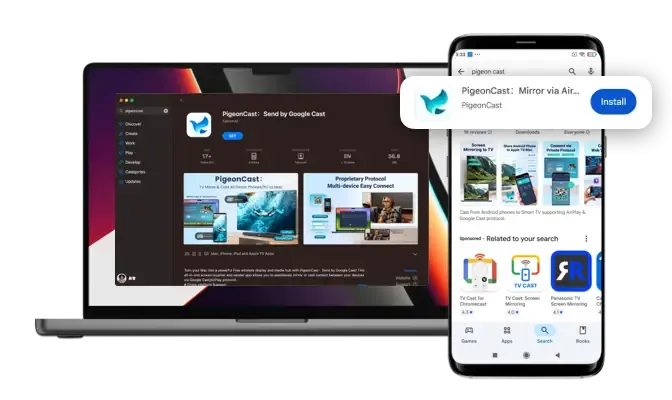
Download and Install PigeonCast
Download PigeonCast from the official app store on both your Android device and MacBook. Launch the app on both sides to begin.
Download securely from the app store
Simple and quick setup process
Customize your Mac name for easy identification
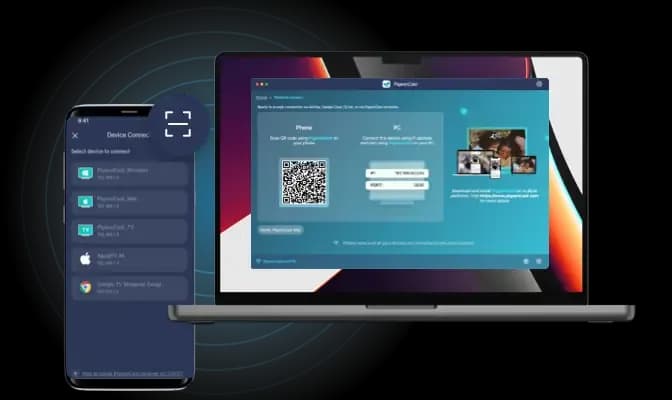
Connect Android to MacBook
Open PigeonCast on your Android device and select your MacBook from the device list, or use the QR code displayed on your MacBook screen for quick pairing.
Auto-connect to the last used device
Quickly connect by scanning the QR code
Easily manage devices with a single tap
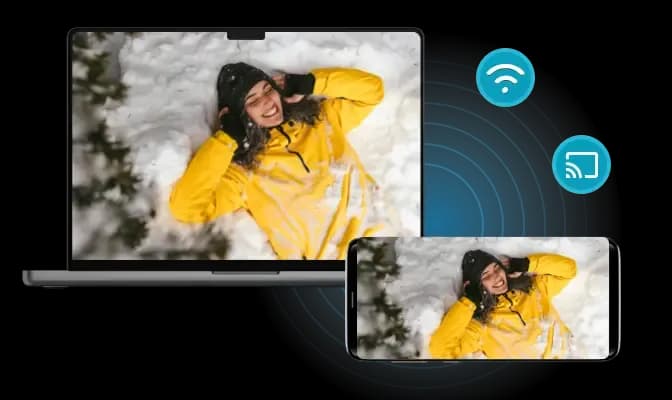
Begin Screen Mirroring
Start mirroring your Android screen to MacBook and enjoy smooth, high-definition playback instantly.
Adjust resolution and frame rate for optimal performance
Mirror your Android screen with or without sound
Stream local videos/audio or cast from web platforms
Free Solution for Mirroring Android to MacBook
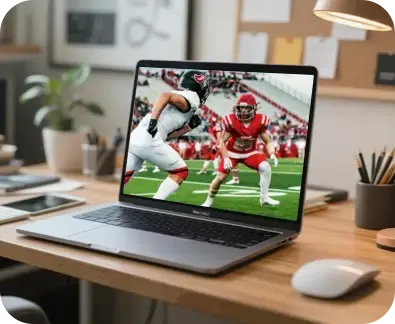
Full-Screen Clarity
Mirror Android to Mac with stunning clarity for a high-definition viewing experience on your MacBook.

Lag-Free Streaming
Experience smooth, real-time mirroring with minimal latency for uninterrupted, high-quality playback.
PigeonCast offers a free, easy solution to cast Android to MacBook. Enjoy seamless screen mirroring with no cables needed, whether it's for work, gaming, or entertainment. Mirror your Android device to Mac effortlessly, with smooth, high-quality display.

Perfect for Work & Play
Seamlessly mirror Android mobile device to MacBook for both productive work and immersive entertainment.

Easy Content Sharing
Quickly share videos, audio, or web content from Android to Mac for entertainment or easy collaboration.
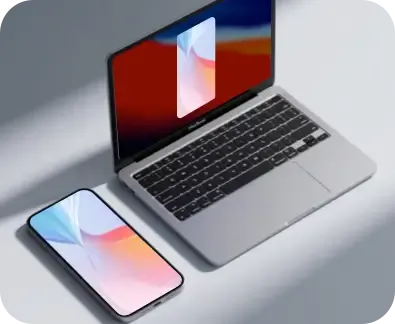
Universal Compatibility
PigeonCast works seamlessly with Android and Mac, ensuring effortless mirroring across different platforms.
FAQ
Set Up Free PigeonCast for Android-to-Mac Mirroring
Enjoy seamless HD Android-to-Mac mirroring with PigeonCast and set it up in just a few clicks.