
Mirror Mac to Android TV with PigeonCast
Cast your Mac screen to Android TV effortlessly with PigeonCast. Display videos, presentations, or apps on a bigger screen with smooth wireless casting and no compatibility issues, no cables, and no setup required. Try it for free and start casting right away.


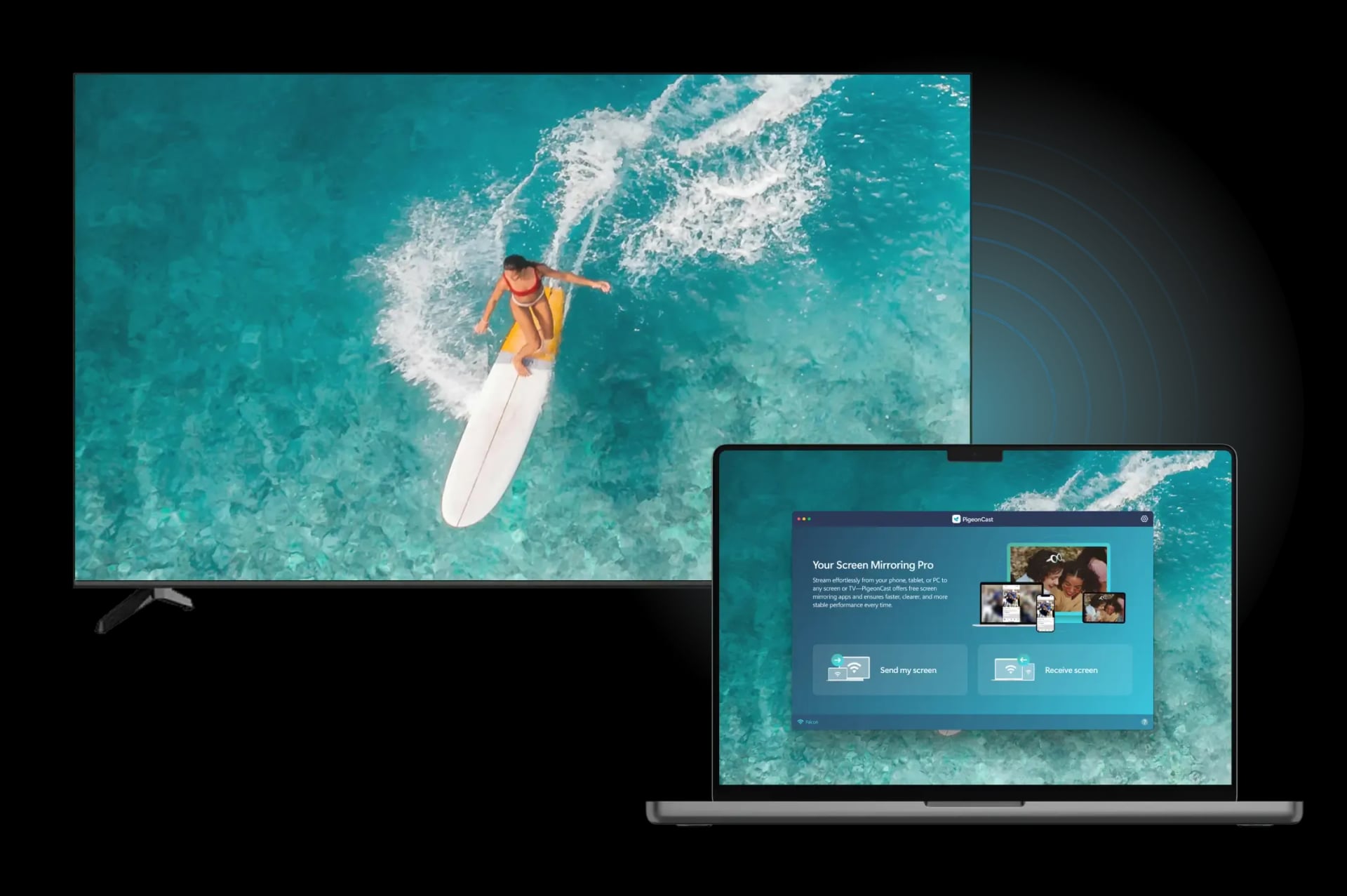
Why Use PigeonCast for Screen Mirroring Mac to Android TV

Free Mirroring App
Mirror your Mac screen to Android TV completely free, with no ads or subscription fees. Enjoy uninterrupted streaming from start to finish.
Wi-Fi Based Mirroring
Mirror your Mac screen to Android TV directly over Wi-Fi, ensuring smooth and reliable playback without the need for cables.
Cross-Device Streaming
Enjoy seamless screen mirroring between different device ecosystems, with zero setup issues and effortless connection.
HD Visual Quality
Project your MacBook screen to Android TV wirelessly in stunning HD quality, with stable playback for videos, apps, and other content.
How to Connect Mac to Android TV Wirelessly for Free
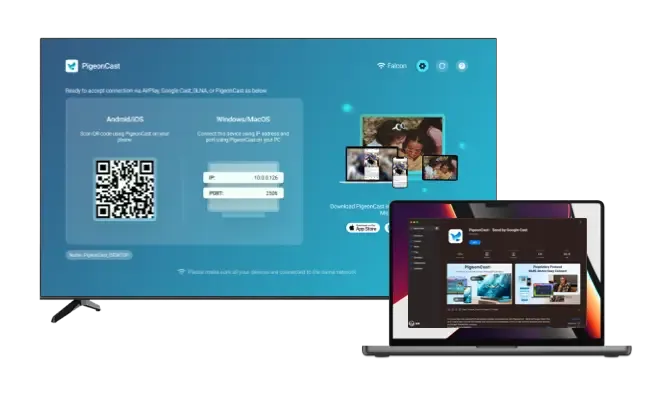
Download and Install PigeonCast
Install PigeonCast on your MacBook and Android TV. Open the app on both devices to begin the setup.
Download securely from the app store
Simple and quick setup process
Customize your TV name for easy identification
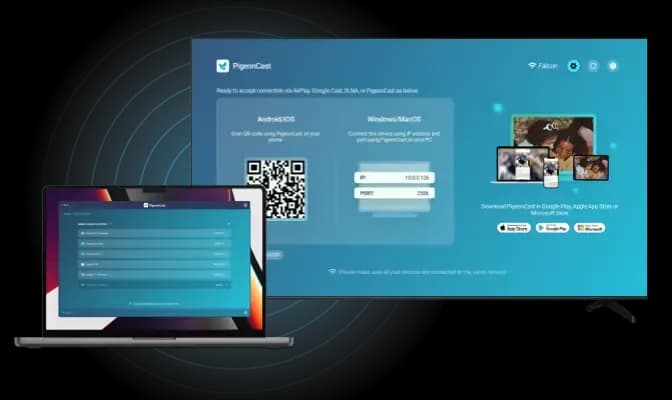
Connect Mac to Android TV
Launch PigeonCast on your Mac, then choose your Android TV from the device list or scan the QR code shown on your TV screen for instant pairing.
Instant device detection over the same Wi-Fi network
Quick pairing for seamless connection
Seamless device switching
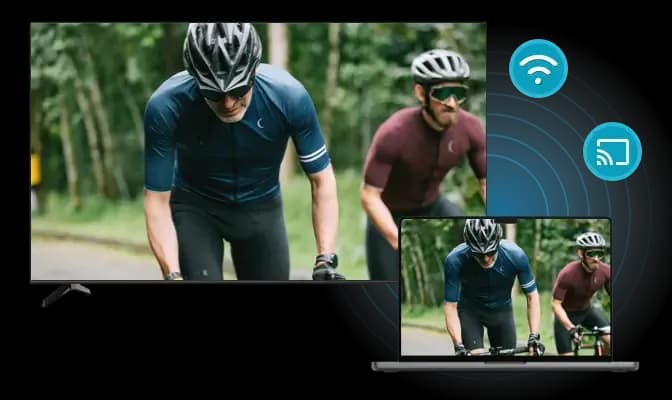
Enjoy Screen Mirroring
Mirror your Mac screen to Android TV with smooth, high-definition performance and responsive, real-time viewing.
Adjust resolution and frame rate for optimal performance
Mirror your laptop screen with or without sound
Display your mouse cursor in real time
Reliable Solution for Mirroring Mac to Android TV

Smarter Full-HD Viewing
Mirror your Mac screen to Android TV in sharp, Full-HD clarity for a more immersive and comfortable viewing experience.

Low-Latency Mirroring
Enjoy smooth, real-time playback with reduced lag, ensuring stable and responsive mirroring during movies, browsing, or presentations.
PigeonCast provides a free and effortless way to cast Mac to Android TV. Whether you're presenting, studying, watching videos, or gaming, PigeonCast delivers smooth, high-quality screen mirroring across different platforms.

Work & Play Ready
Mirror your MacBook to Android TV for productive tasks like meetings or for entertainment moments such as streaming, learning, or viewing photos.

One-Tap Screen Sharing
Share your Mac screen, Finder, and Apple Music with one simple tap and instantly enjoy everything on your Android TV's larger display.
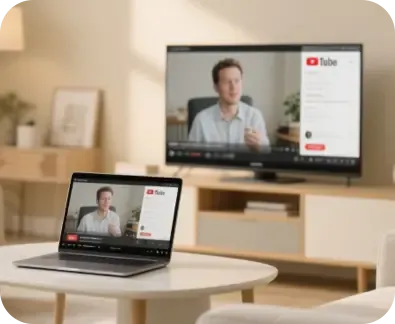
Device-Friendly Support
PigeonCast connects easily between Mac and Android TV, giving you a reliable mirroring solution that works across different devices and platforms.
FAQ
Start Free Mac-to-Android TV Mirroring
Use PigeonCast to mirror your Mac screen to Android TV in HD quality with a quick, wireless setup.