
Mirror Between Mac and PC with PigeonCast
Easily share your screen between Mac and PC with PigeonCast. Collaborate, present, or move content across devices with fast wireless casting and no cables, no lag, and no setup required. Try it for free and get started right away.


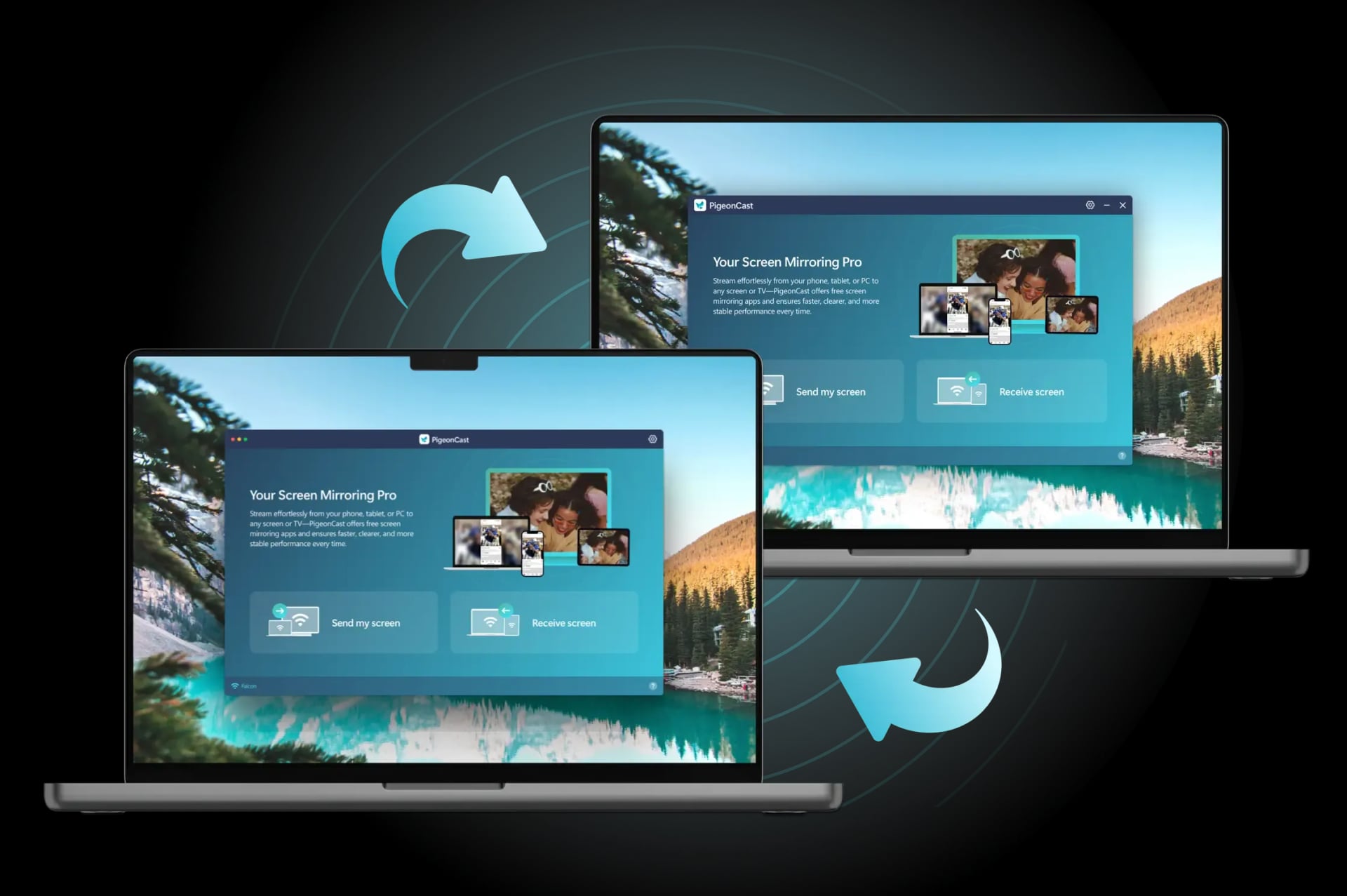
Why Choose PigeonCast to Connect Mac to PC

Free to Use
Screen mirror Windows to Mac or Mac to Windows at no cost, with no ads or hidden fees.
Wireless Setup
Connect Windows to Mac for screen sharing once the two devices are on the same Wi-Fi network.
HD Display Quality
Mirror PC to Mac or Mac to PC in crystal-clear 4K or 1080p quality, ensuring stunning visuals.

Secure Streaming
Keep your data secure with local network transmission, ensuring private and protected PC to Mac mirroring.
How to Mirror Between Windows and Mac with PigeonCast
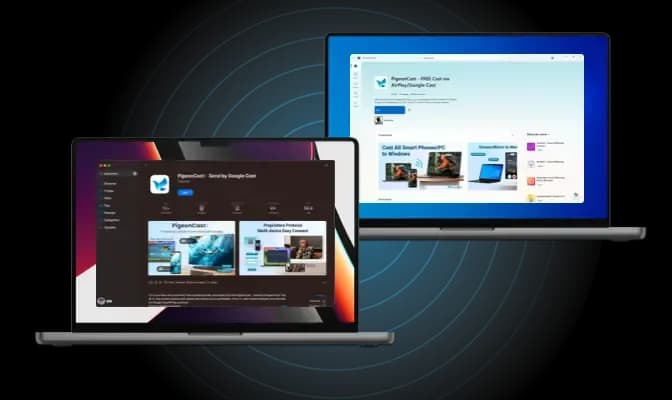
Download and Install PigeonCast
Install PigeonCast on your Windows PC and MacBook from official app store. Launch the app on both devices to prepare for mirroring.
Download securely from the app store
Simple and quick setup process
Customize your laptop name for easy identification
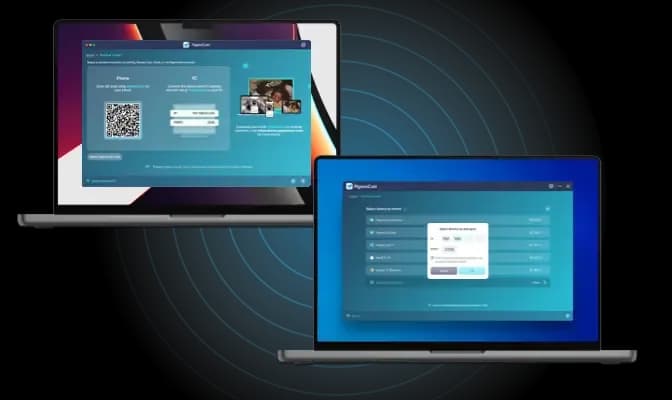
Connect Windows to MacBook
Open PigeonCast on Windows and select your MacBook from the device list or vice versa. You can also connect by inputting the IP address displayed on the laptop.
Instant device detection over the same Wi-Fi network
Quickly connect by inputting IP address
Seamless device switching
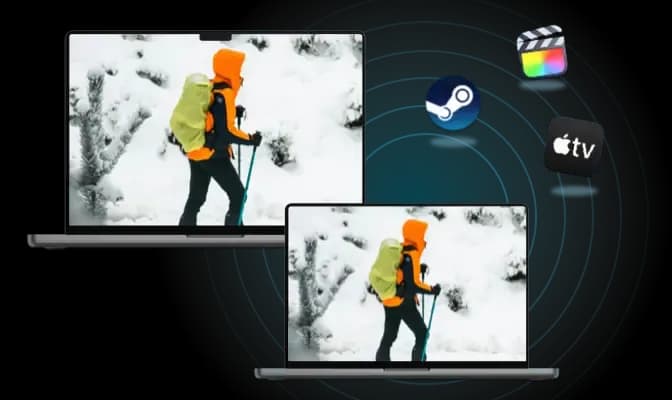
Start Mirroring
Choose to mirror your entire desktop or focus on a single app, and enjoy smooth, real-time playback on your Windows PC.
Adjust resolution and frame rate for optimal performance
Mirror your laptop screen with or without sound
Display your mouse cursor in real time
Free Software Solution for Mirroring Between PC and Mac
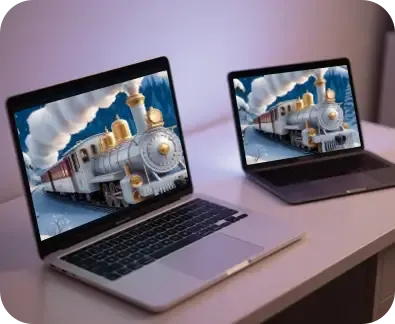
Full Screen Mirroring
Mirror your screen in full clarity between Windows and Mac for an immersive viewing experience.

Work Companion
Present slides or share workflows wirelessly during meetings with seamless mirroring.
PigeonCast offers a free, easy solution to cast Windows to Mac or Mac to PC. Experience seamless screen sharing with no cables needed, perfect for work, gaming, or entertainment. Cast your Windows PC to a Mac effortlessly and enjoy a smooth, high-quality display.

Real-Time Gaming
Enjoy responsive, low-latency mobile gaming on a larger screen with effortless mirroring.
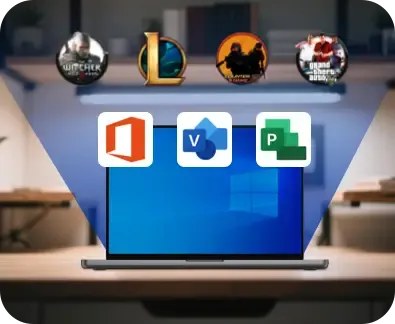
Singal App Casting
Cast individual apps or windows between PC and Mac with ease for focused sharing.

Entertainment Sharing
Stream videos, photos, and livestreams on a bigger screen for a more enjoyable viewing experience.
FAQ
Mirror Windows PC and Mac with PigeonCast Today
Start using PigeonCast now for effortless screen mirroring between your Windows PC and Mac.