
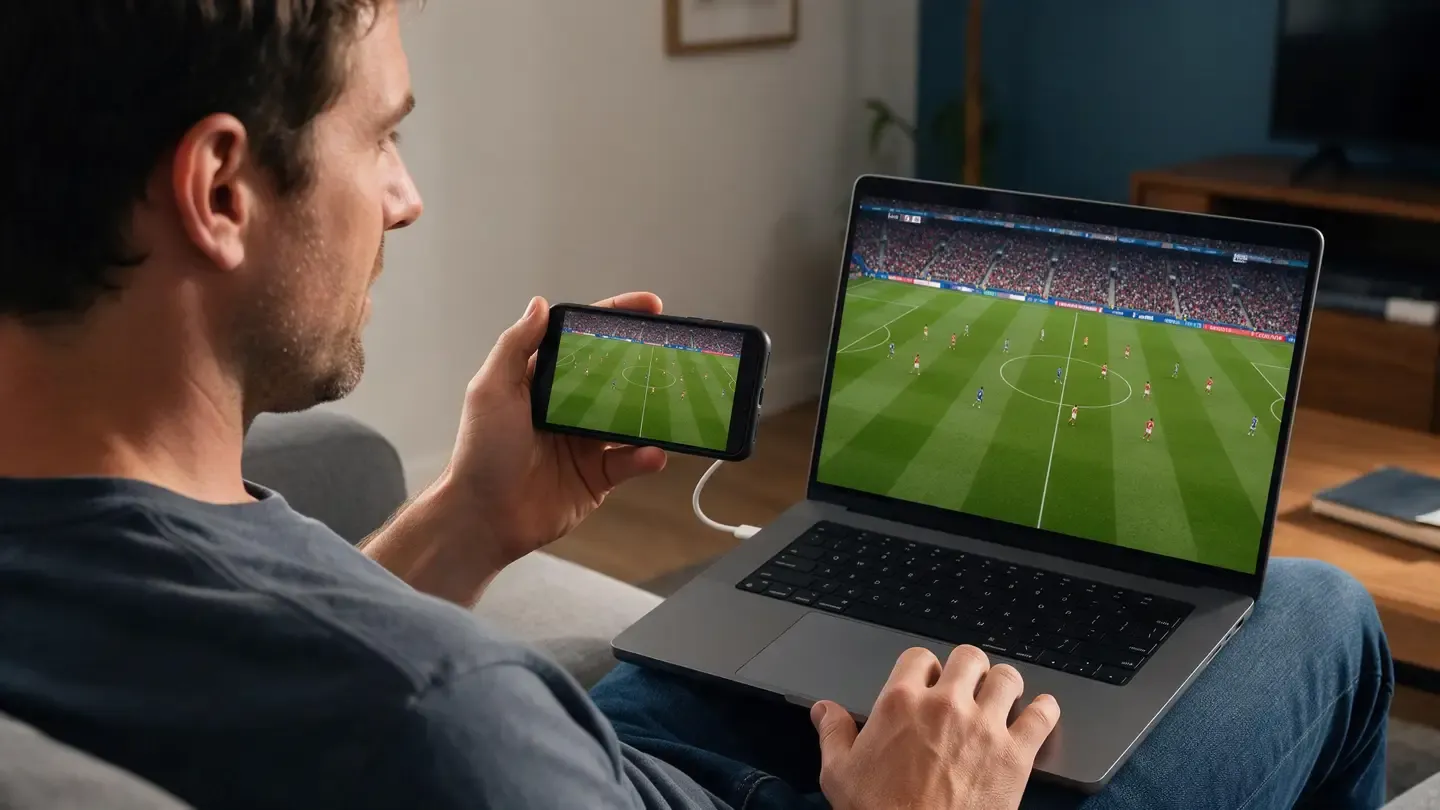
PHONE → COMPUTER
Mirror Phone to Computer
See your iPhone or Android screen on a Windows PC or Mac. Share photos, videos, apps, presentations, and more on a bigger screen without connecting a cable.
WIRELESS SCREEN MIRRORING
Mirror your phone to your computer, or cast your PC or Mac to a TV wirelessly with PigeonCast.
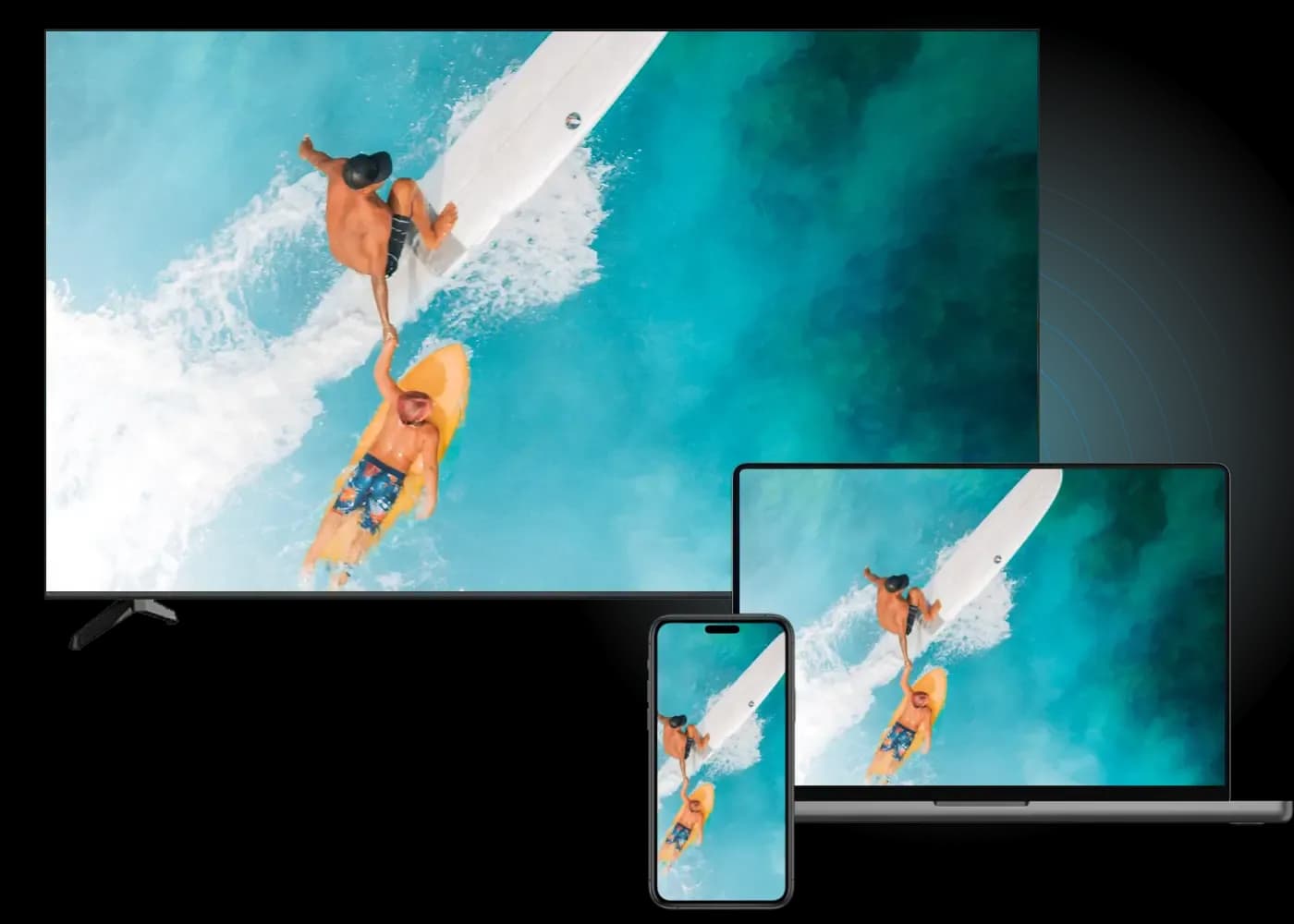
TWO WAYS TO MIRROR
Mirror to your computer or cast from it, all with one simple app.
PHONE → COMPUTER
See your iPhone or Android screen on a Windows PC or Mac. Share photos, videos, apps, presentations, and more on a bigger screen without connecting a cable.
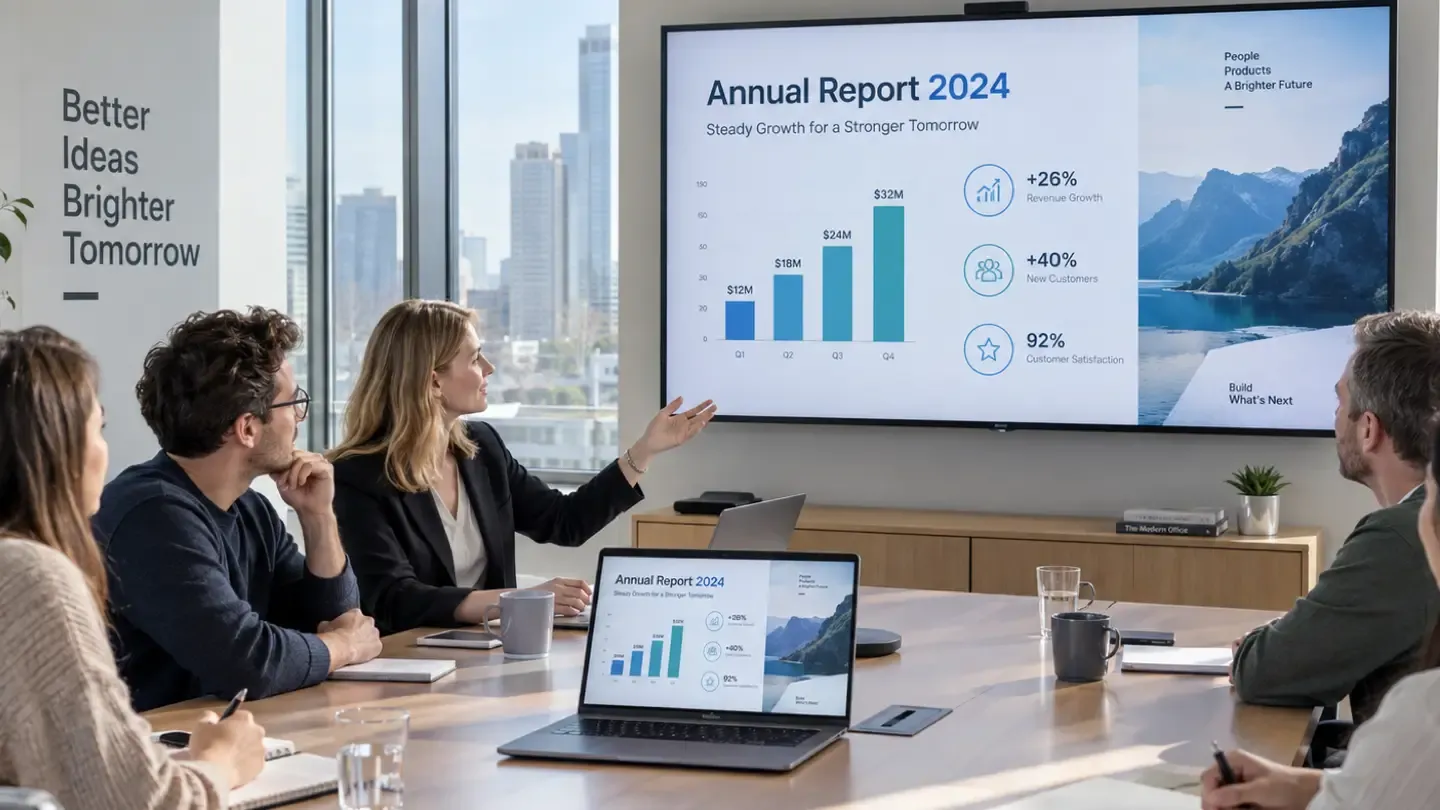
COMPUTER → TV
Share your Windows PC or Mac screen on a compatible TV or receiving device. Use it for videos, presentations, photos, or simply when your laptop screen feels too small.
QUICK SETUP
No cables, adapters, or complicated setup.
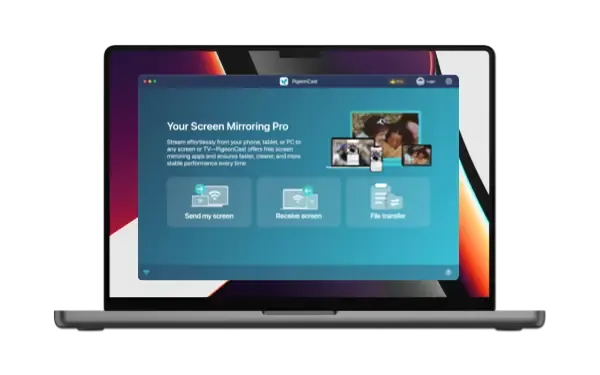
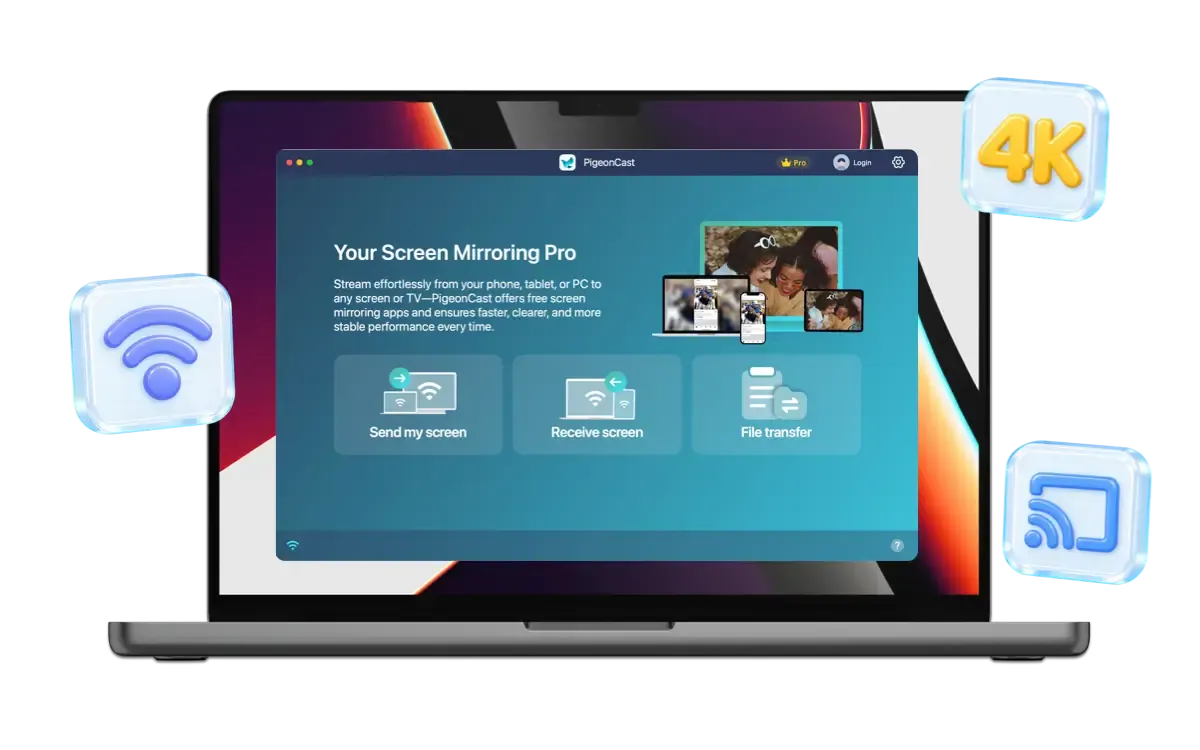
Install PigeonCast on your Windows PC or Mac.
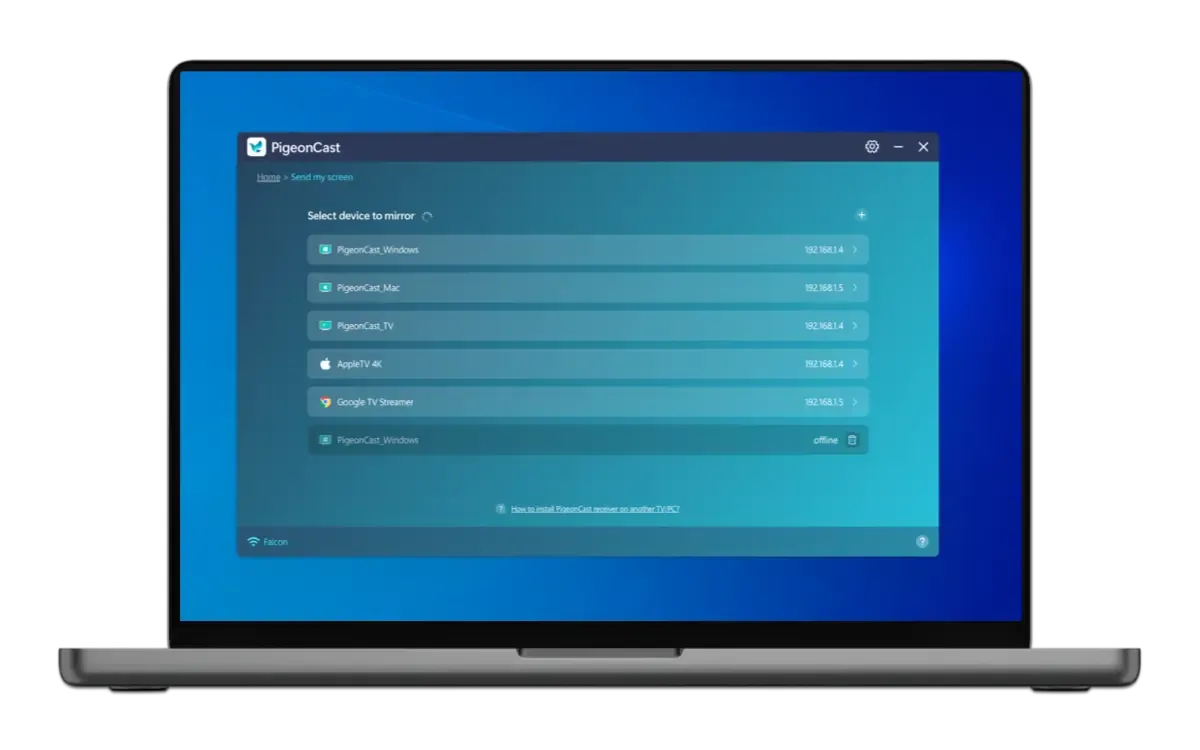
Keep your devices on the same Wi-Fi network and choose the screen you want to connect.
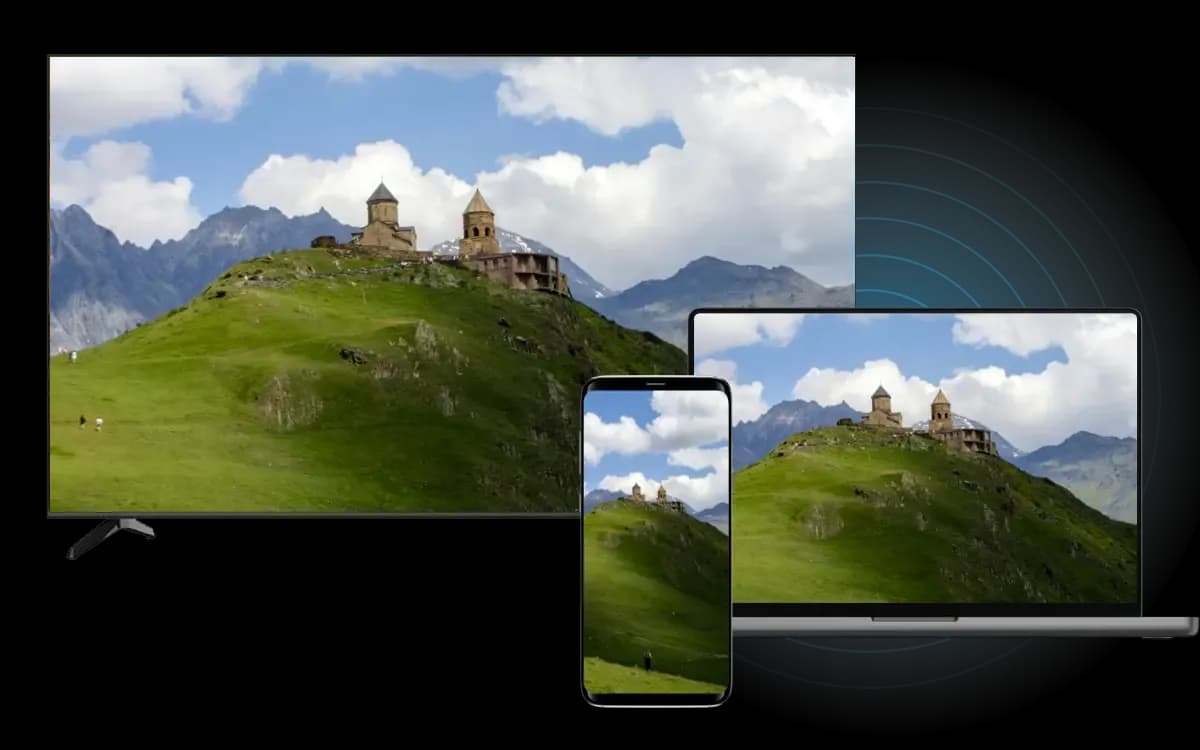
Start sharing your screen wirelessly and see it on the receiving device.
BUILT FOR EVERYDAY USE
Mirror between phones, computers, and TVs without switching between different tools or relying on cables.
Connect iPhone, Android, Windows, Mac, TVs, and other supported screens.
Share your screen over Wi-Fi without an HDMI cable or extra adapter.
Enjoy up to 4K resolution and smoother mirroring on supported devices.
Use familiar wireless casting technologies across compatible devices.
FLEXIBLE PLANS
Try PigeonCast first and see how it works with your devices. Stay with the free version for occasional mirroring, or upgrade when you want longer sessions and more control over streaming quality.
FREE
A simple way to start screen mirroring.
PREMIUM
Made for regular or longer screen mirroring.
Download PigeonCast for Windows or Mac and start sharing your screen wirelessly.