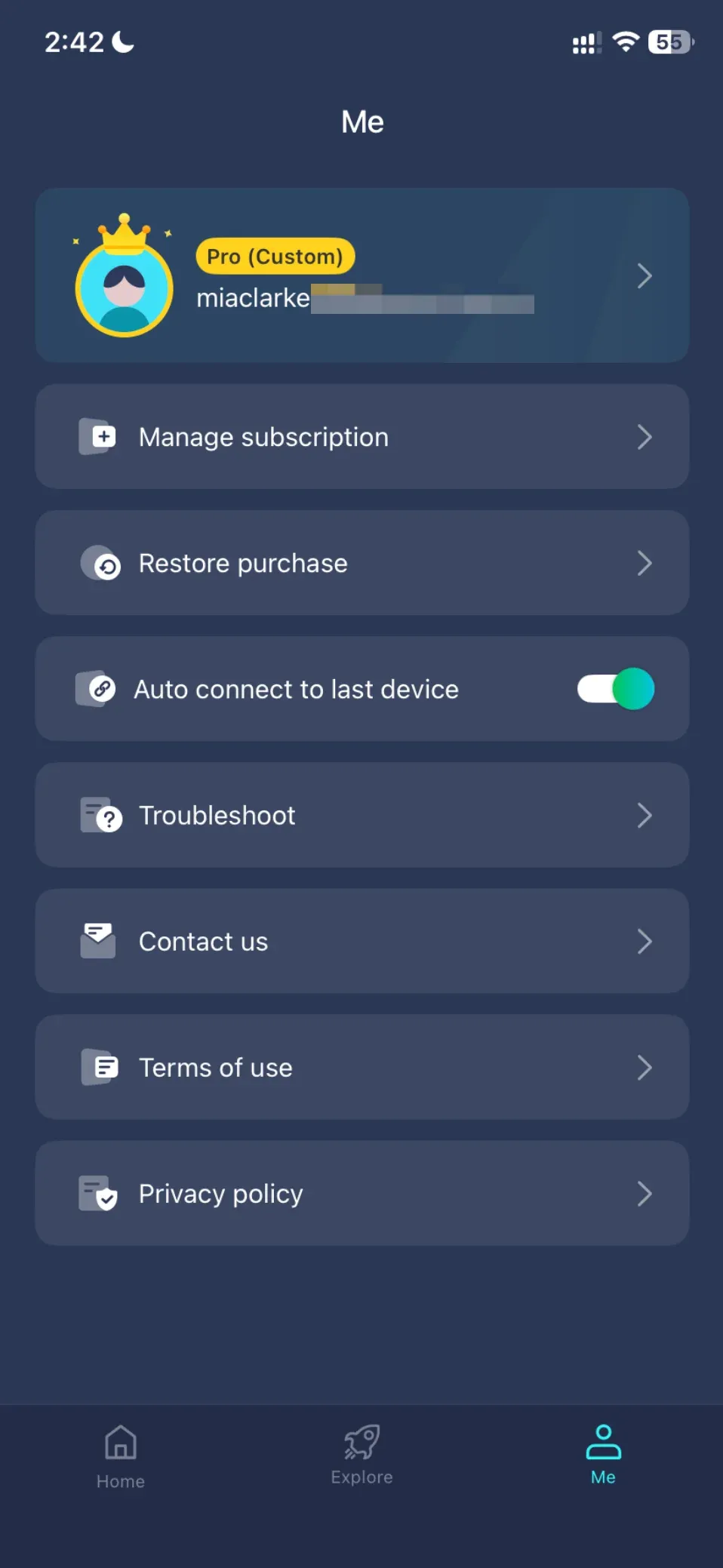
How to Activate Your PigeonCast Membership
After purchasing a monthly, yearly, or lifetime PigeonCast membership, follow the steps below to activate your membership and start using PigeonCast.
Step-by-Step Guide
Set up PigeonCast on your device.
Search PigeonCast on Google Play, the App Store, Microsoft Store, or your device's app store and download it.
Open PigeonCast and go to the sign-in page.
Important: Your membership is linked to the email address used for purchase. To access your membership, sign in or create a PigeonCast account using the same email address.
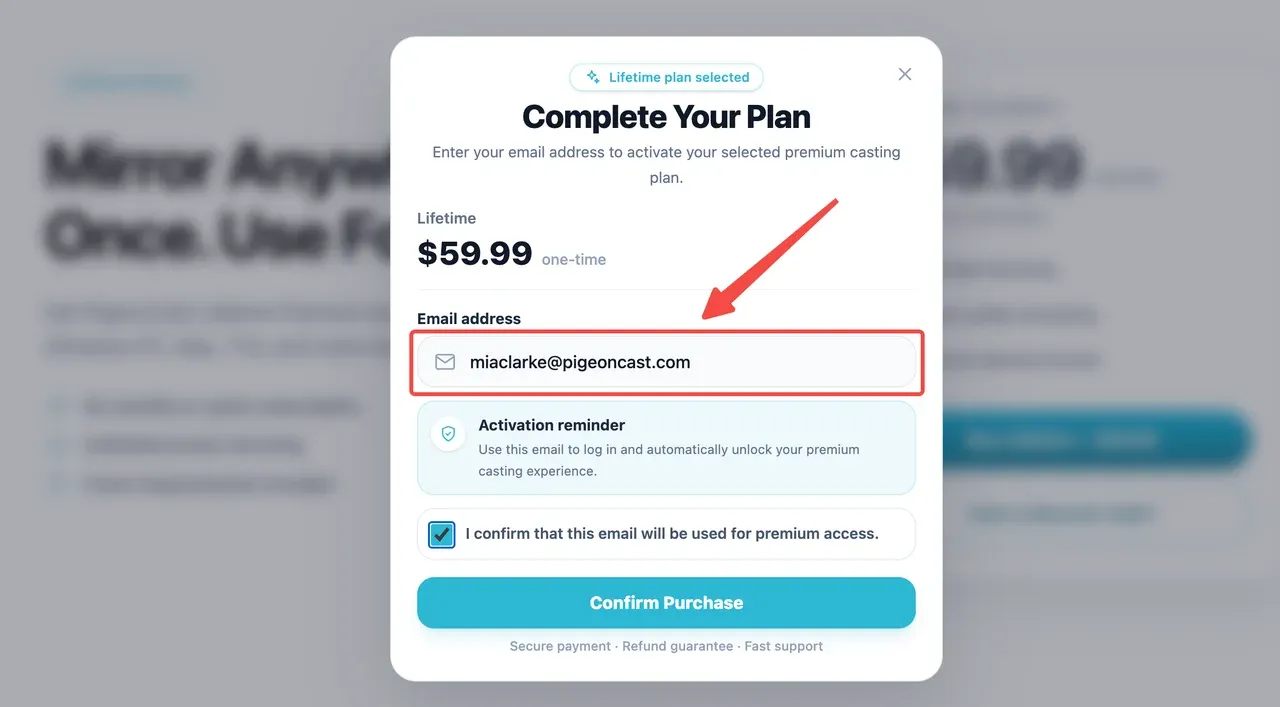
Step 1: Open PigeonCast. On your phone, go to the Me tab and tap Sign In. On a computer, click Login in the top-right corner.
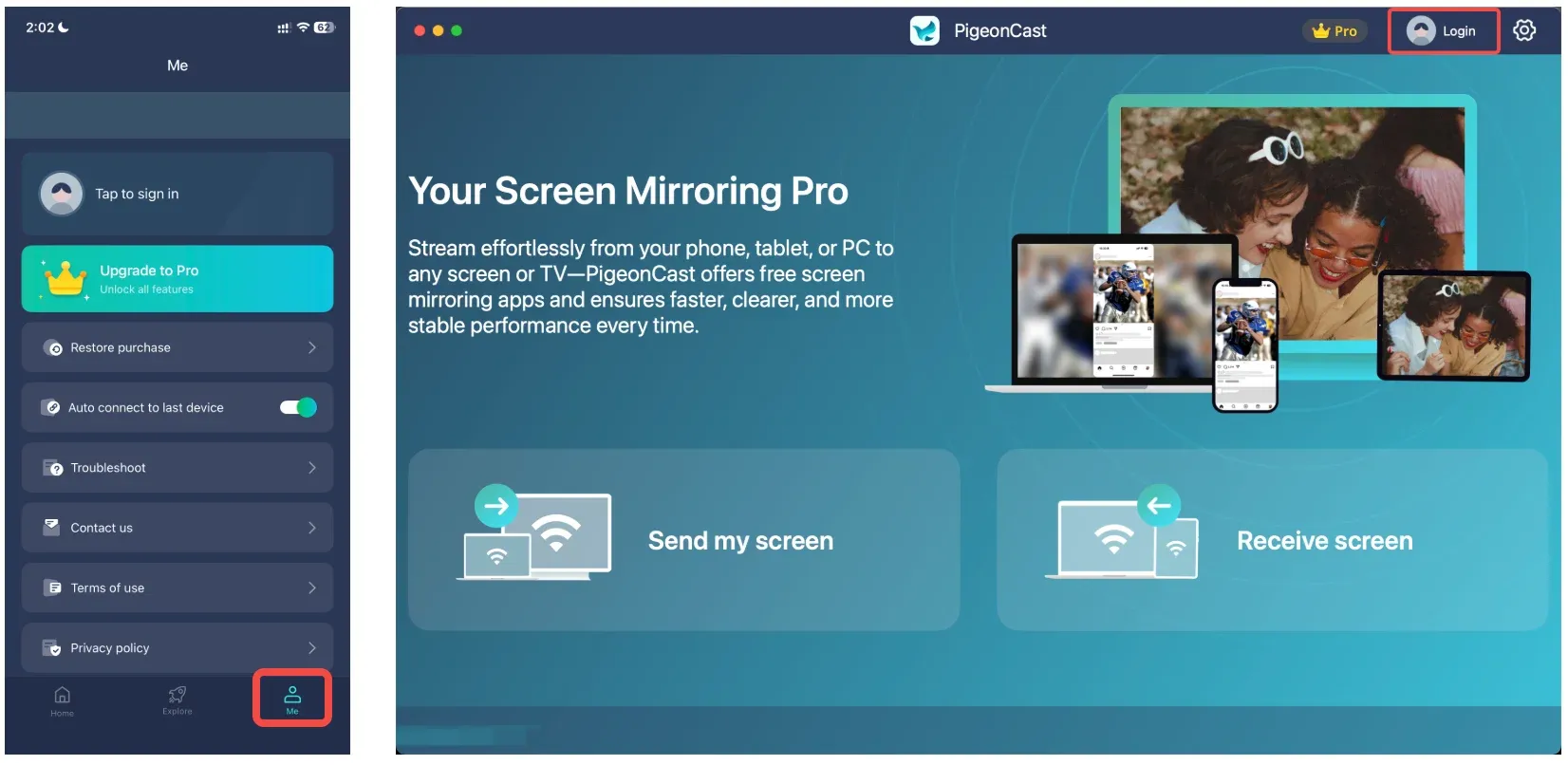
Step 2: If you don't already have a PigeonCast account with the email address used for your purchase, tap Click to create at the bottom of the sign-in page.
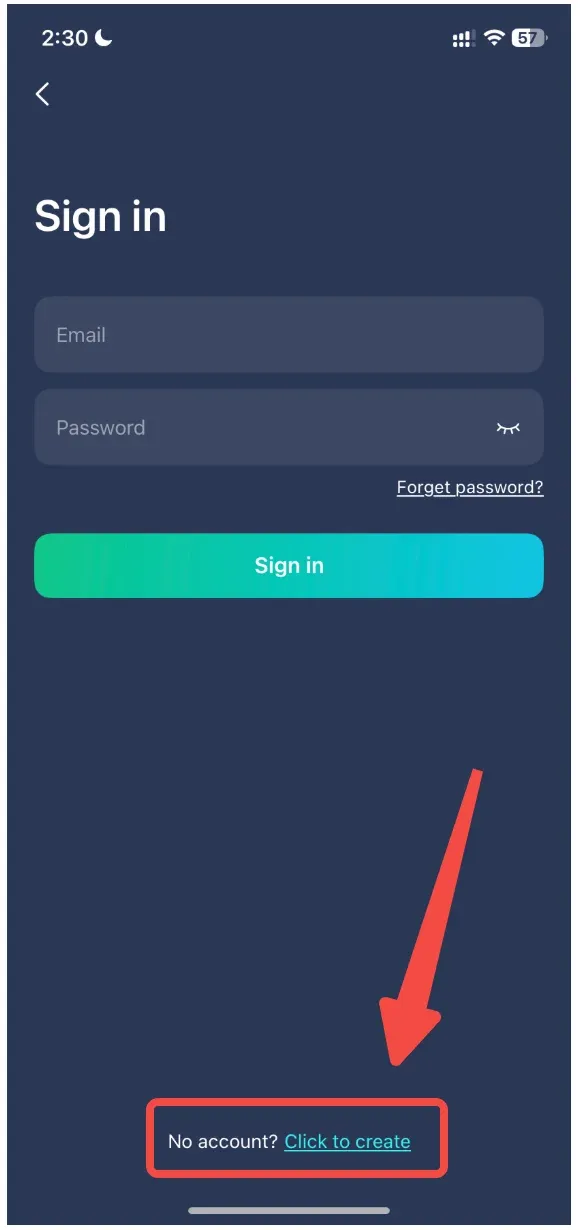
Step 3: Enter the email address you used for your purchase, create and confirm your password, then tap Sign up.
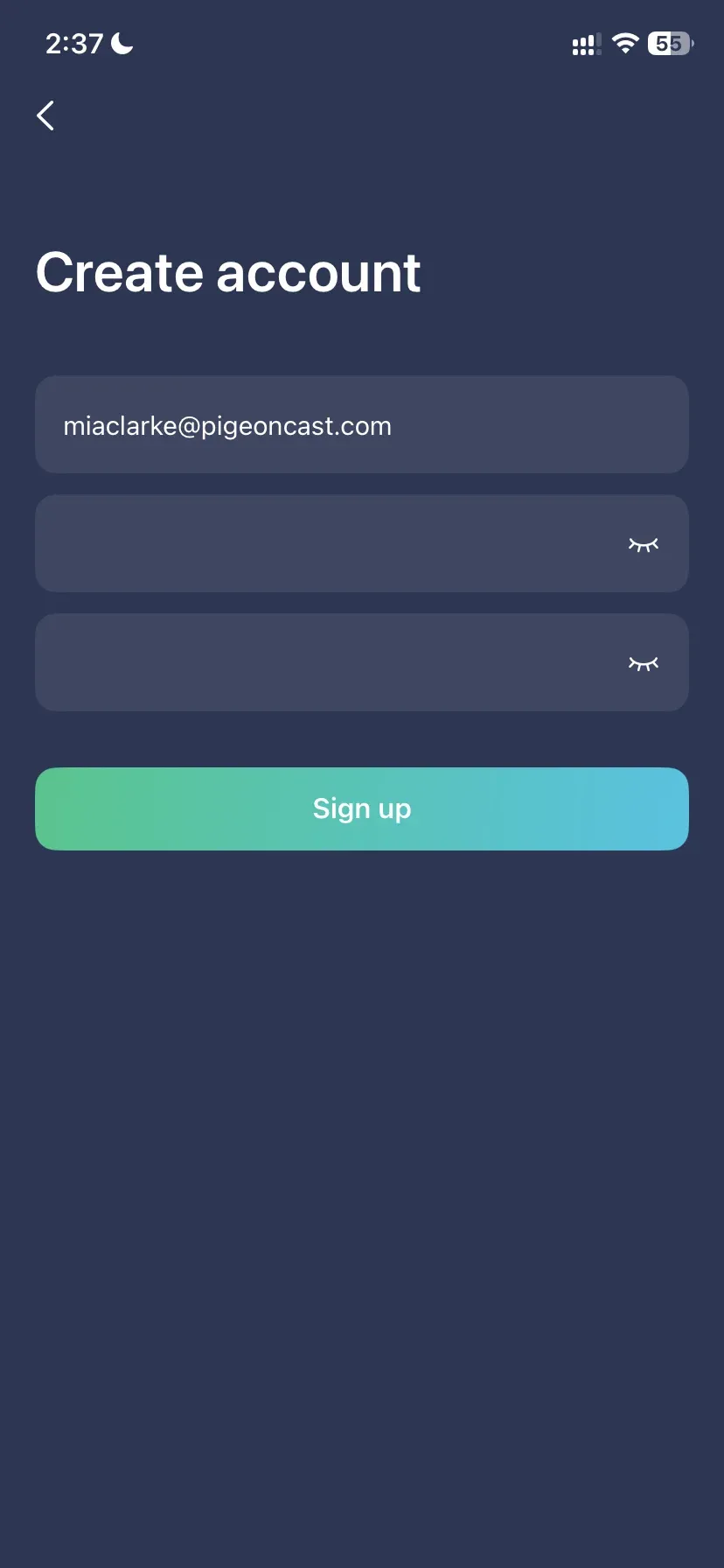
Step 4: Check your email for the verification code. Enter the code in PigeonCast and tap Verify.
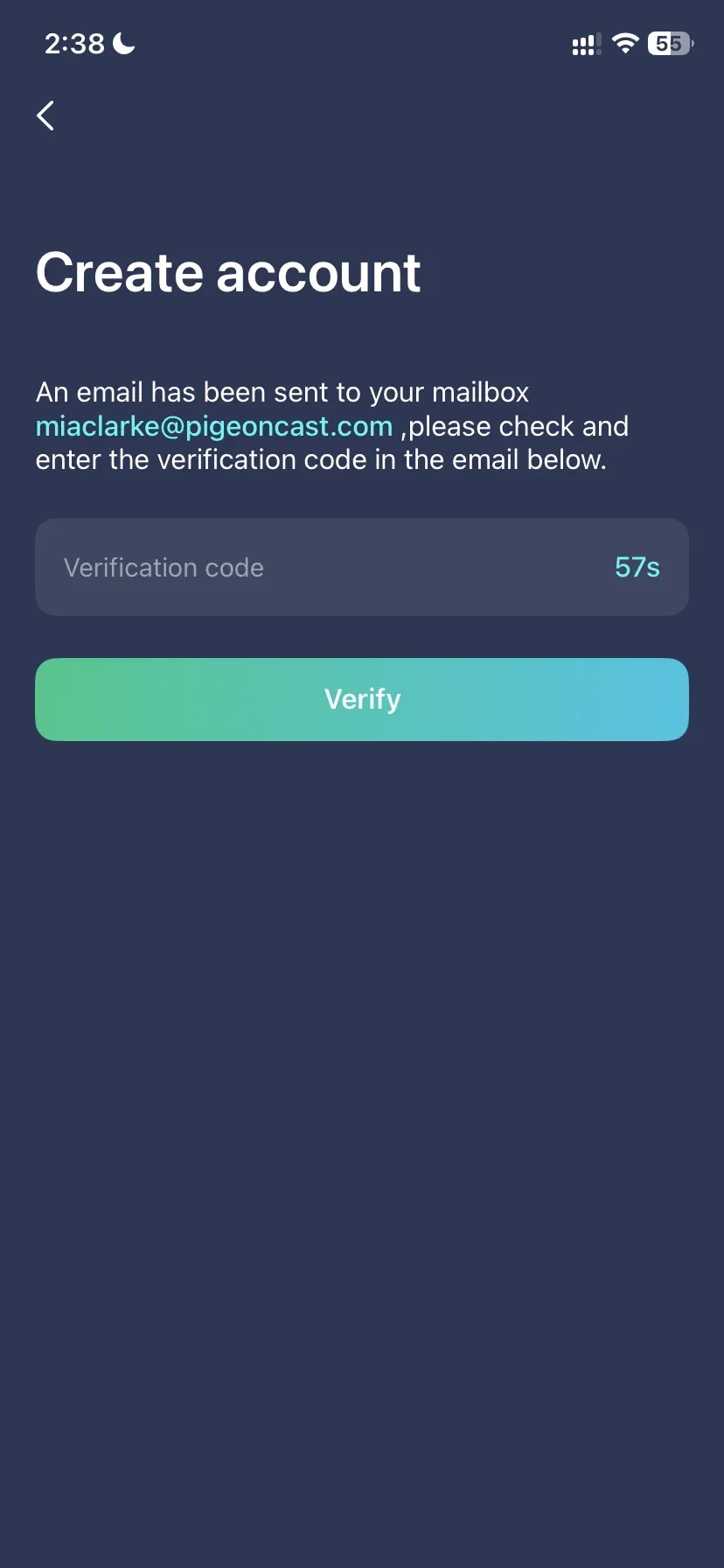
Step 5: After verification, you'll be signed in automatically and your membership benefits will be activated. You can now start using PigeonCast.