Screen Mirroring Android Phone to Mac (AirPlay)
This guide walks through how to mirror your screen from Android Phone to Mac via AirPlay protocol.
Step-by-Step Guide
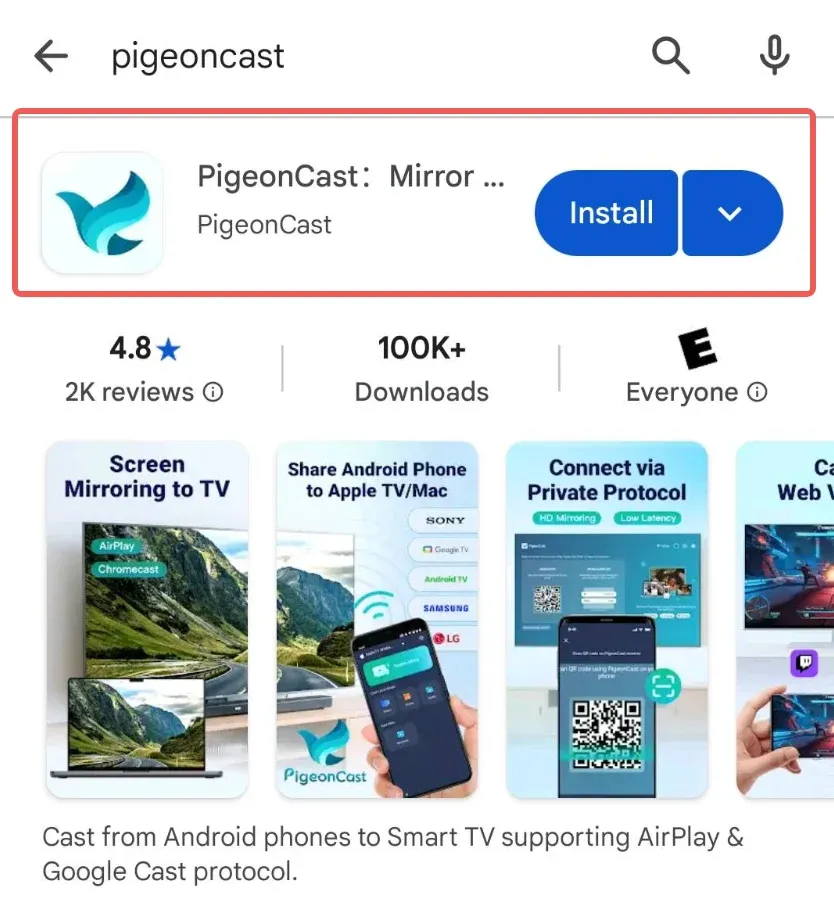
Download and install the PigeonCast App on your Android phone as sender
Install PigeonCast app from Google Play Store.
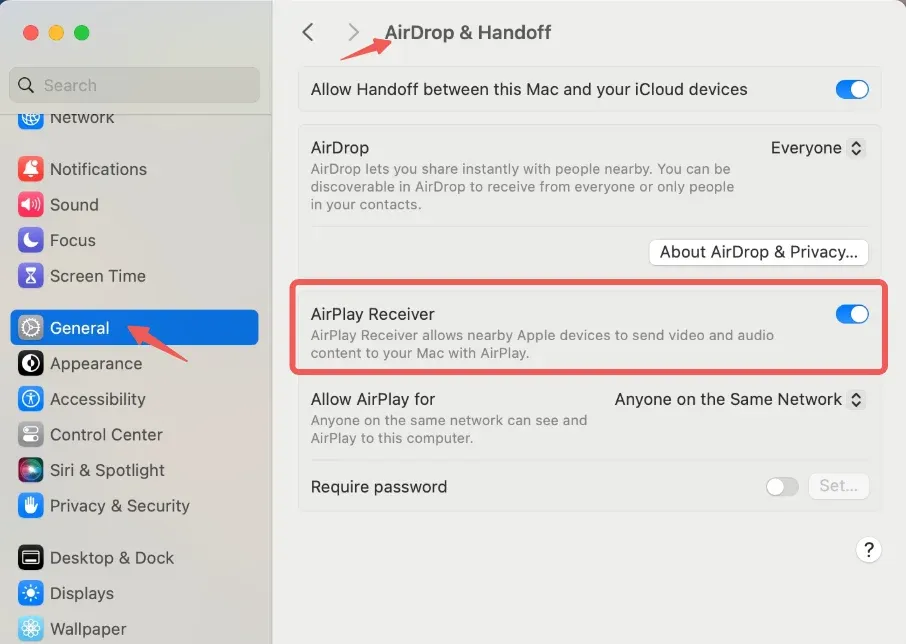
Turn on AirPlay Receiver on Mac
Go to Mac's System Settings -> General -> AirDrop & Handoff, turn on the AirPlay Receiver switch.
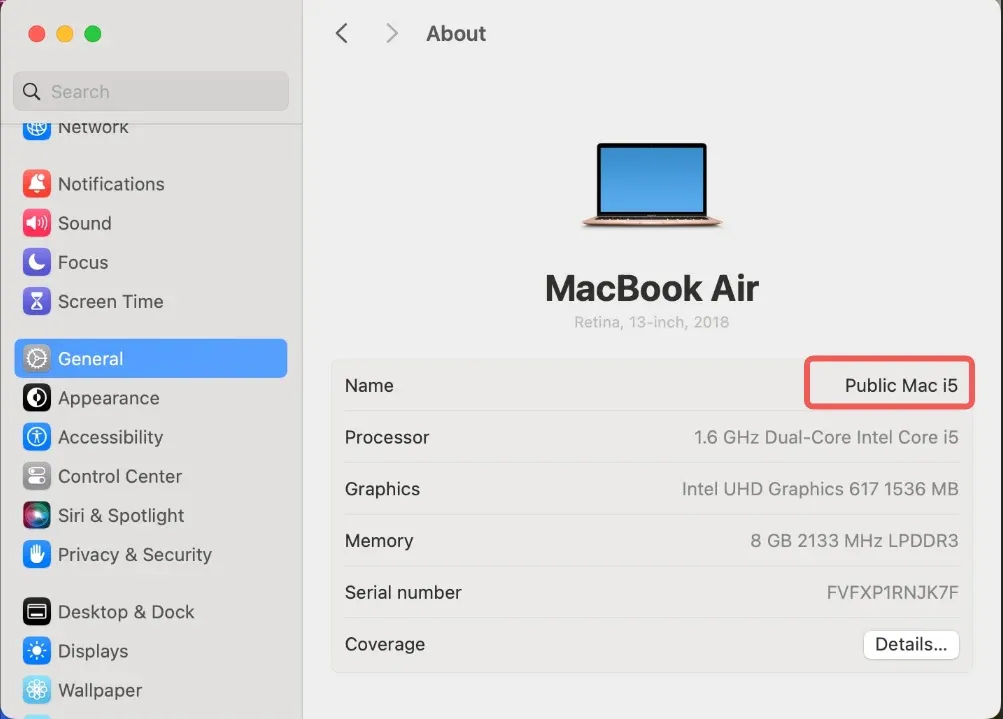
Search for devices and connect
Go to Mac's System Settings -> General -> About, identify your device name and select it on your Android phone, and the connection will be established.
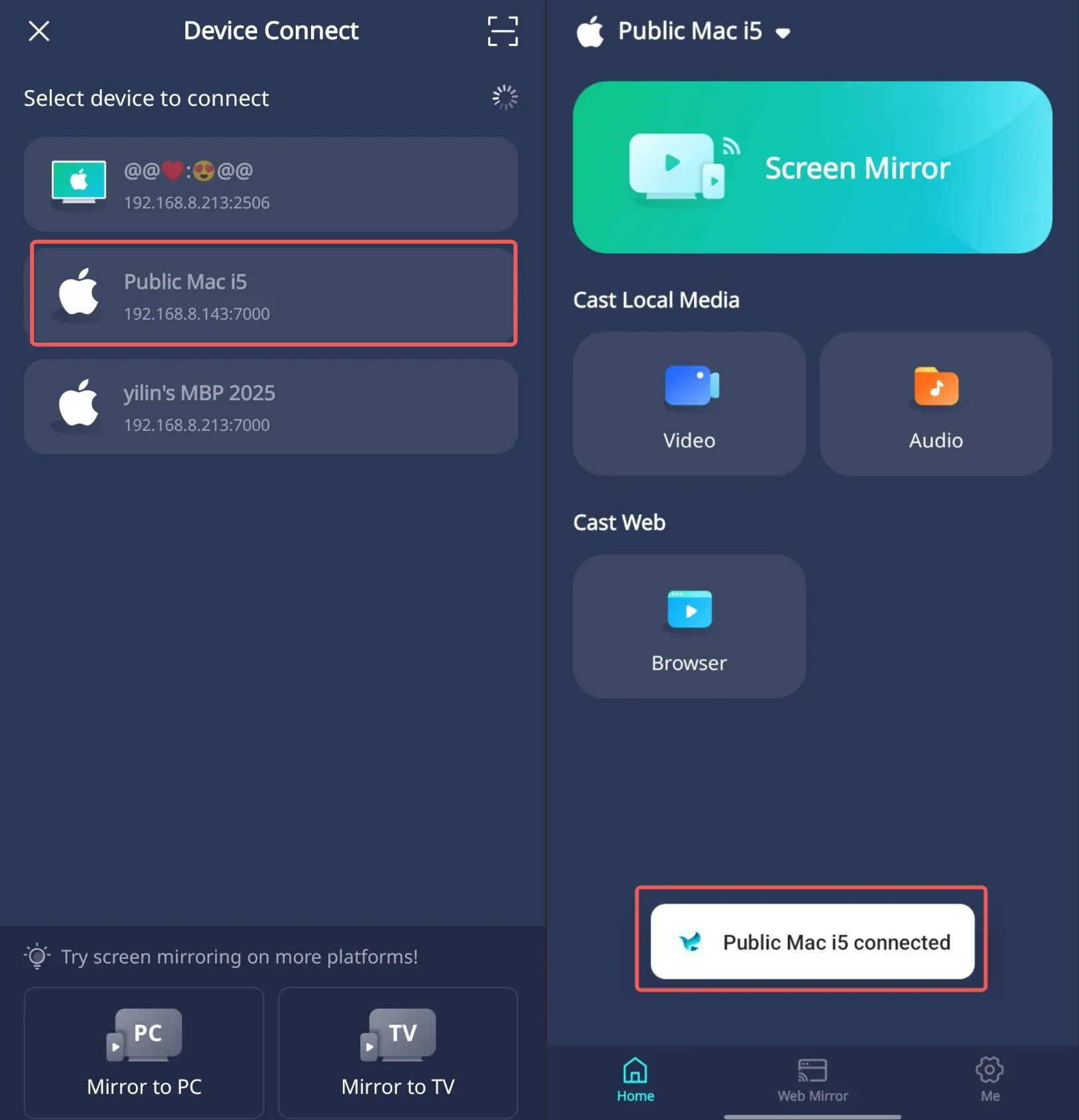
Start screen mirroring
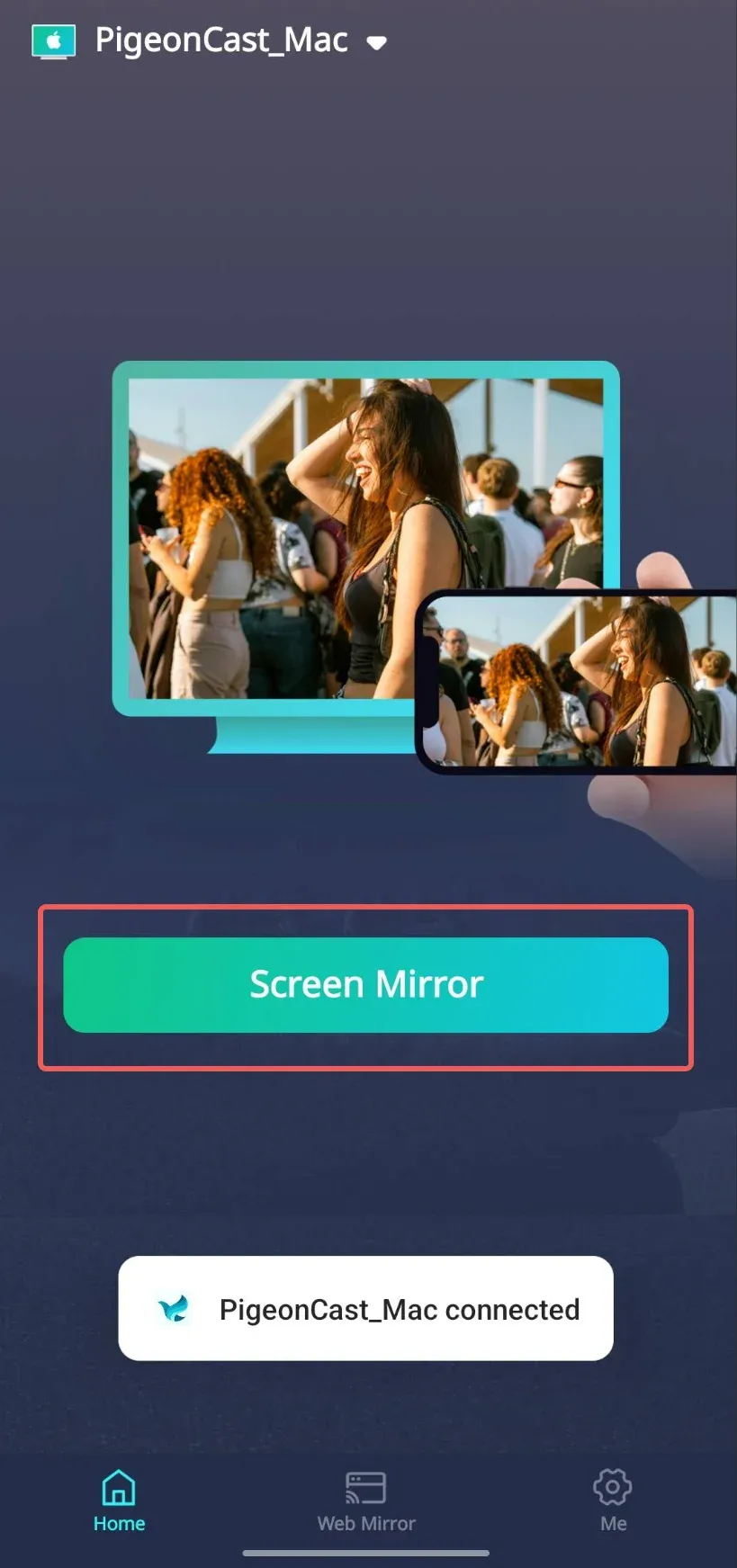
Step 1: Tap Screen mirror button.
Step 2: Select the screen mirroring quality parameters, PigeonCast supports high quality screen mirroring up to 2K/60FPS.
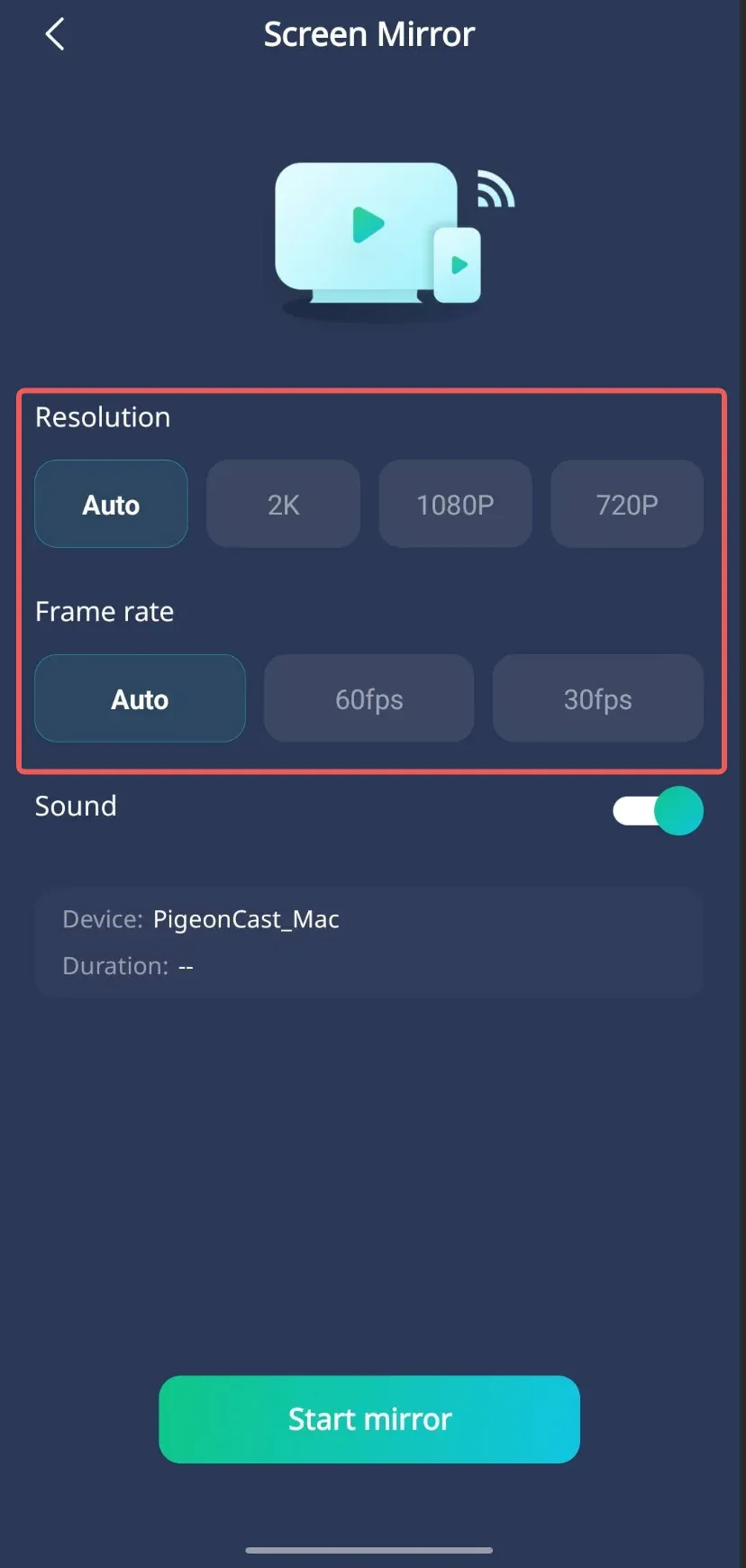
Note: screen mirroring fluency depends on stability of your network and performance of your device.
Step 3: Turn on Sound switch (if you don't want your Windows PC to receive sound, keep it OFF).
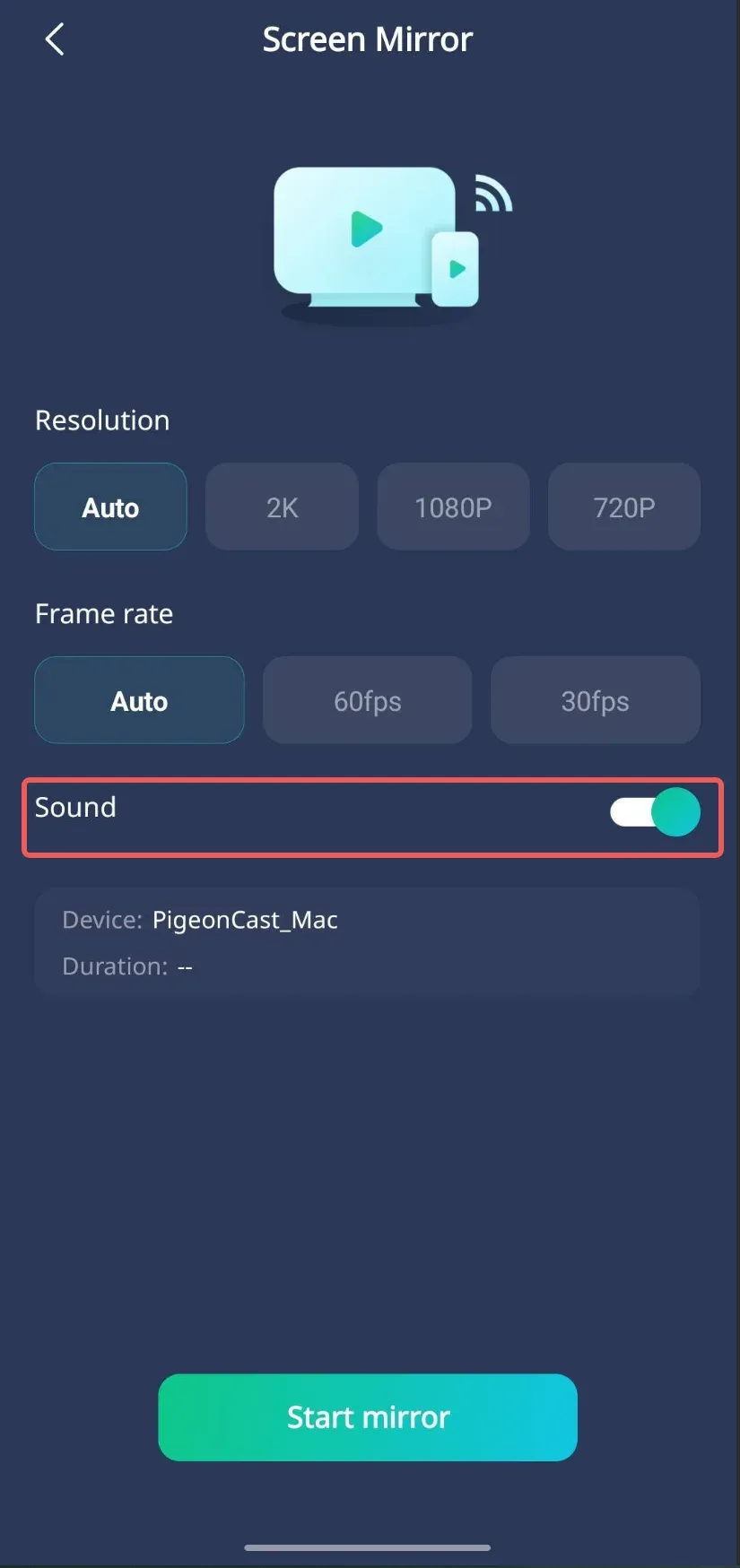
Step 4: Click Start mirror button, and your Android phone screen and sound will be synced to your Mac.
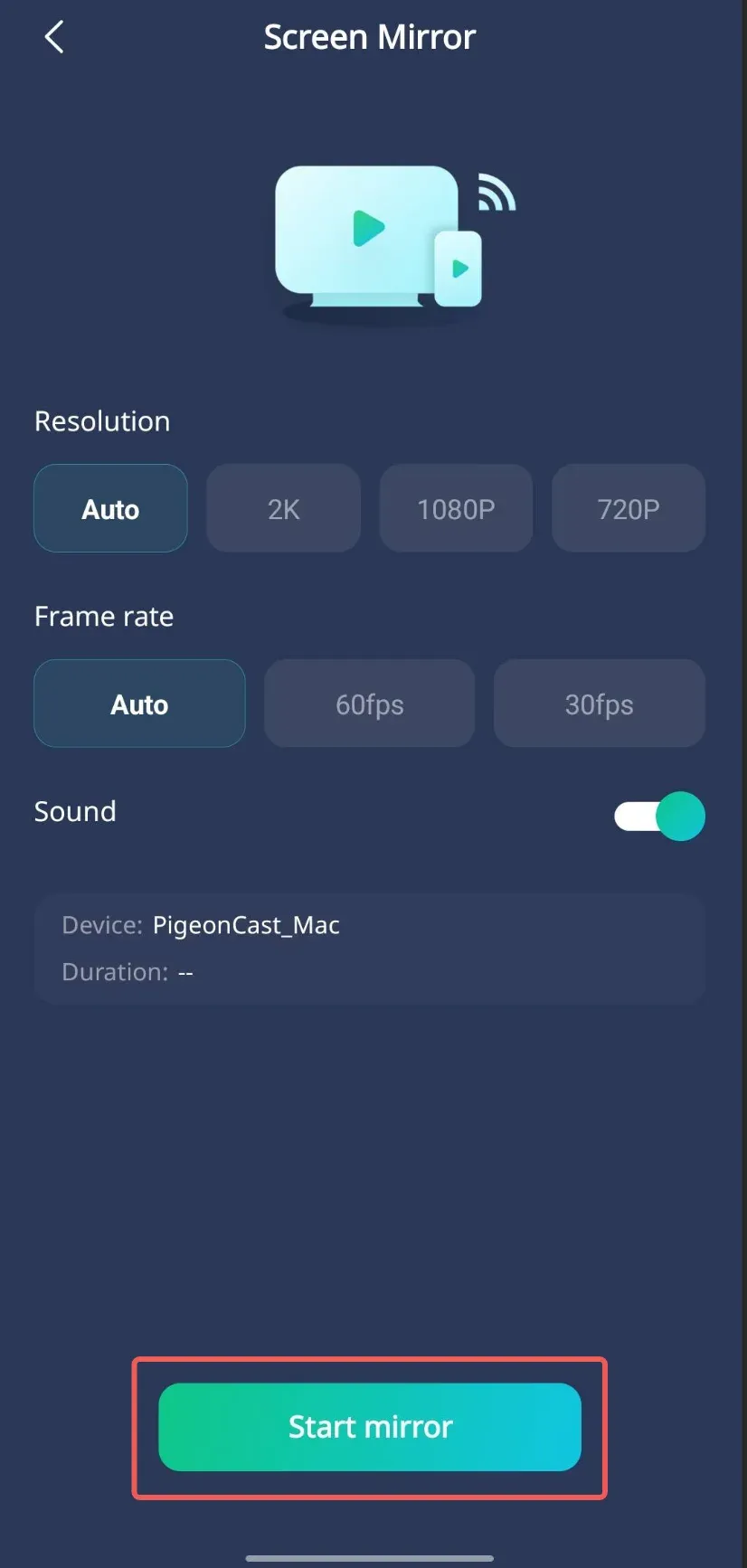
Note: do NOT turn off your phone screen while screen mirroring.
Note: PigeonCast App only transmits signals between your devices, we will NOT collect any private data.
Start cast media
You can cast videos / images / audios from your phone to your TV:
Step 1: Select the corresponding feature and grant access permissions.
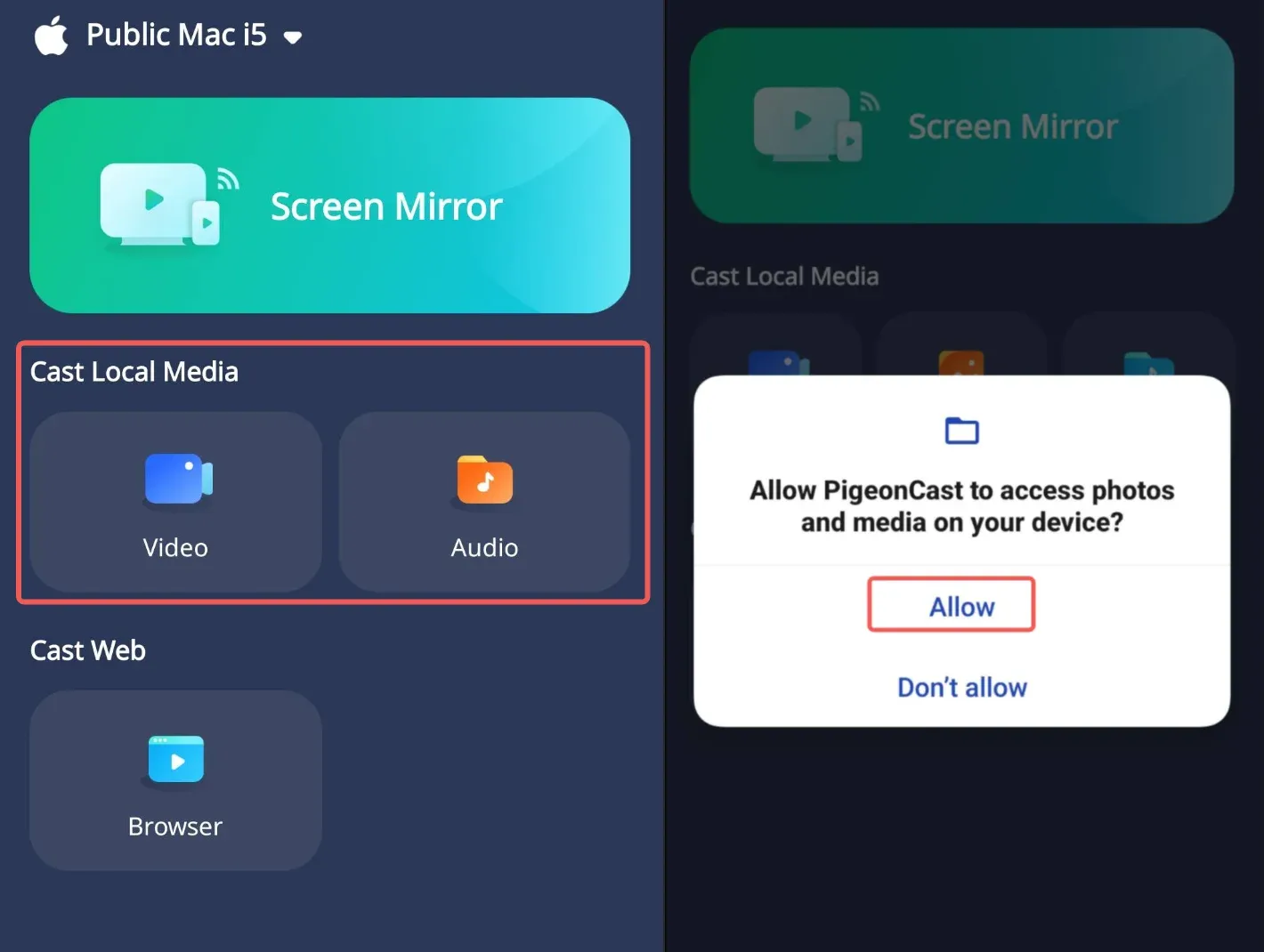
Access permissions are only used for casting, PigeonCast App will NOT save and distribute any private data.
Step 2: Select the local video, image or audio file you want, and it will appear on your Mac screen.
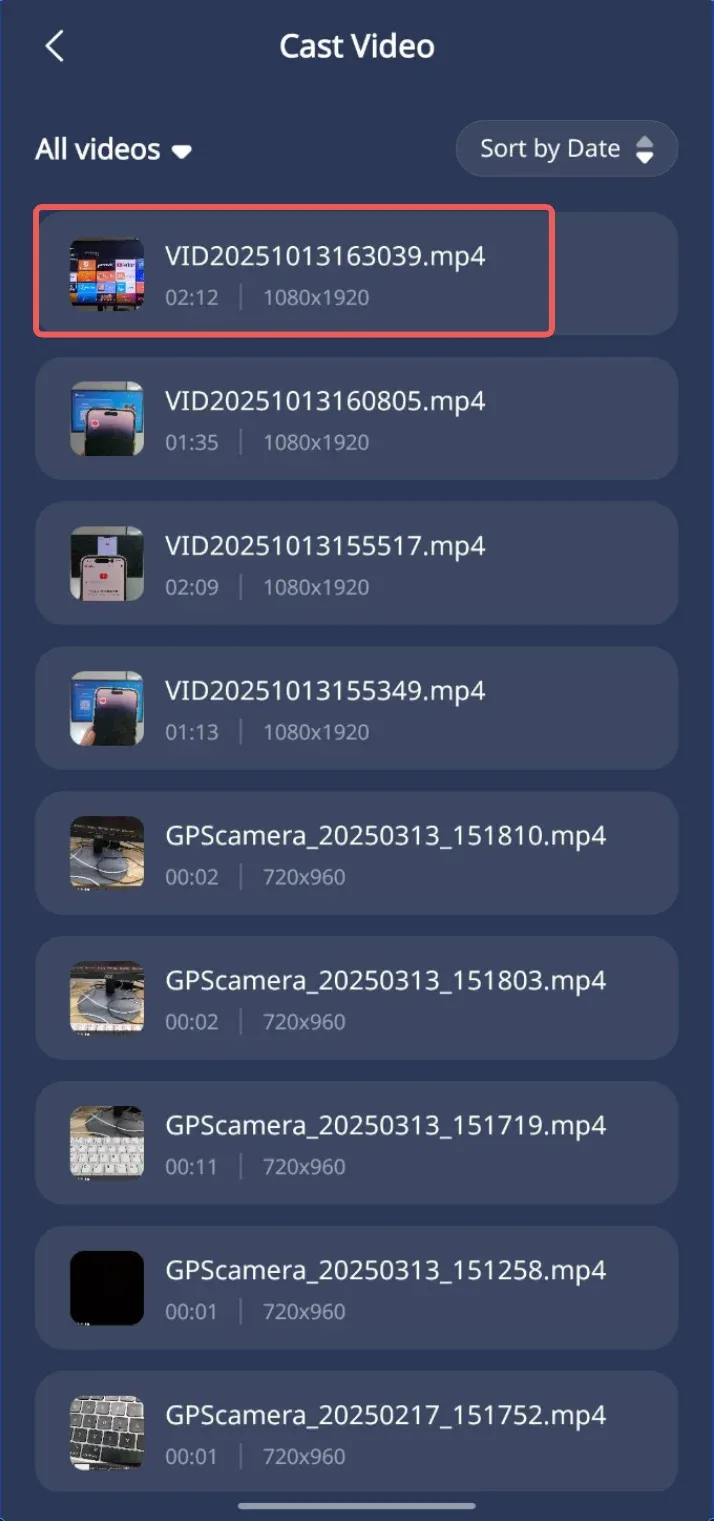
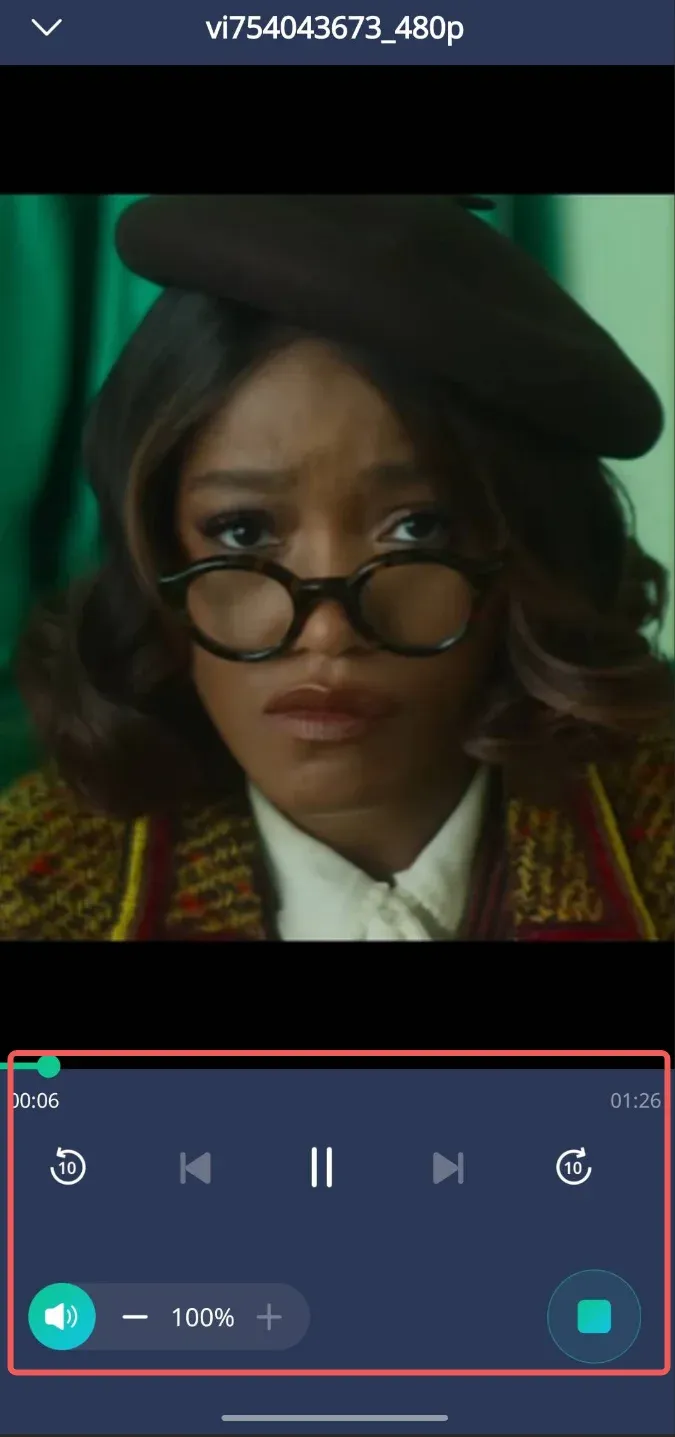
Step 3: While casting, you can use the PigeonCast App to perform playback control operations, such as fast-forwarding, rewinding, and adjusting the volume.
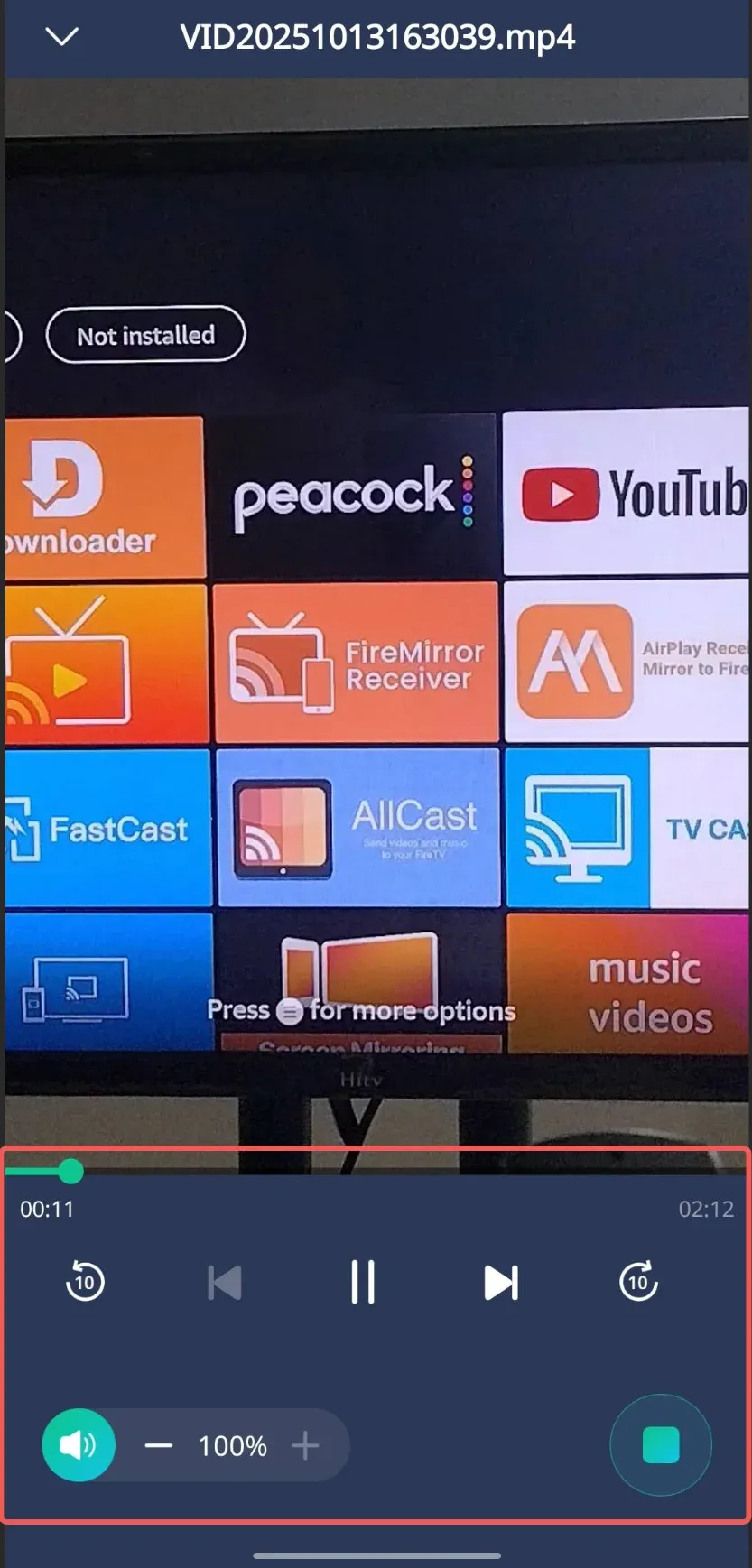
You can also cast online videos:
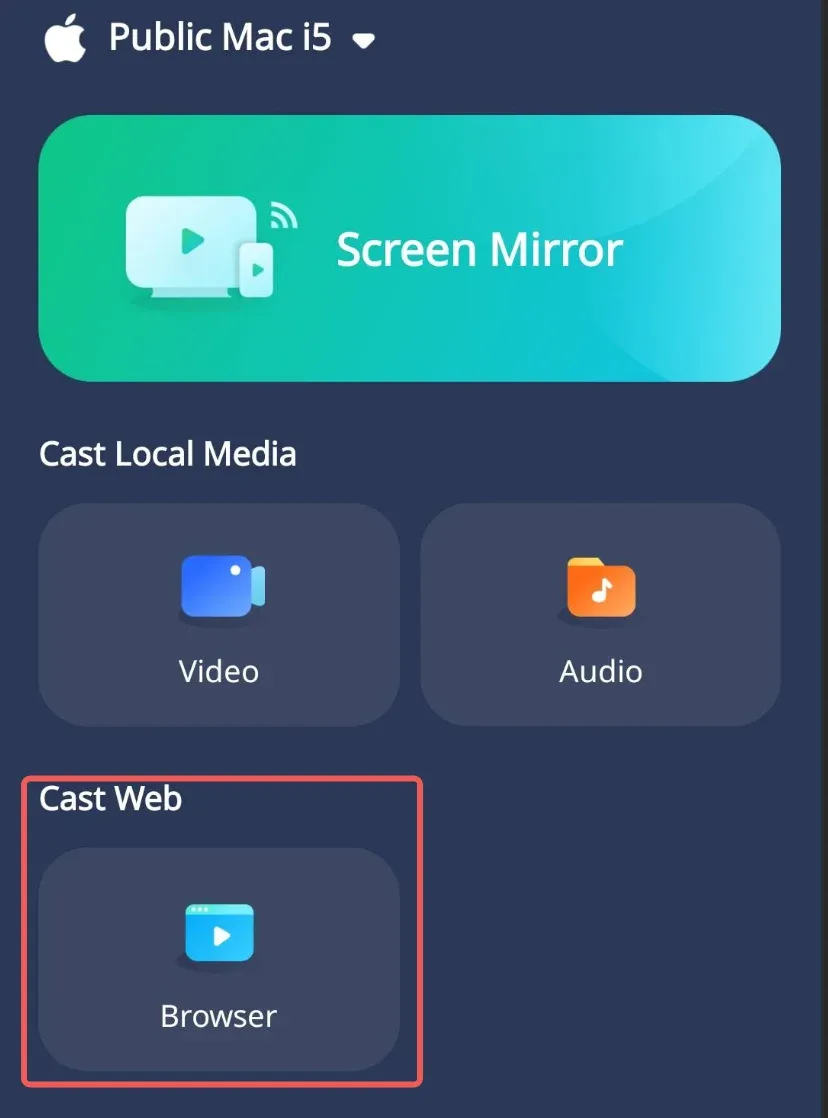
Step 1: Select Browser portal.
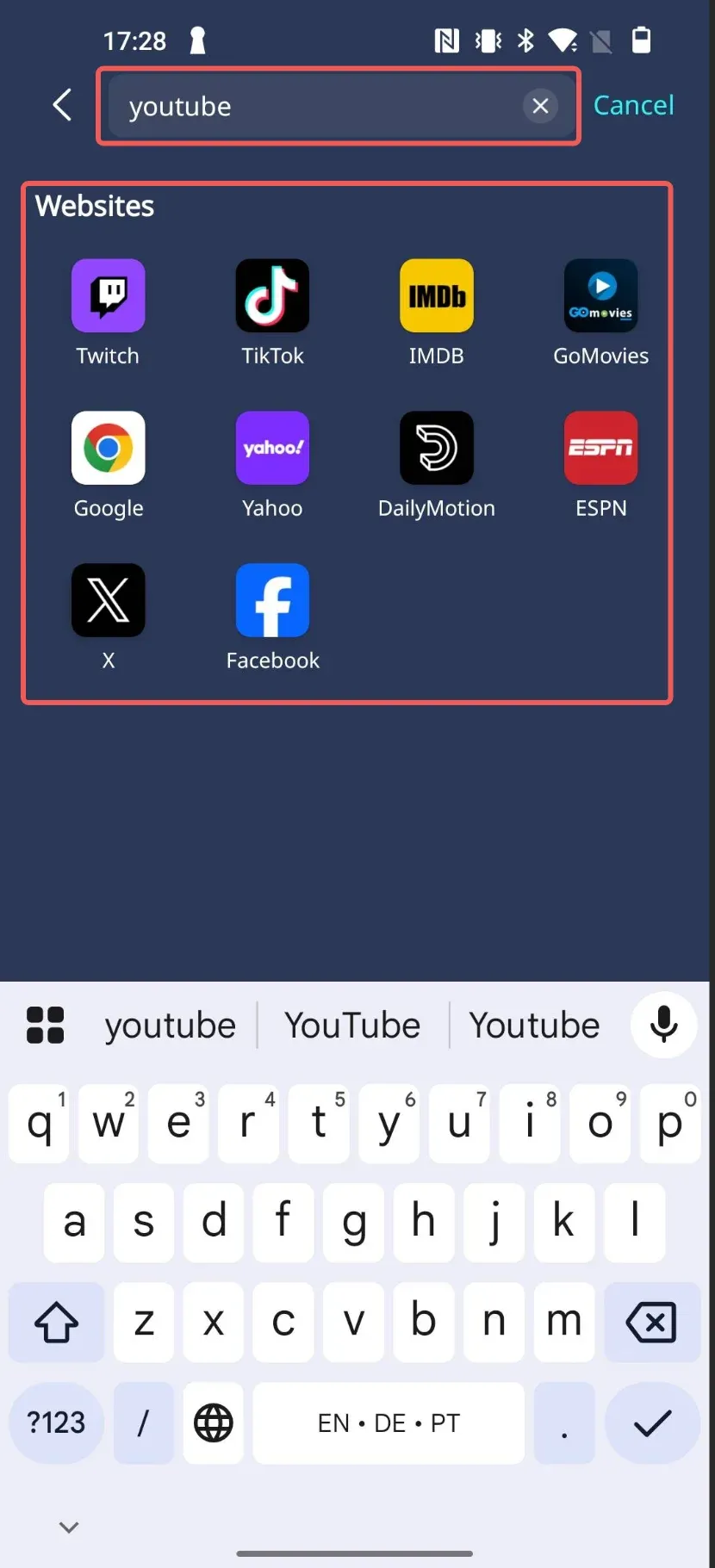
Step 2: Select existing portal or type in your own link.
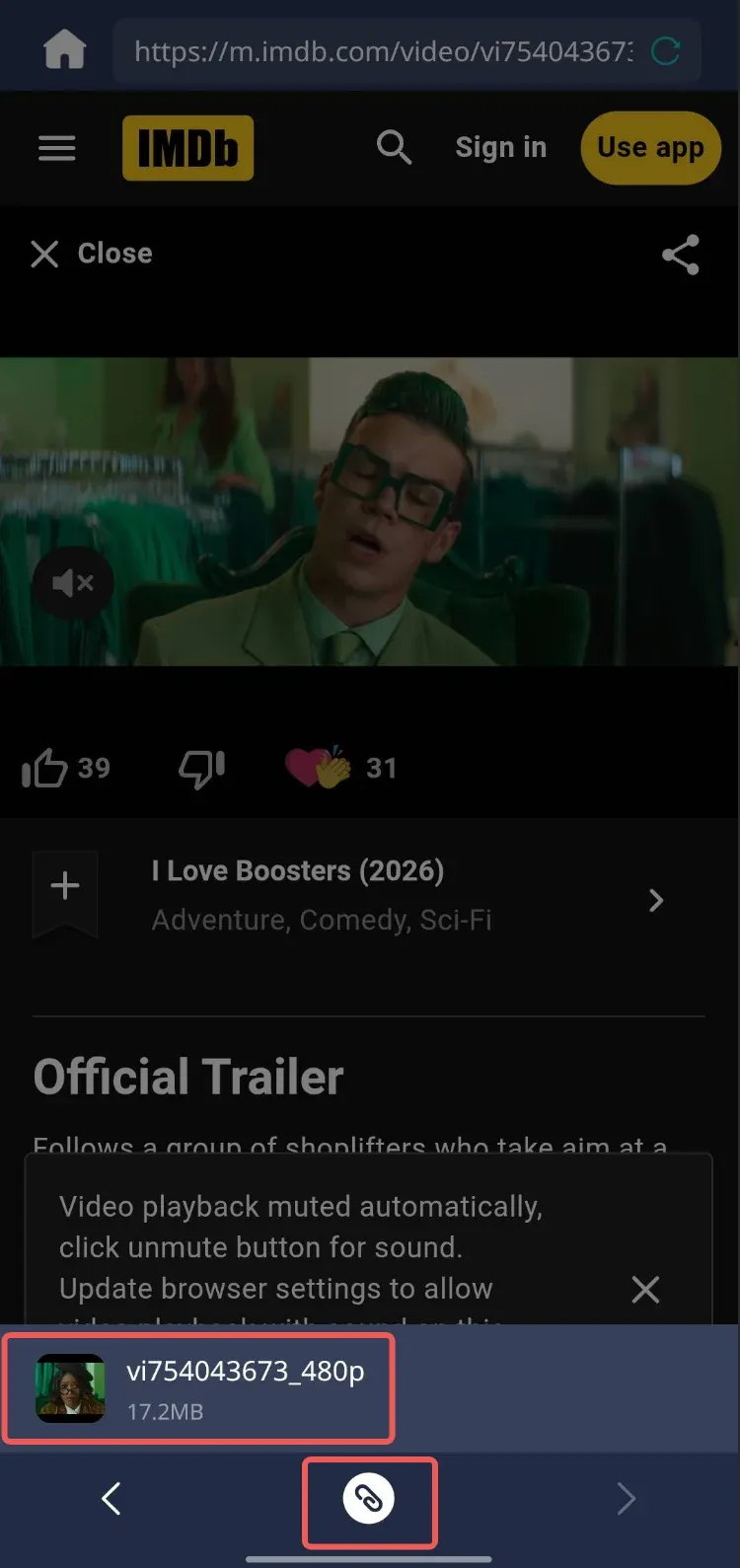
Step 3: Select the corresponding video and click the Connect button below.
Step 4: While casting, you can use the PigeonCast App to perform playback control operations, such as fast-forwarding, rewinding, and adjusting the volume.