
Buying a treadmill with screen mirroring sounds simple. In reality, many people only discover the limitations after they bring it home. The most common problem? The treadmill screen only supports a few built-in apps, or it uses a casting method that your phone doesn't support.
If your goal is smooth, uninterrupted workouts, the real priority isn't just having a screen. It's having a setup that connects quickly and stays stable. This guide walks you through what actually matters before buying, how to set things up the right way, and how to fix the most common mirroring issues without wasting time on random trial and error.
What to Check Before You Buy a Treadmill with Screen Mirroring
Not every "smart treadmill" includes true device mirroring. Some models only offer built-in streaming apps. Others support wireless protocols such as AirPlay, Miracast, or Chromecast. A few only provide a tablet holder and call that "connected entertainment".
Before buying, confirm these key points:
- Supported casting protocols
Check whether the treadmill supports:
-
AirPlay (for iPhone/iPad)
-
Miracast (for Windows/Android)
-
Chromecast (for Android/Chrome apps)
-
Or only a brand-specific app
If none of these are supported, true treadmill screen mirroring is not available.
- Device compatibility
Some treadmills only support:
-
Specific Android models
-
Limited iOS versions
-
Or no cross-device casting
-
Full-screen vs limited casting
Some models:
-
Allow full-screen mirroring
-
Others only mirror selected apps
This is a common reason why screen mirroring works for some apps but not others.
- Wi-Fi capability
Make sure the treadmill supports both 2.4 GHz and 5 GHz Wi-Fi. 5 GHz is critical for reducing lag and improving stability.
- Firmware updates
Check how often updates are released and whether casting issues are actively fixed. Many treadmill mirroring problems come from outdated firmware.
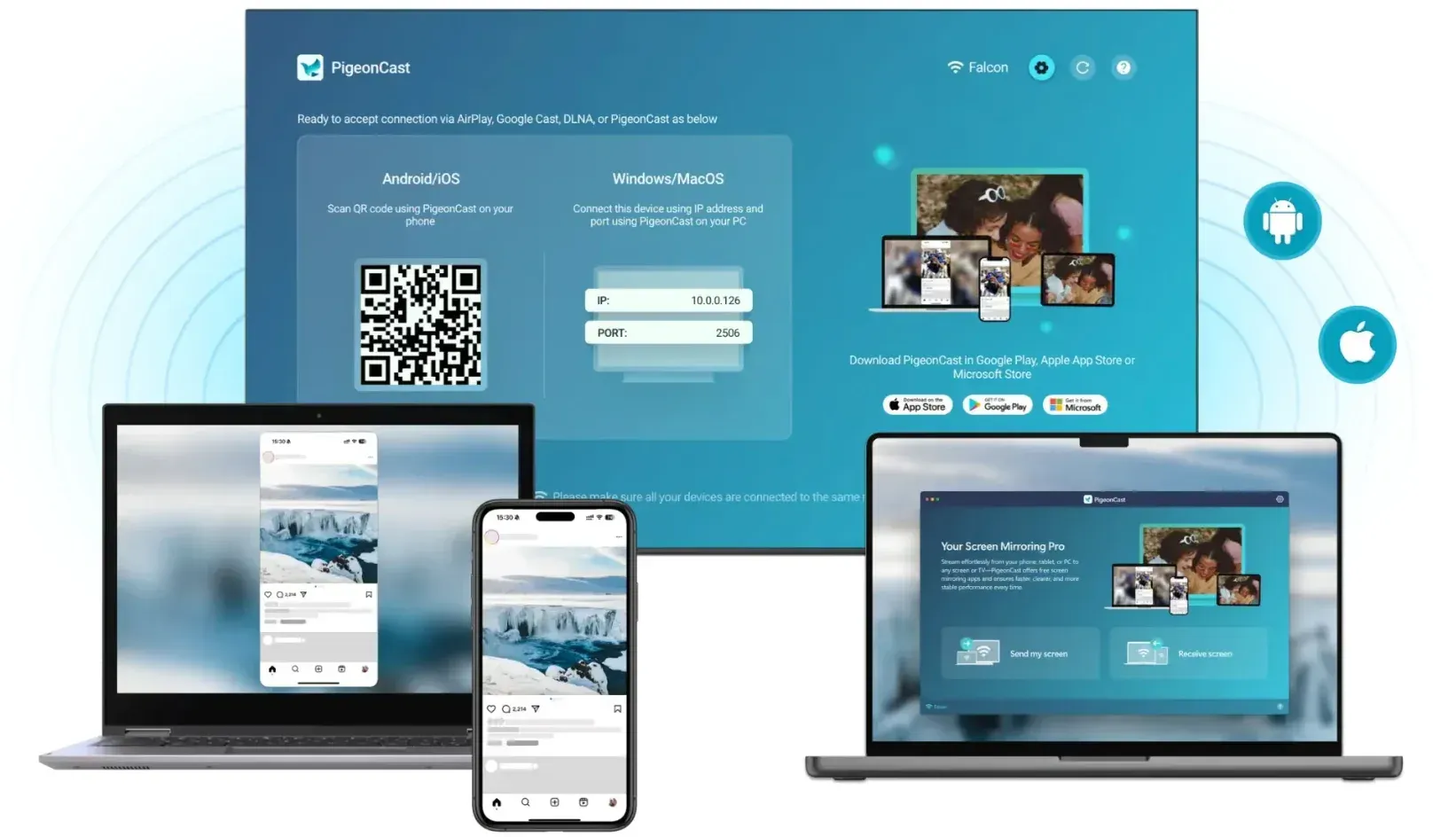
Tip: If casting reliability is important, always plan a backup like PigeonCast screen mirroring, which lets you mirror your phone or laptop to a TV without relying on treadmill limitations.


Overall Rating:



Best Treadmills with Screen Mirroring (2026 Picks)
If you are searching for the best treadmill with casting, here is the reality: very few treadmills offer true open casting support. These are the most relevant options today:
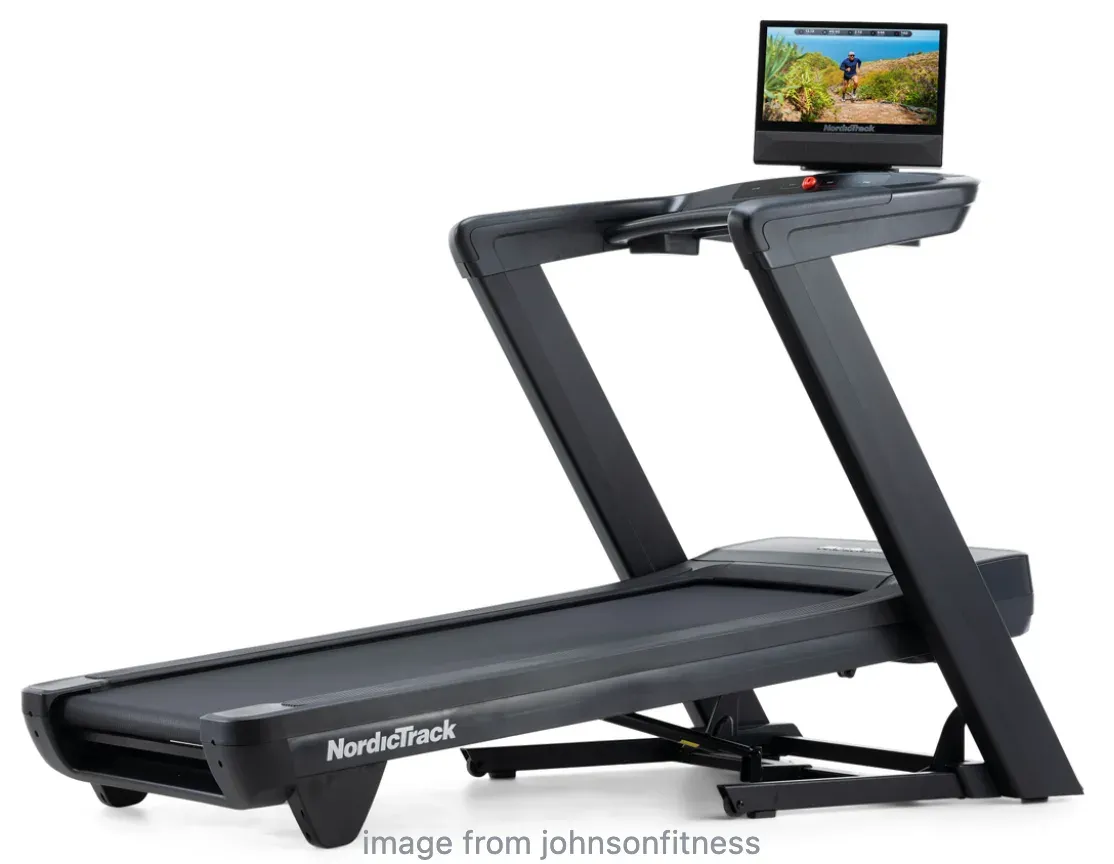
NordicTrack Commercial 1750 (Best Overall Smart Treadmill)
-
14" HD touchscreen
-
Uses iFit platform
-
No full AirPlay / Chromecast support
Best for built-in workouts, but not ideal for open screen mirroring treadmill use.
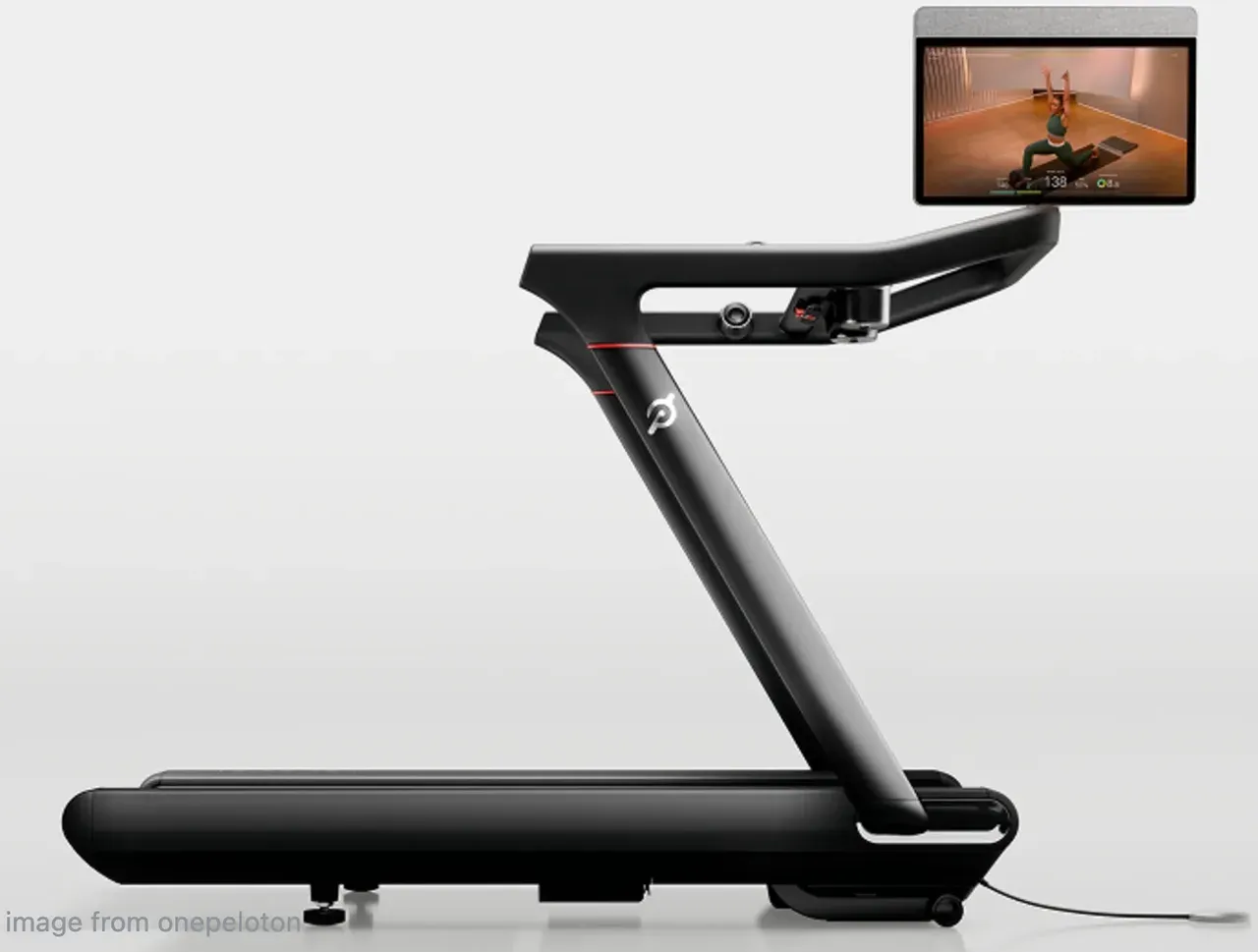
Peloton Tread (Best Content Experience)
-
23.8" touchscreen
-
Strong app ecosystem
-
No native screen mirroring
You cannot freely mirror your phone or stream external apps.
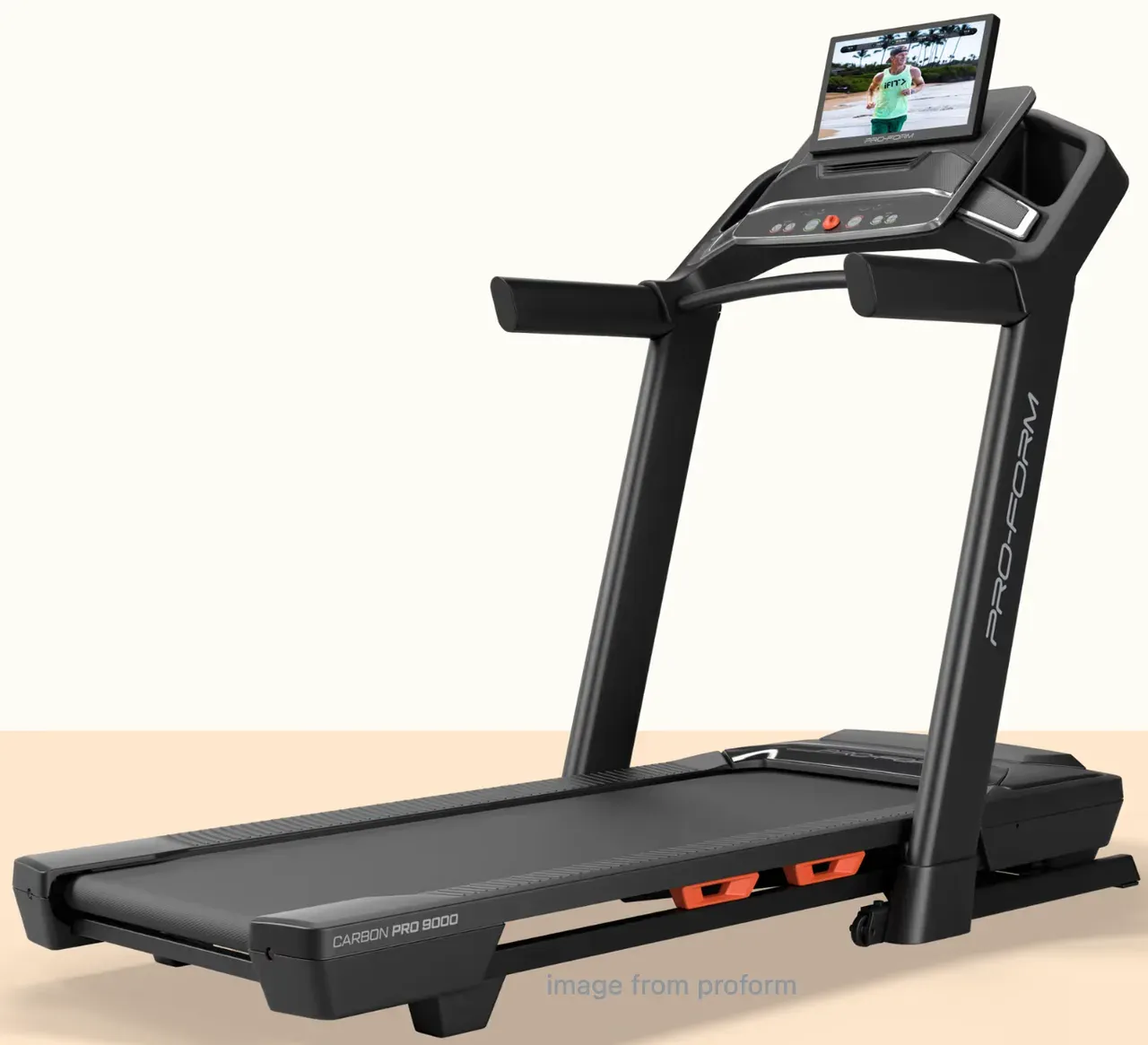
ProForm Pro 9000 (Budget Smart Option)
-
22" display
-
iFit-based system
-
Limited casting support
Same limitation: no true treadmill with AirPlay or Chromecast freedom.
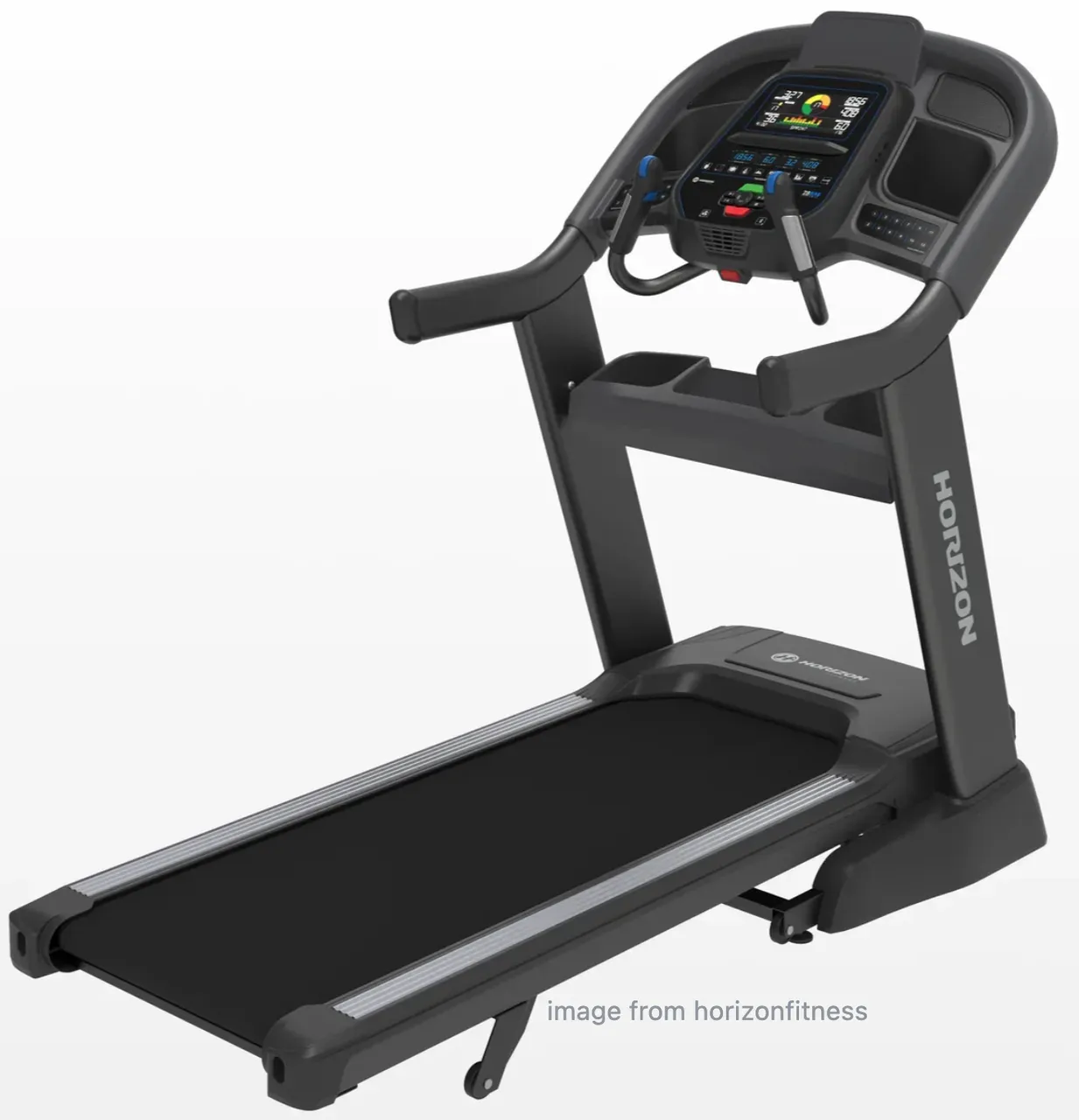
Horizon 7.8 AT (Best Flexible Setup)
-
No built-in screen
-
Includes tablet holder
-
Full freedom using your own device
Surprisingly, this is often a better option if you want reliable viewing.
How to Set Up Treadmill Screen Mirroring
Most Treadmill mirroring setup failures happen because one basic condition is missing. Use this order once, then save it as your repeat routine.
Step 1. Connect both the treadmill and your phone, tablet, or laptop to the same Wi-Fi network.
Step 2. Update treadmill firmware and your casting app before the first pairing.
Step 3. Open the treadmill's casting or screen mirroring mode.
Step 4. Start casting from your device with the matching protocol:
-
AirPlay for Apple devices when supported.
-
Miracast for compatible Windows/Android devices.
-
Chromecast for compatible Android apps and Chrome-based casting.
Step 5. Test with a short, non-protected video first.
Step 6. If that works, test your workout app next.
If you see your treadmill in the device list but playback fails in one app, that is often an app-level limit, not a network issue. Some services restrict mirrored playback because of content protection rules.
Symptom-First Fixes When Treadmill Casting Fails
Do not change everything at once. Match the fix to the exact symptom.
Device not found:
-
Confirm both devices are on the same Wi-Fi SSID.
-
Turn Wi-Fi and Bluetooth off and on once.
-
Restart treadmill console and phone, then retry.
Audio but no video:
-
Test a different app to check for app-level blocking.
-
Disable VPN and battery saver temporarily.
-
Lower resolution and reconnect.
Black screen after connecting:
-
Stop and restart the cast session.
-
Reboot both devices.
-
Check for console firmware updates.
Lag, stutter, or frequent disconnects:
-
Move treadmill closer to router.
-
Prefer 5 GHz Wi-Fi if both devices support it.
-
Pause heavy network activity on other devices.
A More Reliable Alternative to Treadmill Screen Mirroring
If your treadmill screen mirroring keeps failing, there is a simpler solution.
Step 1. Place a treadmill in front of a TV.
Step 2. Use a casting tool like PigeonCast.
Step 3. Mirror your phone or laptop to the TV with onscreen instructions.
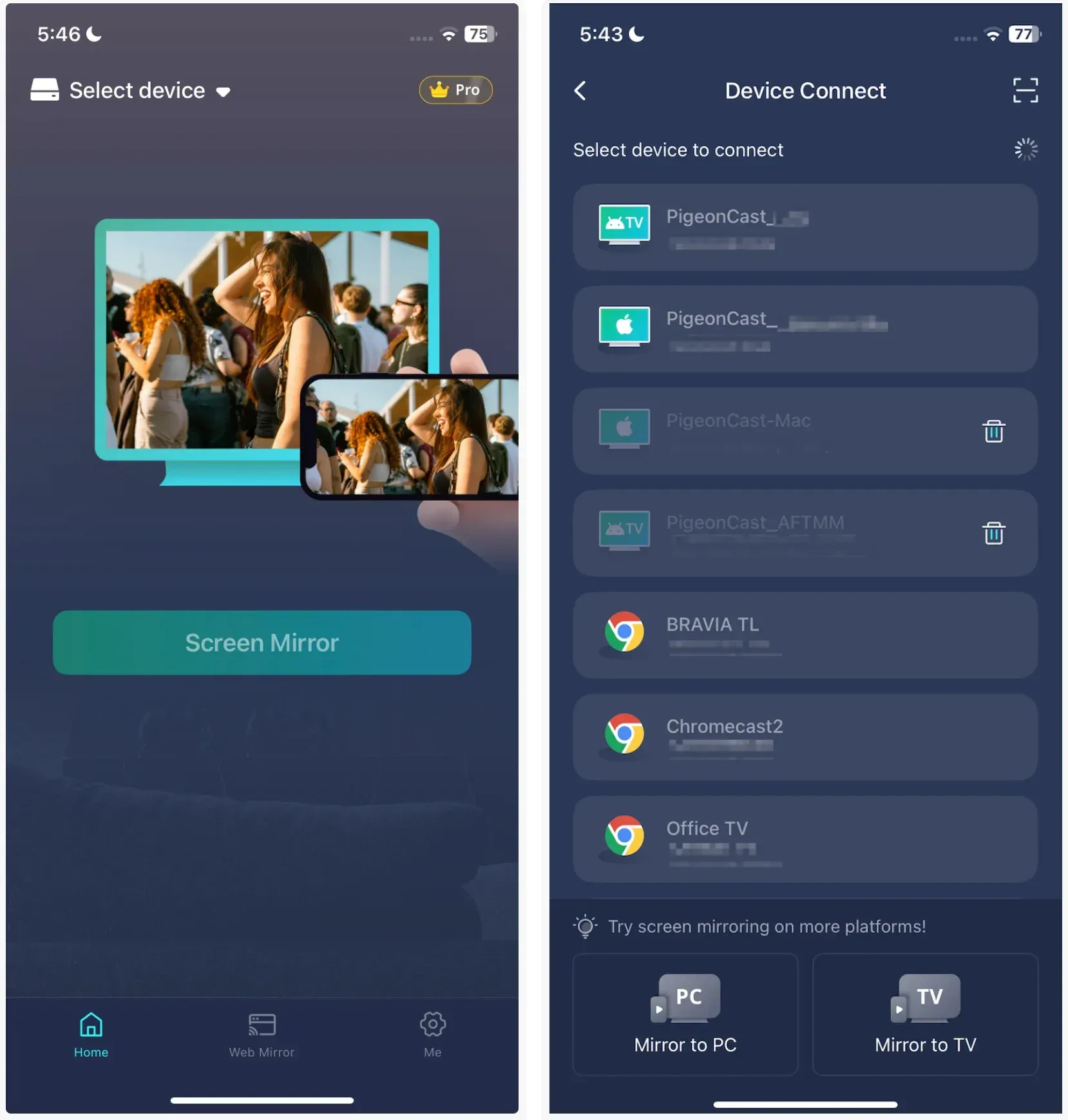
This setup removes almost all the common issues:
-
No app restrictions
-
No compatibility problems
-
No unstable treadmill software
And as a bonus, you get a larger, more comfortable viewing experience. For most people, this ends up being the most practical long-term solution.
Final Words
A treadmill with screen mirroring is worth it only when compatibility and reliability are clear before purchase. Focus on supported protocols, device compatibility, and Wi-Fi stability, not just display size.
For setup, follow one repeatable order: same network, updated firmware, matching cast protocol, then app testing. For troubleshooting, diagnose by symptom instead of changing random settings. If native mirroring remains unstable after one clean test cycle, use a screen mirroring app like PigeonCast, so your workout flow stays consistent.
Treadmill With Screen Mirroring FAQ
Do all treadmills with touchscreens support screen mirroring?
No. Some only provide built-in apps or media playback options. Always verify AirPlay, Miracast, Chromecast, or the required brand app before buying.
Is built-in screen mirroring better than using a tablet holder?
Built-in mirroring is cleaner when it works reliably. A tablet holder is often more flexible and can be a safer choice if you use multiple devices.
Why does treadmill casting work for some apps but fail for others?
Many failures come from app-level playback restrictions rather than Wi-Fi problems. Test with a simple video source first, then test your target workout or streaming app.
Can I mirror my iPhone to a treadmill using AirPlay?
Only if the treadmill explicitly supports AirPlay. Many smart treadmills do not allow open casting, even if they have a touchscreen.
Can Android phones mirror to a treadmill?
Yes, but only if the treadmill supports Miracast or Chromecast. Compatibility varies by model, so it’s important to check before buying.
Why does my treadmill show a black screen when casting?
A black screen usually means the app blocks mirroring or the connection failed mid-stream. Restart the session and check for updates.
What is the best alternative if treadmill screen mirroring is not working?
A more reliable option is to mirror your phone or laptop to a TV using tools like PigeonCast. This avoids treadmill system limitations and works with all apps.
Can I watch Netflix or YouTube on a treadmill using screen mirroring?
It depends on the treadmill and the app. Some streaming services block mirroring. Using an external screen setup often works better.
Are expensive treadmills better for screen mirroring?
Not necessarily. Many high-end treadmills restrict casting to their own apps. A flexible setup can sometimes provide a better experience.
Mia Clarke is a technology editor specializing in screen mirroring and casting solutions across multiple platforms. Mia provides clear, practical guides and in-depth insights to help users seamlessly connect their devices. Passionate about enhancing digital experiences, Mia is dedicated to keeping readers updated on the latest trends and tools in cross-platform screen sharing. Whether you’re looking to mirror your smartphone, laptop, or smart TV, Mia’s content delivers reliable, user-friendly advice to simplify your tech setup.