
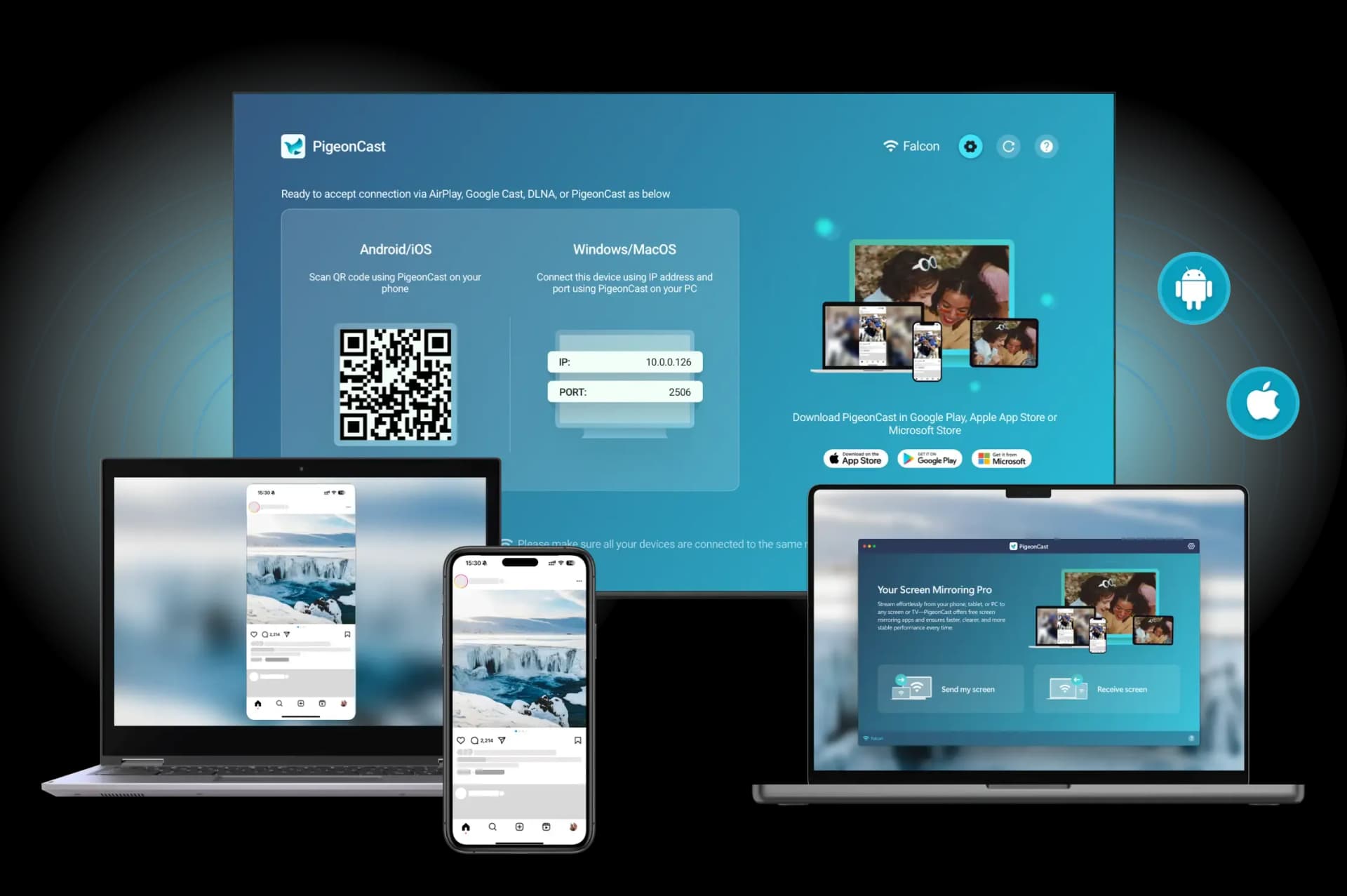
Are you wondering "what are Chromecast enabled apps" and which ones are worth trying? Chromecast has revolutionized the way we stream media, allowing content to move effortlessly from phones, tablets, or computers to a TV. Whether you're on iPhone, Android, or a computer, using Chromecast-enabled apps opens up endless entertainment possibilities. In this guide, we'll highlight 21 must-have Chromecast apps that make casting simple, smooth, and fun.
What Are Chromecast Enabled Apps
A Chromecast-enabled app is an application that can send content from your device to a Chromecast dongle or a Chromecast-supported TV using Google Cast technology. When you press the cast button in such an app, your phone, tablet, or computer communicates with the Chromecast device over your Wi-Fi network.
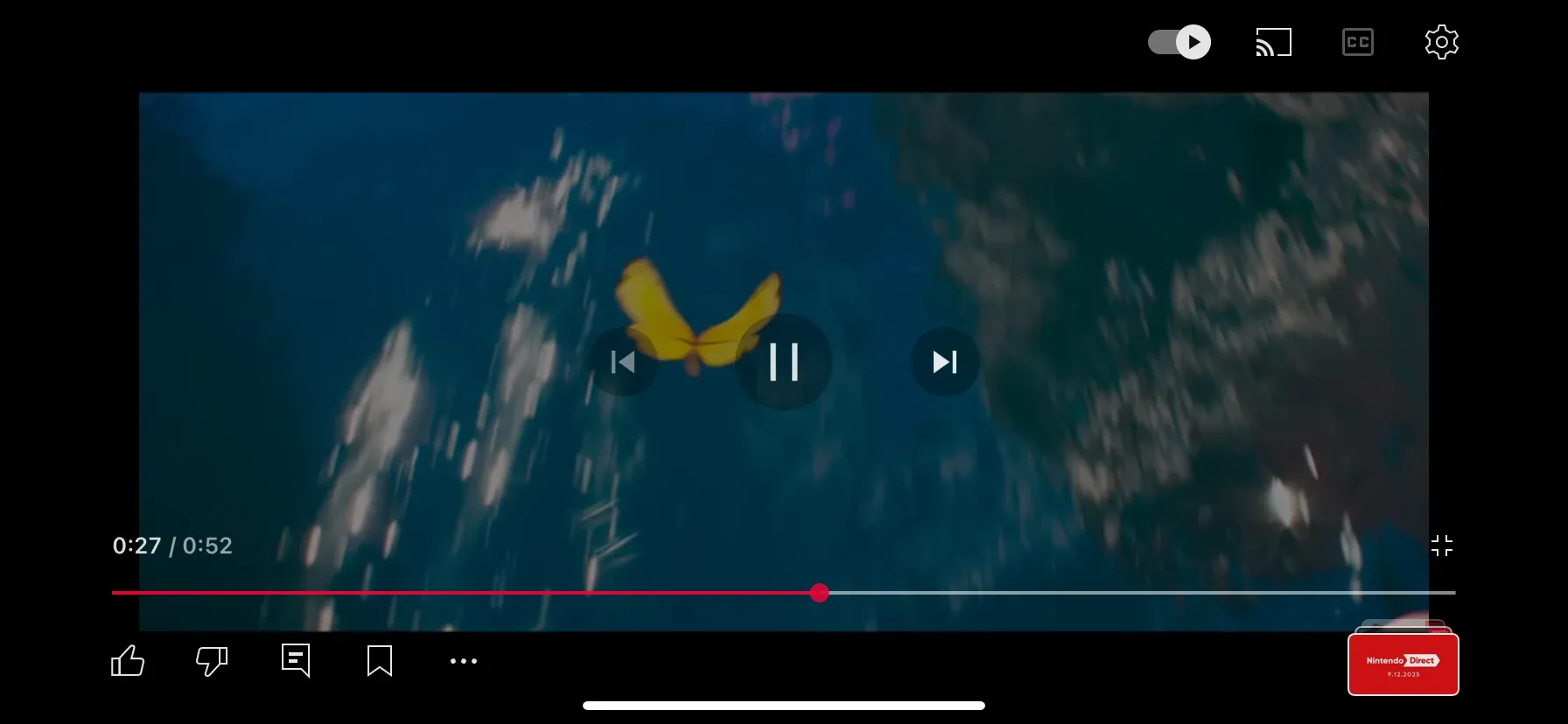
Apps like Netflix or YouTube send a command to the Chromecast, which then streams the content directly from the internet or receives a mirrored stream from your device. They don't just mirror your screen; they instruct the Chromecast to fetch and stream the media independently, reducing lag and improving performance.
#1. PigeonCast - Ultimate Media Casting Solution
PigeonCast is a versatile Chromecast-enabled app that demonstrates the full potential of Google Cast technology. Unlike typical apps that only stream content from select platforms, PigeonCast allows you to mirror screens, cast videos, and stream music from almost any device (phone, tablet, or laptop) to a TV.

The app works by connecting your source device and the target device over Wi-Fi. PigeonCast uses Google Cast, AirPlay, or DLNA protocols to instruct the receiving device to either fetch the content directly or mirror your screen in real-time.
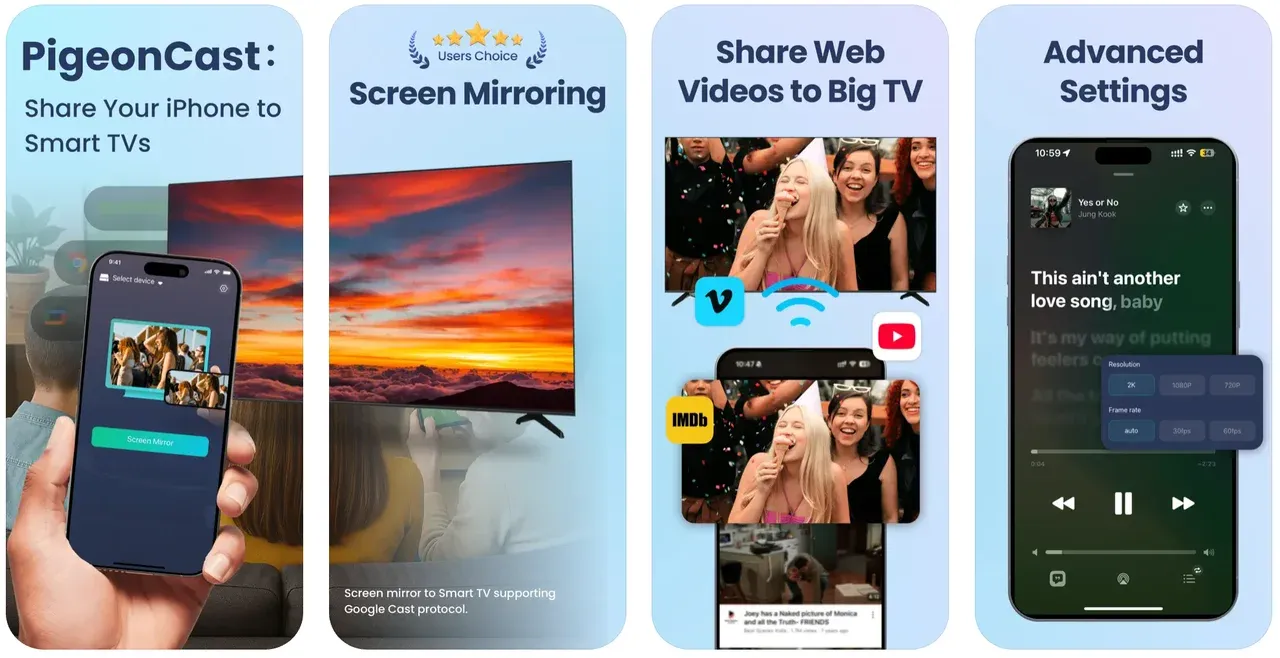
The Google Cast-enabled app reduces latency, supports multiple platforms, and allows seamless streaming from apps that aren't natively Chromecast-enabled.
Why choose PigeonCast:
- Free to use and user-friendly interface
- Cross-platform screen mirroring and casting
- Multiple protocols support (Google Cast, AirPlay, DLNA)
#2. Netflix
Netflix is one of the most popular Chromecast enabled apps iPhone and Android users rely on. When you cast a Netflix video, your phone doesn't stream the video itself; instead, it tells the Chromecast device to fetch the video stream directly from Netflix servers. This is why casting Netflix is smooth and efficient with minimal battery usage on your phone.
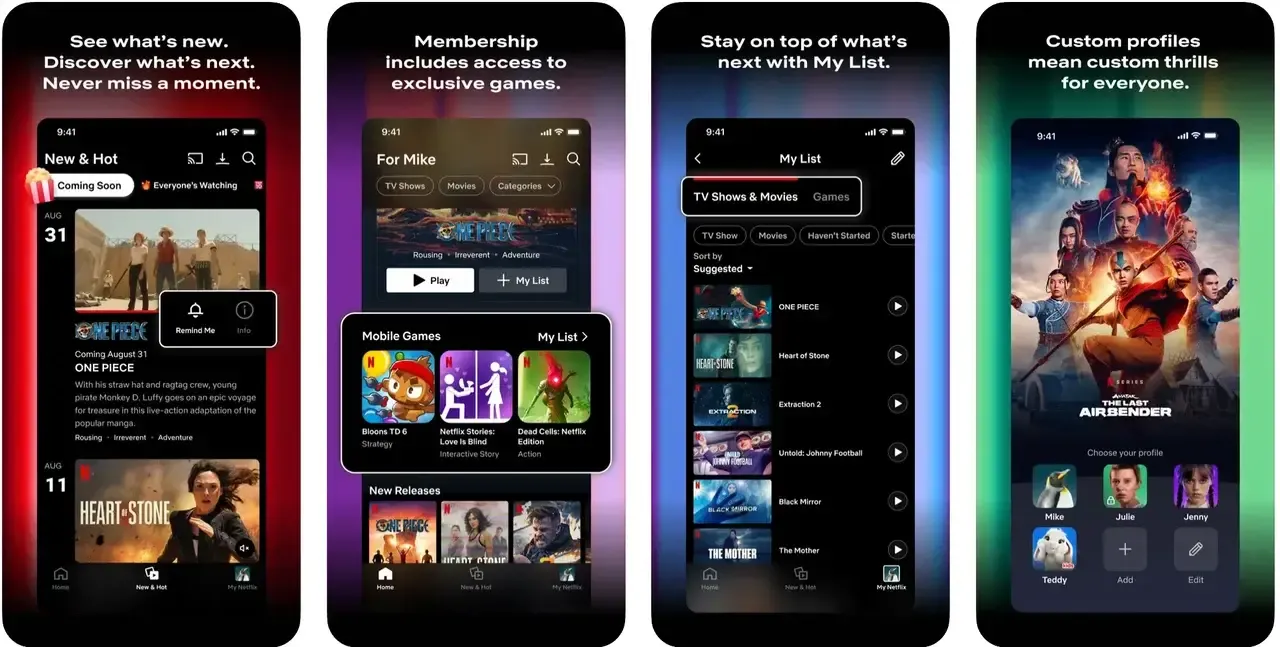
Chromecast-enabled apps like Netflix rely on a combination of Wi-Fi detection, Google Cast protocol, and the app's built-in casting feature to ensure that the video appears instantly on your TV once you tap the cast button.
Why choose Netflix:
- HD and 4K streaming
- Efficient device-to-TV communication
- Supports Android, iOS, and Chrome
#3. YouTube
YouTube demonstrates a key principle of Chromecast-enabled apps: the app serves as a remote control, while the Chromecast streams the video independently. When you cast from YouTube, your phone or computer sends the video URL and playback commands to the Chromecast. The Chromecast then streams the video directly from YouTube servers.
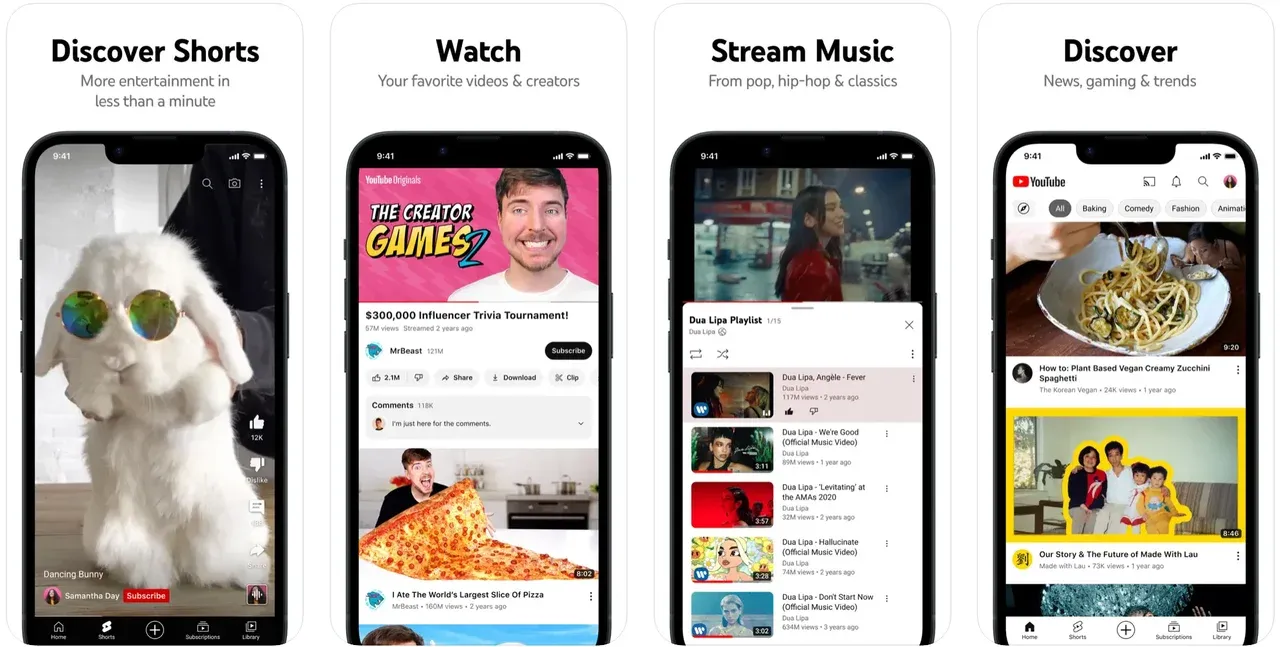
For creators, YouTube casting also supports playlists, queue management, and live chat display. Whether it's music videos, vlogs, or educational content, YouTube ensures a smooth experience on big screens.
Why choose YouTube:
- Easy casting from mobile and Chrome browser
- Supports live streaming and playlists
- Works on Android, iPhone, and PC
#4. Spotify
Spotify is one of the leading cast enabled streaming apps for music lovers. Using Chromecast, you can stream playlists, albums, and podcasts directly to your TV or smart speaker.
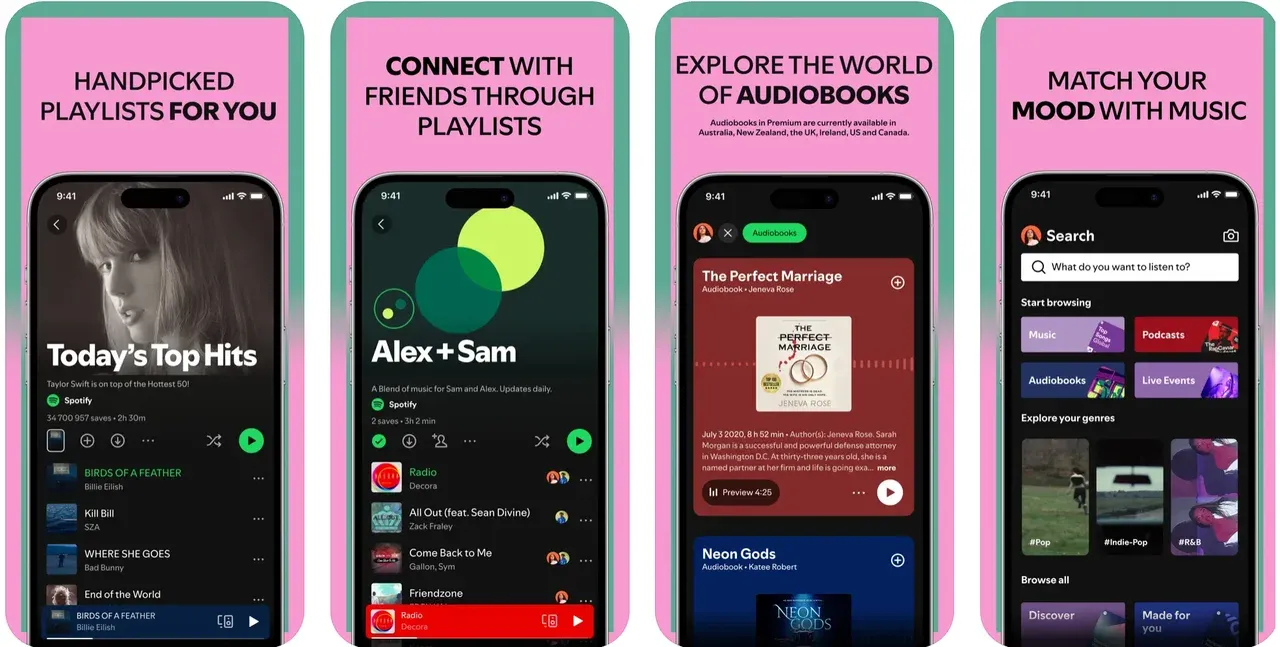
Spotify's integration allows multi-device control, so you can manage playback from your phone while enjoying high-quality audio on your TV. Free users can access basic features, while premium users get additional perks like offline playback.
Why choose Spotify:
- High-quality audio streaming
- Multi-device control
- Free and premium tiers
#5. Hulu
Hulu is one of the best Chromecast apps for on-demand TV and live streaming. It supports casting both movies and live shows, making it ideal for cord-cutters.
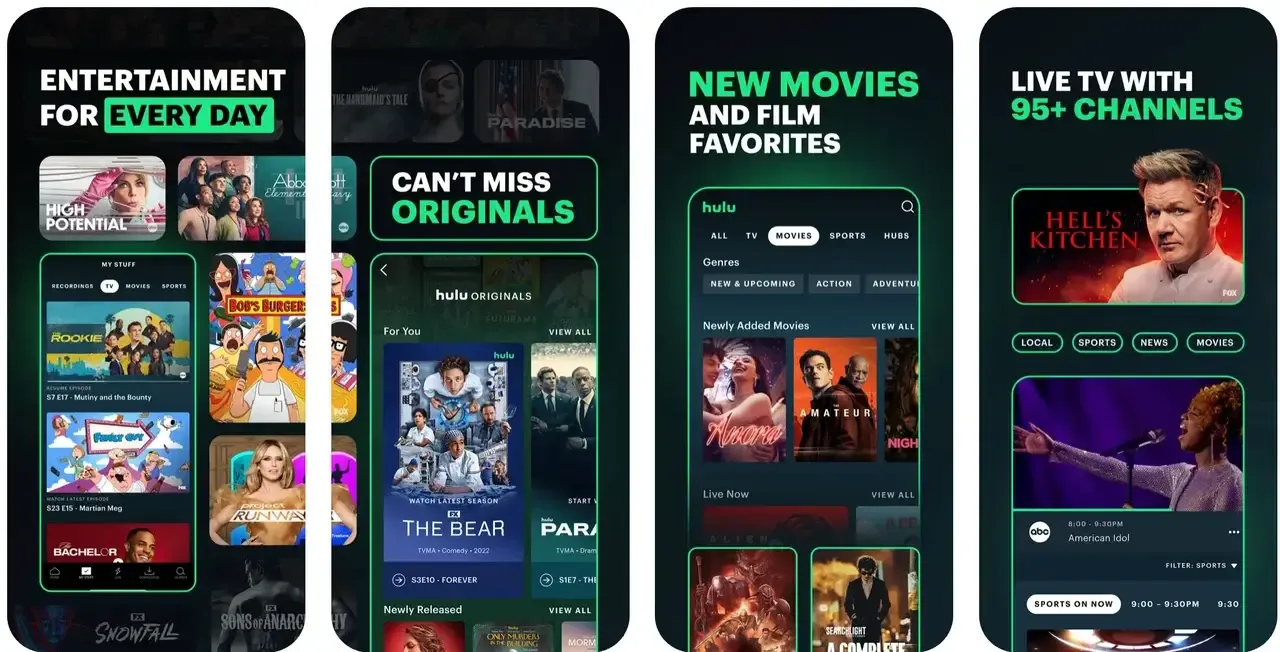
With Hulu, you can enjoy seamless content playback, multiple profiles, and an intuitive interface. Its Chromecast integration ensures smooth streaming with minimal buffering.
Why choose Hulu:
- Live TV and on-demand streaming
- User-friendly interface
- Full HD casting support
#6. Disney+
Disney+ is a family favorite among Chromecast-compatible apps. From Pixar classics to Marvel blockbusters and National Geographic documentaries, Disney+ supports high-definition casting across devices.
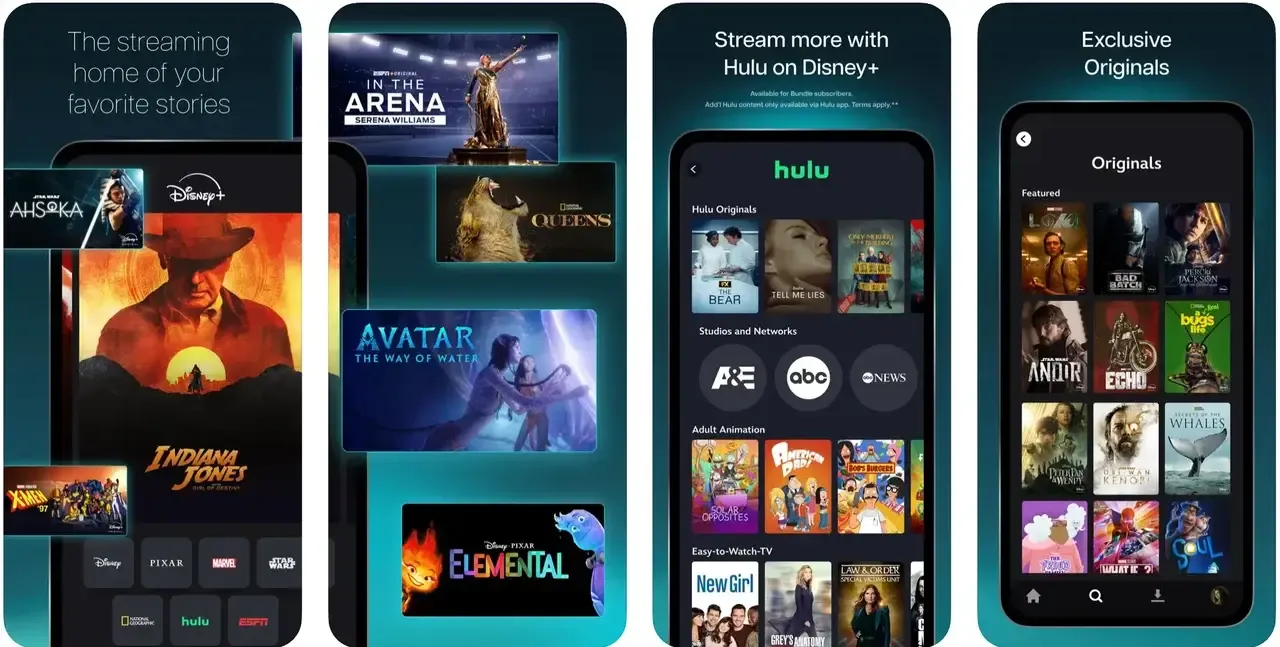
Its easy-to-use interface and strong Chromecast integration make watching on the big screen simple. Multiple profiles allow family members to have personalized viewing experiences.
Why choose Disney+:
- 4K HDR support
- Family-friendly content
- Works seamlessly with Chromecast
#7. HBO Max (Max)
HBO Max, now known as Max, is a premium Chromecast-enabled app for movies, series, and documentaries. Casting HBO Max content ensures your favorite films and shows are enjoyed in high quality on your TV.
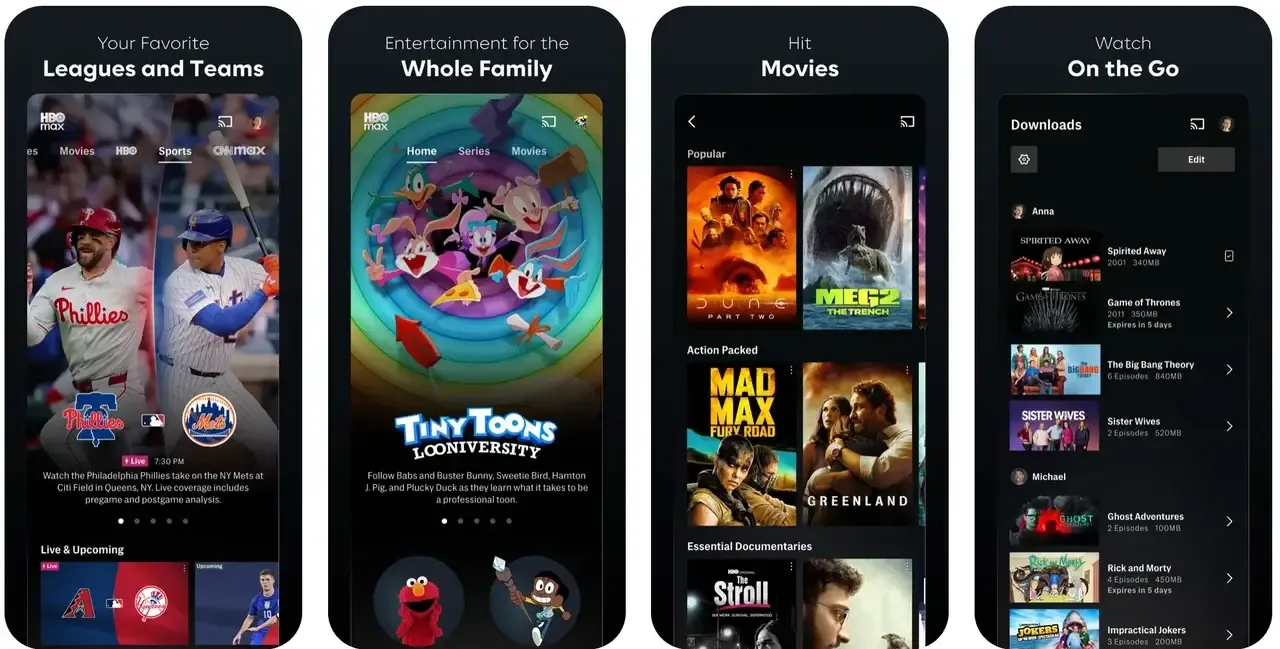
Its Chromecast support is smooth, allowing users to pause, resume, and switch content effortlessly from their phones or tablets.
Why choose HBO Max:
- Ultra HD and Dolby Vision support
- Easy navigation and casting
- Extensive content library
#8. Amazon Prime Video
Amazon Prime Video is a cast-enabled streaming app that allows users to watch exclusive Originals and live sports. Its Chromecast integration ensures that streaming content moves seamlessly from your device to the TV.
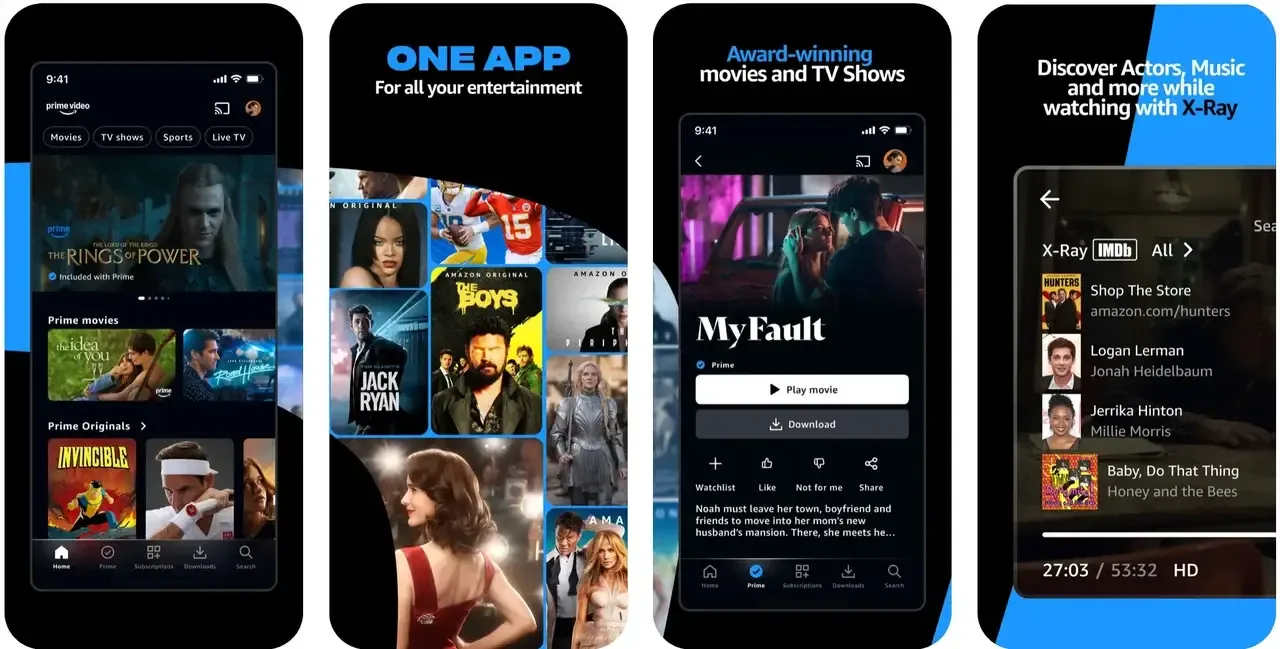
The app also supports multiple audio tracks and subtitles, making it versatile for international content or family viewing.
Why choose Amazon Prime Video:
- HD and 4K streaming
- Subtitles and audio track support
- Chromecast ready
#9. Twitch
Twitch is a free Chromecast app for Android and iPhone gamers. It lets you watch live streams or cast your own gameplay to a TV.
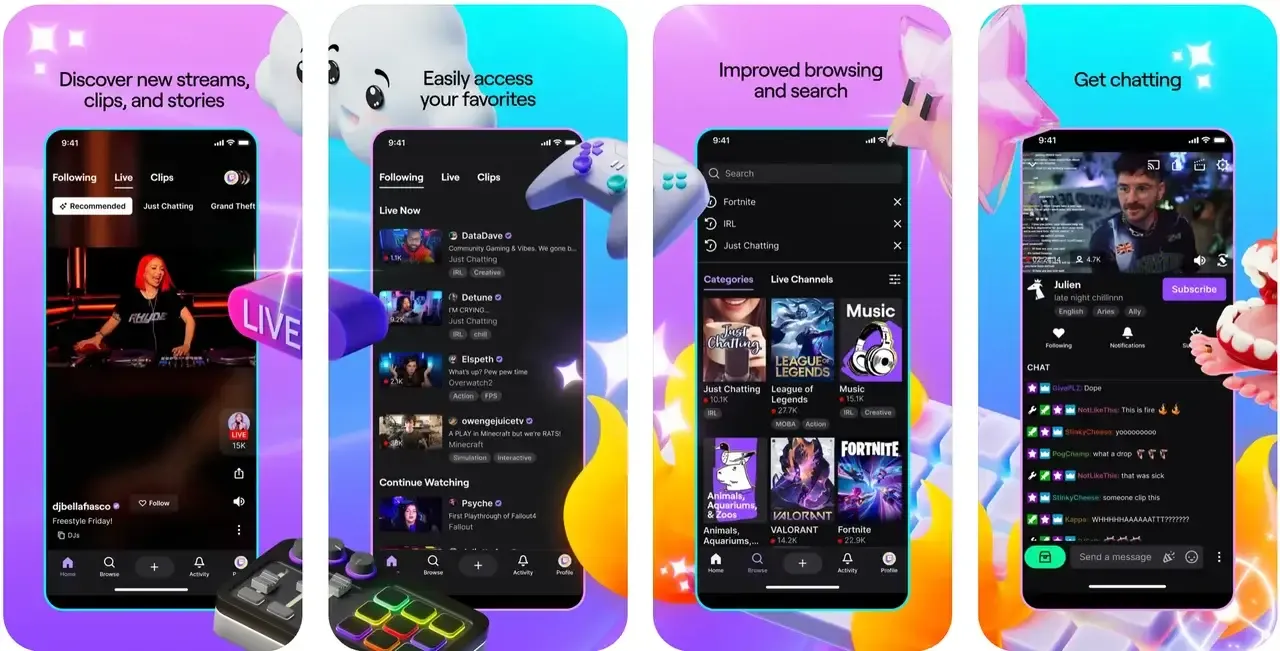 Interactive features like live chat, stream following, and notifications enhance the experience, making Twitch one of the most engaging cast-enabled apps.
Why choose Twitch:
- Live interactive streaming
- Low-latency casting
- Works with Android and iOS
#10. Plex
Plex is one of the most versatile Chromecast-enabled apps, allowing you to cast personal media libraries from your phone, tablet, or computer straight to your TV. It's designed for users who want more than just mainstream streaming services; it's about taking control of your own collection.
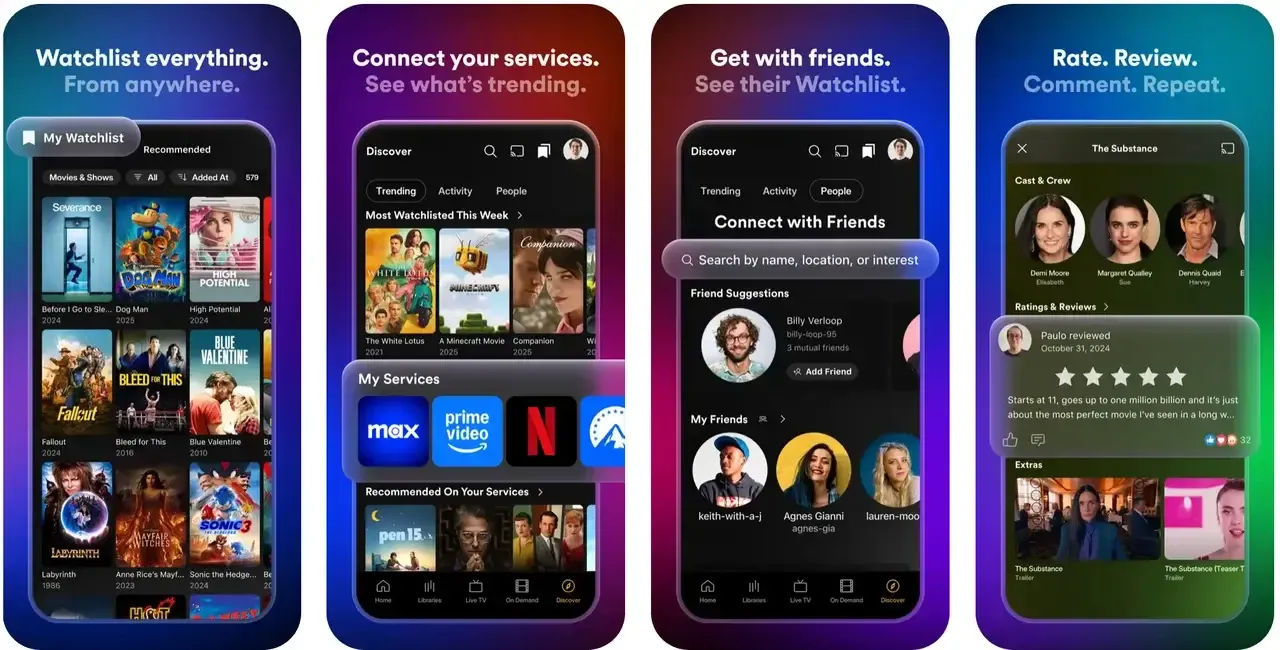
With Plex, you can stream movies, music, and photos stored locally or on a Plex server. The app doesn't just mirror your screen. Instead, it uses Google Cast to tell the Chromecast where to fetch the media, ensuring smooth, high-quality playback without straining your device.
Why choose Plex:
- Media library casting
- Cross-platform support
- Chromecast ready
If you use Jellyfin instead of Plex to manage your personal media library, see how to cast Jellyfin to Chromecast for a similar big-screen setup.
#11. VLC Media Player
VLC is a household name for media playback, and it doubles as a free Chromecast app for Android, iOS, and desktop. Known for supporting nearly every media format imaginable, VLC integrates Chromecast so you can send local files straight to your TV.
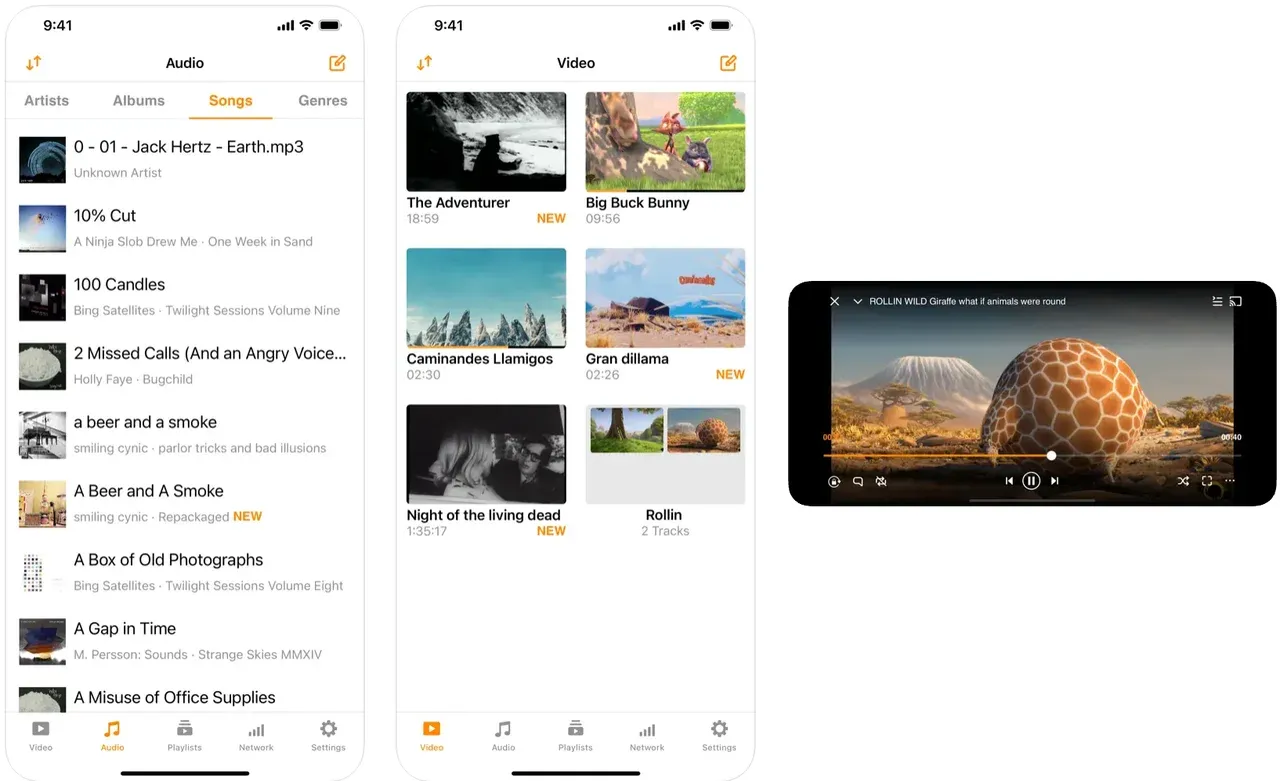
The way VLC works with Google Cast is simple but powerful: it can either transcode unsupported files on the fly and mirror them, or hand off supported formats directly to Chromecast for efficient streaming. That makes it a must-have for anyone with a diverse media library.
Why choose VLC:
- Free and open-source
- Supports nearly every file format
- Reliable Chromecast integration
#12. Google Photos
Google Photos is one of the most user-friendly Chromecast compatible apps. Instead of manually sharing images via cables or mirroring your screen, you can cast your photos directly to your TV.
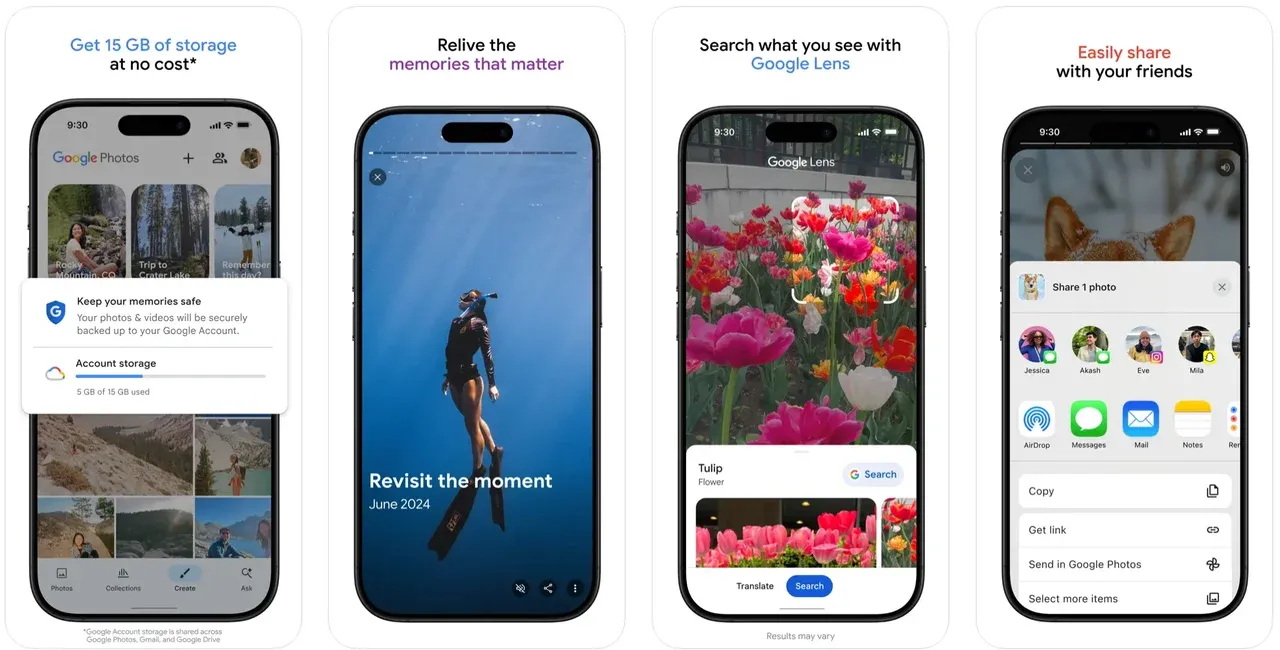
The app doesn't just send images from your phone; it communicates with Chromecast so the TV fetches the high-resolution versions stored in the cloud. This ensures your photos look crisp and vibrant on a big screen, making it a perfect app for family gatherings.
Why choose Google Photos:
- Easy cloud-to-TV photo casting
- Crisp high-resolution display
- Perfect for slideshows and memories
#13. Google Chrome
The Google Chrome browser itself doubles as one of the most practical Google Cast enabled apps. With a built-in cast option, Chrome allows you to project either entire browser tabs or specific streaming content to your Chromecast.
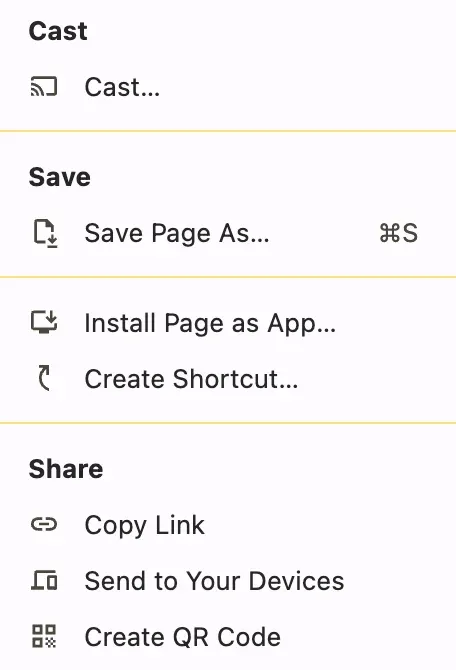 Unlike native apps like Netflix or YouTube, casting a browser tab works more like screen mirroring. However, when the website supports Google Cast, Chrome hands off the media stream directly to the Chromecast. This flexibility makes it ideal for sites without dedicated casting apps.
Why choose Google Chrome:
- Cast entire browser tabs
- Works with streaming sites and web apps
- Flexible and universal
#14. Paramount+
Paramount+ combines live TV, sports, news, and a large library of on-demand content. With Chromecast, you can switch instantly from phone to big screen, whether you're catching NFL games, CBS News, or classic Paramount movies.
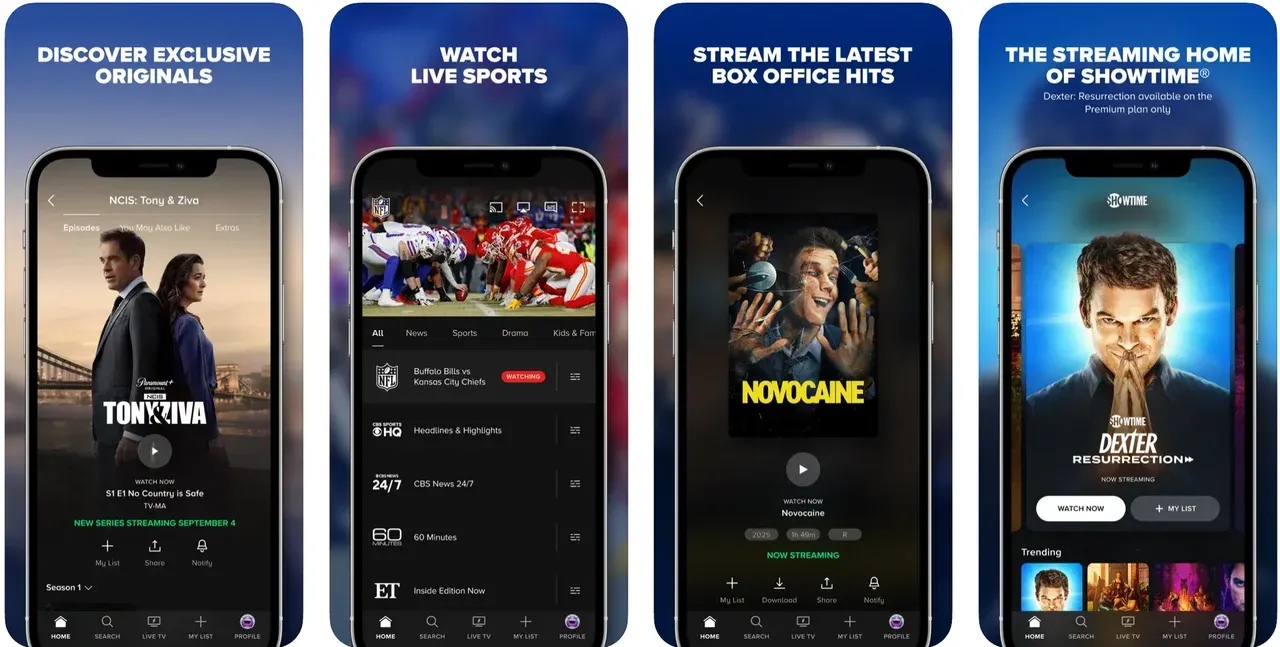
Like Hulu and Disney+, Paramount+ optimizes streams automatically on Chromecast, so you always get smooth playback. It's a versatile option for users who want both live and on-demand in one app.
Why choose Paramount+:
- Live TV + on-demand content
- Sports, news, and movies
- Reliable Chromecast support
#15. Apple Music
Apple Music does support Chromecast, though the experience varies depending on the device you're using. On Android devices, the Apple Music app has a built-in Cast button, letting you stream playlists, albums, or songs directly to any Chromecast-enabled device with just a tap. This makes Android users' casting straightforward and seamless.
For iOS users, there isn't a native Cast button. Instead, you can cast through the Google Home app by setting Apple Music as the default music service, or use third-party apps like PigeonCast for iOS app.
Why choose Facebook:
Supports Chromecast on Android
Stream music, playlists, and albums in high quality
Flexible casting options across multiple platforms
#16. Tidal Music
Tidal is a premium music streaming service that goes beyond the basics, offering lossless HiFi and Master Quality tracks. When paired with Chromecast, Tidal shines because you can stream high-resolution music directly to your TV or Chromecast-connected speakers. This means you don't just hear music; you experience it in studio-like quality.
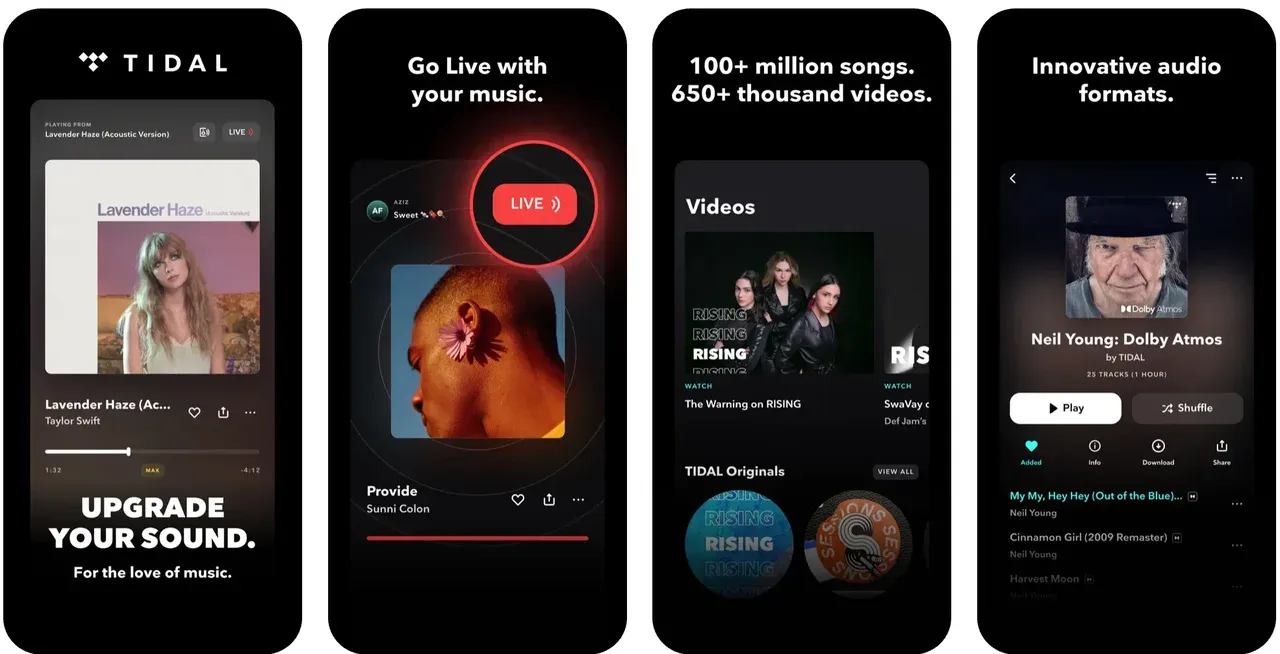
Unlike many other Chromecast music apps, Tidal emphasizes curated playlists from artists themselves, exclusive releases, and immersive audio formats like Dolby Atmos. If sound quality matters to you, Tidal with Chromecast delivers one of the richest music experiences available.
Why choose Tidal:
- HiFi and Master Quality audio
- Exclusive playlists and artist releases
- Chromecast-ready for loud sound
#17. Fox Sports
Sports fans know the frustration of squinting at highlights on a phone. That's where Fox Sports with Chromecast comes in. Whether you're catching up on NFL, MLB, NBA, or college sports, casting to the big screen brings the action to life.
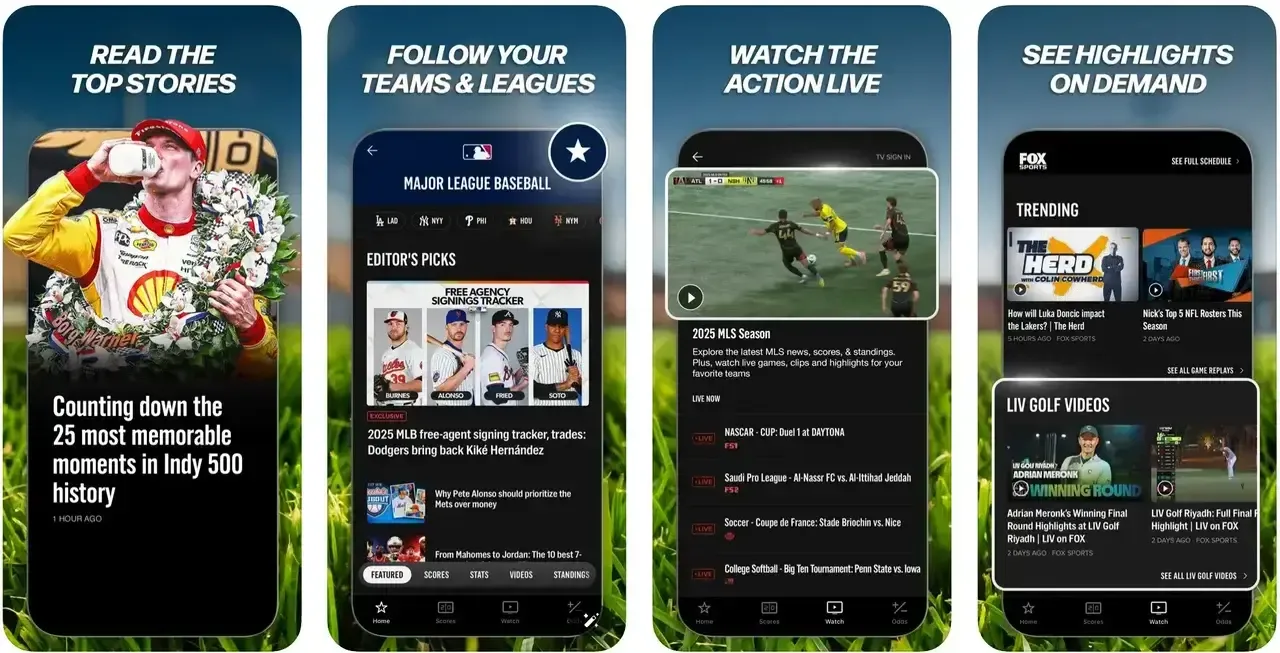
Fox Sports doesn't just stream live games; it also offers replays, commentary, and news. Chromecast integration means you can watch on your TV while still using your phone for stats, chats, or multitasking. It's the ultimate way to stay connected with your teams.
Why choose Fox Sports:
- Cast live games and highlights
- Supports multiple sports leagues
- Chromecast makes watching easier
#18. Pandora
Pandora is one of the oldest yet most beloved Chromecast-enabled apps for music streaming. Its unique strength lies in personalized radio stations built from your favorite songs, artists, or genres. With Chromecast, those curated stations come alive on your home speakers or TV.
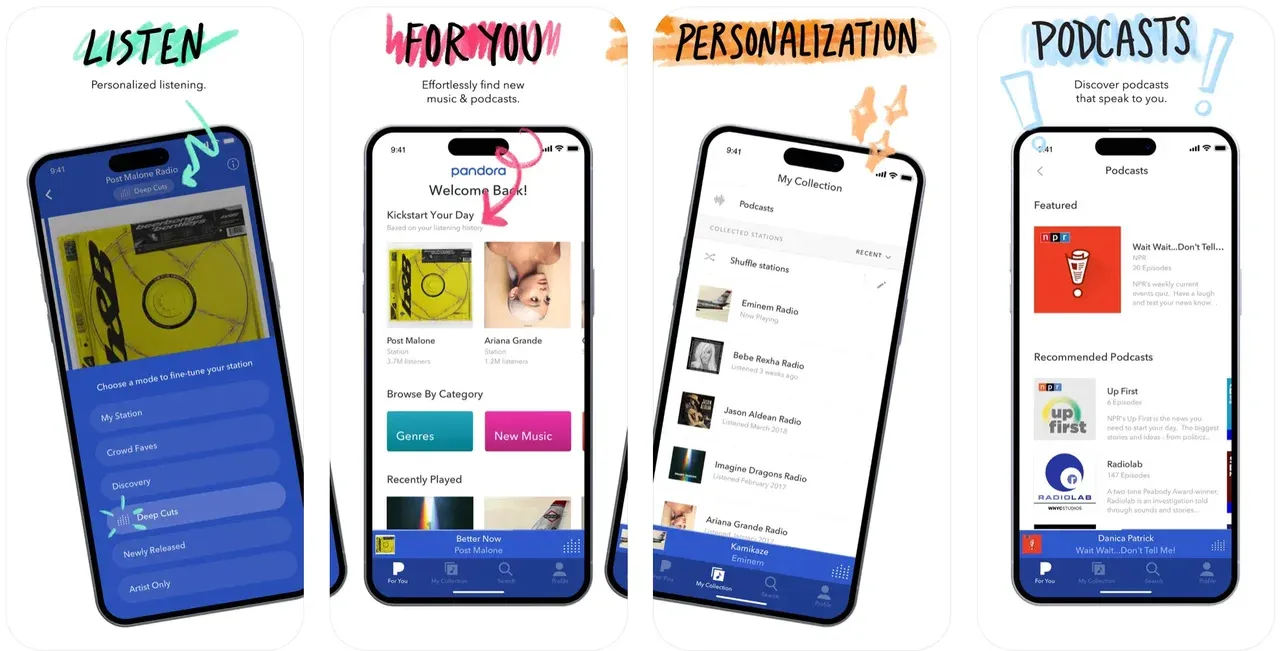
Unlike apps that require constant playlist management, Pandora thrives on discovery. Casting Pandora lets you enjoy a never-ending stream of music without touching your phone, perfect for background music during work, cooking, or relaxing.
Why choose Pandora:
- Personalized music stations
- Easy hands-off discovery
- Chromecast music streaming made simple
#19. Amazon Music
Amazon Music has evolved into one of the strongest Google Cast enabled apps in the music space. With millions of songs, podcasts, and curated playlists, it's a natural fit for Chromecast users who want to extend their Prime membership perks.
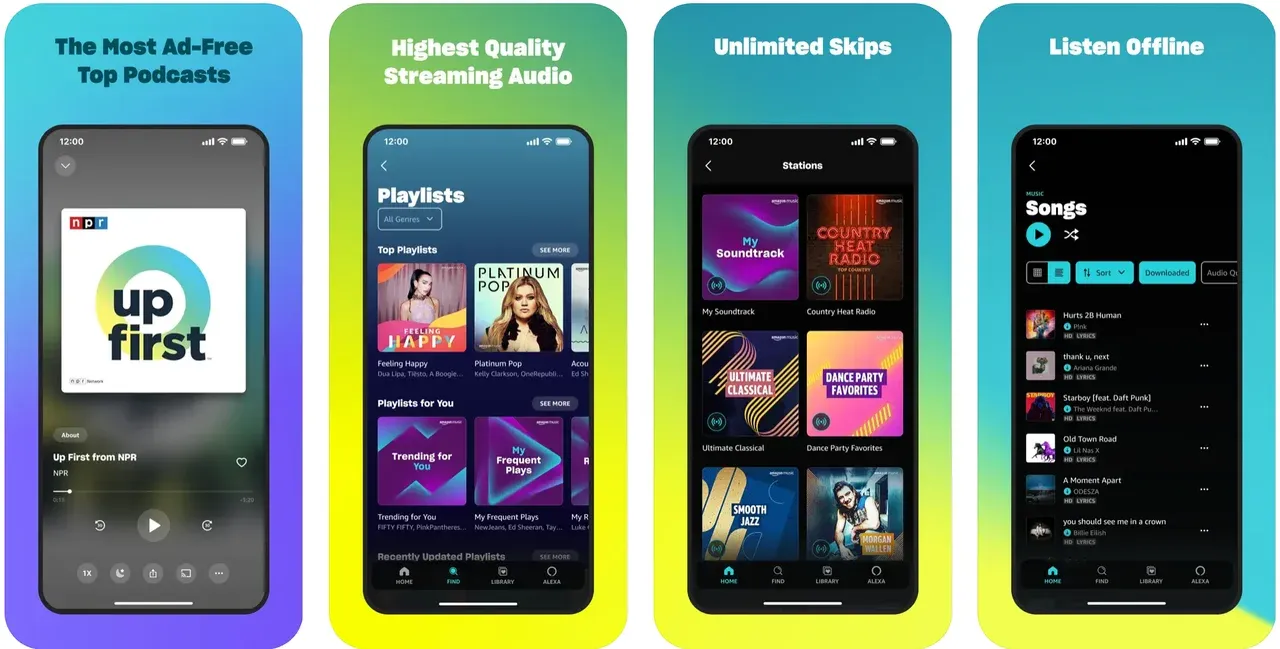
What makes Amazon Music great on Chromecast is its seamless integration with Alexa and multi-device support. You can start a playlist on your phone, cast it to Chromecast, and control playback with either voice or app.
Why choose Amazon Music:
- Millions of tracks and podcasts
- Great for Prime subscribers
- Chromecast + Alexa compatibility
#20. BBC iPlayer
For UK audiences, BBC iPlayer is one of the most valuable Chromecast compatible apps. It provides access to BBC's huge library of TV shows, documentaries, news, and live channels. With Chromecast, you can instantly cast shows like Doctor Who or BBC's world-class documentaries to your big screen.
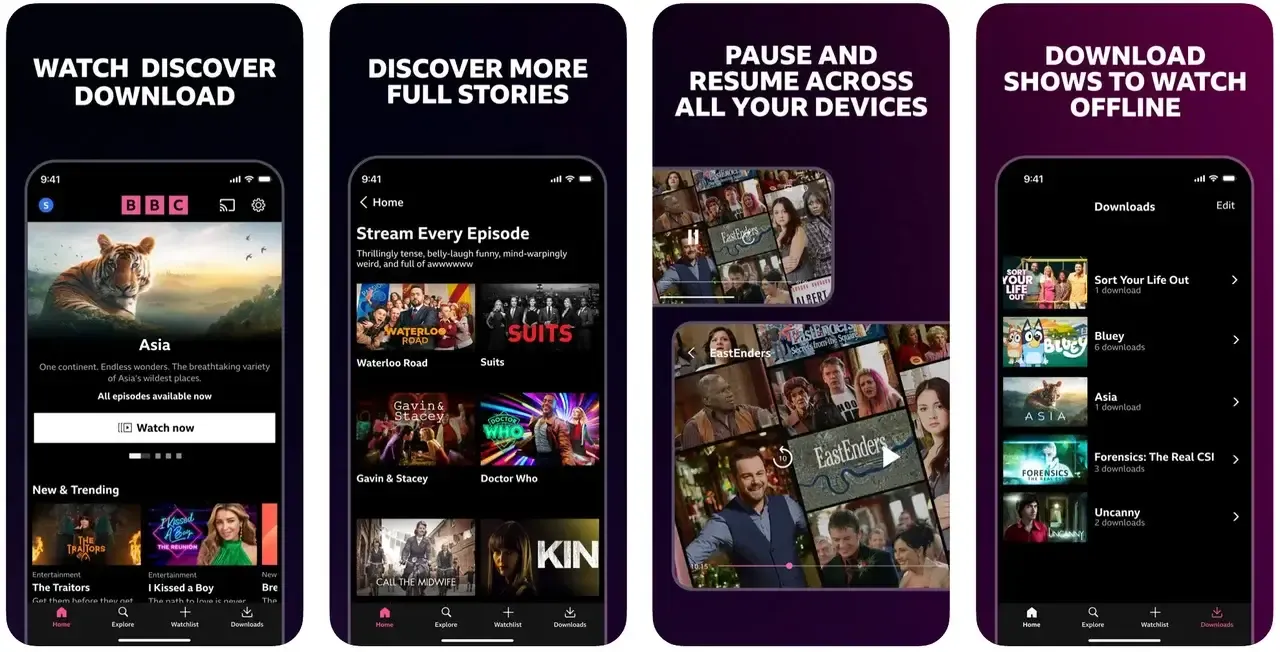
iPlayer is also known for reliability and high streaming quality. Paired with Chromecast, it gives you flexibility: start on your phone, continue on TV, and pick up later across devices.
Why choose BBC iPlayer:
- Free access to BBC shows and live channels
- Chromecast streaming for HD playback
- Great for UK viewers
#21. Google Home
Google Home isn't a traditional streaming app, but it acts as the central hub for all your Chromecast-enabled apps. With Google Home, you can discover, manage, and cast content from any compatible app on your network, whether it's YouTube, Netflix, Spotify, or even PigeonCast.
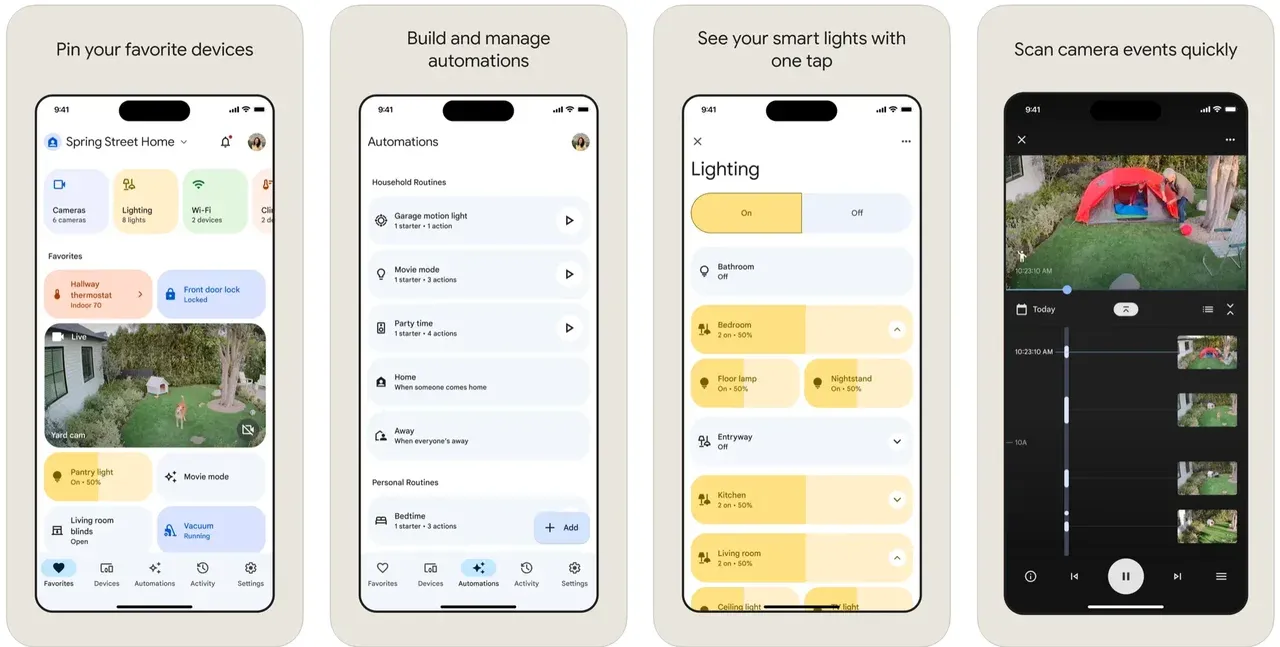
The app communicates directly with Chromecast devices, allowing you to control playback, adjust volume, and switch content from your phone or tablet. It essentially turns your mobile device into a smart remote, making Chromecast easier to manage across multiple devices in your home.
Why choose Google Home:
- Centralized control for all Chromecast devices
- Discover and cast apps seamlessly
- Adjust playback, volume, and device settings
Which Is the Best Chromecast App
To help you quickly compare these Chromecast-enabled apps, we've summarized their key features, platform support, and whether they're free or paid. This table makes it easy to see which app best fits your streaming needs and helps you decide which ones to try first.
| App Name | Type | Free/Paid | Cross-Platform | Highlights |
|---|---|---|---|---|
| PigeonCast | Screen mirroring app | Free | Android, iOS, Windows, Mac, Android TV, Apple TV | Screen mirroring, casting, multiple protocols |
| Netflix | Video | Paid | Android, iOS, Chrome | HD/4K streaming |
| YouTube | Video | Free | Android, iOS, Chrome | Playlists, live streaming |
| Spotify | Music | Free/Paid | Android, iOS, Chrome | High-quality video |
| Hulu | Video | Paid | Android, iOS, Chrome | Live & on-demand |
| Disney+ | Video | Paid | Android, iOS, Chrome | 4K HDR content |
| HBO Max (Max) | Video | Paid | Android, iOS, Chrome | Ultra HD, Dolby Vision |
| Amazon Prime Video | Video | Paid | Android, iOS, Chrome | Multi-language & subtitles |
| Twitch | Live | Free | Android, iOS | Interactive streaming |
| Plex | Media | Free/Paid | Android, iOS, Windows, Mac | Personal library casting |
| VLC Media Player | Media | Free | Android, iOS, Windows, Mac | Supports nearly all formats |
| Google Photos | Media | Free | Android, iOS, Chrome | Cloud-to-TV photos |
| Google Chrome | Browser | Free | Windows, Mac, Chrome OS | Cast browser tabs |
| Paramount+ | Video | Paid | Android, iOS, Chrome | Live & on-demand |
| Apple Music | Music | Paid | Android, iOS, Chrome | Cross-platform music streaming |
| Tidal | Music | Paid | Android, iOS, Chrome | HiFi audio & Dolby Atmos |
| Fox Sports | Sports | Paid | Android, iOS | Live games & highlights |
| Pandora | Music | Free/Paid | Android, iOS | Personalized radio |
| Amazon Music | Music | Free/Paid | Android, iOS | Millions of tracks & podcasts |
| BBC iPlayer | Video | Free | Android, iOS, Chrome | UK TV shows & live channels |
| Google Home | Hub | Free | Android, iOS | Manage & cast all Chromecast apps |
Conclusion
Google Chromecast supported apps make streaming easier, smoother, and more enjoyable. Whether you're watching blockbuster movies, following live sports, listening to music, or managing your home media library, these 21 apps are essential for any Chromecast user.
For the best experience, PigeonCast stands out as a versatile option, offering cross-platform casting, multiple protocol support, and the ability to stream content from apps that aren't natively Chromecast-enabled. With PigeonCast, you can unlock the full potential of your devices and make casting a seamless part of your home entertainment setup.
Chromecast Enabled Apps FAQs
Q: What apps can I use for Chromecast?
You can use any Chromecast-enabled app, such as Netflix, YouTube, Spotify, Hulu, Disney+, Plex, Apple Music, and PigeonCast. Essentially, any app with the Google Cast icon can stream content directly to a Chromecast or Chromecast-supported TV.
Q: Why won't my apps cast to Chromecast?
Apps may fail to cast due to network issues, outdated app versions, or incompatible devices. Ensure your phone or computer and Chromecast are on the same Wi-Fi network, the app is updated, and the Chromecast device is powered on and connected. Restarting the app or Chromecast often resolves the issue.
Q: Is Netflix Chromecast enabled?
Yes. Netflix is a fully Chromecast-enabled app. When you cast a video, your device sends playback instructions to the Chromecast, which streams the content directly from Netflix servers for smooth, high-quality viewing.
Q: What is replacing Google Chromecast?
While Chromecast devices are still widely used, some alternatives and successors include smart TVs with built-in casting, the PigeonCast app, Amazon Fire TV, and Roku. PigeonCast, for example, allows cross-platform casting and screen mirroring beyond standard Chromecast-supported apps.
Q: Are free Chromecast apps available?
Yes. Examples include YouTube, Twitch, VLC Media Player, Google Photos, and PigeonCast.
Q: Can Chromecast apps work without Wi-Fi?
Most require Wi-Fi, though some support guest mode or offline casting in limited scenarios.
Q: Can I cast Apple Music to Chromecast?
Yes. On Android, use the Cast button. On iOS, use Google Home or third-party apps like PigeonCast. On the desktop, use Chrome tab mirroring.
Q: Do all streaming apps support Chromecast?
No. Only apps with Google Cast integration, like Netflix, YouTube, Spotify, or PigeonCast, are compatible.
Mia Clarke is a technology editor specializing in screen mirroring and casting solutions across multiple platforms. Mia provides clear, practical guides and in-depth insights to help users seamlessly connect their devices. Passionate about enhancing digital experiences, Mia is dedicated to keeping readers updated on the latest trends and tools in cross-platform screen sharing. Whether you’re looking to mirror your smartphone, laptop, or smart TV, Mia’s content delivers reliable, user-friendly advice to simplify your tech setup.