
5KPlayer often shows up when people want to mirror an iPhone to a Windows PC or a Mac without buying extra hardware because the app promises free AirPlay and DLNA support in one app. That sounds convenient, but convenience always raises a second question: is 5KPlayer safe, or does it come with tradeoffs that matter?
This blog focuses on 5KPlayer as a mirroring tool rather than just a media player. You will see what it is, how its AirPlay and DLNA features work, where users report problems, and when a more purpose-built mirroring solution makes sense.
What Is 5KPlayer
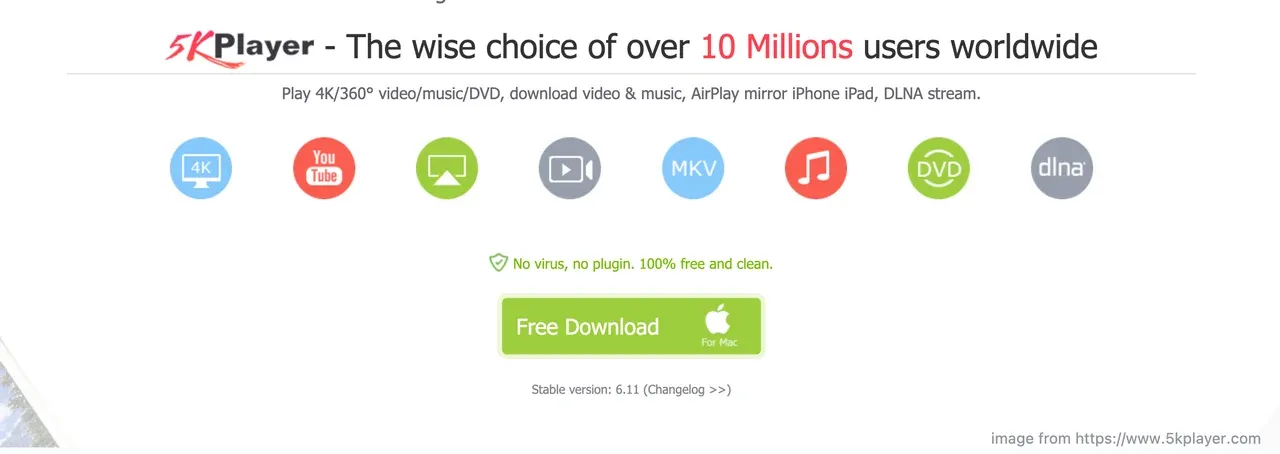
5KPlayer is a desktop multimedia player for Windows and macOS. It can play local video files, manage media libraries, and handle high-resolution formats.
It also acts as an AirPlay receiver and a DLNA device, which means:
- An iPhone or iPad can mirror its screen to a computer using 5KPlayer
- Media can be streamed over DLNA inside a local network
- A laptop can replace an Apple TV in basic mirroring scenarios
Is 5KPlayer Safe for Screen Mirroring
From a technical perspective, 5KPlayer does not require deep system permissions to receive a mirrored screen. AirPlay mirroring works over the local network. DLNA streaming also stays inside the same network. That means your iPhone is not pushing video through an external cloud service.
However, safety is not only about network paths. It also includes installation behavior and system impact.
What looks acceptable:
- When downloaded from the official site, the installer is generally clean
- AirPlay mirroring stays on local Wi-Fi
- No account sign-in is required to mirror a screen
What raises questions:
- Some users report aggressive pop-ups or background services
- Uninstalling does not always remove every component
- Antivirus tools sometimes flag the installer from third-party sources
In a realistic 5KPlayer review, the software is not malicious by design, but it is not minimal either. If you value a clean system and predictable behavior, that matters.
How to Use 5KPlayer for Screen Mirroring
Mirroring an iPhone screen to a Windows PC becomes simple:
Step 1. Install and open 5KPlayer on your computer.
Step 2. Make sure the iPhone and the computer are on the same Wi-Fi network.
Step 3. Enable AirPlay service inside 5KPlayer if it is not active by default.
Step 4. On the iPhone, open the Control Center and tap Screen Mirroring.
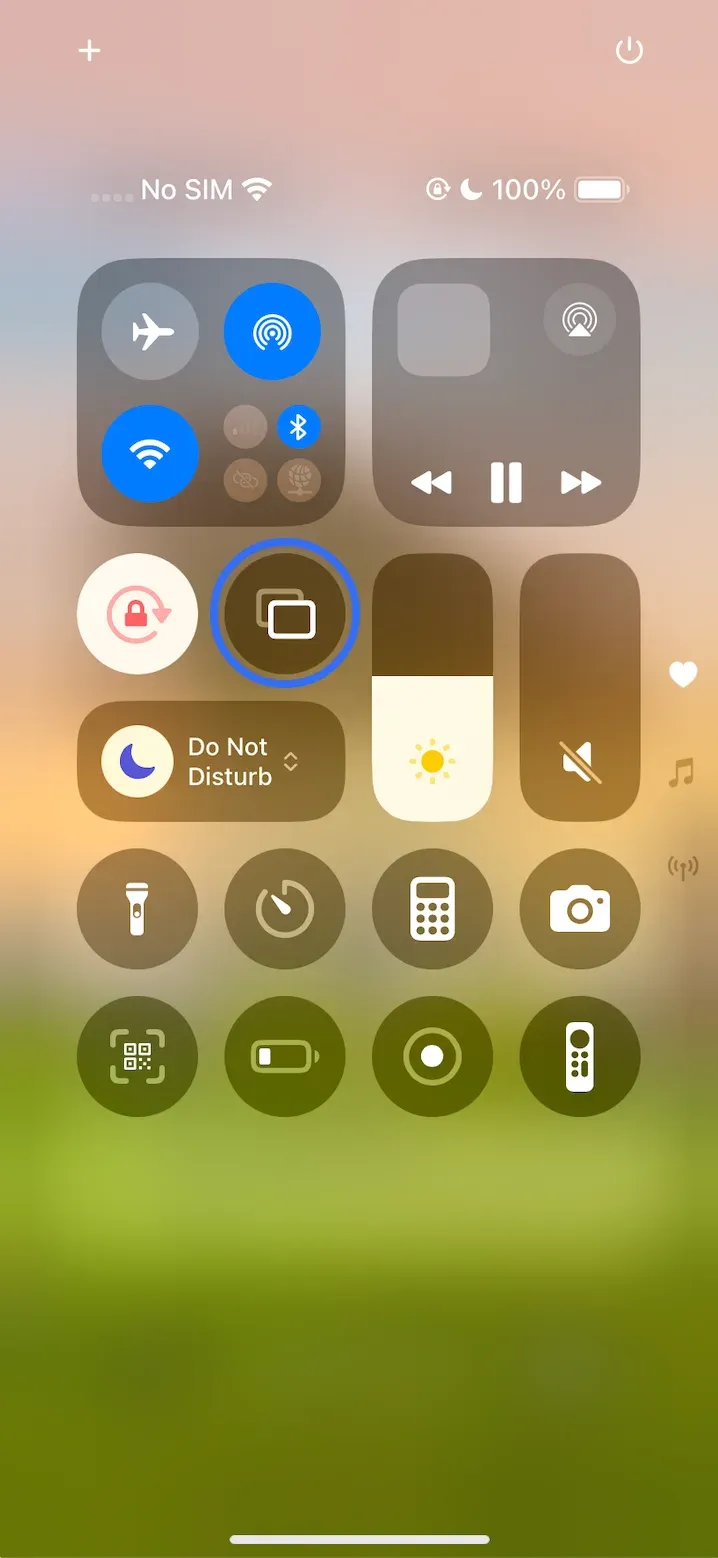
Step 5. Select the computer name shown by 5KPlayer.
When it works, the iPhone screen appears on the desktop with a short delay.
Where 5KPlayer Fits and Where It Falls Short
It is fair to say that 5KPlayer can be useful in casual scenarios. Showing a photo, demoing an app, or mirroring a static screen works fine most of the time.
However, 5KPlayer not working problems appear when users expect more:
- Long presentations
- Continuous video playback
- Stable mirroring for meetings or teaching
In those cases, reliability matters more than having many unrelated features in one app.
A Professional Screen Mirroring Solution: PigeonCast
If your main goal is screen mirroring rather than media playback, a dedicated solution often feels different from the first click.
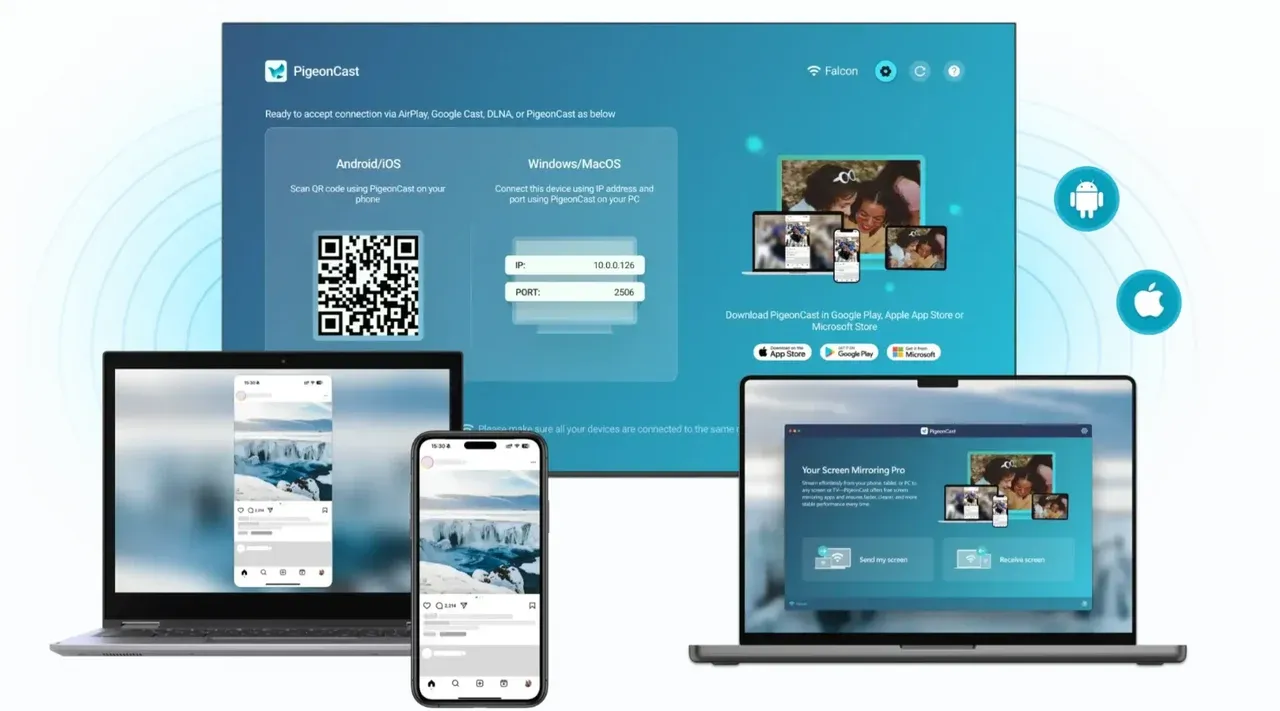
PigeonCast, a free screen mirroring app, is designed around receiving screens, not around being a video player first. It supports screen mirroring from PC to TV or from phone to PC.
The key difference is focus:
- The computer acts both as a sender and a receiver
- Device discovery is clearer
- Mirroring stability is the priority
This does not make 5KPlayer bad. It simply makes it a different kind of tool. If you want an all-in-one media app with mirroring as a bonus, 5KPlayer fits. If mirroring is the job, PigeonCast helps.


Overall Rating:



The End
5KPlayer sits in an interesting middle ground. It is a capable media player with AirPlay and DLNA added on top. For light, occasional mirroring, it can be safe enough when installed from the right source.
Still, safety is not only about malware. It is also about predictability, stability, and system cleanliness. Understanding those tradeoffs helps you choose the right tool instead of forcing one app to do everything.
Is 5KPlayer Safe FAQs
Is 5KPlayer free to use?
Yes, 5KPlayer is free for playback and basic mirroring. Some features promote upgrades, but screen mirroring itself does not require payment.
Is 5KPlayer better than VLC?
For pure media playback, VLC remains simpler and lighter. For AirPlay and DLNA mirroring, VLC is not designed to act as a receiver, which is where 5KPlayer stands out.
Can 5KPlayer mirror iPhone to Windows?
Yes, it can receive AirPlay mirroring from an iPhone as long as both devices share the same Wi Fi network.
Why is 5KPlayer not working with AirPlay?
Common reasons include network isolation, firewall blocking, or AirPlay being disabled inside the app settings.
Is AirPlay mirroring with 5KPlayer secure?
AirPlay mirroring stays on the local network. Security depends on using a trusted network and downloading the software from an official source.
Is PigeonCast a free and safe screen mirroring tool?
Yes. PigeonCast is free to use on many platforms and does not require an account to start mirroring. As long as the devices are connected to the same Wi-Fi network, it can mirror a phone to a computer or TV, a computer to another computer, or a computer to a TV. The connection stays within the local network, which helps reduce privacy and security concerns.
Mia Clarke is a technology editor specializing in screen mirroring and casting solutions across multiple platforms. Mia provides clear, practical guides and in-depth insights to help users seamlessly connect their devices. Passionate about enhancing digital experiences, Mia is dedicated to keeping readers updated on the latest trends and tools in cross-platform screen sharing. Whether you’re looking to mirror your smartphone, laptop, or smart TV, Mia’s content delivers reliable, user-friendly advice to simplify your tech setup.