
Most modern 3C products offer built-in screen mirroring features, but these solutions often come with limitations. Device ecosystems don't always work well together. For example, you can't directly mirror an Android phone to an Apple TV due to platform restrictions.
That's where third-party screen mirroring apps come in. They're designed to bridge the gaps between devices, allowing you to share your screen across phones, laptops, and smart TVs without being locked into a single system.
The good news is that there are plenty of free screen mirroring apps available. In this post, we'll review the best options and help you choose the right one for your device, whether you're using a smartphone, a laptop, or a smart TV.
What Makes a Good Free Screen Mirroring App?
A good free screen mirroring app should offer reliable performance and broad compatibility without severely limiting core functionality. While paid apps often promise advanced features, a well-designed free solution can still meet everyday screen-sharing needs if it gets the fundamentals right. Below are the key criteria that define a truly usable free app for screen mirroring.
#1. Cross-Platform Compatibility
A free screen mirroring app must work across different devices and operating systems. A practical solution should support common scenarios such as:
- Mirroring from Android to smart TVs
- Casting an iPhone screen to a TV
- Sharing a laptop screen with a larger display
If an app only mirrors within the same platform or brand, its usefulness becomes extremely limited, even if it's free.
#2. Real Screen Mirroring Without Critical Paywalls
Free should mean usable, not just a short demo. Many free apps for screen mirroring restrict essential functions, such as:
- Limiting mirroring time
- Disabling audio streaming
- Interrupting sessions with forced upgrades
A good free app should allow continuous screen mirroring for basic tasks like watching videos, giving presentations, or sharing content casually. Screen sharing can also happen directly inside communication apps—for example, you can share your WhatsApp screen during a video call when you need to show an app, document, or something happening on your screen.
#3. Stable Performance and Acceptable Latency
Screen mirroring only works when the connection is stable and responsive. Even in a free version, you should expect:
- Minimal lag
- Consistent image quality
- Few disconnections during use
If an app struggles to maintain a stable connection, it fails its primary purpose, regardless of how many features it advertises.
#4. Simple Setup and Ease of Use
The best free screen mirroring app should be accessible to all users, not just tech-savvy ones. The best free options:
- Require minimal setup
- Work smoothly on the same Wi-Fi network
- Offer clear instructions and intuitive controls
An overly complex setup often discourages users when they simply want a quick, free alternative to Chromecast, Miracast, or AirPlay.
#5. Reasonable Limitations That Don't Break the Experience
Some restrictions are expected in free apps, but they shouldn't ruin usability. Acceptable limitations may include:
- Ads
- Watermarks
- Resolution caps
However, these should never:
- Block the screen entirely
- Interrupt mirroring sessions repeatedly
- Prevent everyday use
A good free screen mirroring app should strike a balance between sustainability and user experience.
Understanding these standards helps you choose the right free screen mirroring app, and avoid tools that look free but deliver little value.
Best Free Screen Mirroring Apps [Tested and Reviewed]
Are there any free screen mirroring apps? There are many free screen mirroring apps available, but not all of them deliver a usable experience. Some work only within a single ecosystem, while others add watermarks, ads, or time limits that quickly break real-world usability.
Based on the criteria outlined above, we tested each free screen mirroring app under real conditions. Our focus was simple: what the free version actually allows you to do, how stable the connection is, and whether the app can be used comfortably for everyday screen sharing.
Below is a practical review of the best free screen mirroring apps available today.
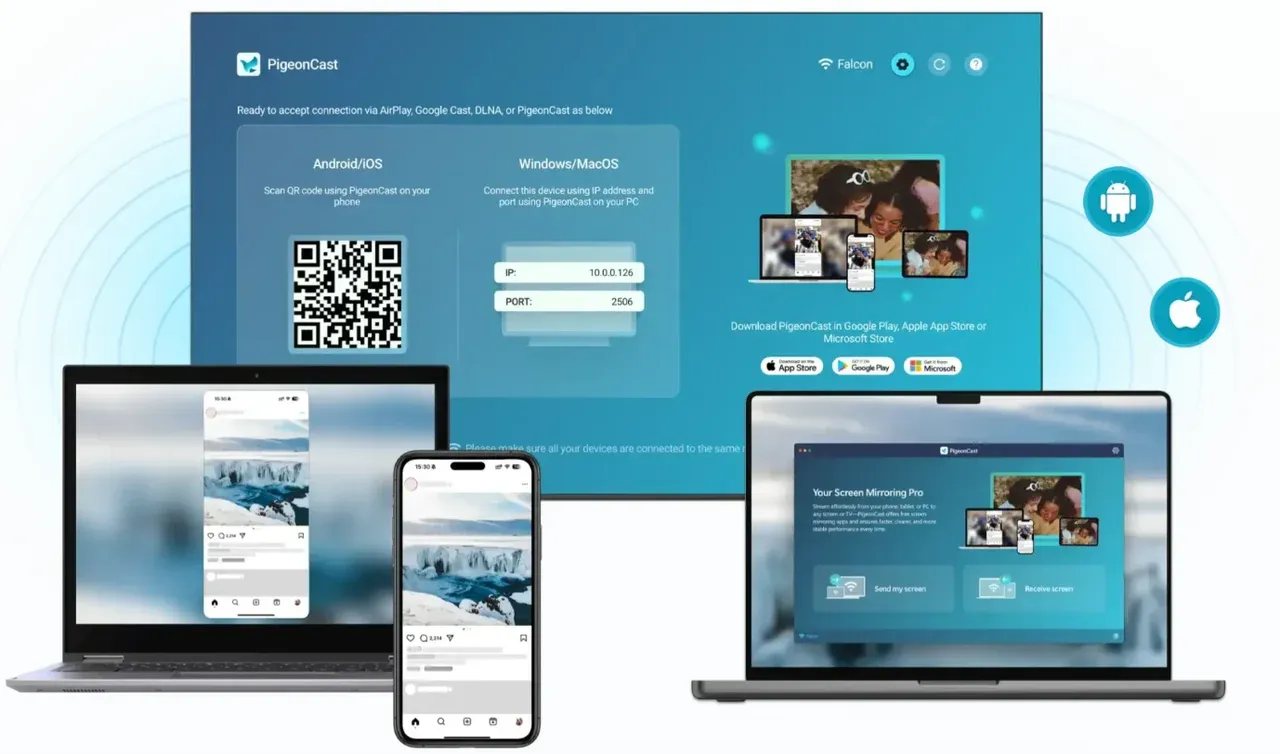
PigeonCast
PigeonCast is a fully featured screen mirroring app that remains completely free, without ads, watermarks, or time limits. It could own the title of "best free screen mirroring apps 2025".


Overall Rating:



Free Version Features of PigeonCast:
- Supports screen mirroring across Android, iOS, Windows, macOS, Fire OS, Android TV, and tvOS.
- No ads, no session limits, and no watermarks
- Stable connections suitable for long mirroring sessions
- Works across multiple platforms without ecosystem restrictions
Performance & User Experience
PigeonCast delivers a smooth, reliable, and HD (up to 4K) screen mirroring experience under normal network conditions. During extended use, connections remain stable with minimal latency, making it suitable for presentations, video playback, and everyday screen sharing.
Its setup process is straightforward and does not require complex configuration, allowing users to start mirroring quickly.
Disadvantages (Based on User Feedback)
As a free product, PigeonCast currently offers a focused feature set. Advanced controls or specialized tools available in some paid solutions may not be included, depending on user needs.
Editor's Take
PigeonCast sets a clear benchmark for what a true free screen mirroring app should offer. It provides unrestricted use, stable performance, and real cross-device compatibility, making it a strong reference point for evaluating the apps below.
Google Home
Google Home is a free, built-in casting solution designed primarily for the Google ecosystem, making it a convenient option for Android and Chromecast users.
Free Version Features of Google Home
- Free screen casting from Android devices to Chromecast-enabled TVs.
- Native integration with Google Chromecast and Google TV.
- No ads or watermarks during casting.
- Simple setup through the Google Home app
Performance & User Experience
When used within its supported environment, Google Home delivers stable and smooth casting performance. Casting videos, photos, or supported app content to a Chromecast device works reliably with low latency.
However, the experience is highly depended on:
- Supported apps
- Chromecast-compatible devices
- The Google ecosystem as a whole
Google Home focuses more on content casting rather than full device screen mirroring, which may limit certain use cases.
Disadvantages (Based on User Feedback)
Some commonly reported limitations include:
- No native support for iOS screen mirroring
- Limited functionality outside the Chromecast ecosystem
- Inconsistent results when mirroring full device screens
- Not suitable for laptops or cross-platform screen sharing
Editor's Take
Google Home is a solid free option for Android and Chromecast users. However, its ecosystem-dependent design limits broader use cases, making it less flexible than dedicated third-party screen mirroring apps.
ApowerMirror
ApowerMirror is a popular screen mirroring tool that offers broad device support, but its free version comes with noticeable limitations.
Free Version Features of ApowerMirror
- Supports screen mirroring from Android and iOS devices to PCs and smart TVs.
- Compatible with Windows, macOS, and select smart TV platforms.
- Allow basic screen casting over the same Wi-Fi network.
- Includes additional tools such as screen recording and screenshots.
Performance & User Experience
ApowerMirror generally delivers a smooth screen mirroring experience under stable network conditions. Screen content syncs reasonably well, making it suitable for short presentations or casual demonstrations.
However, performance can vary depending on device combinations and network quality. Compared to fully unrestricted free tools, the free version may feel less consistent during longer mirroring sessions.
Disadvantages (Based on User Feedback)
Commonly mentioned limitations of the free version include:
- Visible watermarks during screen mirroring
- Time restrictions on mirroring sessions
- Frequent upgrade prompts
- Some advanced features locked behind a paid plan
Editor's Take
ApowerMirror offers strong functionality, but the free version feels more like a trial. It may work for occasional use, but it is not ideal for users seeking an unrestricted free screen mirroring solution.
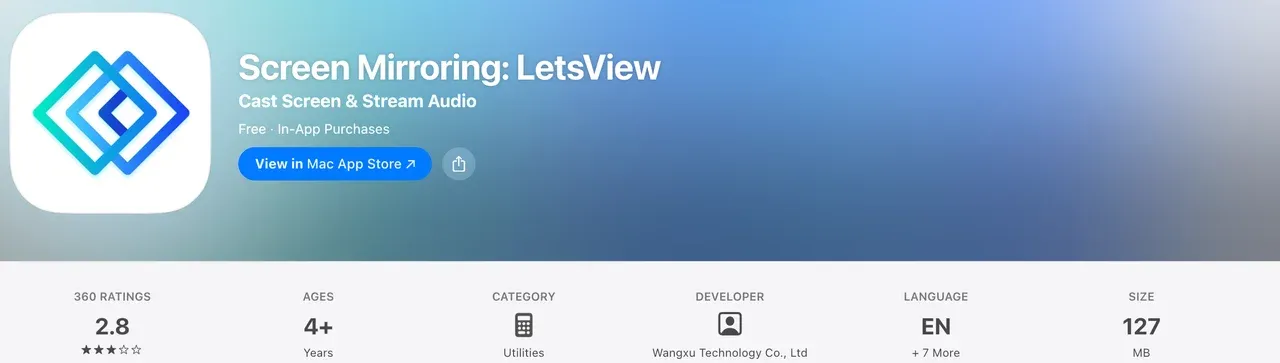
LetsView
LetsView is a free screen mirror app that focuses on simplicity and accessibility, making it a common choice for basic wireless screen sharing.
Free Version Features of LetsView
- Supports screen mirroring from Android and iOS devices.
- Compatible with Windows PCs and selected smart TVs.
- Free to use for basic screen mirroring over the same Wi-Fi network.
- Offers additional tools such as whiteboard and screen capture.
Performance & User Experience
LetsView performs well for basic screen sharing tasks such as displaying photos, presentations, or light app usage. The connection process is generally straightforward, and first-time users can start mirroring with minimal guidance.
That said, performance may vary depending on network quality and device combinations. Users may notice occasional lag or reduced image clarity during extended mirroring sessions.
Disadvantages (Based on User Feedback)
Some limitations frequently mentioned by users include:
- Watermarks appearing during screen mirroring
- Ads or pop-up prompts related to premium features
- Reduced stability during long sessions
- Limited advanced controls compared to paid alternatives
Editor's Take
LetsView is suitable for casual or short-term use. For users who need stable, uninterrupted, or watermark-free mirroring, its limitations may become restrictive.
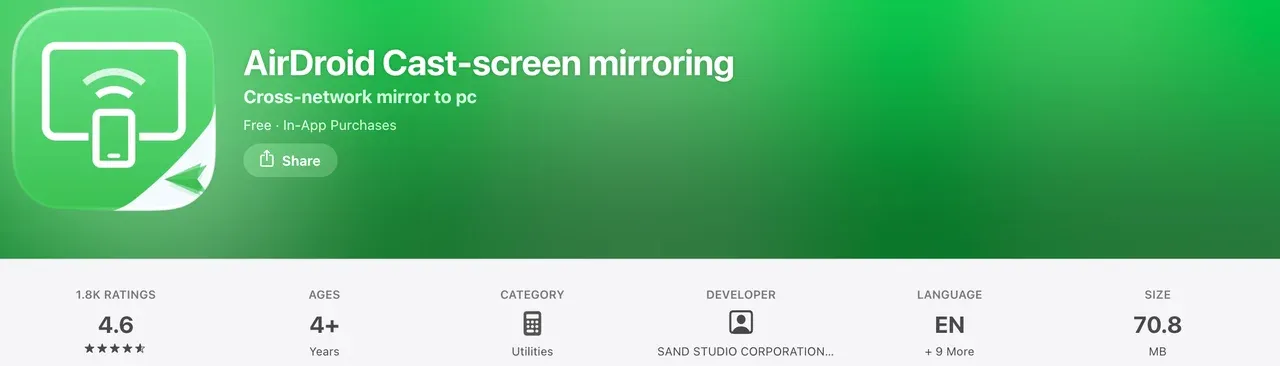
AirDroid Cast
AirDroid Cast is a cross-platform screen mirroring tool that emphasizes device compatibility, though its free version is noticeably limited.
Free Version Features of AirDroid Cast
- Supports screen mirroring from Android and iOS devices.
- Compatible with Windows and macOS computers.
- Allows basic wireless screen mirroring over the same Wi-Fi network.
- Includes remote screen viewing features for connected devices.
Performance & User Experience
AirDroid Cast generally provides a smooth and responsive mirroring experience when used on a stable network. Screen content is clear, and the app performs well for short demonstrations, presentations, or basic screen-sharing tasks.
However, the user experience of the free version is shaped by its restrictions. Certain features feel intentionally constrained, which may interrupt longer or more demanding use cases.
Disadvantages (Based on User Feedback)
Commonly reported limitations of the free version include:
- Watermarks displayed during screen mirroring
- Time limits on mirroring sessions
- Audio streaming restricted to paid plans
- Frequent prompts encouraging upgrades
Editor's Take
AirDroid Cast works reliably, but the free version functions mainly as a preview of the paid product. It is better suited for occasional use rather than long-term free screen mirroring.
Which Is the Best Free Screen Mirroring App
To determine the best free screen mirroring app, we compared each option using the same real-world criteria: cross-platform support, free version usability, performance stability, ease of use, and limitations in the free tier.
The table below summarizes how each app performs based on what the free version actually allows.
| App | Compatibility | Free Features | Performance | Ease of Use | Limitations | Total Score (10) |
|---|---|---|---|---|---|---|
| PigeonCast | 2 | 2 | 2 | 2 | 2 | 10 |
| Google Home | 1.5 | 1.5 | 1.5 | 1.5 | 1.5 | 7.5 |
| ApowerMirror | 1.5 | 1 | 1.5 | 1.5 | 1 | 6.5 |
| LetsView | 1.5 | 1 | 1 | 1.5 | 1 | 6 |
| AirDroid Cast | 1.5 | 1 | 1.5 | 1.5 | 1 | 6.5 |
*Scores are based on free-version testing and everyday screen mirroring use cases.
If your priority is a free screen mirroring app with no hidden restrictions, PigeonCast is the most complete and practical choice. Other options may suit specific setups, but they introduce limitations that become apparent with regular use.
The End
While many built-in tools are limited by device ecosystems, third-party solutions help bridge the gap between phones, laptops, and smart TVs. Free apps for screen mirroring make it easier than ever to share your screen across devices without spending money.
As this guide shows, not all free apps for screen mirroring offer the same value. Some restrict usage with watermarks, ads, or time limits, while others only work within a single platform. Choosing the right tool means looking beyond the word "free" and focusing on real usability.
If you're looking for free apps for screen mirroring that work reliably across devices, PigeonCast stands out as the most complete option, offering unrestricted use without hidden trade-offs.
Free Screen Mirroring Apps FAQs
Is there a truly free screen mirroring app?
Yes. Some free apps for screen mirroring are genuinely free, meaning they do not impose time limits, watermarks, or forced upgrades for basic use. PigeonCast is one of the few options that offers full screen mirroring functionality without ads or usage restrictions.
Is there a free screen mirroring app for iPhone?
Yes. There are several free apps for screen mirroring that support iPhones. Options like PigeonCast allow iPhone users to mirror their screens to smart TVs or other devices without relying solely on AirPlay, making them useful when AirPlay is unavailable or unsupported.
Is LetsView a free app?
Yes, LetsView is a free screen mirroring app, but its free version comes with limitations. While it allows basic screen mirroring, users may encounter watermarks, ads, or reduced stability during longer sessions, which can affect the overall experience.
What apps can I use to cast to my TV?
You can use several free apps for screen mirroring to cast your phone or computer to a TV, including:
- PigeonCast for cross-platform and unrestricted mirroring
- Google Home for Android and Chromecast-enabled TVs
- LetsView for basic wireless screen sharing
- ApowerMirror and AirDroid Cast for short-term or trial use
The best choice depends on your devices, but for users seeking flexibility and long-term free use, dedicated screen mirroring apps offer more control than built-in casting tools.
Mia Clarke is a technology editor specializing in screen mirroring and casting solutions across multiple platforms. Mia provides clear, practical guides and in-depth insights to help users seamlessly connect their devices. Passionate about enhancing digital experiences, Mia is dedicated to keeping readers updated on the latest trends and tools in cross-platform screen sharing. Whether you’re looking to mirror your smartphone, laptop, or smart TV, Mia’s content delivers reliable, user-friendly advice to simplify your tech setup.