
If you've ever wondered whether your TV supports Chromecast, you're not alone. With so many smart TV brands, models, and casting technologies on the market, figuring out which ones are Chromecast compatible can get confusing. This guide breaks it down for you, covering the Chromecast compatibility TV list, how to check your TV's compatibility, and what to do if your TV doesn't have Chromecast built in.
What Makes a TV Chromecast Compatible
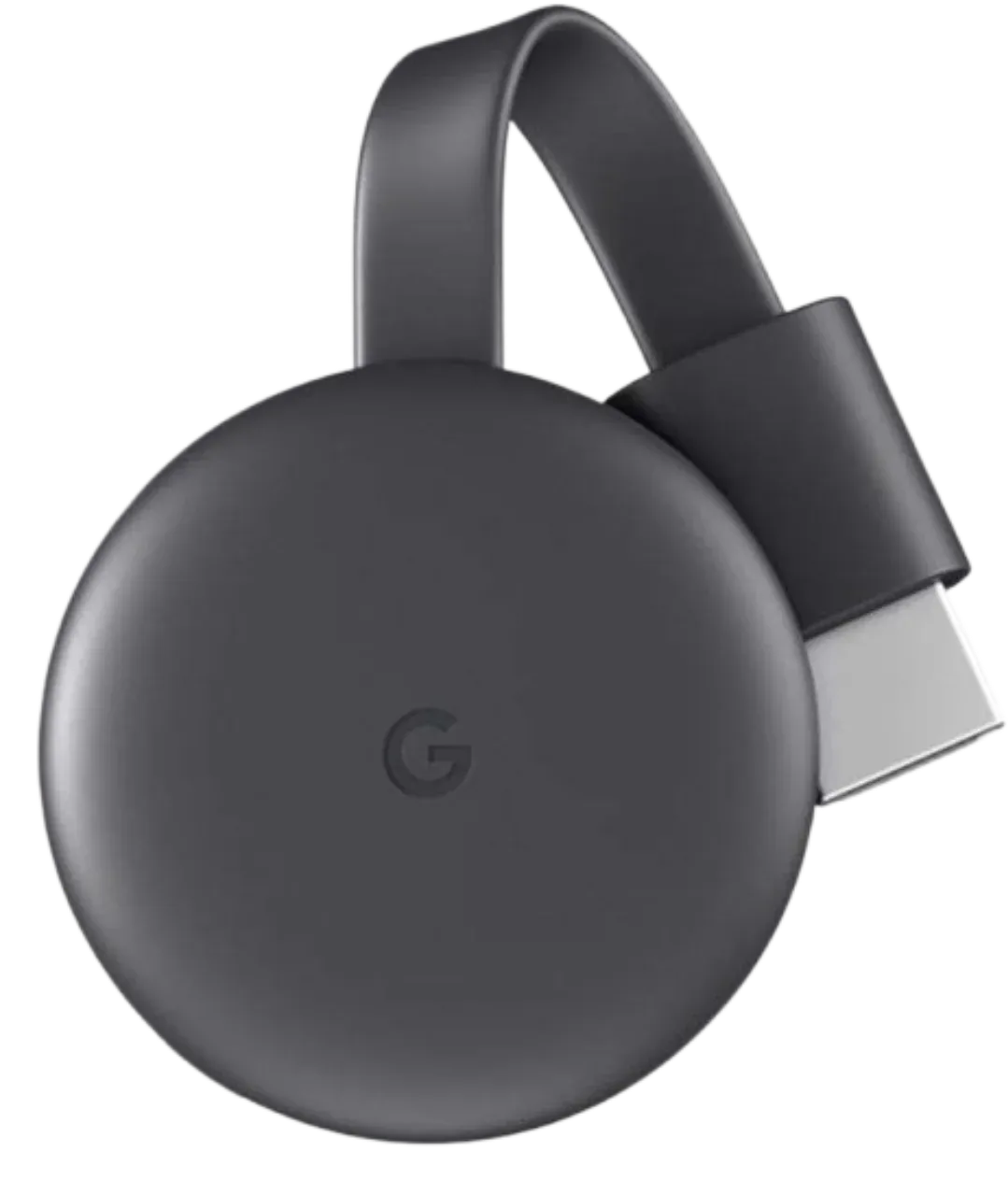
A Chromecast-compatible TV is one that supports Google Cast technology, either natively or through an external Chromecast device. Chromecast built-in TVs let you mirror or stream directly from Android, iPhone, or Chrome browser without extra setup. You simply tap the Cast icon on your phone or laptop, and your content instantly appears on the big screen.
Google Chromecast TV Compatibility List: Major Brands That Support It
Over the years, Google has partnered with multiple TV manufacturers to integrate Chromecast technology directly into smart TVs. Below is the most complete Google Chromecast TV compatibility list, featuring both global and regional brands that support Chromecast built in.
These models let you cast movies, apps, and photos from Android, iPhone, or Chrome browser without extra hardware.
Quick Overview: TVs That Support Chromecast
| Brand | System | Chromecast Built In | Example Models |
|---|---|---|---|
| Sony | Google TV | ✅ Yes | X90L, A80J OLED |
| TCL | Google TV | ✅ Yes | 5-Series, C835 |
| Hisense | Google TV / Android TV | ✅ Yes | U7K, A6H |
| Philips | Google TV / Android TV | ✅ Yes | PUS8808, OLED708 |
| Panasonic | Android TV | ✅ Yes | LZ2000, MX700 |
| Vizio | SmartCast OS | ✅ Yes | V-Series, M-Series |
| Sharp | Google TV | ✅ Yes | Aquos XLED 75X |
| Skyworth | Google TV | ✅ Yes | Q72, SUE9600 |
| Xiaomi | Android TV | ✅ Yes | Mi TV 5X, A Pro |
| OnePlus | Google TV | ✅ Yes | Q1 Pro, Y1S Edge |
| Realme | Android TV | ✅ Yes | Smart TV 4K |
| Nokia | Google TV | ✅ Yes | 55-inch QLED |
| Motorola | Android TV | ✅ Yes | ZX2 4K |
Global Leading Brands with Chromecast Built In
Chromecast built-in technology is not limited to a single brand or price range. Many of the world's top TV manufacturers have embraced Google's casting ecosystem, ensuring seamless compatibility across models and regions. Here's a breakdown of the leading global brands with Chromecast built in.
- Sony
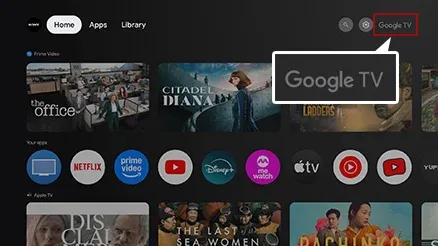
Sony has been one of Google's earlier partners in integrating Chromecast technology. Most Bravia and Google TV models from 2017 onward, including the Sony X90L and A80J OLED, feature Chromecast built in, supporting 4K HDR casting, voice control, and multi-room streaming through the Google Home ecosystem.
- TCL
TCL's Google TV lineup (such as C835, C645, and 5-Series) fully supports Chromecast built in. Be sure to distinguish these from TCL's Roku TV models, which use Roku's platform instead. TCL TVs offer a budget-friendly way to enjoy Google Cast and Android-based streaming in one.
- Hisense
All Hisense Android TV and Google TV models, including the U7K, U8K, and A6H, are Chromecast compatible. These TVs allow you to cast content directly from Android, iOS, or the Chrome browser and integrate seamlessly with Google Assistant.
- Philips
Philips has embraced Google Cast since 2018, with its PUS8808, OLED708, and The One series offering Chromecast built in. These models also run Google TV, making them ideal for users who want a full-featured smart interface with built-in casting.
- Panasonic
Recent Panasonic Android TV and OLED lines, such as the LZ2000 and MX700, come equipped with Chromecast built in. They support streaming up to 4K HDR and connect easily to Android or iPhone via Google Home.
- Vizio
Vizio's SmartCast TV lineup is one of the most popular options in the U.S. Every SmartCast model, from V-Series to M-Series Quantum, is Chromecast-enabled by default. These TVs are also AirPlay-compatible, offering dual casting flexibility.
Regional and Emerging Brands Supporting Chromecast
After exploring these global leaders, it's worth noting that many regional and emerging brands have also joined the Google Chromecast compatibility ecosystem. These manufacturers are rapidly integrating Chromecast into their smart TV lineups, making casting accessible across different price ranges and markets.
- Sharp
Sharp's Aquos XLED and Google TV models include Chromecast functionality. The brand is especially active in Japan and Southeast Asia, where Google TV integration has become standard across its new series.
- Skyworth
Skyworth's Q72, SUF9580, and SUE9600 series include Chromecast built in, supporting 4K streaming and Android compatibility. These models are widely available in Asia, the Middle East, and parts of Europe.
- Xiaomi
All Mi TV and Mi Box products are Chromecast built in, offering one of the smoothest casting experiences among Android-based devices. Models like the Mi TV 5X and Mi TV A Pro are particularly popular in India and Southeast Asia.
- OnePlus TV
All OnePlus TV models, including the Q1 Pro, Y1S, and U1S, ship with Chromecast built in and support for Google Assistant voice control. They're designed for effortless Android phone casting.
- Realme TV
Realme's Smart TV 4K and Full HD lines also come with Chromecast support, giving budget-conscious users easy access to Google Cast technology.
- Nokia Smart TV
Nokia's Google TV-powered models, such as the 55-inch QLED, include native Chromecast integration, offering smooth performance and consistent compatibility across devices.
- Motorola Smart TV
Motorola's ZX2 4K Android TV has Chromecast support for easy casting from iPhone, Android, and the Chrome browser. It's an affordable option for buyers in India and Asia.
This Chromecast built-in TV list grows every year as more manufacturers adopt Google TV as their operating system. Even mid-range and budget TVs now often come with Chromecast built in, making it easier than ever to enjoy wireless streaming and casting.
How to Check If Your TV Supports Chromecast
If you're unsure whether your TV appears on the Google Chromecast compatibility list, here are some tricks:
- Look for the "Chromecast built-in" label on your TV's packaging or in the settings menu.
- Open a casting app, like YouTube or Netflix, on your phone and tap the Cast icon. If your TV appears, it's compatible.
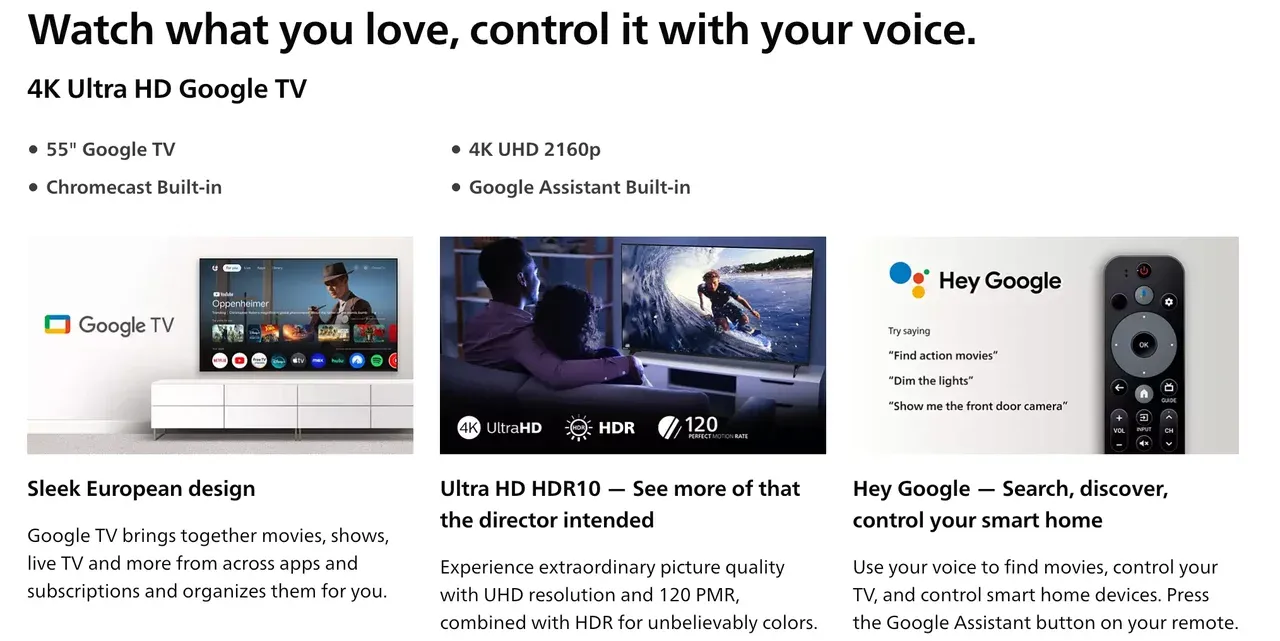
- Check your TV's OS in the settings menu. If it runs Android TV or Google TV, it almost certainly supports Chromecast.
- Visit your TV brand's website and look for "Chromecast built-in" the product specs.
Why Choose a Chromecast-Compatible TV
Owning a TV with Chromecast built in saves time and simplifies your streaming experience. Here's why users love it:
- No extra cables or dongles: Everything works wirelessly out of the box.
- Instant sharing: Cast videos, photos, and apps from any Android or iOS device.
- Cross-device flexibility: Use your phone as a remote while watching.
- Broad app support: Works with YouTube, Netflix, Disney+, Spotify, and thousands of other apps.
- Seamless updates: Google regularly improves performance and compatibility via software updates.
Having a TV with Chromecast built in makes it easier to enjoy all your favorite content in high resolution without juggling remotes or switching HDMI inputs.
What If TV Isn't on the Chromecast Compatible Devices List
If your TV doesn't support Chromecast natively, you still have excellent options.
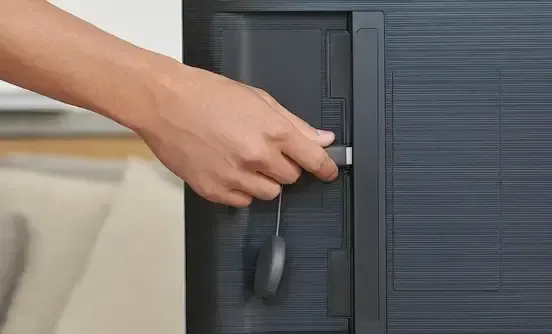
Older smart TVs, or basic LED models, can become Chromecast-ready in minutes with external solutions. You can plug a Google Chromecast dongle into your TV with an HDMI port. Once connected and set up via the Google Home app, it instantly turns your TV into a Chromecast-compatible display.
However, if you'd like to go beyond Google Cast, consider PigeonCast. The third-party screen mirroring app supports Google Cast, AirPlay, and DLNA, as well as its own solution, allowing you to share your screen or content without Chromecast compatibility.


PigeonCast Screen Mirroring

Official Download



This makes PigeonCast a versatile option for anyone who wants cross-platform screen mirroring, even on TVs that don't appear on the Chromecast compatible TV list.
Bottom Line
Most modern Google TV and Android TV models are Chromecast compatible, and even if yours isn't, you can easily make it so with an external device or an app like PigeonCast. Whether you're streaming Netflix, mirroring photos, or showing a presentation, there's always a way to cast from your Android device to the big screen.
Chromecast Compatible TV List FAQs
Q: Does every smart TV have Chromecast built in?
No. While many newer smart TVs—especially those running Google TV or Android TV—come with Chromecast built in, some brands use different systems like Roku or Tizen (Samsung). If your TV doesn't have Chromecast built in, you can still use an external Chromecast device.
Q: What's the difference between Chromecast built-in and Chromecast device?
Chromecast built-in is already integrated into your TV's operating system, allowing you to cast content without extra hardware. An external Chromecast device, on the other hand, connects via HDMI to add the same casting features to TVs that don't have them built in.
Q: Are Samsung TVs compatible with Chromecast?
Most Samsung TVs run on the Tizen operating system and don't include Chromecast built in. However, you can easily make them Chromecast compatible by connecting an external Chromecast device.
Q: Can I make my TV Chromecast compatible?
Absolutely. You can plug a Chromecast dongle into your TV's HDMI port or use a third-party app such as PigeonCast to mirror and cast content wirelessly, just like on a Chromecast-enabled TV.
Q: Can I use Chromecast on a smart TV?
Yes. You can use Chromecast on most smart TVs, whether or not they have Chromecast built in. If your smart TV already includes Chromecast (often labeled "Chromecast built in" or "Google TV"), you can cast directly from supported apps. If it doesn't, simply plug in a Chromecast device via HDMI or use a casting app like PigeonCast to enjoy the same functionality.
Mia Clarke is a technology editor specializing in screen mirroring and casting solutions across multiple platforms. Mia provides clear, practical guides and in-depth insights to help users seamlessly connect their devices. Passionate about enhancing digital experiences, Mia is dedicated to keeping readers updated on the latest trends and tools in cross-platform screen sharing. Whether you’re looking to mirror your smartphone, laptop, or smart TV, Mia’s content delivers reliable, user-friendly advice to simplify your tech setup.