
Keynote, Apple's powerful presentation software, is known for its sleek templates, smooth animations, and user-friendly design tools. However, it's only available on Apple devices, which can be a challenge for Windows users. Thankfully, with today's cloud solutions and streaming tech, there are ways around this limitation. In this guide, we'll show you the best methods to access, edit, and present Keynote for Windows 10 or 11 computers.
What Is Keynote
Keynote is Apple's flagship presentation application, forming one part of the iWork productivity suite alongside Pages (word processing) and Numbers (spreadsheets). Known for its cinematic transitions, stunning visual effects, and professionally designed templates, it has become a favorite among designers, educators, and professionals who prioritize aesthetics and storytelling in their slides.
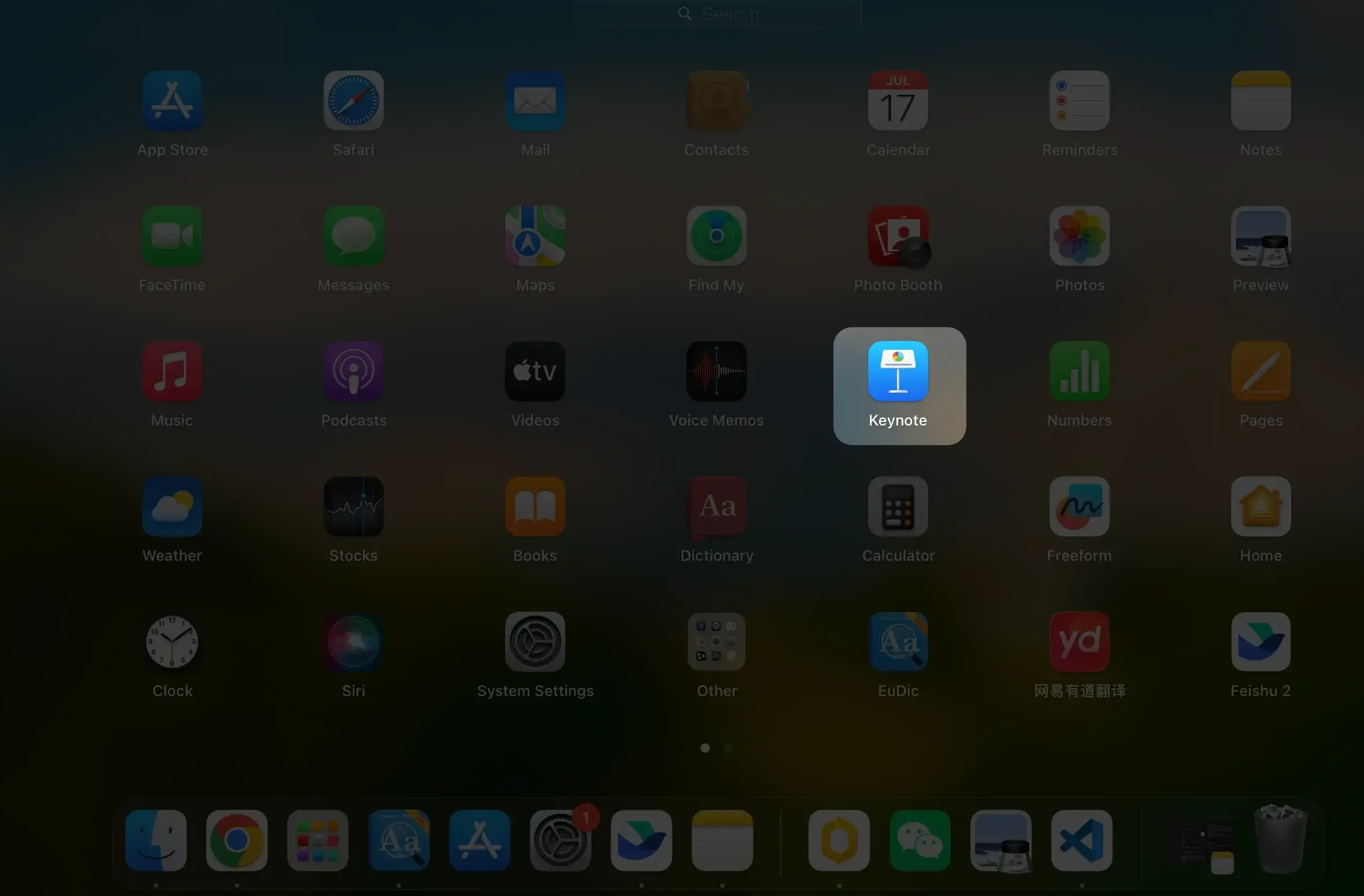
Unlike Microsoft PowerPoint, which is designed for universal compatibility, Keynote was built from the ground up to leverage the hardware and software integration of Apple devices. This results in buttery-smooth animations and a highly polished user experience on a Mac or iPad.
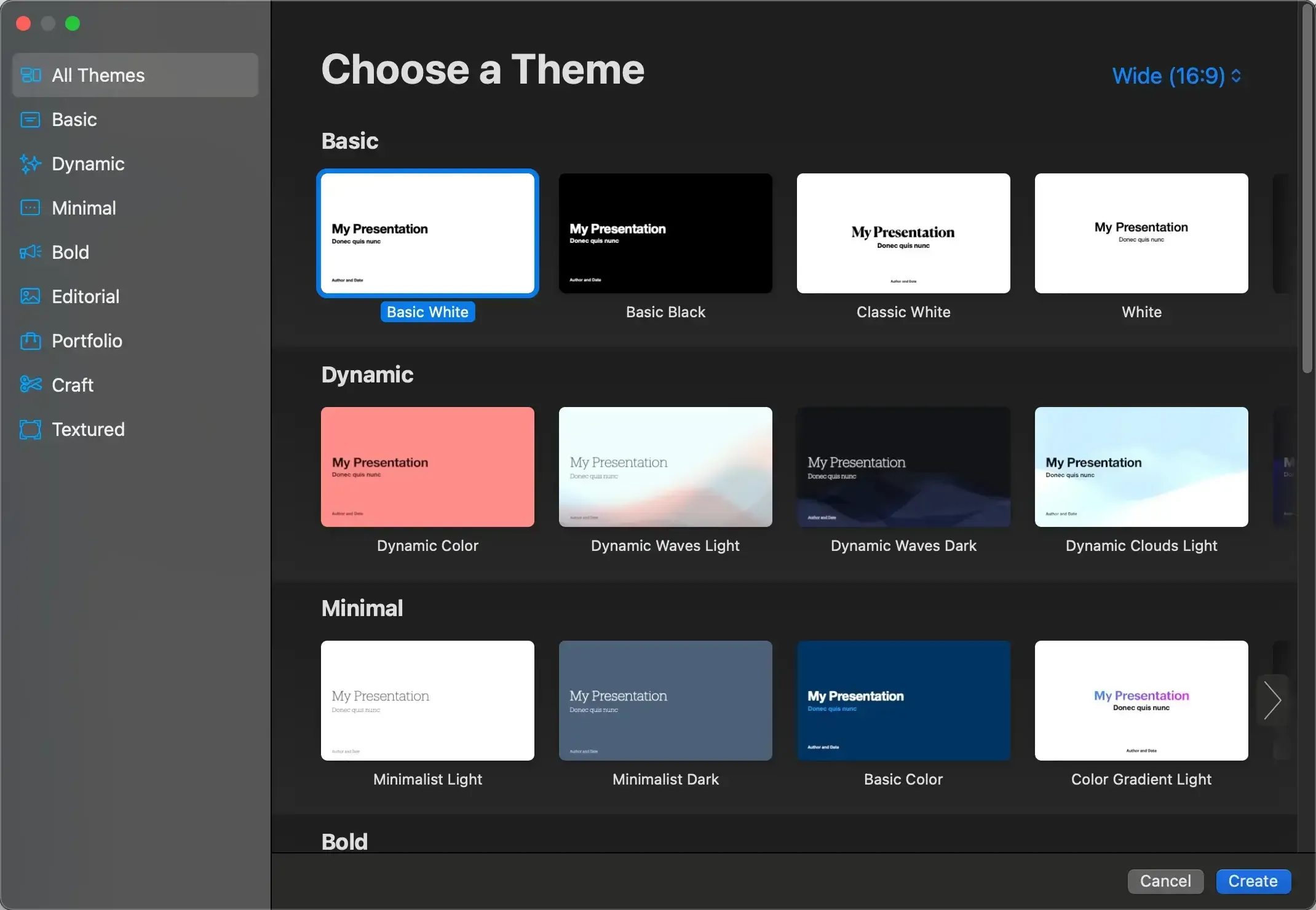
Its strength lies in making it simple for anyone to create visually impressive presentations without deep technical knowledge. However, this Apple-centric design is also its primary limitation for users outside the ecosystem, as there is no native Keynote application for Windows.
How to Get Keynote for Windows 10/11
There is no official "Keynote for Windows.exe" available, as Apple has not developed a native desktop version of Keynote for Windows. Any website claiming to offer such a download is likely distributing malware or misleading software. However, there is still a reliable Keynote alternative for Windows.
Way 1. Edit Keynote via iCloud
The first is through Apple's cloud platform, iCloud.com, which provides a web-based version of Keynote. Keynote can run in browsers like Chrome, Edge, or Firefox. It's the official solution from Apple and is surprisingly capable. iCloud offers a web-based version of Keynote that allows you to create and edit presentations directly in your web browser, no matter what operating system you're using.
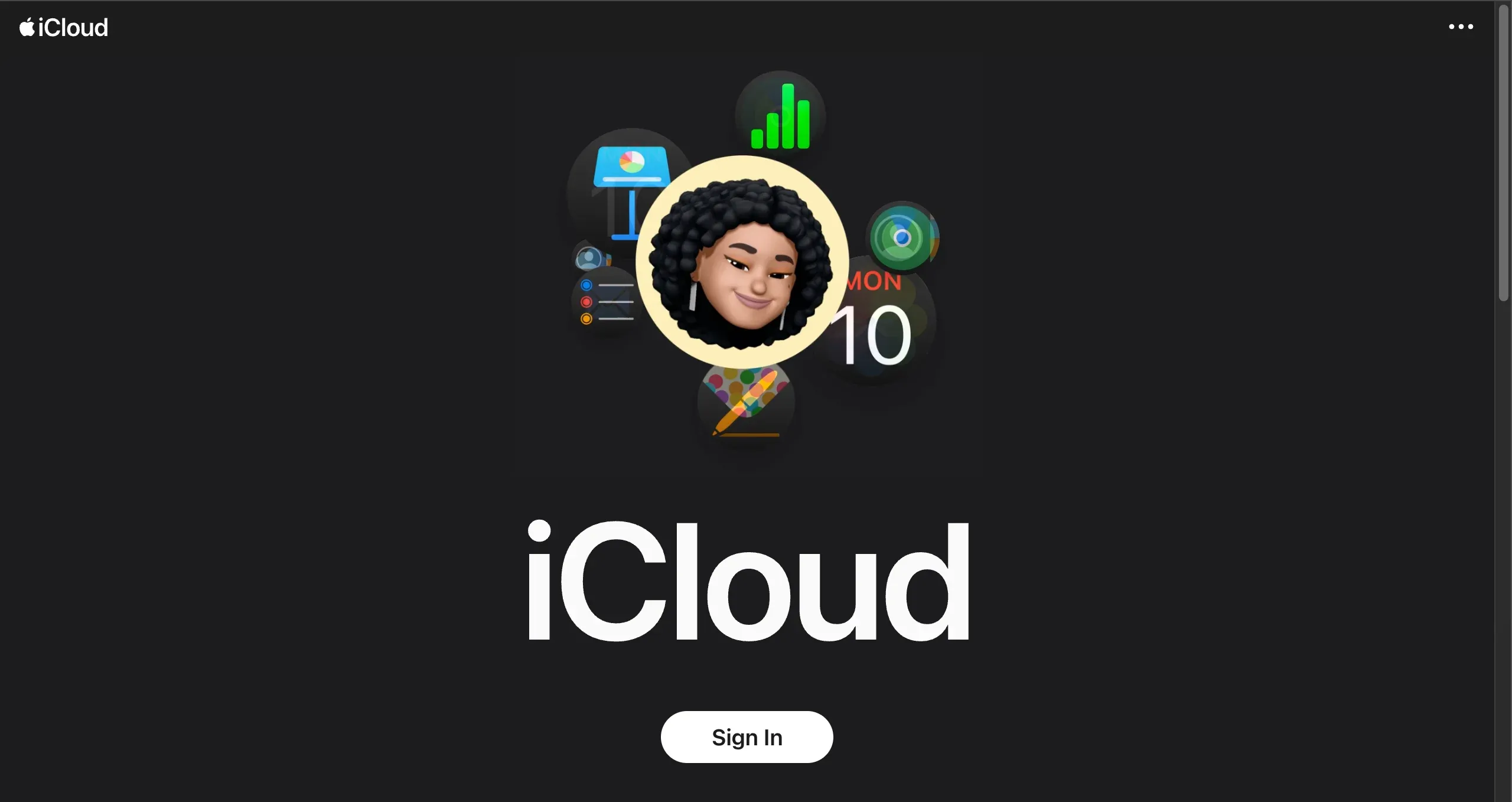
Step 1. Open your browser and go to www.icloud.com, and sign in with your Apple ID and password. (If you don't have one, you can create it for free at appleid.apple.com.)
Step 2. Once logged in, you'll see the iWork suite, which includes Keynote, Pages, and Numbers. Click on Keynote to start a new presentation or open an existing one.
Step 3. To open an existing .key file, click the Upload button (cloud with an arrow) and select the file from your PC. To start a new presentation, click the Create Button (+) and choose a template.
Step 4. The web interface provides core editing tools, allowing you to add content, adjust layouts, and customize your presentation as needed.
Way 2. Cast Keynote via PigeonCast
The second method of Apple Keynote for Windows involves using AirPlay to mirror Keynote from your Apple device to Windows. If you have an iPhone or iPad with the Keynote app, you can use it as your "presentation engine" and cast its screen to your Windows PC. This approach focuses more on sharing the content rather than editing it.

One tool that makes this possible is PigeonCast, which bridges the gap between Windows and Apple devices. It not only lets you mirror your Mac to your PC, but also supports casting to a larger TV screen, giving you more flexibility for your presentations.
Step 1. Ensure your Apple device, such as an iPhone, iPad, or MacBook, connects to the same wireless network as your Windows PC.


Overall Rating:



Step 2. Install PigeonCast on your Apple device or Windows PC from the App Store or the Microsoft Store.
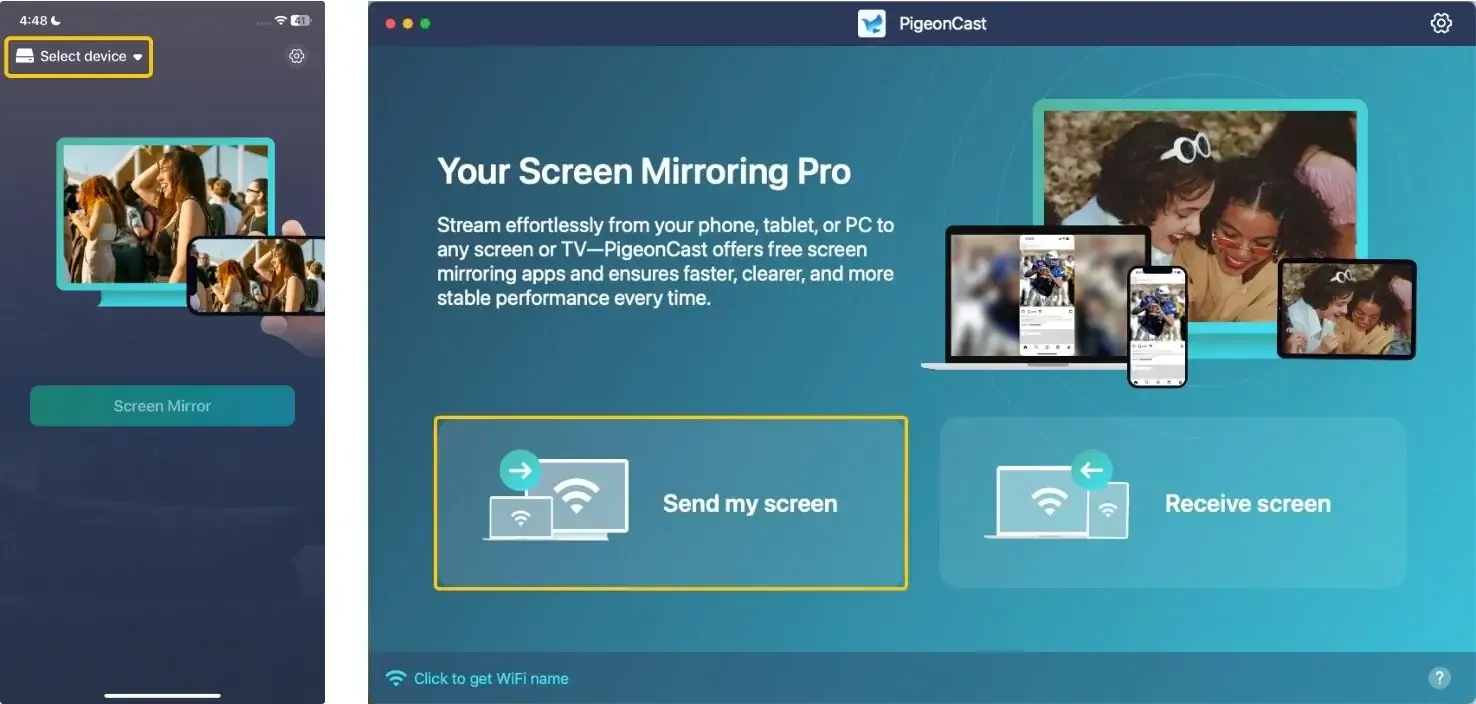
Step 3. Launch the app on your Apple device, tap Select device or Send my screen to choose your Windows PC from the available list. Alternatively, open PigeonCast on your Windows and tap the Receive device option to receive your Apple device's AirPlay connection.
Step 4. Enter the onscreen PIN code to confirm your pairing process.
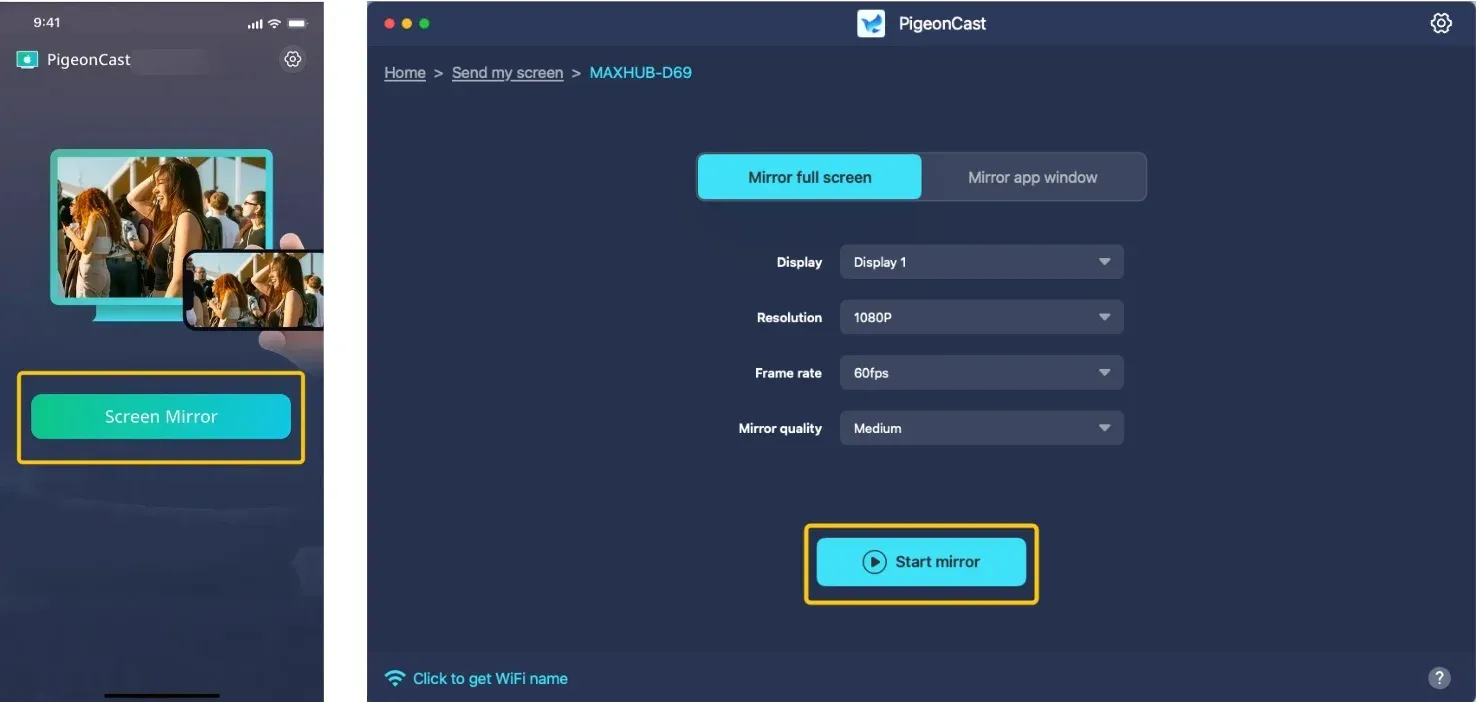
Step 5. Once you finish the connection, tap Screen Mirror or Start mirror to begin the mirroring activities, then tap the Keynote app to mirror on your Windows.
Bottom Line
While Keynote is a powerful tool, its exclusivity to Apple devices can be a challenge for Windows users. There's no official Keynote download for Windows, but you can still access and present Keynote files. Using iCloud, you can edit presentations directly in your browser, and with PigeonCast, you can mirror your Apple device's Keynote presentation to your Windows PC. Both options provide effective solutions for Windows users.
Keynote for Windows FAQ
Is Keynote available for Windows?
No, Keynote is not natively available for Windows. It's an Apple-exclusive application, but you can access it through iCloud or use screen mirroring tools like PigeonCast to display Keynote content on your PC.
What is the Keynote equivalent for Windows?
The Keynote app for Windows is Microsoft PowerPoint. PowerPoint is part of the Microsoft Office suite and offers many similar features, such as slide templates, animations, and collaboration tools.
Which is better, Microsoft PowerPoint or Keynote?
Both PowerPoint and Keynote are excellent tools for creating presentations, but they cater to slightly different audiences. PowerPoint is widely used across various platforms, including Windows and Mac, and is generally better suited for corporate and business environments. Keynote, on the other hand, is known for its sleek, minimal design and seamless integration with Apple's ecosystem, making it a favorite among Mac users who value design aesthetics and ease of use.
How to open Keynote presentation on non-Apple devices?
If you need to open a Keynote presentation on a non-Apple device, you can use iCloud.com to access and edit your presentation in a web browser. Alternatively, you can convert the Keynote file to a PowerPoint format using Keynote's export feature, and then open it in Microsoft PowerPoint on Windows.
Can I download Keynote for Windows?
No, you cannot implement the Keynote for Windows download as a native app. However, you can use iCloud's web-based version of Keynote or use third-party tools like PigeonCast to cast your presentations from an Apple device to your Windows PC.
Is there a Keynote app for Android?
No, there is no Keynote app for Android. Keynote is exclusive to Apple's ecosystem, meaning it is only available on macOS and iOS. However, Android users can access Keynote presentations via iCloud's web version (through a browser), or by converting Keynote files to formats compatible with Android apps, like PowerPoint or PDF.
Clara Rossi is an experienced technology editor and a seasoned expert in screen mirroring and casting technologies. With a keen eye for detail and a deep understanding of how to seamlessly connect devices, Clara excels at optimizing user experiences for effortless sharing and streaming. Whether you're seeking quick fixes or advanced tips, her expertise and responsiveness ensure that every query is met with a well-informed and efficient solution.