
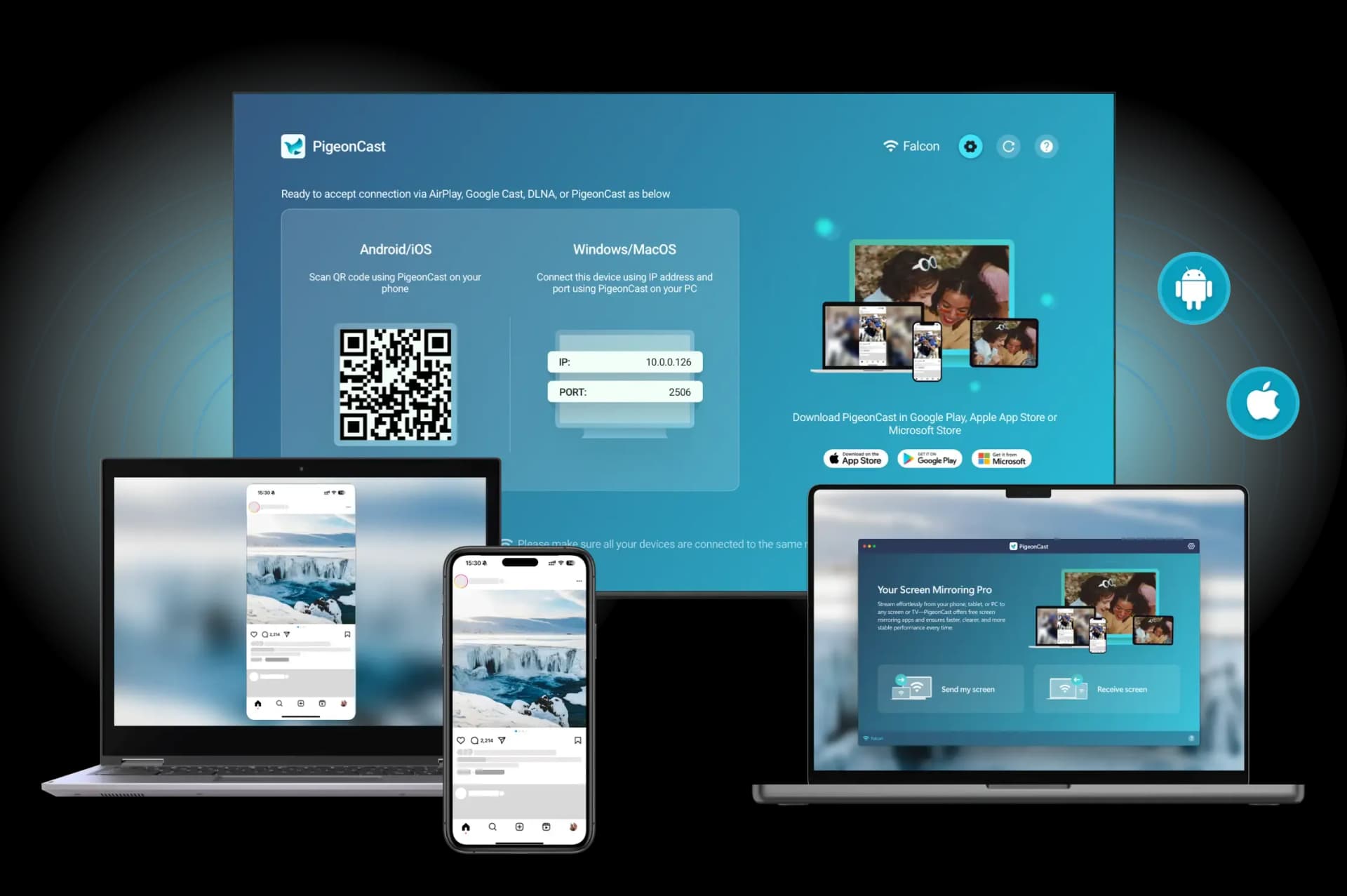
Can a TV get a virus from screen mirroring? In most cases, no. Screen mirroring sends what is on your phone or computer to the TV, but it does not normally install files on it. The bigger concern is using unknown apps, connecting through an unsafe network, or leaving your TV software out of date. With a few simple checks, you can share videos, photos, and more on the big screen with confidence.
Is Screen Mirroring Safe for Your TV?
Yes, for most home setups, it is. The key difference is between mirroring and access. Mirroring lets another device show its screen on your TV, while access would allow an app or attacker to change the TV itself.
Why Screen Mirroring Does Not Normally Install Viruses
With AirPlay, Chromecast, and similar tools, your phone or computer sends a stream of its screen to the TV. The TV decodes that stream and displays the picture and sound. It does not copy the source device’s apps, files, or operating system onto the TV.
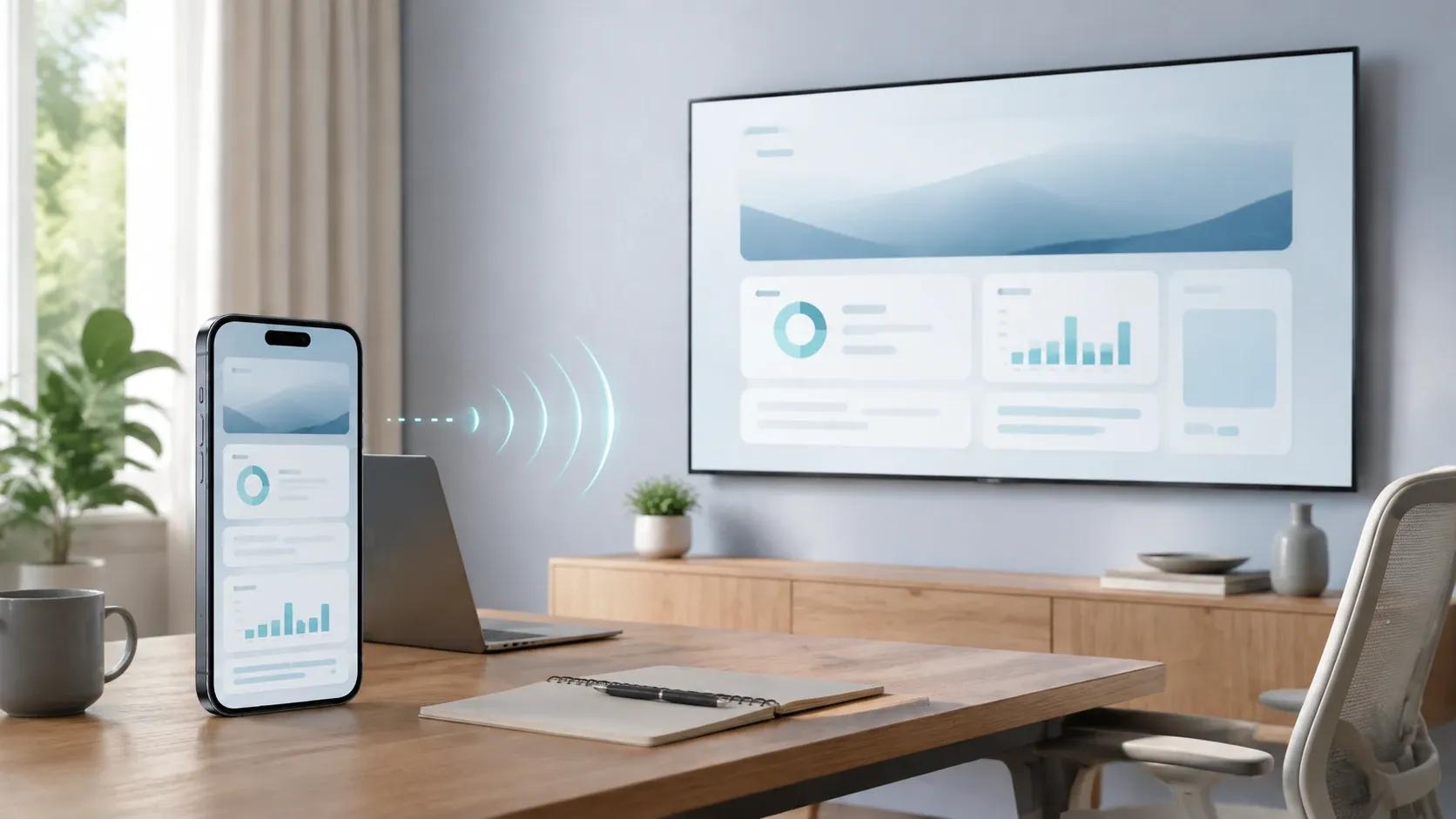
So, even if the source device has malware, simply mirroring its screen will not usually transfer that malware to the TV. For the TV to become infected, it would need to run harmful code itself, such as through an unsafe app, a malicious download, or an unpatched system weakness. Those are separate risks from screen mirroring.
When Screen Mirroring Can Create a Security Risk
Screen mirroring itself does not create the risk. Problems can arise when you use an untrusted app, respond to a fake prompt, or connect on a network you do not control. Choosing a trusted app from an official store, keeping your TV updated, and using your private home Wi Fi keeps these risks low. Pay closer attention when you:
- Download a casting app from an unfamiliar website or third party app store.
- See an unexpected request to open a link or install a file.
- Delay TV software updates for a long time.
- Connect through public Wi Fi or select a device you do not recognize.
How to Screen Mirror Safely
Safe screen mirroring does not require special tools or complicated settings. It comes down to choosing reliable software, keeping your devices current, and controlling who can join your network. These simple habits help protect your TV without making everyday casting harder.
Use Trusted Apps and Keep Your TV Updated
Start with apps from official app stores or the provider’s official website. Trusted sources reduce the chance of downloading altered or misleading software. Updates also matter, as they can fix known security issues and improve compatibility.
- Download casting apps only from trusted sources.
- Turn on automatic updates for your TV and casting apps.
- Remove TV apps you no longer use.
Use a Secure Network and Check the Device Name
Your network controls which devices can find your TV. A password protected home Wi Fi network helps keep unfamiliar devices from joining the same connection. Before you start mirroring, check the TV name shown on your phone or computer to make sure you are connecting to the right screen.
- Use your private home Wi Fi whenever possible.
- Avoid accepting mirroring requests from unfamiliar devices.
- Turn off screen mirroring when you no longer need it.
Mirror Your Screen Safely With PigeonCast
Screen mirroring should feel simple and secure. PigeonCast supports wireless mirroring across iPhone, Android, Windows, Mac, and TV devices, with support for AirPlay, Chromecast, and DLNA. Its secure, encrypted connections help keep your screen sharing private while you cast videos, photos, apps, and more to a bigger screen.
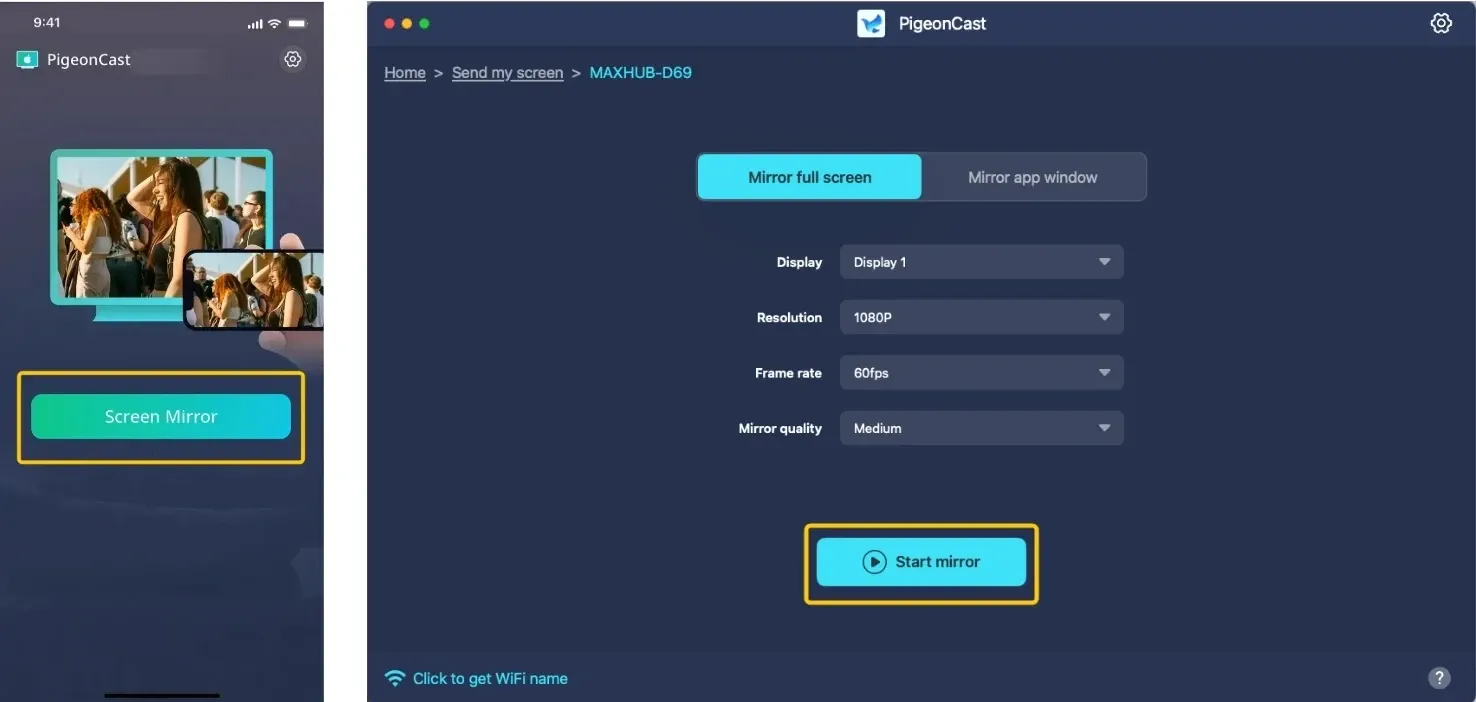
Step 1. Connect the device you want to mirror from and your TV to the same private Wi Fi network.


Overall Rating:



Step 2. Download PigeonCast from the official app store on the devices you want to connect, then open the app.
Step 3. In PigeonCast, choose the TV or other screen you want to mirror to from the available device list.
Step 4. Confirm the pairing request. If a pairing code appears on your TV, enter it on the sending device.
Step 5. Start screen mirroring and enjoy your videos, photos, apps, or presentations on the bigger screen.
Closing Words
Screen mirroring does not normally give a virus a path to your TV. The real risks come from unsafe downloads, untrusted apps, and networks you do not control. Choose a trusted app, keep your devices updated, and mirror on your private Wi Fi. With these basics in place, you can enjoy sharing on a bigger screen without turning a simple connection into a security concern.
Can a TV Get a Virus From Screen Mirroring FAQ
Can Screen Mirroring Show My Private Messages?
Yes. Your TV can display anything visible on your phone or computer, including notifications, messages, and photos. Turn on Do Not Disturb or hide sensitive notifications before you start mirroring.
Why Do Some Apps Show a Black Screen When I Mirror?
Some streaming, banking, and other protected apps limit screen mirroring to protect content or personal information. This is an app restriction, not a sign that your TV has a virus or that the mirroring connection is unsafe.
Does Screen Mirroring Use Mobile Data?
Screen mirroring uses your Wi Fi network to connect your device and TV. However, if the video or app you are sharing uses mobile data, that content may still use your data plan.
Can a TV Virus Spread Back to My Phone Through Screen Mirroring?
Usually, no. Screen mirroring does not normally move apps or system files between your TV and phone in either direction. If you think your TV has a security issue, disconnect it from the network and avoid approving any unexpected downloads or pairing requests until you check the device.
Can I Mirror to a TV Without a Cable or Chromecast Device?
Yes. PigeonCast lets you mirror wirelessly across supported phones, computers, and TVs without needing a cable, adapter, Apple TV, or Chromecast device. Connect your devices to the same Wi Fi network, then choose the screen you want to use.
Is It Safe to Leave Screen Mirroring Available All the Time?
It is safer to turn off mirroring or receiver mode when you are finished, especially if other people use the same network. This prevents accidental connections and helps keep your TV available only when you want to share your screen.
Clara Rossi is an experienced technology editor and a seasoned expert in screen mirroring and casting technologies. With a keen eye for detail and a deep understanding of how to seamlessly connect devices, Clara excels at optimizing user experiences for effortless sharing and streaming. Whether you're seeking quick fixes or advanced tips, her expertise and responsiveness ensure that every query is met with a well-informed and efficient solution.