
When it comes to screen mirroring, AirScreen is one of the most widely used apps, providing users with the ability to cast content across multiple devices. But is AirScreen safe? Does it come with hidden costs? In this guide, we'll explore the pricing structure of AirScreen, the limitations of its free version, and introduce a 100% free alternative. Whether you're looking to use AirScreen on Firestick or considering a switch to a more robust solution, we've got you covered.
Is AirScreen App Free?
Yes, AirScreen does offer a free version, but it's important to understand that it comes with certain limitations that could impact your overall experience.
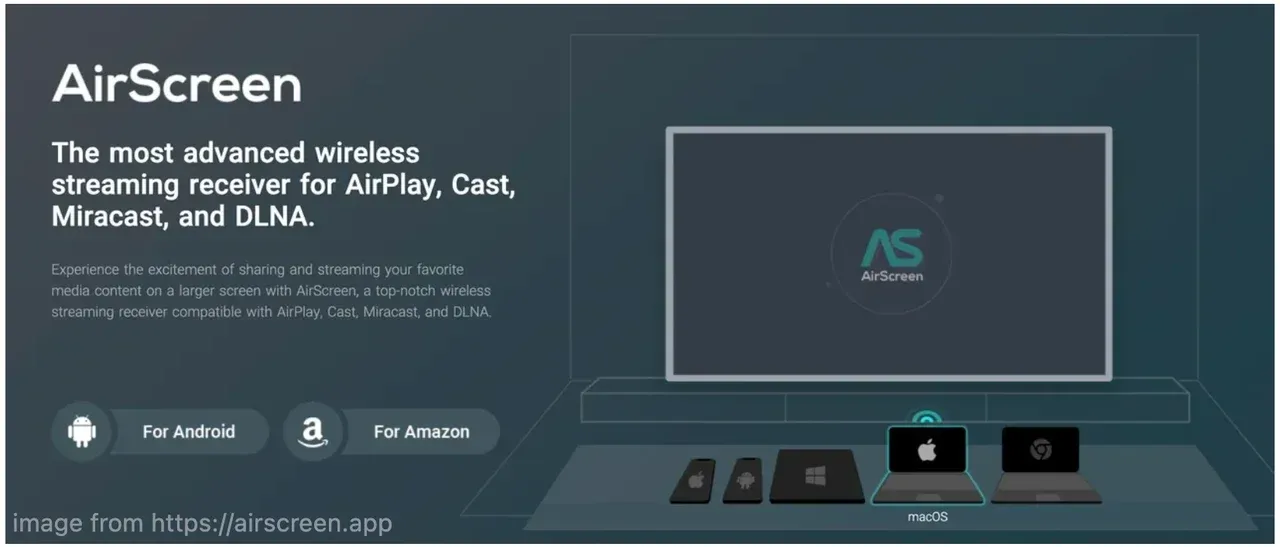
The free version of AirScreen provides basic functionality for mirroring content from your devices. Whether you're casting from your phone, tablet, or laptop, you can access the core features to stream videos, presentations, and more.
However, this free screen mirroring app doesn't come without compromises. Here are the Airscreen free limitations:
- Ads: One of the most noticeable limitations of the free version is the presence of ads. These can interrupt your experience and may be frustrating during longer streaming sessions.
- Lower quality: The free version may limit the quality of your streams, especially for higher-resolution content. If you're used to high-definition mirroring, the standard resolution in the free version might not meet your expectations.
- Limited-time use: The free version may also restrict the duration of your app usage in a single session. For example, users are only able to cast for a limited time before needing to restart or re-enable the connection, which can be frustrating during continuous streaming.
- Device compatibility: While AirScreen supports multiple platforms, some devices or streaming protocols may not be available in the free version. Users might encounter compatibility issues with certain TVs, phones, or operating systems.
Many users have reported these limitations in the app store reviews and online forums. If you're considering AirScreen, it might be helpful to check out user feedback on platforms like Google Play Store to get a clearer picture of how these restrictions affect the user experience.
These limitations make it clear that AirScreen free is ideal for casual users, but if you need a more seamless, high-quality experience, you might want to consider upgrading.
Does AirScreen Cost Money?
For those who want more robust features, AirScreen also offers a premium version. But does it cost money? Yes, the premium version of AirScreen does require a paid subscription, and there are two subscription options: basic subscriptions and pro subscriptions.
- Basic subscription:
- Price: Roughly $1.49 per month or $11.99 per year
- Features: Removes ads and resolves some of the limitations found in the free version. It is suitable for users who want a smoother experience without the interruptions, but don't need all the advanced features.
- Pro subscription:
- Price: Roughly $2.49 per month or $19.99 per year
- Features: Unlocks all premium features, including higher definition streaming (HD), the ability to cast to multiple devices simultaneously, and the complete removal of ads. This option is perfect for users who need the highest quality and flexibility for their screen mirroring needs.
AirScreen Pricing Structure: A Detailed Breakdown
Below is a detailed overview of the various AirScreen versions: free, basic subscription, and pro subscription, along with their respective features and pricing.
| Version | Price | Key Features | Limitations |
|---|---|---|---|
| Free Version | Free | - Basic screen mirroring capabilities - Compatible with multiple devices (Android, iOS, Windows) - Stream content to compatible receivers | - Ads interrupting streaming sessions - Limited device compatibility - Lower stream quality (non-HD) - Limited-time use per session (requires restart) |
| Basic Subscription | $1.49/month or $11.99/year | - Removes ads - Improves compatibility for more devices - Improved streaming quality (no HD, but better than free version) | - Does not support HD streaming - Limited number of simultaneous connections - Upgrade pop-ups may still occur |
| Pro Subscription | $2.49/month or $19.99/year | - High-definition streaming (HD) - Multiple simultaneous device connections - Removes all ads - Full compatibility with more devices and protocols | - Full features with no limitations. - No pop-ups or interruptions during use |
Is There a 100% Free Alternative to AirScreen
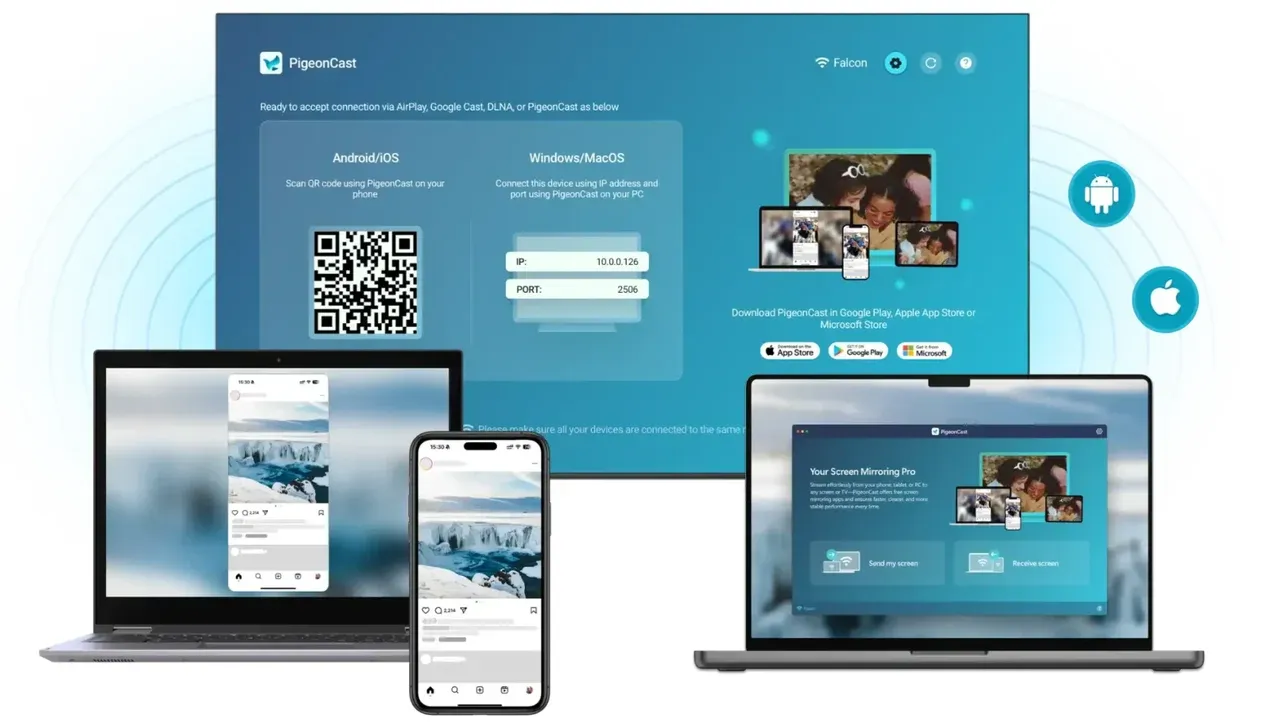
Yes, there is! If you're looking for a completely free screen mirroring solution with no ads, no hidden costs, and no limitations, free PigeonCast stands out as a perfect alternative to AirScreen. Unlike AirScreen's free version, which comes with restrictions like ads and limited quality, PigeonCast offers an uninterrupted, high-quality mirroring experience without requiring any upgrades or subscriptions.
Why Choose PigeonCast?
- 100% Free: PigeonCast offers all its features (screen mirroring, photo/video/web casting) completely free, with no ads or paid upgrades. You won't need to worry about hidden costs or upgrading to access advanced features.
- No Ads: One of the biggest frustrations with AirScreen's free version is the presence of ads that can interrupt your experience. PigeonCast provides a seamless, ad-free experience, allowing you to mirror your content without any interruptions.
- Cross-Platform Streaming: PigeonCast supports a wide range of devices, including Android, iOS, Windows, and smart TVs (like Fire TV). This makes it a versatile option for users with different devices and platforms, ensuring smooth streaming across the board.
- HD Streaming (up to 4K): Unlike AirScreen's free version, which limits stream quality, PigeonCast supports high-definition streaming up to 4K resolution. Whether you're streaming movies, presentations, or games, PigeonCast ensures you get the best possible quality without any restrictions.
- Easy to Use: The interface is straightforward and user-friendly, making it easy for anyone to set up and start streaming in just a few clicks. No complicated configurations or technical knowledge required.


Overall Rating:



PigeonCast vs Free AirScreen: A Detailed Comparison
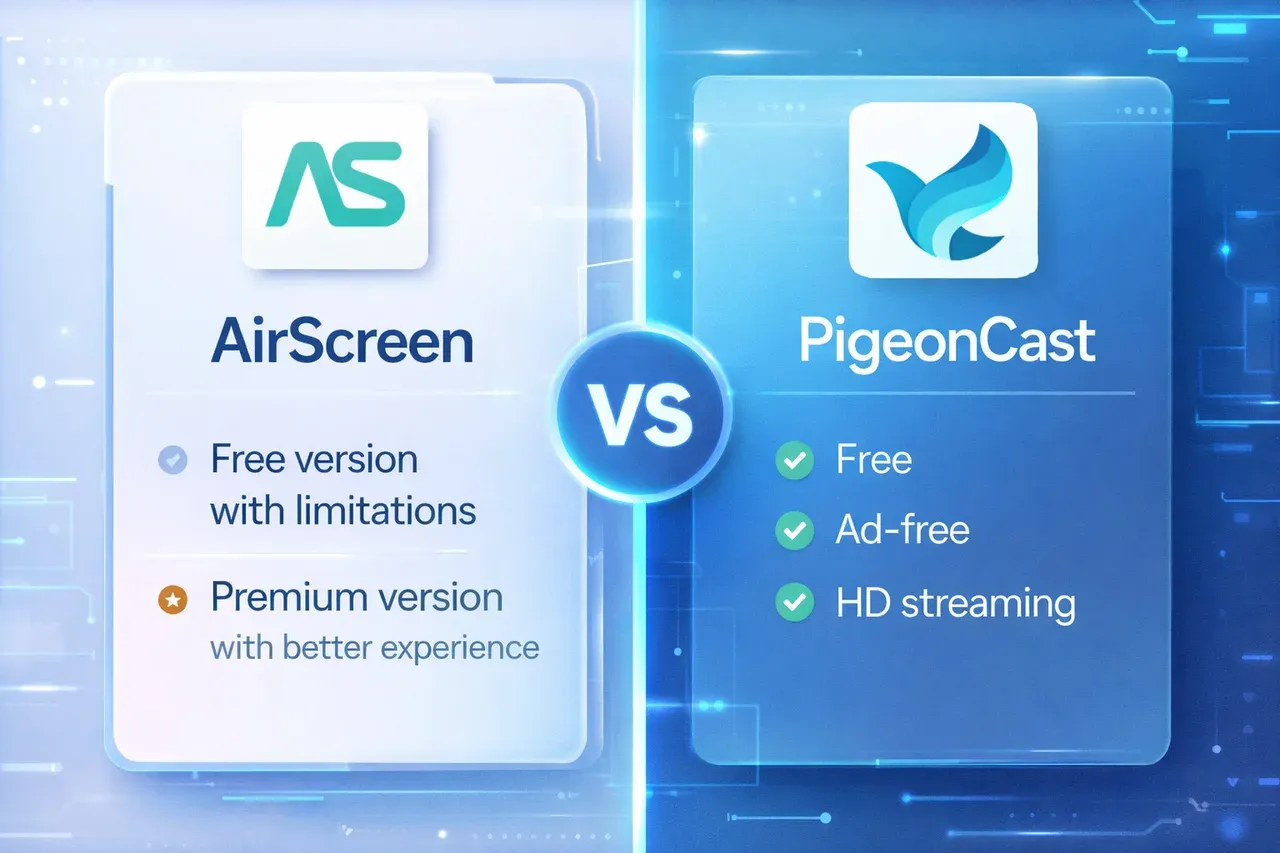
To help you make a well-informed decision, here's a quick comparison between PigeonCast and the free version of AirScreen. This will give you a clearer idea of how each performs in terms of features, streaming quality, and overall experience.
| Feature | PigeonCast (Free) | AirScreen Free Version |
|---|---|---|
| Price | 100% Free | Free (with limitations) |
| Ads | No ads | Includes ads |
| Streaming Quality | HD streaming (up to 4K) | Standard quality, no HD support |
| Device Compatibility | Supports Android, iOS, Windows, Smart TVs | Supports multiple devices, but limited compatibility in the free version |
| Session Time Limit | Unlimited | Limited session time (requires restart) |
| Multiple Device Connections | No | Single device casting only |
| Upgrade Requirement | No upgrades needed | Frequent upgrade prompts |
| Ease of Use | Simple setup and user-friendly | User-friendly, but with interruptions |
While AirScreen offers a free version, it comes with several limitations, such as ads, lower streaming quality, and session time restrictions. It may work for casual users who don't mind these interruptions, but if you're looking for a seamless, high-quality mirroring experience, PigeonCast is the clear winner.
Conclusion
AirScreen offers a free version for basic screen mirroring, but the experience might fall short due to annoying ads, limited streaming quality, and session time restrictions. The premium version improves on these features but comes with a price.
If you're looking for an ad-free, HD-quality, and reliable screen mirroring solution, PigeonCast is the clear winner. Offering no ads, up to 4K streaming, and cross-platform support, PigeonCast ensures you get the best possible experience without any hidden costs or limitations.
Is AirScreen Free FAQs
Is Airscreen free on Firestick?
Yes, AirScreen is free to use on Firestick, allowing you to cast to Firestick from an Apple device directly, but it comes with limitations such as ads and lower-quality streaming. For a more seamless experience, you may consider upgrading to the paid version or switching to an alternative like PigeonCast.
Is Airscreen free to use?
Yes, AirScreen offers a free version with basic screen mirroring features. However, the free version includes ads, limited streaming quality, and some device compatibility restrictions.
What are AirScreen free limitations?
The free version of AirScreen has several limitations, including:
- Ads that interrupt the streaming experience.
- Lower-quality streaming, especially for HD content.
- Limited session time, requiring users to reconnect after a certain period.
- Device compatibility issues with certain platforms or devices.
What is the best free phone mirroring app?
The best free phone mirroring app depends on your specific needs, but PigeonCast is a free screen mirroring app that offers HD streaming without ads. It supports a wide range of devices, including Android, iOS, Windows, and smart TVs.
Are mirror apps safe to use?
Many screen mirroring apps, including AirScreen, are generally safe to use (check our blog about Is AirScreen Safe). However, it's important to ensure you're downloading from trusted sources like the Google Play Store or Apple App Store to avoid potential security risks. Always read user reviews to confirm the app's safety and reliability.
Can I use AirScreen for free without ads?
No, the free version of AirScreen includes ads. To remove ads and access additional features, you need to upgrade to the Basic or Pro subscription.
How do I mirror my phone to a TV using AirScreen?
To mirror your phone to a TV using AirScreen, simply install the AirScreen app on your TV, connect both devices to the same Wi-Fi network, and follow the on-screen prompts to start mirroring.
Is there a better alternative to AirScreen for free mirroring?
Yes, PigeonCast is an excellent free alternative that offers no ads, up to 4K streaming, and cross-platform support without the limitations found in AirScreen's free version.
Can AirScreen be used for gaming?
While AirScreen can be used to stream games or gaming content, the free version may limit the streaming quality, making it less ideal for a seamless gaming experience. The Pro version supports higher quality, making it more suitable for gaming.
Mia Clarke is a technology editor specializing in screen mirroring and casting solutions across multiple platforms. Mia provides clear, practical guides and in-depth insights to help users seamlessly connect their devices. Passionate about enhancing digital experiences, Mia is dedicated to keeping readers updated on the latest trends and tools in cross-platform screen sharing. Whether you’re looking to mirror your smartphone, laptop, or smart TV, Mia’s content delivers reliable, user-friendly advice to simplify your tech setup.