
When considering third-party screen mirroring apps like AirScreen, many users are concerned about their safety and privacy, asking questions like, "Is AirScreen safe?" After all, these apps handle sensitive data such as screen content, device connections, and network access. This guide will address the safety aspects of AirScreen, explore its features, and provide tips to ensure you're using the app securely.
What Is AirScreen App
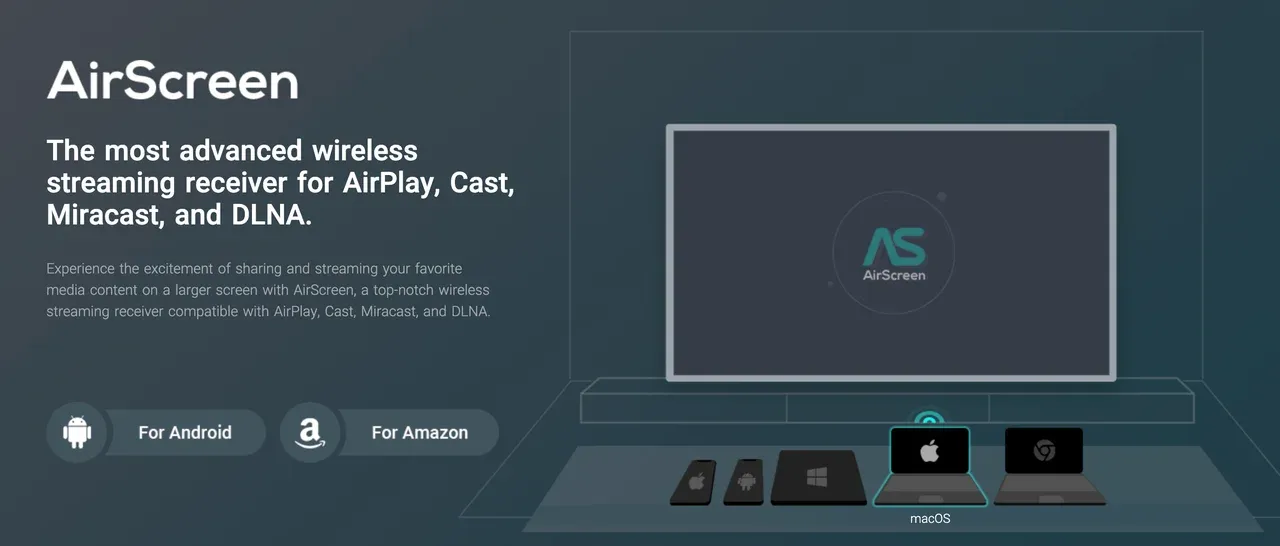
AirScreen is a versatile and widely-used app designed to allow screen mirroring and casting across various devices. It supports multiple protocols like AirPlay, Google Cast, Miracast, and DLNA, making it an all-in-one solution for users looking to mirror content from their Android phone, iPhone, Windows PC, or Mac to a TV or another display.
Essentially, the AirScreen app makes it easy for users to cast movies, music, presentations, or even games from their device to a larger screen without requiring any cables or additional hardware.
Is AirScreen Safe to Use
When asking if AirScreen is safe, there are several factors to consider, including permissions, data handling, network security, and how you install the app. Here's a breakdown:

#1: Permissions and Data Handling
The AirScreen app requires access to your device's screen, Wi-Fi network, and possibly other data for casting to work. While this is typical of most mirroring apps, it's important to review what specific permissions are granted.
Generally, the AirScreen app only needs access to your Wi-Fi connection to establish a stable mirror connection between devices. You should always verify that the app only requests necessary permissions and avoid granting excessive access to sensitive data.
#2: App Source and Installation
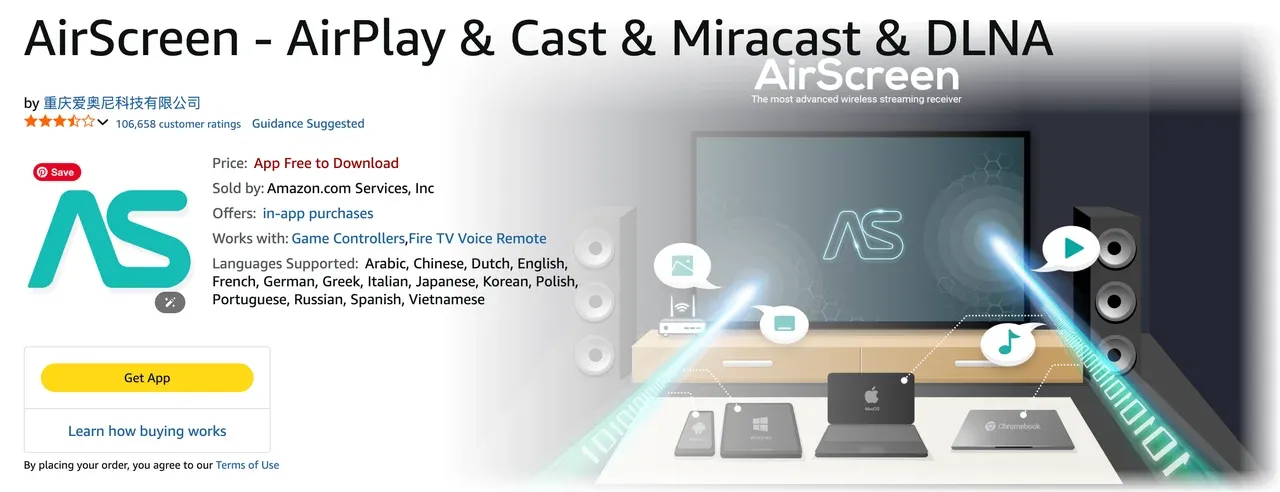
To ensure that AirScreen is safe, it's important to download it from a trusted source. Official stores like the Google Play Store or the Amazon Appstore offer the app in a secure environment, reducing the chances of downloading a malicious or fake version. Avoid third-party sites for downloading AirScreen, as these may expose your device to malware or other security risks.
#3: Wi-Fi and Network Security
Since AirScreen uses your local Wi-Fi network to cast content, it's crucial to ensure that your Wi-Fi is secure. Connecting to unsecured or public Wi-Fi networks increases the risk of unauthorized access to your data.
To improve your privacy and security while using AirScreen, consider setting up a VPN to encrypt your connection, which adds an extra layer of protection against potential snooping.
#4: Privacy Concerns
As with any third-party app, AirScreen has potential privacy implications. While the app itself doesn't appear to have any data-harvesting practices, it's always important to read the app's privacy policy to understand what data is collected, how it's used, and whether it's shared with third parties.
If privacy is a major concern, you may want to consider limiting app permissions or using additional security measures.
#5: Regular Updates and Patches
AirScreen is regularly updated, and security patches are provided to fix vulnerabilities. Keeping the app and your device's operating system up to date is a key part of ensuring continued safety. If you notice the app hasn't been updated in a while or doesn't seem to be supported anymore, consider looking for alternatives like PigeonCast or using native casting technologies like AirPlay or Google Cast.



Overall Rating:



How to Use AirScreen Safely
To ensure a safe experience while using the AirScreen app, follow these best practices:
- Use secure Wi-Fi: always use a protected Wi-Fi network. Avoid public networks to prevent unauthorized access to your screen content.
- Download from trusted sources: make sure you only download the AirScreen app from reputable sources like the Google Play Store or Amazon Appstore to reduce security risks.
- Enable device security: use password protection or PINs on your devices to prevent unauthorized access while casting.
- Check permissions regularly: review the app's permissions and ensure they align with the functionality it needs to operate.
3 Free & Safe Alternatives to AirScreen
While AirScreen is a reliable and functional app, some users may prefer alternatives for enhanced security, features, or ease of use. Here are a few noteworthy options to consider:
#1: PigeonCast
PigeonCast is an ad-free and safe alternative to AirScreen. It is compatible with Android, Windows, and other platforms, enabling seamless casting without the need for third-party hardware. It is particularly valued for its ease of use and versatility across different devices and platforms.
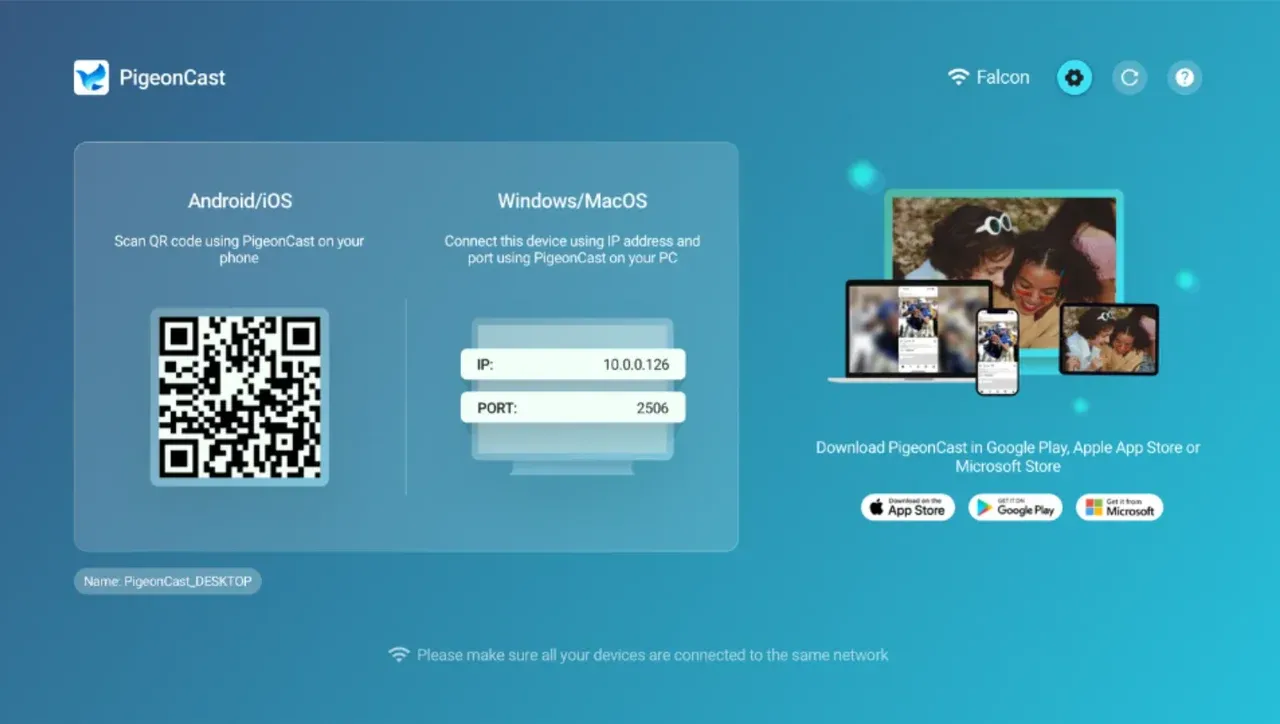
- Security features: PigeonCast is designed with user privacy in mind. Unlike some third-party apps, it does not require excessive permissions, and it works over encrypted Wi-Fi connections. This means your data is protected while casting content, reducing the risk of unauthorized access.
- Functionality: PigeonCast stands out for its compatibility with a wide range of devices, including Apple TV, Windows PCs, MacBooks, Android TVs, and Fire TVs. It works similarly to AirPlay and Google Cast, but without the need for dedicated hardware like Chromecast. PigeonCast also supports both full-screen mirroring and app casting, making it highly versatile for various media needs.
Download PigeonCast on your phone (or computer) and TV to start screen mirroring effortlessly and safely.
#2: AirPlay (Apple Devices)
If you are an Apple user, AirPlay is the native solution for screen mirroring and casting. It is integrated directly into iOS, macOS, Apple TV, and many newer smart TVs, making it a seamless option for users within the Apple ecosystem.
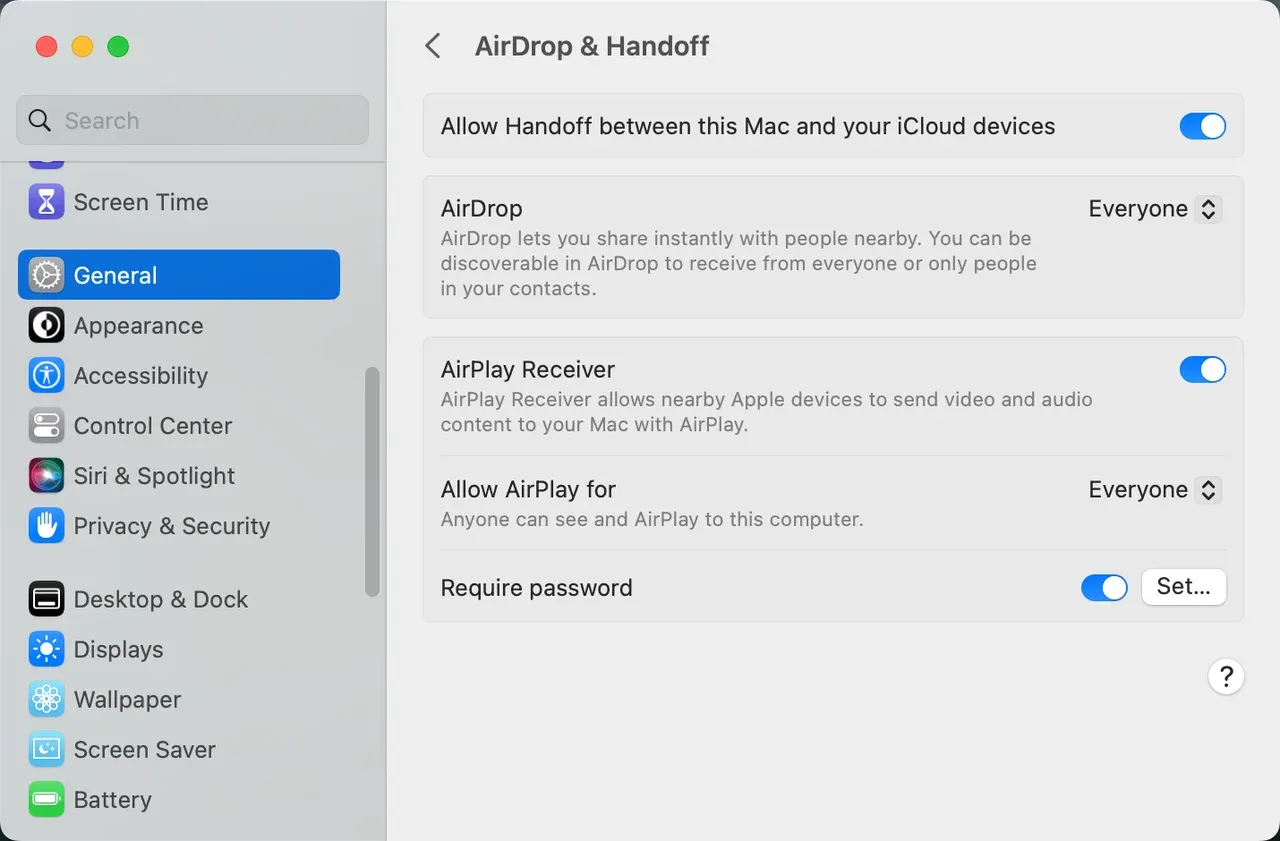
- Security features: AirPlay is known for its strong security protocols. It uses end-to-end encryption, ensuring that your data is securely transmitted from one device to another. This makes AirPlay one of the most secure options for screen sharing, particularly for users who are already in the Apple ecosystem.
- Functionality: While AirPlay works seamlessly across Apple devices, its major limitation is that it is primarily designed for Apple products. This means it might not support casting to non-Apple devices as smoothly as AirScreen or PigeonCast. However, if you use Apple TV or other AirPlay-compatible TVs, it provides a smooth and reliable casting experience for photos, videos, music, and even full-screen mirroring.
#3: Google Cast (Chromecast)
For Android users, Chromecast is the native casting solution that integrates seamlessly with Google's ecosystem. It is widely supported by many streaming services and smart TVs, offering a reliable and user-friendly method for screen mirroring.
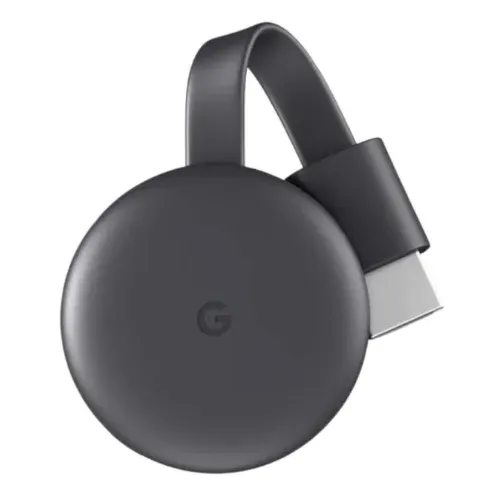
- Security Features: Chromecast offers robust security features, especially when used with Google Home. The connection between devices is encrypted, and Chromecast can be configured to use secure Wi-Fi networks to ensure your data is protected. Furthermore, as a Google product, Chromecast benefits from frequent updates and security patches.
- Functionality: Chromecast excels in its ease of use and compatibility with a wide range of Android apps, including popular services like Netflix, YouTube, and Spotify. It allows you to cast content from your Android phone, tablet, or PC directly to Chromecast-enabled devices like TVs, soundbars, and speakers. However, Chromecast can only mirror content from apps that support it, unlike AirScreen or PigeonCast, which mirrors the entire screen.
Final Thoughts
AirScreen is a reliable app for screen mirroring, but as with any third-party tool, understanding the security implications is important. By following best practices, reviewing the app’s permissions, and ensuring your devices are secure, you can safely use AirScreen to cast your content across different platforms. Whether you use it for personal entertainment or work presentations, knowing how to use the app securely ensures a hassle-free experience.
Is AirScreen Safe FAQs
Is Airscreen free?
AirScreen offers a free version with essential mirroring and casting features. Some advanced features require a paid upgrade, but the free tier is fully functional for basic use.
How to use Airscreen?
To use the AirScreen app, install it on your compatible smart TV or streaming device, connect your phone or computer to the same Wi-Fi network, then open the casting or screen mirroring option on your device. AirScreen will appear as an available receiver, and you can start mirroring immediately.
Is AirScreen the same as AirPlay?
No, AirScreen is not the same as AirPlay. AirPlay is Apple's native wireless streaming protocol, while AirScreen is a third-party app that supports AirPlay along with Google Cast, Miracast, and DLNA. AirScreen basically acts as a multi-protocol receiver.
Does AirScreen have a time limit?
The free version of AirScreen may include certain limitations depending on the device, such as watermarks or reduced streaming quality. However, there is no strict universal "time limit". Users who need uninterrupted, high-quality mirroring can upgrade to the premium version.
Where is the safest place to download apps?
The safest place to download apps is always an official store, such as the Google Play Store, Apple App Store, Amazon Appstore, or your TV's verified app store. Avoid downloading APKs from unknown sources, as these can contain malware or modified code.
Is PigeonCast safe?
Yes, PigeonCast is safe to use. It operates over your local network, uses encrypted connections, and does not require unnecessary permissions. Because it does not store or upload your content to external servers, it is a secure alternative for users concerned about privacy when casting or mirroring.
Is PigeonCast free?
Yes, PigeonCast is completely free to use for high-quality screen mirroring and casting, with no ads, no subscriptions, and no watermarks.
Mia Clarke is a technology editor specializing in screen mirroring and casting solutions across multiple platforms. Mia provides clear, practical guides and in-depth insights to help users seamlessly connect their devices. Passionate about enhancing digital experiences, Mia is dedicated to keeping readers updated on the latest trends and tools in cross-platform screen sharing. Whether you’re looking to mirror your smartphone, laptop, or smart TV, Mia’s content delivers reliable, user-friendly advice to simplify your tech setup.