
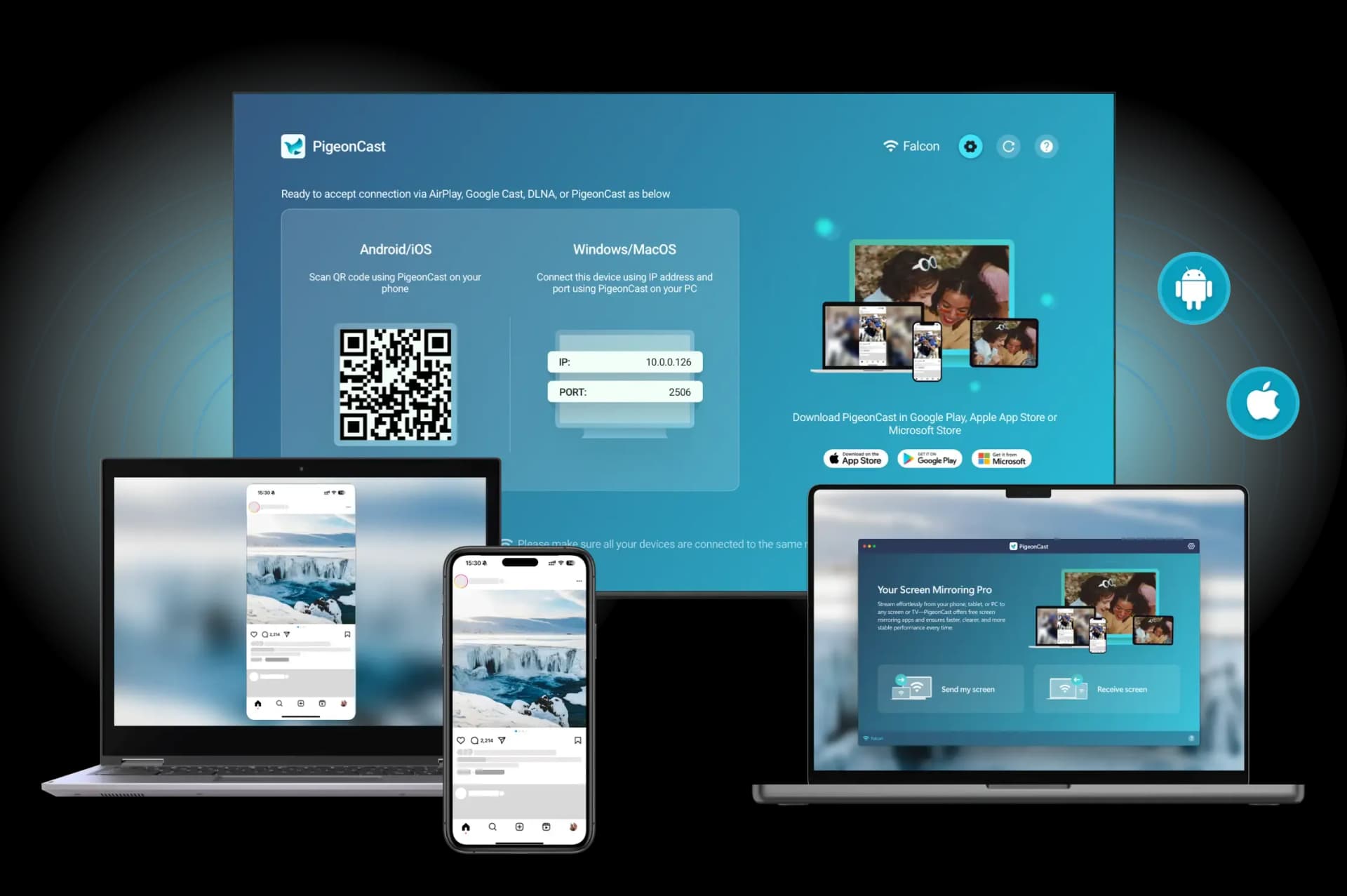
Cutting the cord is easy. Finding a streaming device that handles both live TV and phone-to-TV mirroring well is harder.
For most people, the choice comes down to Apple TV 4K, Google TV, Roku, and Fire TV. If screen mirroring matters as much as streaming, Apple TV 4K is usually the best option for iPhone users, while Google TV offers the best balance of value, app support, and casting for mixed-device households.
This guide compares the strengths, weaknesses, and ideal use cases of each platform so you can choose the best streaming device to replace cable for your home.
Best Streaming Device to Replace Cable: The Quick Answer
If you want the short answer:
- Apple TV 4K is the best choice for iPhone users and the strongest AirPlay experience.
- Google TV offers the best overall balance of value, app support, and phone casting.
- Roku is ideal if you want a simple, easy-to-use streaming platform.
- Fire TV Stick 4K is the best option for budget-conscious buyers.
If replacing cable and mirroring your phone are equally important, Apple TV 4K and Google TV are the strongest overall choices.
What Matters Most When You Replace Cable
When comparing streaming devices, app counts and technical specs only tell part of the story. The best cable replacement is the one that fits how you actually watch TV and share content at home.
Before choosing a device, focus on these factors:
- Live TV support: Make sure it works well with services like YouTube TV, Hulu + Live TV, Sling TV, Fubo, or your preferred cable alternative.
- Phone-to-TV compatibility: iPhone users should prioritize AirPlay support, while Android users will generally have a better experience with Google Cast.
- Ease of use: A simple interface makes switching from cable much less frustrating, especially for families.
- Performance: Fast navigation and responsive apps become more important the more you use the device.
- Multi-device flexibility: If your household uses both iPhone and Android devices, look for a platform that handles both without extra setup.
For most buyers, live TV support and phone mirroring are the two factors that make the biggest difference.
Best Streaming Devices to Replace Cable Compared
Now that we've covered what matters most when replacing cable, let's compare the leading streaming platforms side by side.
All four devices can handle popular streaming services such as YouTube TV, Hulu + Live TV, Sling TV, Netflix, and Disney+. The bigger differences come down to ecosystem compatibility, ease of use, screen mirroring support, and overall value.
| Device | Best For | Phone Mirroring | Live TV Support | Typical Price* |
|---|---|---|---|---|
| Apple TV 4K | iPhone users | Excellent AirPlay support | Excellent | $129–$149+ |
| Google TV | Mixed-device homes | Excellent Google Cast support | Excellent | $50–$100 |
| Roku | Simplicity | Good for occasional mirroring | Excellent | $40–$100 |
| Fire TV Stick 4K | Budget buyers | Basic mirroring support | Excellent | $30–$60 |
Apple TV 4K: Best for iPhone Users
Apple TV 4K is the easiest recommendation for households that already use iPhones, iPads, or Macs. It combines excellent streaming performance with the most seamless AirPlay experience available today.
What makes Apple TV stand out is how naturally it integrates with the Apple ecosystem. You can switch from watching YouTube TV or Hulu + Live TV to sharing photos, videos, or an entire iPhone screen with very little setup. The interface is fast, polished, and noticeably smoother than many lower-cost streaming sticks.
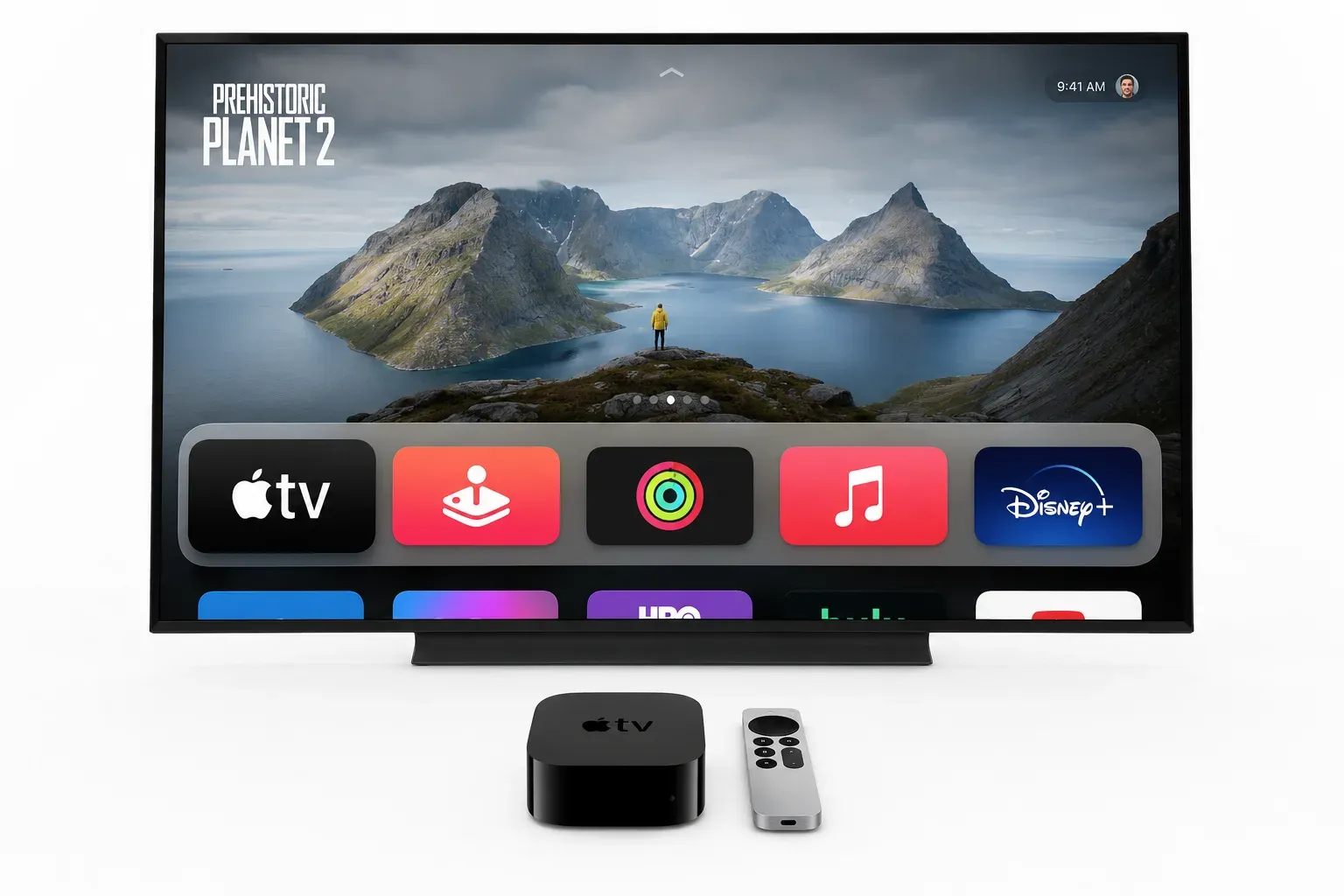
The main downside is price. Apple TV 4K costs significantly more than most competitors, which can be difficult to justify if you only need basic streaming apps.
Best for:
- iPhone and iPad users
- Homes that rely heavily on AirPlay
- Buyers who prioritize performance and user experience
- Users willing to pay more for a premium device
Google TV: Best Overall Value
For most households, Google TV offers the strongest balance of features, price, and flexibility.
It supports virtually every major streaming service people use to replace cable while also providing built-in Google Cast support for Android devices. This makes it especially appealing for households that use a mix of phones, tablets, and smart home products.
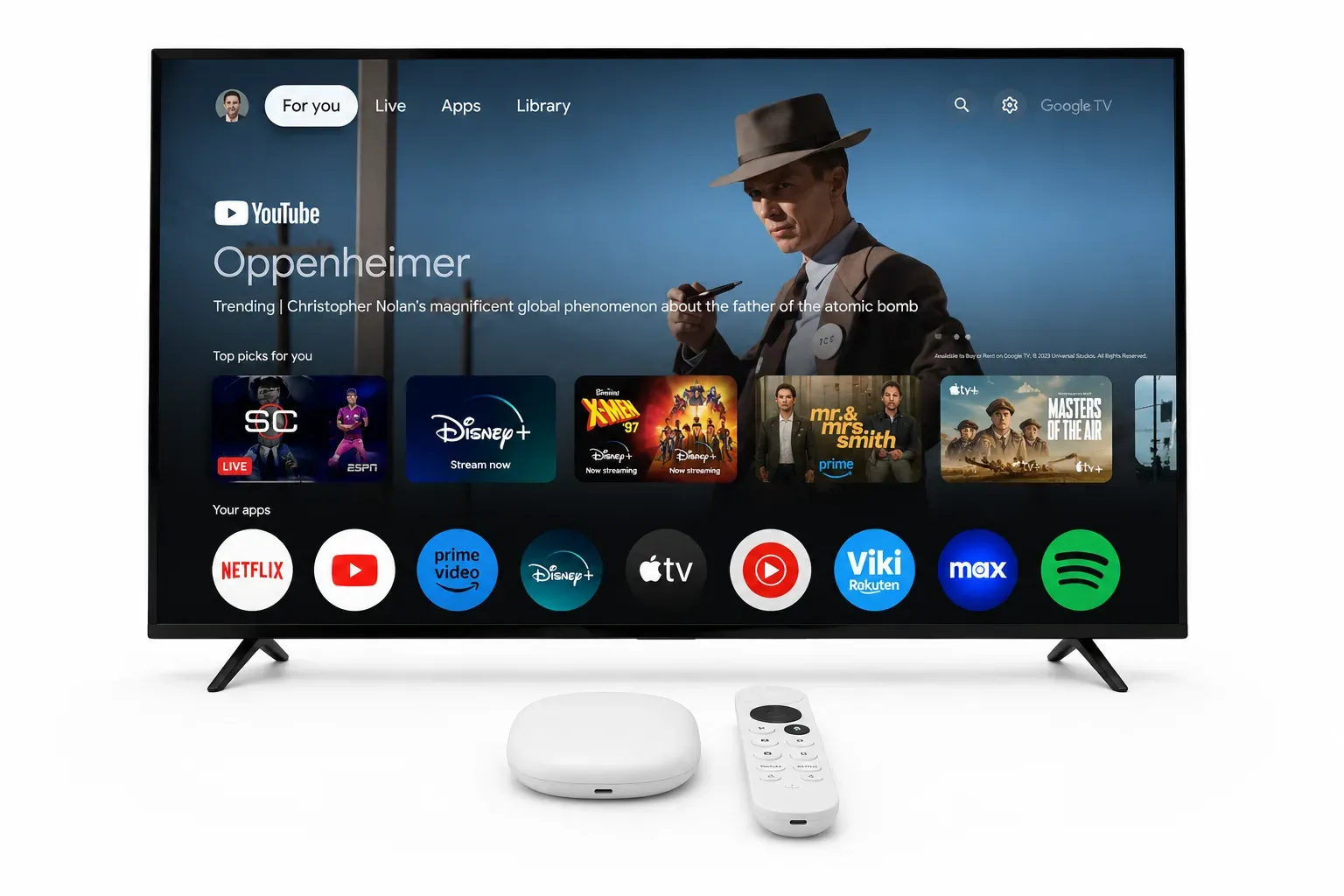
Compared with Apple TV, Google TV may not feel quite as polished, but it delivers excellent day-to-day performance at a much lower cost. For buyers who want both streaming and phone-to-TV casting without overspending, it is often the safest recommendation.
The biggest limitation is that iPhone users generally won't get the same effortless mirroring experience they would with Apple TV. You can learn the reason from the guide on How to Screen Mirror iPhone to Google TV.
Best for:
- Android users
- Mixed-device households
- Cord-cutters looking for strong value
- Buyers who want both streaming and casting features
Roku: Best for Simplicity
Roku remains one of the most beginner-friendly streaming platforms available.
Its biggest advantage is ease of use. The interface is straightforward, app discovery is simple, and most users can become comfortable with it within minutes. For people moving away from traditional cable, that simplicity can be a major selling point.
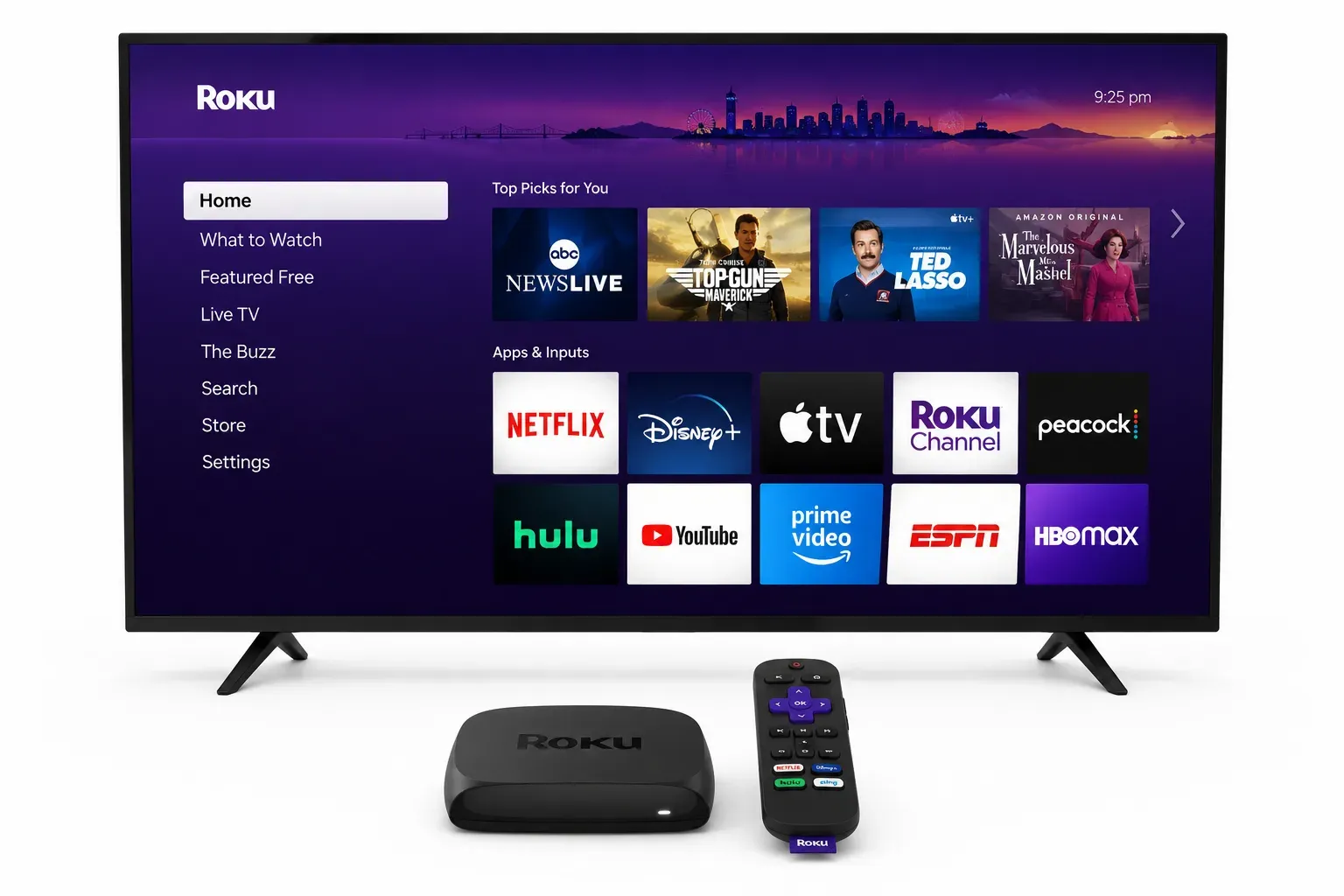
Another reason Roku remains popular is its platform neutrality. Unlike devices that are closely tied to Apple, Google, or Amazon ecosystems, Roku works well for households that simply want access to streaming apps without committing to a specific platform.
For cord-cutters who value simplicity over advanced features, that approach can be a major advantage.
Roku also supports AirPlay on compatible devices, which adds useful flexibility for iPhone users. However, screen mirroring is not as central to the Roku experience as it is on Apple TV or Google TV.
If your primary goal is streaming rather than frequent phone mirroring, Roku remains a reliable choice.
Best for:
- Users who want a simple interface
- Families and less tech-savvy users
- Households focused primarily on streaming
- Buyers looking for a straightforward cable replacement
Fire TV Stick 4K: Best Budget Option
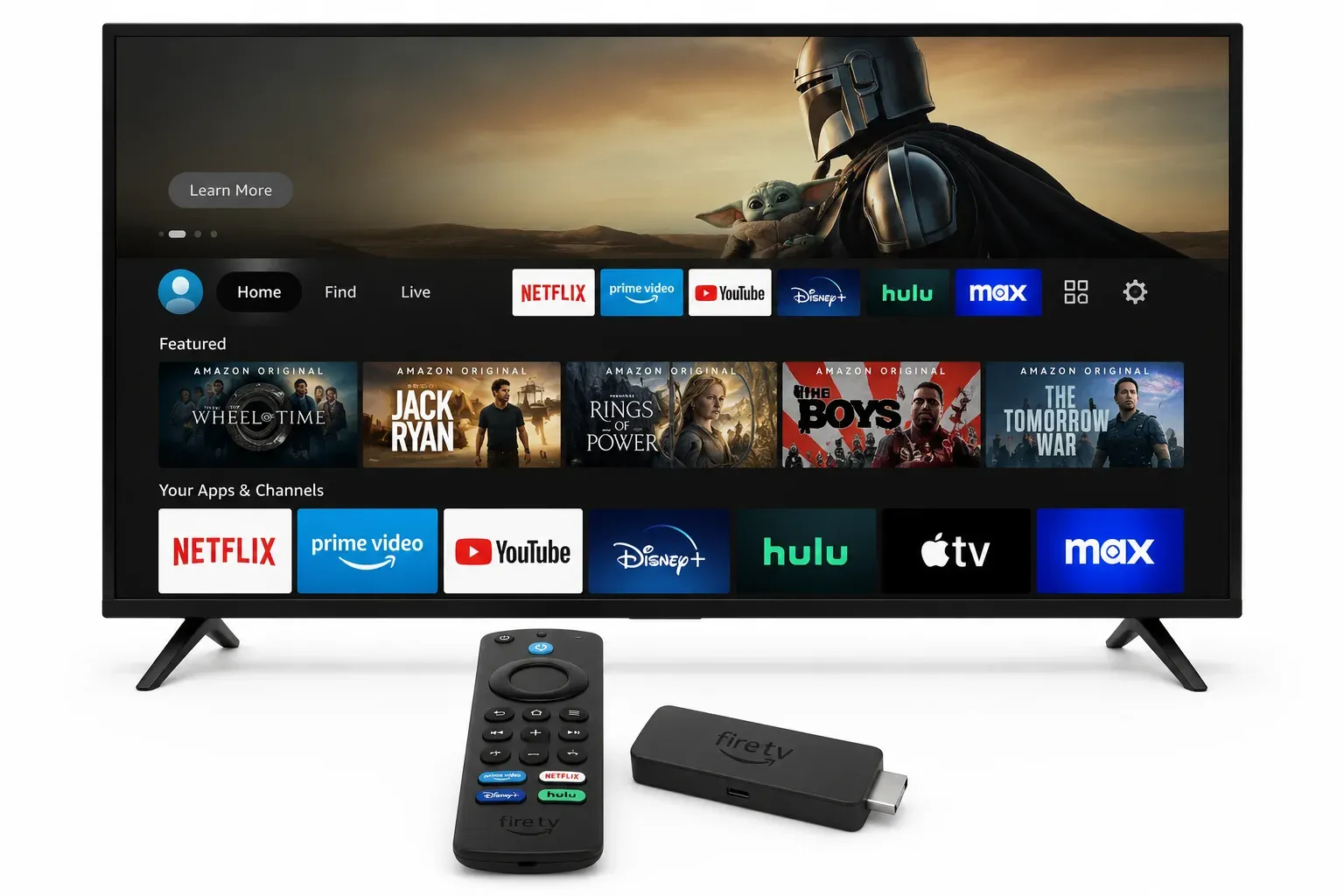
Fire TV Stick 4K is often the most affordable way to turn an older television into a capable streaming device.
It supports the major streaming services most cord-cutters need and works particularly well for users already invested in Amazon's ecosystem. The device is compact, easy to install, and frequently available at discounted prices.
Another reason Roku remains popular is its platform neutrality. Unlike devices that are closely tied to Apple, Google, or Amazon ecosystems, Roku works well for households that simply want access to streaming apps without committing to a specific platform.
For cord-cutters who value simplicity over advanced features, that approach can be a major advantage.
Where Fire TV falls behind is the overall mirroring experience. While it handles streaming well, it is not typically the first choice for users who regularly cast content from phones or tablets.
For buyers focused mainly on price, however, Fire TV remains a practical option.
Best for:
- Budget-conscious buyers
- Existing Amazon users
- Secondary TVs and guest rooms
- Households that prioritize streaming over mirroring
Which Streaming Device Is Right for You
After comparing the major options, the decision becomes fairly straightforward.
Choose Apple TV 4K if You Use an iPhone
Apple TV 4K is the strongest choice for households built around Apple devices. It offers the smoothest AirPlay experience, excellent performance, and a polished interface that feels easy to use every day.
If screen mirroring is a regular part of how you watch content, Apple TV is usually worth the extra cost.
Choose Google TV if You Want the Best Overall Value
Google TV strikes the best balance between streaming, phone casting, features, and price. It works especially well in homes that use a mix of Android and iPhone devices.
For most cord-cutters, this is the safest all-around recommendation.
Choose Roku if Simplicity Matters Most
Roku is ideal for people who want a streaming device that simply works. The interface is easy to learn, setup is straightforward, and daily navigation feels familiar even for less tech-savvy users.
Choose Roku if replacing cable is your main goal and phone mirroring is only an occasional need.
Choose Fire TV Stick 4K if You're on a Budget
If keeping costs low is your top priority, Fire TV Stick 4K remains a solid choice. It provides access to the major streaming services without requiring a large upfront investment.
Just keep in mind that its mirroring experience is not as polished as Apple TV or Google TV.
Our Overall Recommendation
There is no single best streaming device for every household.
If phone mirroring is a major part of your daily viewing habits, Apple TV and Google TV remain the strongest options. Otherwise, Roku and Fire TV can still be excellent cable replacements depending on your budget and preferences.
When a Screen Mirroring App Makes More Sense
Choosing the right streaming device can solve most cord-cutting problems. But if your biggest frustration is actually getting content from your phone to the TV, upgrading hardware may not be the complete answer.
Many people already have a TV or streaming device that handles Netflix, YouTube, and live TV just fine. The issue is that screen mirroring often feels inconsistent. AirPlay works on some devices, Google Cast works on others, and the experience can vary depending on your phone, TV brand, and software version.
In situations like these, a dedicated screen mirroring solution can be more useful than replacing your streaming device again.
PigeonCast is worth considering if:
- your streaming apps work well, but screen mirroring does not
- your household uses both iPhone and Android devices
- you frequently share videos, photos, presentations, or other content from your phone
- you want a simpler way to connect your phone to a larger screen
Instead of focusing on which ecosystem your TV supports, PigeonCast is designed to make screen sharing straightforward across different device combinations.
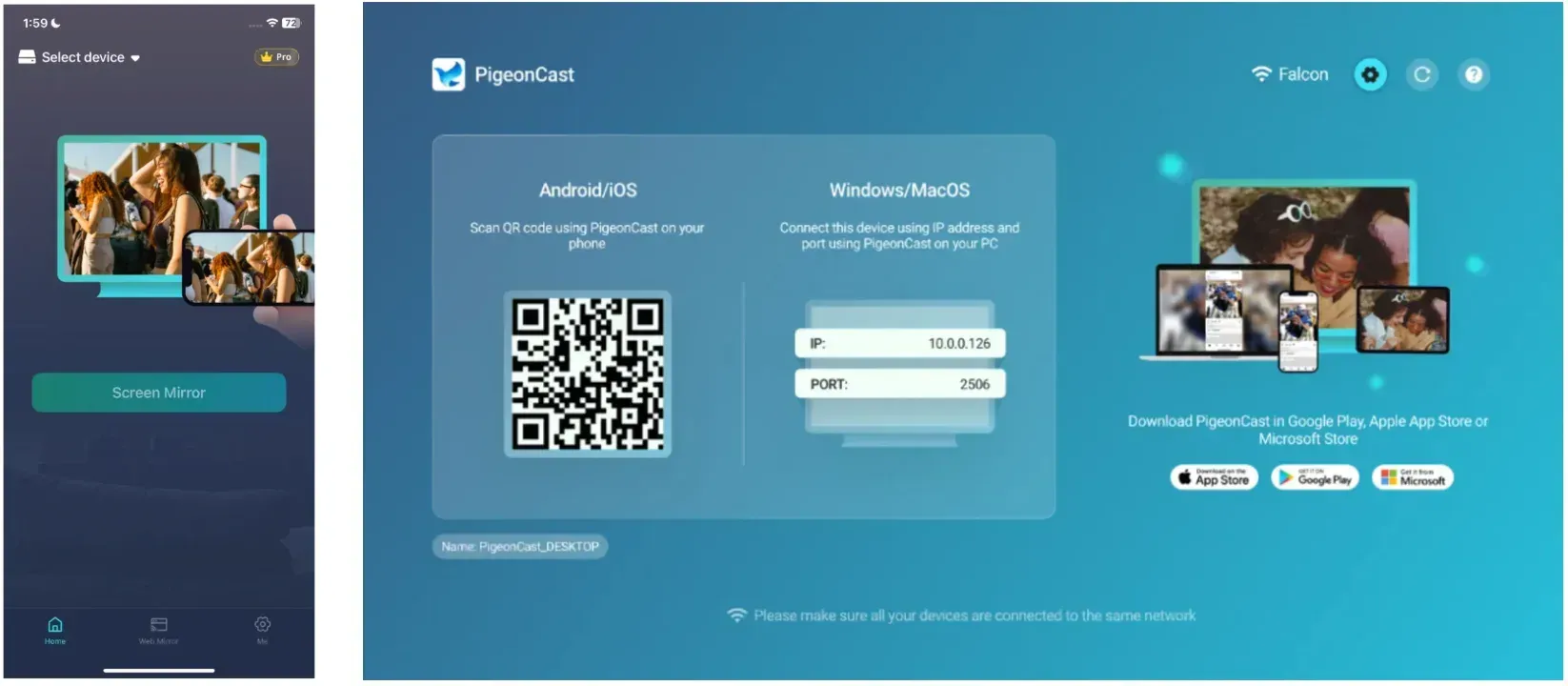
If your main goal is getting content from your phone to your TV as easily as possible, exploring a dedicated screen mirroring solution may save you more time and frustration than upgrading to another streaming device.
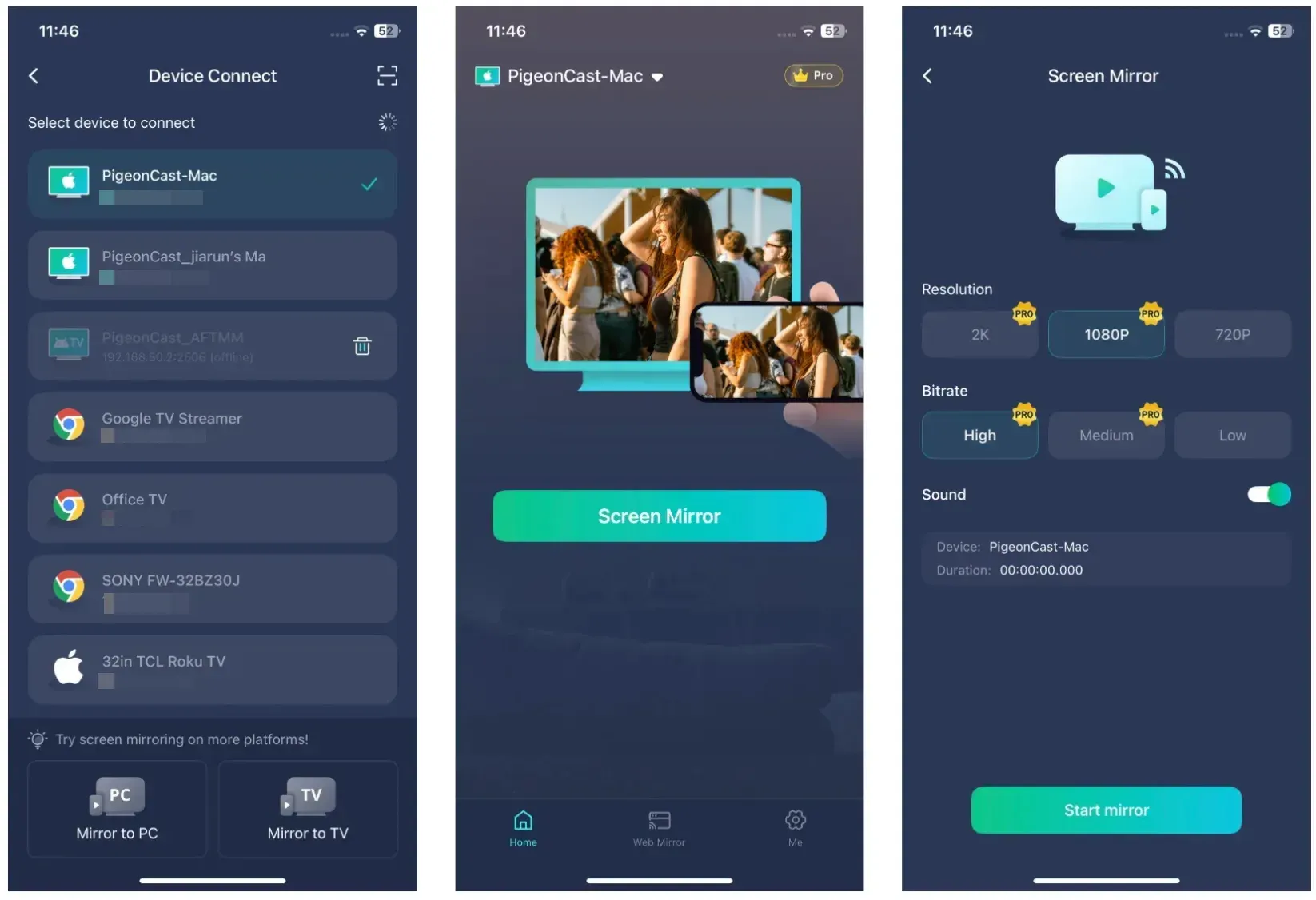
How to Get Started with PigeonCast
Getting started only takes a few minutes:
- Install PigeonCast on your phone.
- Open PigeonCast on your TV or streaming device.
- Connect both devices to the same Wi-Fi network.
- Choose your TV or scan the QR code.
- Start mirroring your screen instantly.


Overall Rating:



Conclusion
Replacing cable is easier than ever, but choosing the right streaming device depends on more than just app support or price.
For some households, the best experience comes from staying within a familiar ecosystem. For others, flexibility and value matter more than premium features. The good news is that Apple TV, Google TV, Roku, and Fire TV can all serve as capable cable replacements—the right choice simply depends on how you watch TV and how often you share content from your phone.
If there is one takeaway from this guide, it is that streaming and screen mirroring are not always the same problem. A device that works well for live TV may not offer the most convenient phone-to-TV experience. And if streaming already works well in your home, improving screen mirroring may not require new hardware at all.
Focus on the experience you want every day, not just the specifications on the box, and you'll be much more likely to choose the right solution for your setup.
Best Streaming Device to Replace Cable FAQ
What is the best streaming device to replace cable?
For most buyers, the best streaming device to replace cable is either Apple TV 4K or Google TV. Apple TV 4K is better for iPhone users who want strong AirPlay support, while Google TV is usually the better value for mixed-device homes and Android users.
Which streaming device is best for mirroring an iPhone to TV?
Apple TV 4K is the best choice for mirroring an iPhone to TV because AirPlay is tightly integrated into the device. Roku can also help on supported models, but Apple TV is usually the smoother answer for Apple-heavy homes.
Is Roku or Fire TV better for replacing cable?
Roku is usually better if you want a simpler interface and easier day-to-day use. Fire TV can be the better deal if price is your main concern and you already like Amazon's TV setup.
Is Google TV better than Roku for phone mirroring?
Usually, yes. Google TV is generally stronger for Android casting and mixed-device households, while Roku is more appealing when your top goal is straightforward streaming rather than heavy phone-to-TV sharing.
Do I need a streaming device if I only want to mirror my phone to the TV?
Not always. If your TV already supports AirPlay or Google Cast, you may not need another device. If your current TV setup streams well but still makes mirroring awkward, a screen mirroring app can be the more direct answer.
Can I replace cable without buying a new streaming device?
Possibly. If your current TV already supports the streaming services you use, you may not need new hardware. In some cases, improving screen mirroring or casting capabilities can solve the main frustration without replacing your existing setup.
Mia Clarke is a technology editor specializing in screen mirroring and casting solutions across multiple platforms. Mia provides clear, practical guides and in-depth insights to help users seamlessly connect their devices. Passionate about enhancing digital experiences, Mia is dedicated to keeping readers updated on the latest trends and tools in cross-platform screen sharing. Whether you’re looking to mirror your smartphone, laptop, or smart TV, Mia’s content delivers reliable, user-friendly advice to simplify your tech setup.