
LonelyScreen once solved a simple but common problem. If you wanted to mirror an iPhone screen to a Windows computer, the options were surprisingly limited. Installing LonelyScreen turned a PC into a virtual AirPlay receiver, making it possible to display an iPhone screen on a larger monitor within seconds.
For quick demonstrations or casual streaming, that workflow still works reasonably well. Open the software, enable AirPlay, and the screen appears.
However, many users eventually start searching for a LonelyScreen alternative. The reasons are not difficult to understand. Connection stability can vary, especially during longer sessions. The software itself has seen limited development in recent years, and its functionality remains focused on basic AirPlay mirroring.
Modern screen mirroring tools have evolved significantly. Some support multiple casting protocols, others allow recording, while a few are designed for presentations and collaboration. If you are looking for a free LonelyScreen alternative or simply want a more reliable mirroring experience, several modern tools now provide stronger performance and broader compatibility.
Below are the best LonelyScreen alternatives available today, covering both free and premium options for wireless screen mirroring.
What Is LonelyScreen?
LonelyScreen is a lightweight AirPlay receiver designed for Windows and macOS.Once installed, it allows Apple devices such as iPhones or iPads to mirror their screens to a computer without requiring additional hardware.
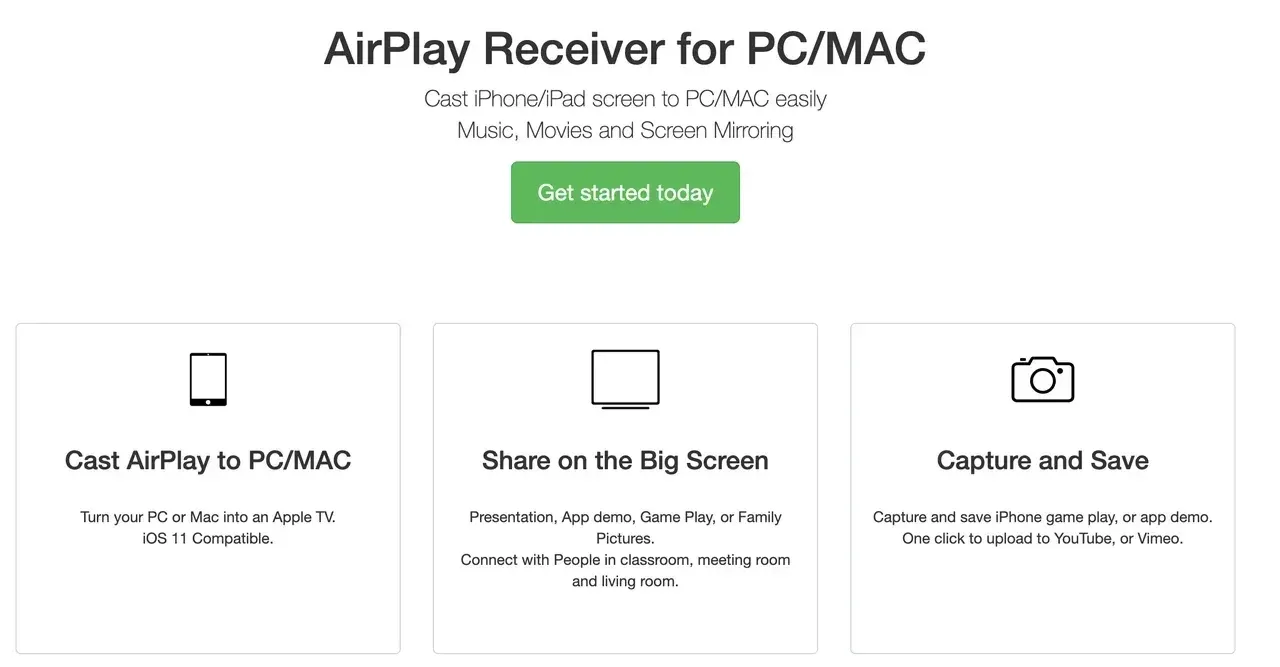
The idea is similar to using Apple TV, except the computer itself becomes the receiver.
Many users rely on LonelyScreen for tasks such as:
-
Presenting mobile apps during meetings
-
Showing gameplay on a larger display
-
Recording mobile tutorials
-
Streaming videos from an iPhone to a PC
For simple AirPlay mirroring, the software still performs its core function. Yet the moment users need more flexibility, they often begin looking for an alternative to LonelyScreen.
Why People Search for LonelyScreen Alternatives
Most users do not search for alternatives immediately. The need typically appears after a few practical limitations become noticeable.
- Limited Features
LonelyScreen focuses almost entirely on AirPlay mirroring. While that works well for Apple devices, it does not support Android casting or additional features like device control, screen recording, or multi-device mirroring. Many modern LonelyScreen alternatives include those capabilities by default.
- Performance Issues
Lag can appear when mirroring high-resolution video. Screen freezing may also occur during long sessions. For presentations or live streaming, this becomes a real problem.
- Compatibility Gaps
LonelyScreen primarily targets Apple devices. If your workflow involves Android phones, Windows laptops, or smart TVs, the experience becomes limited.
An AirPlay-only tool can feel restrictive in these situations, which explains the increasing interest in a best LonelyScreen alternative that supports multiple protocols.
7 Best LonelyScreen Alternatives
Several screen mirroring tools now provide better stability and more flexible features than LonelyScreen. Some are designed for casual casting, while others target professional presentation environments. Below are the most reliable options currently available.
#1: PigeonCast
- Best Overall LonelyScreen Alternative
For users who regularly work with different devices, PigeonCast offers a practical and flexible solution.
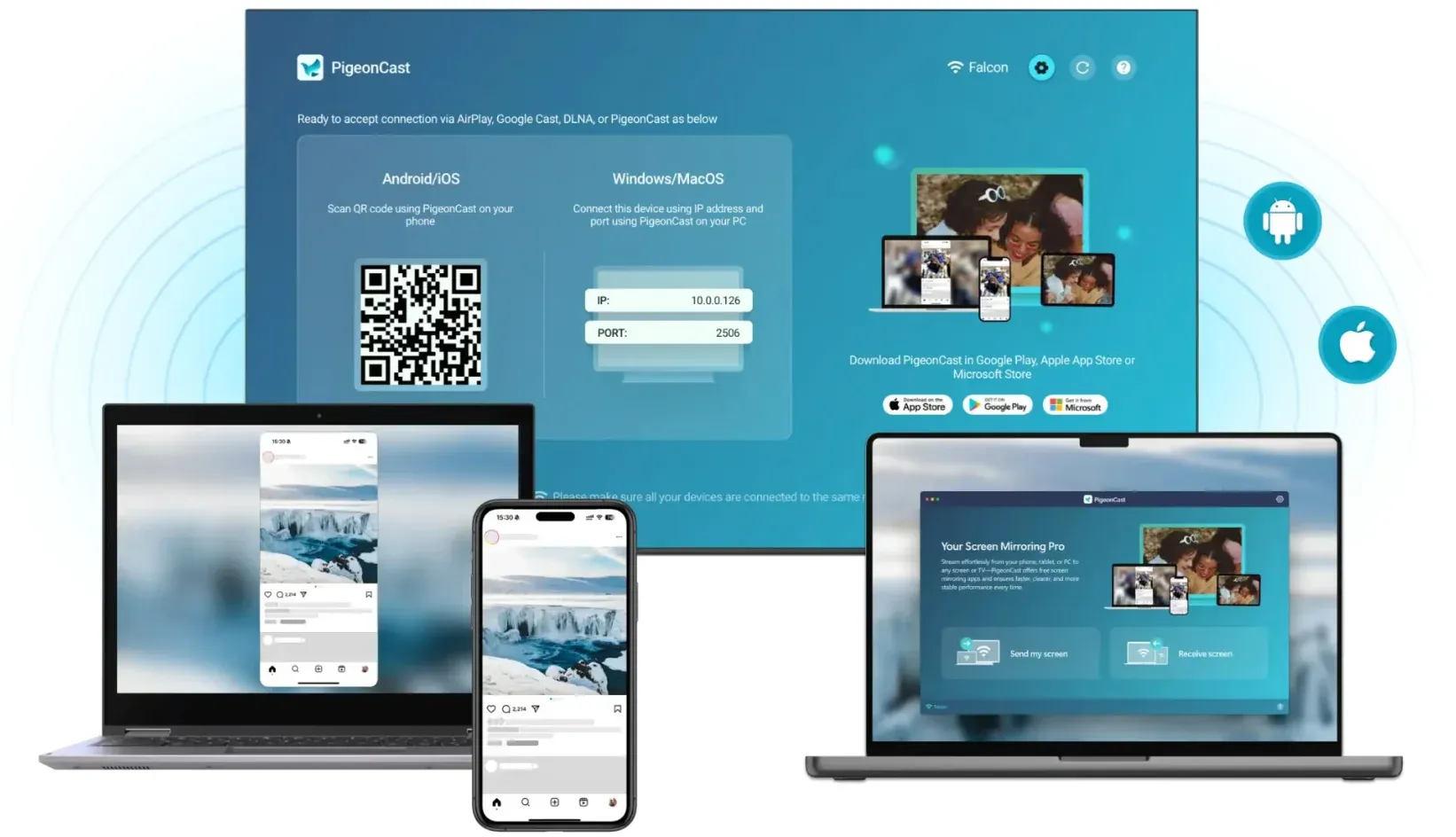
Instead of focusing only on AirPlay, PigeonCast acts as a universal casting hub. It supports multiple protocols, including AirPlay, Google Cast, and DLNA, which means it can connect devices from different ecosystems without compatibility headaches.
That cross-platform approach solves a problem many users encounter when switching between Apple and Android devices.
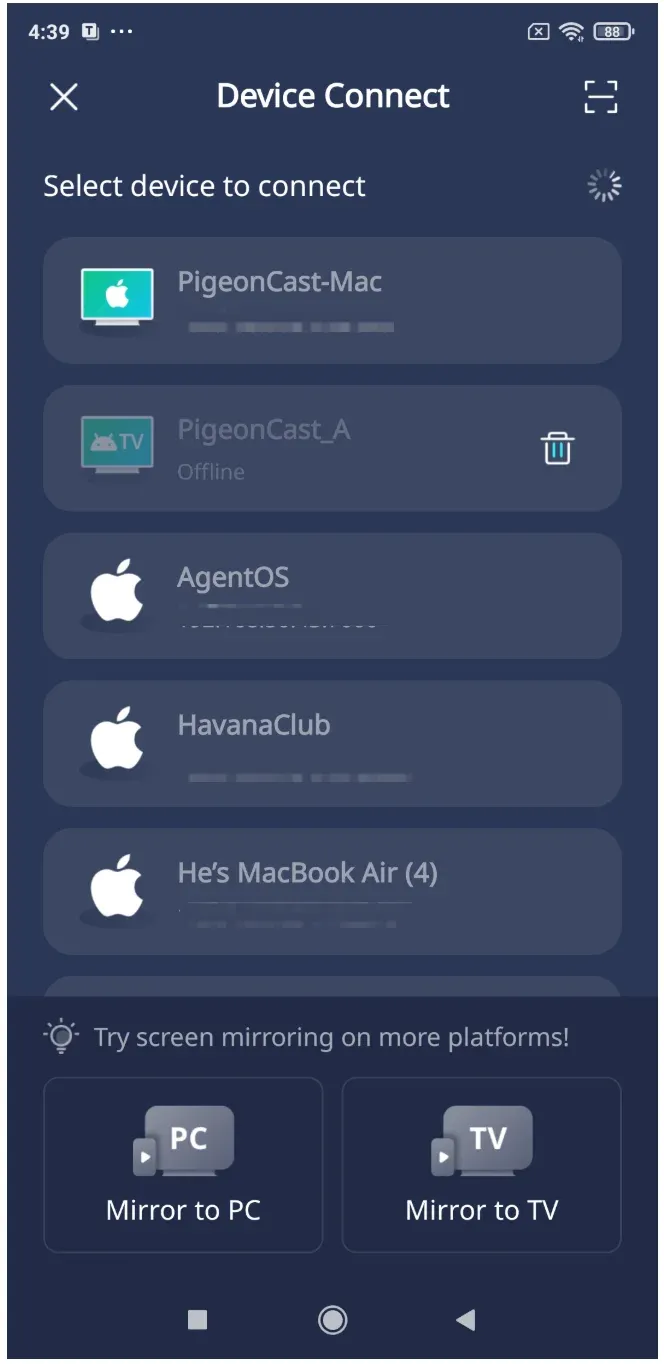


Overall Rating:



Key Features:
-
AirPlay screen mirroring from iPhone, iPad, or Mac
-
Google Cast support for Android devices and Chrome browsers
-
DLNA media streaming for smart TVs
-
Smooth HD screen mirroring with low latency
-
Wireless casting between phones, PCs, and smart TVs
The software effectively turns a Windows computer into a universal casting receiver. Once installed, different devices can mirror their screens to the same display without additional configuration.
Why It Is a Strong LonelyScreen Free Alternative:
-
Supports multiple casting protocols
-
Cross-device compatibility
-
Stable wireless mirroring
-
Free version available
For users who want both reliability and versatility, PigeonCast easily qualifies as the best LonelyScreen alternative.
#2: ApowerMirror
ApowerMirror is one of the most recognized screen mirroring applications in the market.
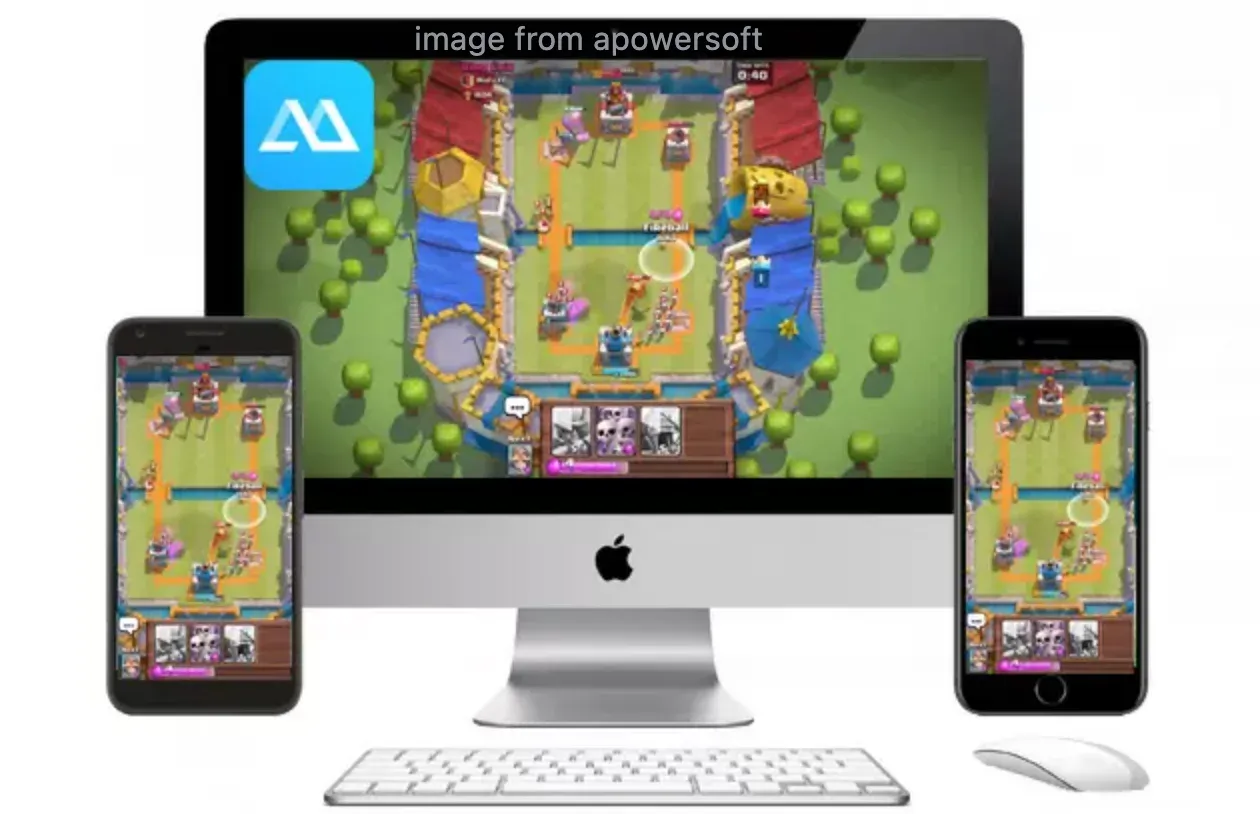
Unlike LonelyScreen, it supports both iOS and Android devices. The software also includes additional productivity tools such as screen recording, annotations, and remote control for Android devices.
Key Features:
-
Mirror Android and iOS screens to PC or Mac
-
Record mirrored screens for tutorials
-
Control Android devices with keyboard and mouse
-
Support both WiFi and USB connections
The device control feature is particularly useful for mobile gaming or app testing, since users can interact with the phone directly from a computer.
Drawbacks:
ApowerMirror offers many features, but the interface can feel busy at first. Some advanced tools are also locked behind a paid subscription.
Despite that, it remains one of the most capable LonelyScreen alternatives for mobile device interaction.
#3: Reflector
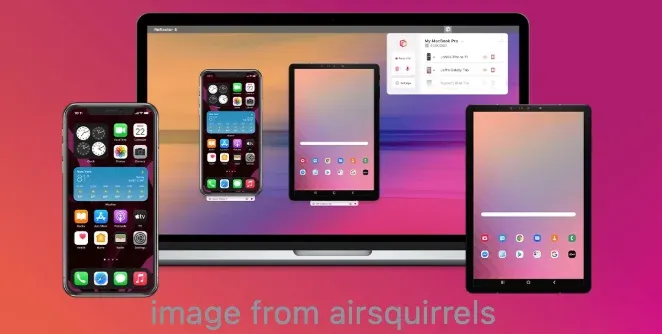
Reflector is frequently used in classrooms and business presentations. Instead of installing apps on mobile devices, it turns a computer into a receiver for multiple wireless display technologies.
 Key Features:
-
Mirror multiple devices simultaneously
-
Built-in recording tools
-
Customizable device frames for presentations
-
Wireless mirroring without installing mobile apps
Teachers often rely on Reflector because it allows students to share their screens easily without installing additional software.
Drawbacks:
Reflector is not a free LonelyScreen alternative, and the price may feel high for casual users. However, its reliability and presentation features make it popular in professional environments.
#4: AirServer
AirServer is another powerful mirroring receiver often used in corporate meeting rooms or conference setups. The software focuses on turning a computer into a universal display receiver capable of handling multiple casting technologies simultaneously.
Key Features:
-
Support for AirPlay, Google Cast, and Miracast
-
High-quality screen mirroring for presentations
-
Multi-device connection support
-
Hardware acceleration for smoother video playback
AirServer is often used in conference rooms where multiple types of devices need to connect to the same display. That versatility makes it a solid alternative to LonelyScreen for mixed-device environments.
Drawbacks:
The setup process can feel slightly technical for beginners, although performance is generally excellent once configured.
#5: LetsView
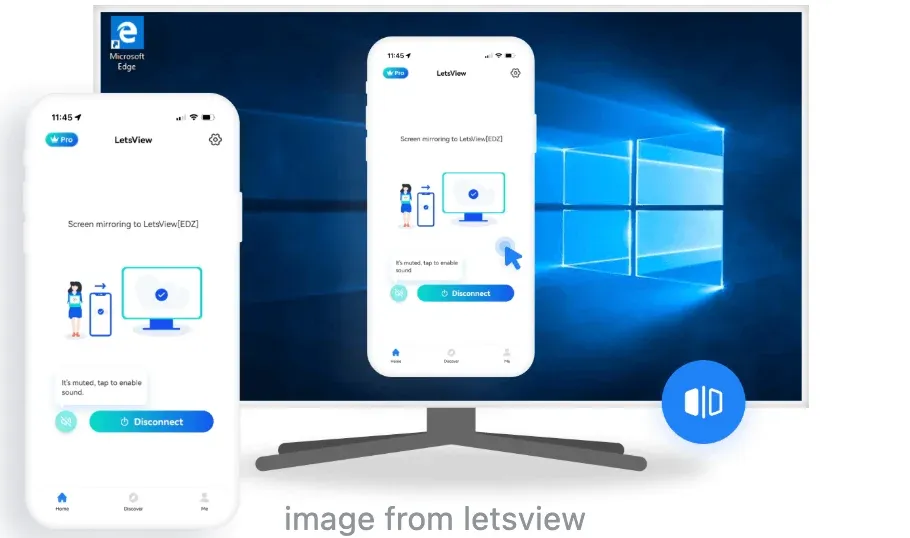
LetsView is one of the most widely recommended free LonelyScreen alternatives. Unlike many free mirroring tools, it includes several useful features such as annotation tools and screen recording.
Key Features:
-
Cross-platform screen mirroring
-
Built-in whiteboard and annotation tools
-
Screen recording capabilities
-
Wireless mirroring for Android and iOS devices
Because LetsView works across Windows, macOS, Android, and iOS, it is often recommended as a budget-friendly mirroring solution.
Drawbacks:
Performance may vary depending on network conditions, especially when mirroring high-resolution video.
#6: Mirroring360
Mirroring360 focuses on collaborative environments such as classrooms and business presentations. One of its standout capabilities is multi-device mirroring.
Multiple smartphones or tablets can appear on the same screen simultaneously, which is extremely useful during workshops or training sessions.
Key Features:
-
Mirror multiple devices at once
-
High-quality screen sharing
-
Compatible with Windows and macOS
-
Recording tools for presentations
This feature is extremely useful during workshops or training sessions where several participants need to demonstrate their screens.
Drawbacks:
The interface feels less beginner-friendly compared with newer mirroring tools.
#7: 5KPlayer
5KPlayer is technically a multimedia player, but it also includes built-in AirPlay receiver functionality. That means it can mirror an iPhone screen to a computer while also acting as a media player.
Key Features:
-
AirPlay receiver support
-
Built-in video player
-
Media streaming capabilities
-
Support for 4K video playback
Drawbacks:
Because mirroring is not the primary focus of the software, the experience may not be as polished as dedicated mirroring tools.
LonelyScreen vs Alternatives: Feature Comparison
| Feature | LonelyScreen | PigeonCast | ApowerMirror | Reflector | AirServer | LetsView | Mirroring360 | 5KPlayer |
|---|---|---|---|---|---|---|---|---|
| AirPlay Support | Yes | Yes | Yes | Yes | Yes | Yes | Yes | Yes |
| Google Cast | No | Yes | Limited | Yes | Yes | No | No | No |
| Android Mirroring | No | Yes | Yes | Yes | Yes | Yes | Yes | No |
| Screen Recording | No | No | Yes | Yes | Yes | Yes | Yes | No |
| Multi-device Mirroring | No | No | Limited | Yes | Yes | Limited | Yes | No |
| Cross-Platform Casting | Limited | Strong | Moderate | Strong | Strong | Moderate | Moderate | Basic |
| Free Version | Limited | Yes | Limited | No | Trial | Yes | Trial | Yes |
How to Choose the Best LonelyScreen Alternative
Not every mirroring tool fits every situation. A few simple factors can help you choose the right one.
- Device Compatibility
Check whether the tool supports the devices you use most. Some tools work only with iOS devices, while others support Android and smart TVs.
- Connection Stability
Wireless mirroring depends heavily on network stability. Tools optimized for local WiFi casting usually perform better during long sessions.
- Extra Features
Depending on your workflow, you might want:
-
Screen recording
-
Annotation tools
-
Multi-device casting
-
Presentation features
For most users, a flexible tool like PigeonCast offers the best balance between simplicity and functionality.
Conclusion
LonelyScreen still works for simple AirPlay mirroring, but modern screen-sharing workflows often require more flexibility.
If you regularly switch between iPhone, Android, and computers, relying on a single-protocol tool quickly becomes limiting.
That is why many users now choose LonelyScreen alternatives with broader compatibility and more stable connections.
Among the available options, PigeonCast offers one of the most balanced solutions. It supports multiple casting protocols, works across devices, and keeps the setup process simple.
For anyone searching for a free LonelyScreen alternative that still delivers reliable performance, it is definitely worth trying.
LonelyScreen Alternative FAQ
What is the best LonelyScreen alternative?
The best LonelyScreen alternative depends on how you plan to mirror your device. If you need simple AirPlay mirroring, Reflector and AirServer are reliable options. For cross-platform casting that supports AirPlay, Google Cast, and DLNA, tools like PigeonCast provide more flexibility when working with different devices.
Is there a free LonelyScreen alternative?
Yes, several tools can serve as a free LonelyScreen alternative. LetsView offers free wireless screen mirroring with basic recording and annotation tools. PigeonCast also provides a free version that supports multiple casting protocols, making it useful for users who want simple cross-device mirroring without paying for premium software.
Can I mirror Android devices using LonelyScreen?
No. LonelyScreen only works with AirPlay, which is designed for Apple devices such as iPhones and iPads. If you want to mirror Android devices to a computer, you will need a different tool. Many LonelyScreen alternatives, such as PigeonCast, ApowerMirror, AirServer, and LetsView, support Android screen mirroring.
Which LonelyScreen alternative works best for presentations?
For presentations, stability and multi-device support are important. Reflector and AirServer are widely used in classrooms and meeting rooms because they allow several devices to connect at the same time. Mirroring360 is another strong option for collaborative environments where multiple participants need to display their screens.
What's the best free app for screen mirroring?
The best free screen mirroring app depends on your needs. PigeonCast is a solid option if you want a free LonelyScreen alternative that supports multiple casting protocols. LetsView is popular because it offers wireless mirroring, recording tools, and cross-platform compatibility without a paid subscription.
Is PigeonCast safe to use?
Yes. PigeonCast works over a local network, which means screen mirroring happens directly between devices without requiring cloud transmission. This approach helps protect privacy and keeps the connection stable during long mirroring sessions.
Is AirServer free?
AirServer is not completely free. It typically offers a trial version so users can test the software before purchasing a license. After the trial period, a paid license is required to continue using the full mirroring features.
How do I mirror my iPhone to a PC without LonelyScreen?
You can mirror an iPhone to a PC using several LonelyScreen alternatives that support AirPlay. Install a compatible receiver such as PigeonCast, Reflector, or AirServer on your computer, then enable AirPlay on your iPhone and select the computer as the display receiver.
What is the best LonelyScreen alternative for Windows?
Several tools work well on Windows. Reflector and AirServer are popular for professional presentations, while PigeonCast offers broader device compatibility by supporting multiple casting protocols. LetsView is another option if you want a lightweight LonelyScreen free alternative.
Do LonelyScreen alternatives require WiFi?
Most screen mirroring tools require both devices to be connected to the same WiFi network. Some apps, such as ApowerMirror, also allow USB connections, which can provide lower latency and improved stability during recording or gaming.
Mia Clarke is a technology editor specializing in screen mirroring and casting solutions across multiple platforms. Mia provides clear, practical guides and in-depth insights to help users seamlessly connect their devices. Passionate about enhancing digital experiences, Mia is dedicated to keeping readers updated on the latest trends and tools in cross-platform screen sharing. Whether you’re looking to mirror your smartphone, laptop, or smart TV, Mia’s content delivers reliable, user-friendly advice to simplify your tech setup.