
If you are asking, does screen mirroring include audio, the short answer is yes in most setups, but not in every app, device pair, or network condition. Many users start a mirror session expecting full video and sound on the TV, then lose audio because the playback route stayed on the phone, laptop, or an incompatible receiver mode.
The practical challenge is that "screen mirroring" is one label for several different protocols. AirPlay, Google Cast, and Miracast handle media routing in different ways, especially when DRM-protected apps are involved. This guide gives you a cross-device answer first, then a fast troubleshooting path so you can restore audio without guessing.
Does Screen Mirroring Have Sound on All Devices?
In normal conditions, screen mirroring does include audio, but the path depends on platform rules and receiver support. The mirrored picture may appear even when sound is routed elsewhere, so you need to verify both video and audio outputs after connecting.
Does Screen Mirroring Include Audio on iPhone and Mac?
Usually yes. iPhone or Mac mirroring over AirPlay is designed to carry both video and audio to an AirPlay-enabled TV or receiver. If you are wondering if AirPlay mirrors audio, it typically does, but audio may remain on the iPhone or iPad if the output selection did not switch during pairing.
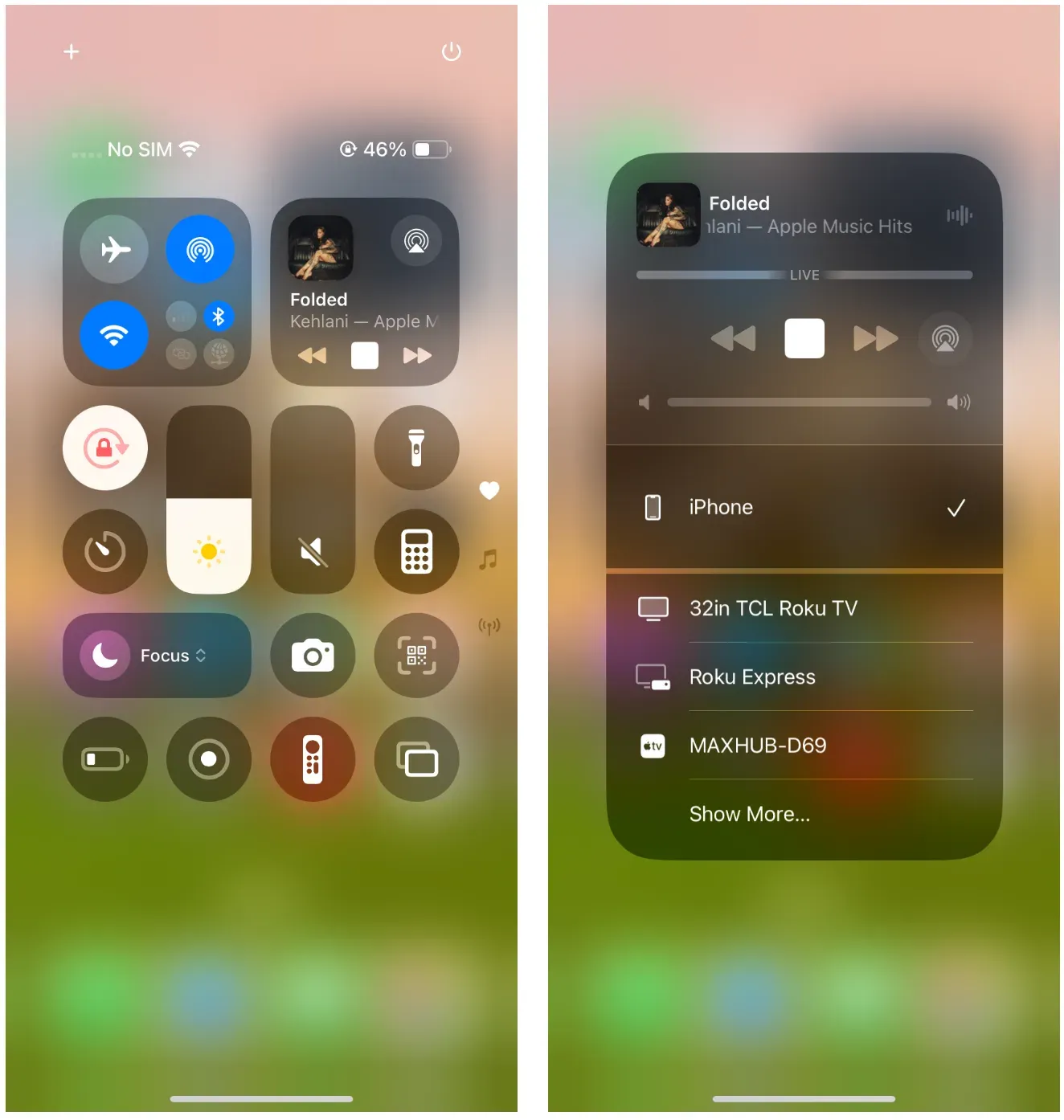
Two common causes for AirPlay sound not working are mixed audio routes and app-level restrictions. For example, your iPhone can mirror the screen while control center still points sound to Bluetooth earbuds. Some streaming apps may also restrict mirrored playback behavior for specific titles.
Does Screen Mirroring Include Audio on Android Phones?
Usually yes, especially when Android mirroring runs through supported Cast receivers. If your question is whether Chromecast mirrors audio, in most cases it does for full-screen mirror and many media casts, but behavior can differ between app-cast mode and full-device mirror mode.
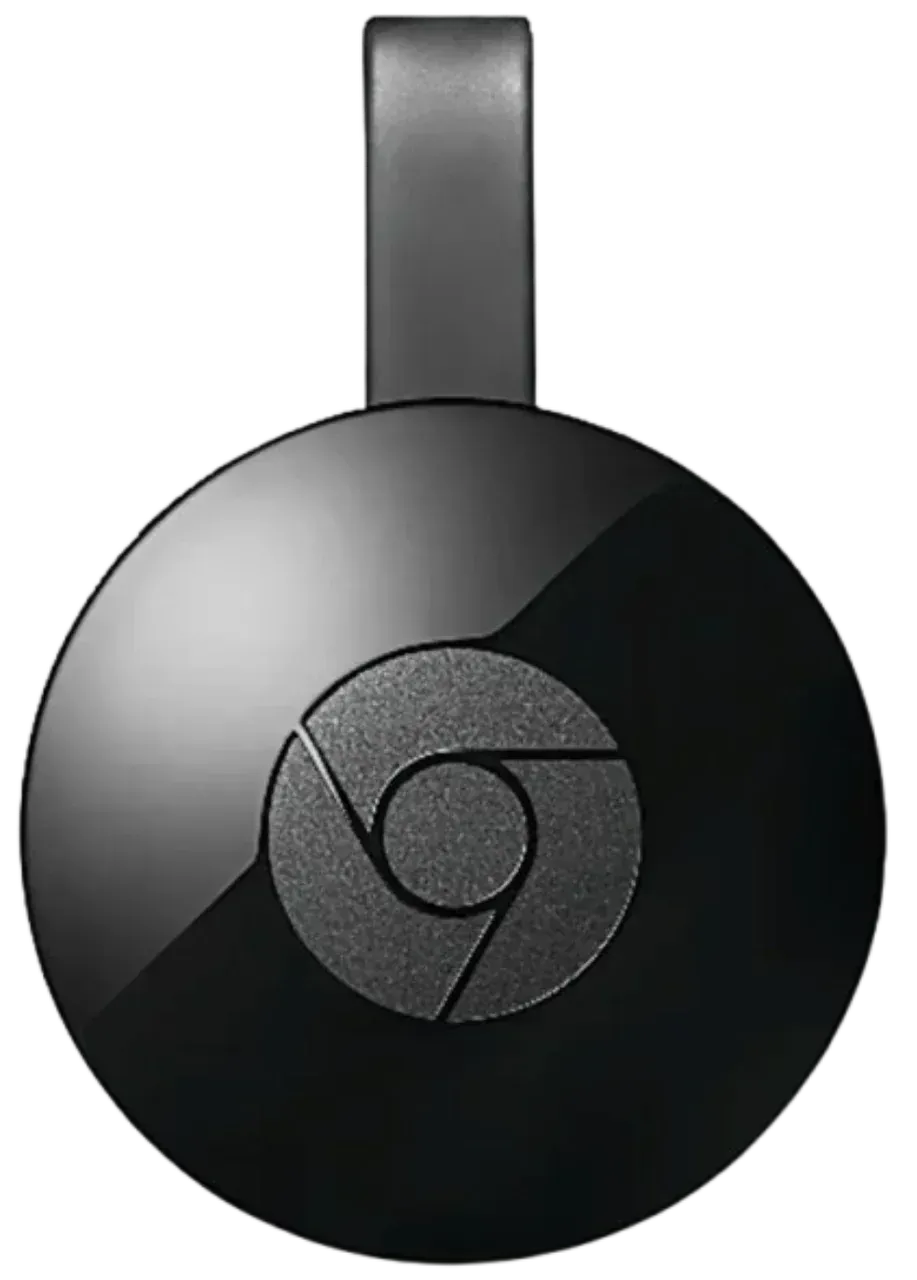
Why does Chromecast cast video without sound? On Android, the biggest issue is compatibility fragmentation. Different phone brands customize mirroring stacks, so one model may deliver stable audio while another requires manual output switching or lower-quality settings to keep sound in sync.
Does Screen Mirroring Include Audio on Windows Laptops?
Windows mirroring often includes audio through wireless display features, and Miracast audio support is widely available on modern devices. Still, output routing is not always automatic. A laptop can mirror video to TV while default sound remains on laptop speakers.
On Windows, check the playback device after every reconnect. Driver mismatches, outdated TV firmware, and high-latency Wi-Fi can all make mirrored audio unstable even when the video path looks fine.
When Screen Mirroring Audio Works vs Fails
Screen mirroring audio is most reliable when devices share one stable network, the receiver firmware is current, and the source app permits mirrored playback. When those conditions break, users often report iPhone-to-TV screen mirroring audio not working even though the connection appears active.
Why Does Screen Mirroring Show Video But No Sound?
This usually means the session connected at the display level, but the audio route did not move to the receiver. In practice, screen mirroring no sound on TV happens when the source device keeps local playback selected, the TV input mode handles video only, or the receiver negotiated a limited stream profile.
A related symptom is screen mirroring sound but no picture, which points to codec, DRM, or bandwidth problems on the video side. Either way, the key is to test with a local short clip first, because local files remove many app-level restrictions from the equation.
Can Apps Block Mirrored Audio Because of DRM?
Yes. Some platforms and streaming catalogs apply DRM policies that change how mirrored content is delivered. You may see a black screen, muted stream, or partial playback even though your mirroring session itself is technically connected.
App behavior can also vary outside traditional streaming services. For example, if you want to screen share on WhatsApp, whether the other person receives system audio depends on the device, app permissions, and the way the sharing session is started.
When problems occur, compare a few different sources, such as your home screen, a local video, and the affected app. If only one app fails, the issue is more likely related to that app's playback or sharing rules than to screen mirroring itself.
How to Fix Screen Mirroring No Sound on TV
Use this sequence when screen mirroring no sound on TV keeps coming back. The order matters because each step removes one common cause before you touch deeper settings.
Step 1. Reconnect the mirror session and immediately open audio output controls on the source device.
Step 2. Select the TV, cast receiver, or wireless display target as playback output, then play a short local clip.
Step 3. Disable Bluetooth headphones or speakers for one test cycle so you can rule out silent output handoff.
Step 4. Lower mirror resolution one level and retry. High bitrate video can destabilize audio on weaker Wi-Fi.
Step 5. Restart the source device, receiver, and router once, then reconnect in that order.
Step 6. Update source OS, TV firmware, and casting app. Version mismatch is a frequent reason for screen mirroring audio not working after reconnects.
If sound returns after one step, stop there and keep that configuration. If none of these steps help, test screen mirroring with HDMI once to confirm whether the issue is wireless path instability versus source playback configuration.
How to Screen Mirror with Sound via the PigeonCast App?
If native methods repeatedly reconnect with video but unstable sound, a dedicated mirroring app like PigeonCast can reduce friction. This is useful when you switch between phone and laptop sources and need predictable audio behavior on the target display.
-
Keeps one consistent mirror workflow across mixed device types.
-
Reduces repeated menu-hopping when native discovery is unreliable.
-
Gives faster fallback for meetings, demos, or classroom playback.
-
Helps isolate whether failures come from native protocol limits.
Use this as a recover-first fallback, then return to native methods once your environment is stable.
Step 1. Download and install the PigeonCast screen mirroring app from the app store on your sender and receiver.


Overall Rating:



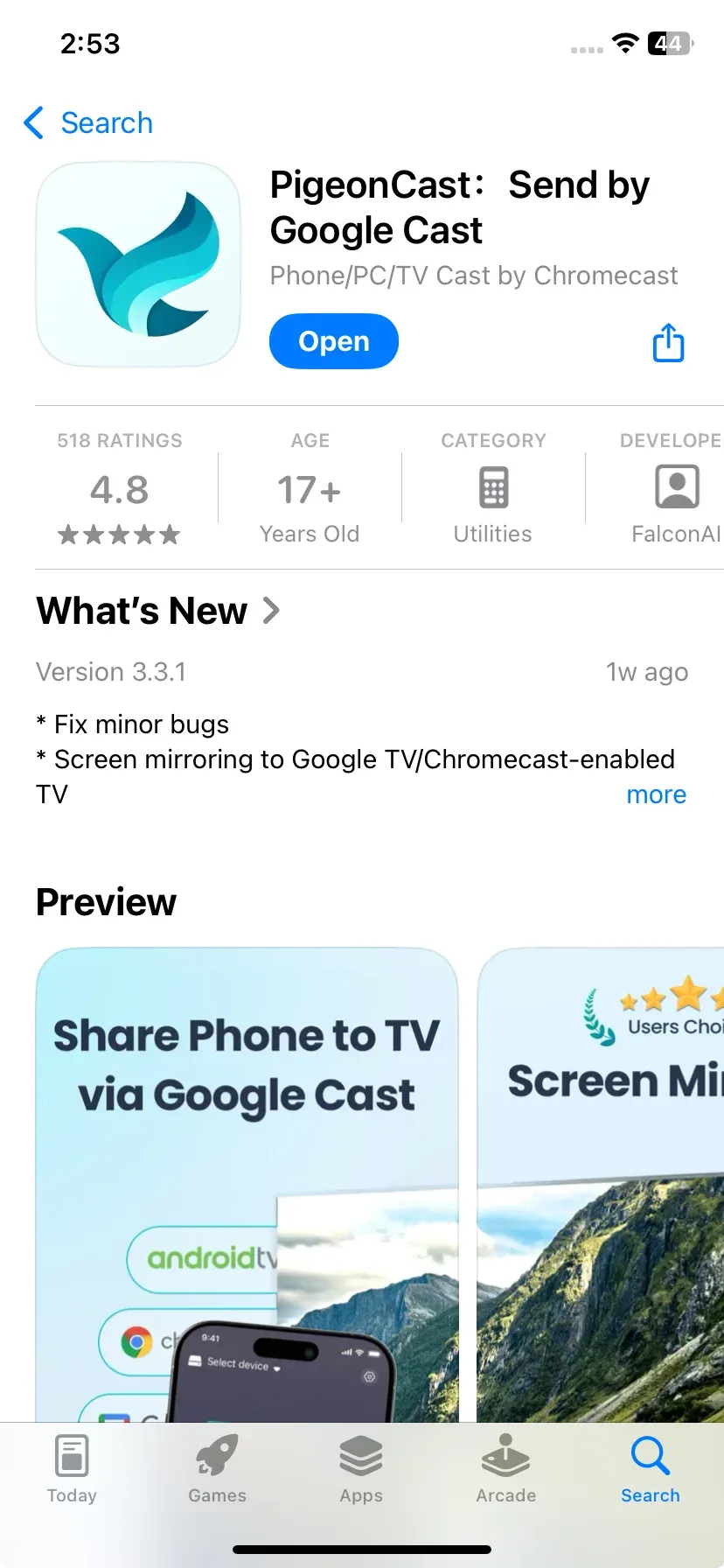
Step 2. Ensure your devices are on the same network and launch the app.
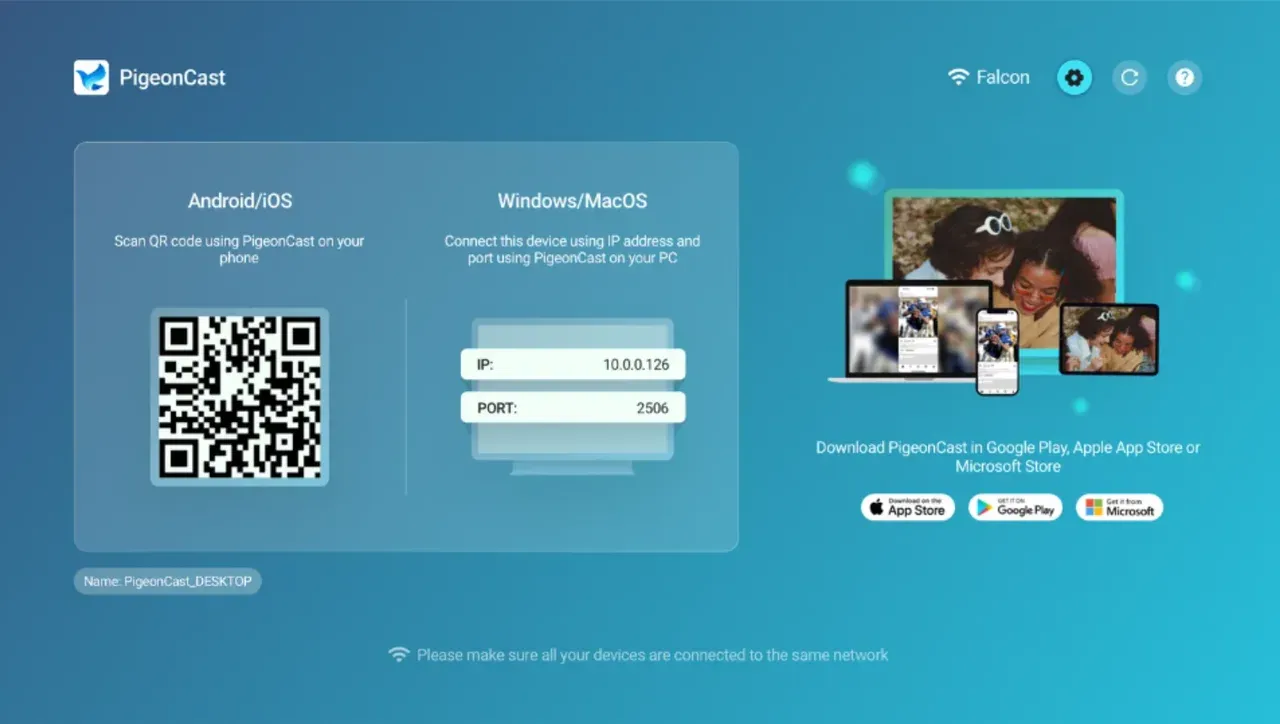
Step 3. Follow the onscreen instructions to connect your sender to the receiver.
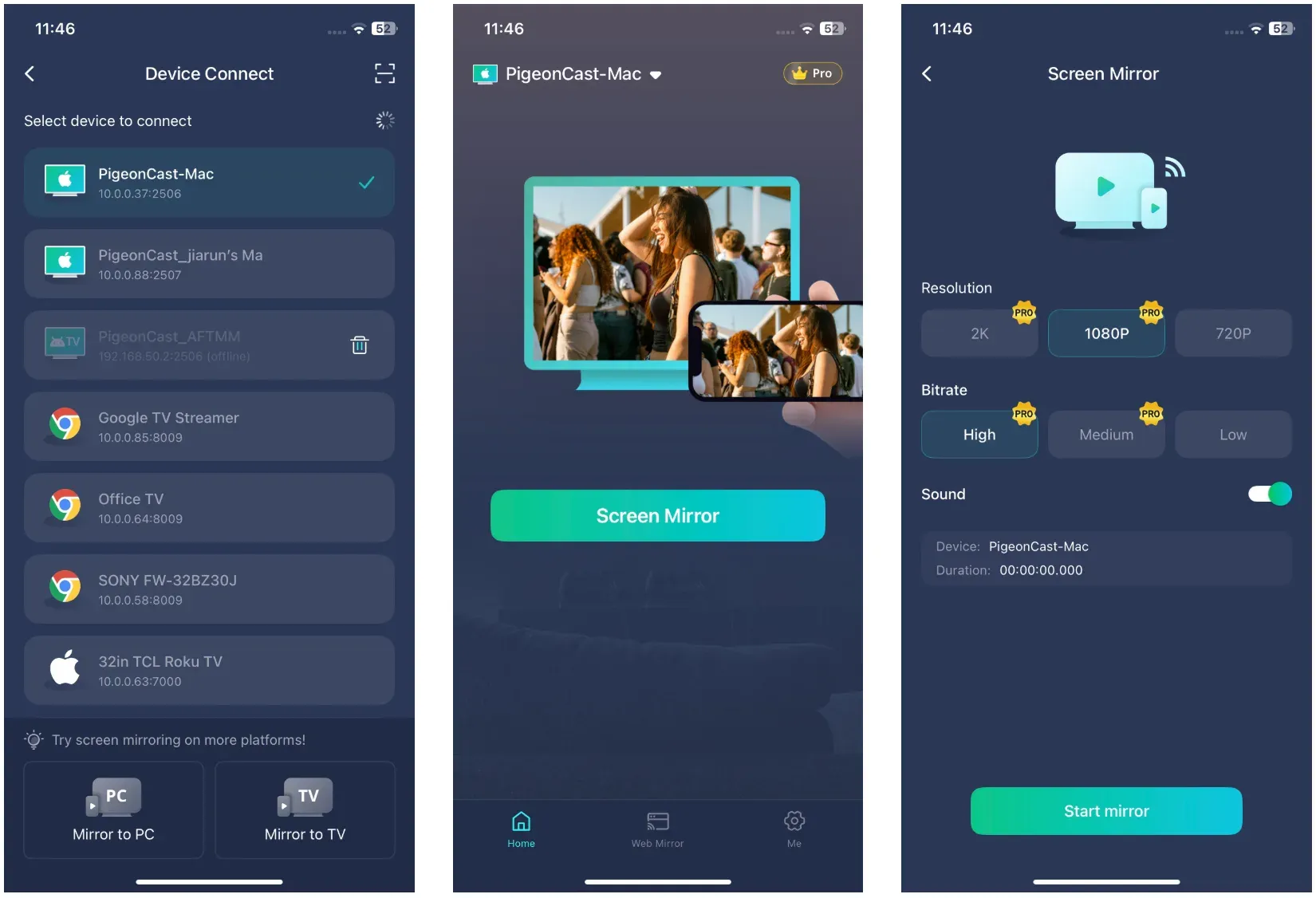
Step 4. Once connected, start mirroring your screen and verify both picture and sound with a 30-second local clip.
Step 5. If audio is stable, complete your viewing or presentation task on this path.
Conclusion
So, does screen mirroring include audio? In most real-world setups, yes, but only when protocol support, app policy, and output routing all align. The fastest way to avoid wasted time is to confirm output target first, then test a local clip, then check app-specific behavior.
If you still get screen mirroring no sound, follow the six-step sequence in order, or try a screen mirroring app before changing advanced settings.
Does Screen Mirroring Include Audio FAQ
Does screen mirroring include audio for Netflix, YouTube, and similar apps?
Often yes, but behavior depends on app policy and device compatibility. YouTube usually works in standard setups, while some protected titles in subscription apps may limit mirrored playback behavior.
Run a quick local-file test if you are unsure. If local media has sound but one app does not, the issue is likely app or DRM policy rather than basic mirroring.
Why is my TV showing mirrored video but still playing sound on my phone?
Your mirror session may be active, but output routing stayed on the phone or another audio device. Reopen audio output controls and manually select the TV or cast receiver. Also, disable Bluetooth accessories for one test pass to remove route conflicts.
Does AirPlay mirror audio and does Chromecast mirror audio the same way?
Both usually carry audio, but behavior is not identical across every app and device model. AirPlay and Chromecast can differ in how they handle app-cast versus full-screen mirror modes.
If results are inconsistent, test with one local clip and one streaming title to separate network issues from content-policy limits.
Is Miracast audio support always enabled on Windows?
Not always. It is broadly supported, but driver state, receiver compatibility, and playback device selection can still block mirrored sound. Check Windows sound output each time you reconnect, especially after updates.
What is the fastest fix for screen mirroring audio not working?
Start with output routing, then restart the full chain once, then update firmware and OS if needed. Keep changes one at a time so you can identify the real fix.
If the issue returns across different apps and devices, switch to a dedicated screen mirroring tool like PigeonCast for immediate use and revisit native setup later.
Mia Clarke is a technology editor specializing in screen mirroring and casting solutions across multiple platforms. Mia provides clear, practical guides and in-depth insights to help users seamlessly connect their devices. Passionate about enhancing digital experiences, Mia is dedicated to keeping readers updated on the latest trends and tools in cross-platform screen sharing. Whether you’re looking to mirror your smartphone, laptop, or smart TV, Mia’s content delivers reliable, user-friendly advice to simplify your tech setup.