
The best casting device for most people is Google TV. It hits the most practical middle ground: reasonable price, broad app support, and easy casting for homes that do not want to be locked into one brand. If your house runs mostly on iPhone, iPad, and Mac, Apple TV 4K is the better fit. If your current television already handles casting well, a modern smart TV may be the best no-extra-hardware answer. Roku stays appealing for people who want the simplest TV experience, and Fire TV Stick 4K is the one to look at when the budget is tight.
The real split is not just brand. It is how you use the screen. Some people mostly sit down with a remote and open apps. Others keep reaching for their phone or laptop and want sharing to work fast. That difference matters more than small hardware specs.
Best Casting Device: Quick Picks
- Best overall: Google TV
- Best casting device for iPhone: Apple TV 4K
- Best casting device for Android: Google TV
- Best no-extra-hardware option: Modern smart TV
- Best for simple TV use: Roku
- Best budget buy: Fire TV Stick 4K
What Makes a Casting Device Worth Buying
People often compare casting devices by processor speed, storage, or app counts. Those details matter, but most buyers are really asking something simpler: "Will this make it easy to get what I want onto the TV?"
Before you buy, focus on five things:
- Phone compatibility: iPhone users usually get the best results from strong AirPlay support. Android users usually benefit more from Google Cast support.
- Daily TV use: Some devices are better when you mostly use a remote and watch streaming apps every night.
- Screen sharing: Not every device is equally good at showing a full phone or laptop screen.
- Ease of use: A device can have strong features and still feel annoying every day.
- Price: The most expensive box is not always the smartest buy for a casual living room.
You are not really buying a box. You are choosing what your TV will feel like to use every day.
Best Casting Device: Google TV vs Roku vs Fire TV Stick 4K vs Apple TV 4K vs Smart TV
| Device | Best for | Casting strength | Main weakness | Typical price range |
|---|---|---|---|---|
| Apple TV 4K | Apple-first homes | Excellent AirPlay support | Costs more than most rivals | Premium |
| Google TV | Mixed-device homes | Excellent Google Cast support | Less attractive for iPhone-first homes | Mid-range |
| Modern smart TV | People who want no extra box | Convenient built-in casting | Quality varies a lot by TV model | Already included |
| Roku | People who want simplicity | Good for lighter casting needs | Less flexible for heavy mirroring use | Budget to mid-range |
| Fire TV Stick 4K | Budget buyers | Good enough for many casual users | Interface can feel busier | Budget |
If your living room already revolves around Apple devices, Apple TV 4K usually feels worth the extra money. If people in the house use different phones and do not want to think about ecosystems at all, Google TV is usually the safer buy.
Apple TV 4K Is the Best Casting Device for iPhone Users
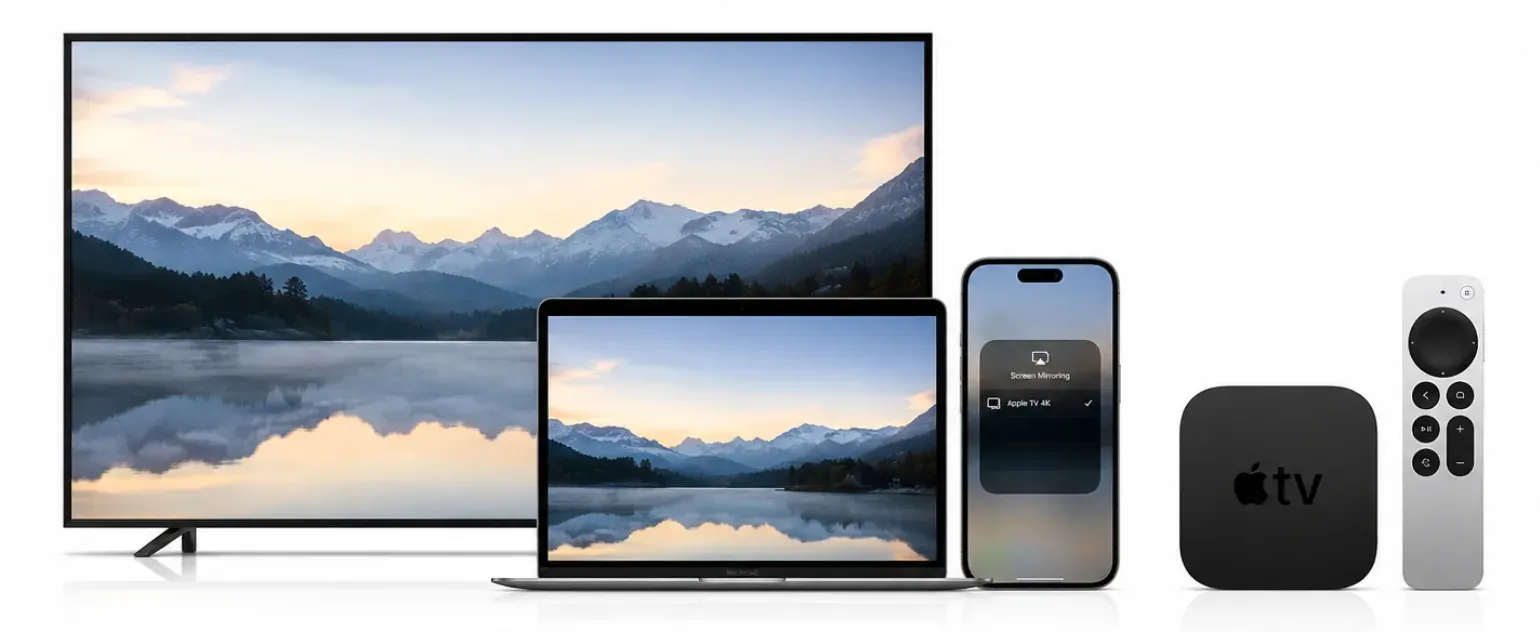
Apple TV 4K is still the device I would pick first for an iPhone user who casts often. It is the one that tends to create the fewest little annoyances. iPhone's Photos show up on TV quickly, video handoff feels immediate, and screen mirroring to Apple TV does not leave you second-guessing whether the TV will appear this time.
That day-to-day smoothness matters more than spec sheets. On cheaper sticks, you can usually feel a bit of lag in menus, slower app launches, or one extra step before sharing starts. Apple TV does a better job of staying out of the way. If you already use iPhone, iPad, and Mac together, it feels like the TV is simply part of that setup instead of a separate system you have to manage.
Apple TV 4K is a strong fit if:
- you use iPhone, iPad, or Mac every day
- you want the smoothest AirPlay experience
- you are fine paying more for a better overall box
- you do not want to guess which TV brands support which feature
The drawback is still price. If all you need is Netflix, YouTube, and the occasional cast from your phone, Apple TV can feel like overbuying. I would only pay the premium if AirPlay and Apple-to-TV sharing are part of your weekly routine rather than something you do once in a while.
Google TV Is the Best Casting Device for Most Homes
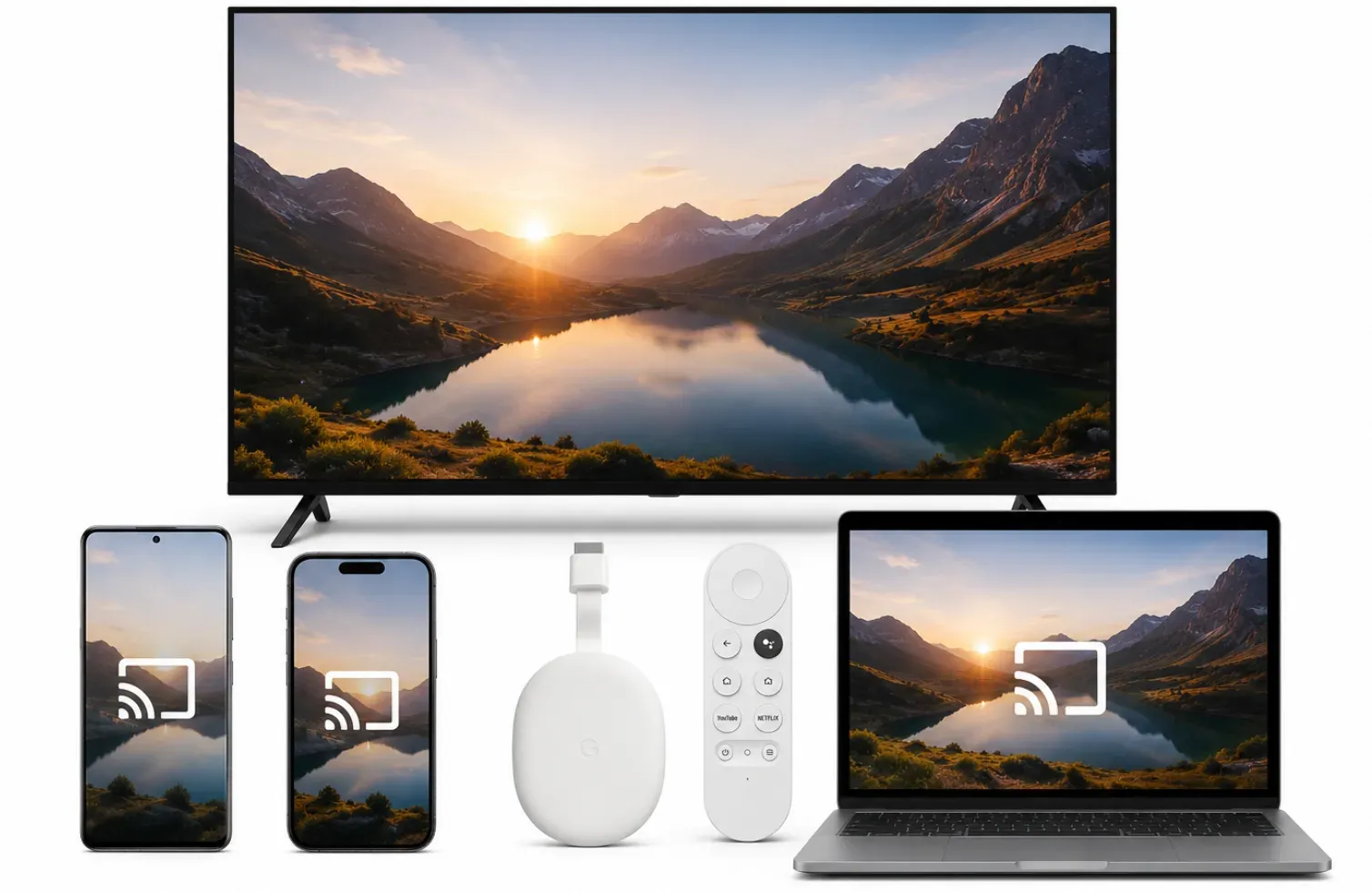
If I had to recommend one device without knowing much about the buyer, I would start with Google TV. It is the least risky recommendation. The price is usually reasonable, the app support is broad, and the casting side makes sense quickly if Android phones are part of the picture.
What I like most about Google TV is that it rarely feels like a narrow choice. It fits households where one person uses Android, another uses iPhone, and nobody wants to build the room around a single brand. It may not feel as polished as Apple TV, but it often lands in the sweet spot between cost, convenience, and flexibility.
Google TV makes sense if:
- your home uses Android phones
- you want good casting and good streaming in one box
- you care about value more than premium finish
- you want an easy answer for a mixed-device household
It is also the first thing I would suggest to someone asking for the best casting device for Android. Cast support feels native there in a way that Apple TV never quite does.
Its weak spot is obvious: users can still mirror iPhone to Google TV, but they are usually giving up some of the effortless feel they would get from Apple TV 4K. If the person doing most of the sharing uses an iPhone every day, I would still lean Apple.
Modern Smart TVs Are the Best No-Extra-Hardware Casting Solution
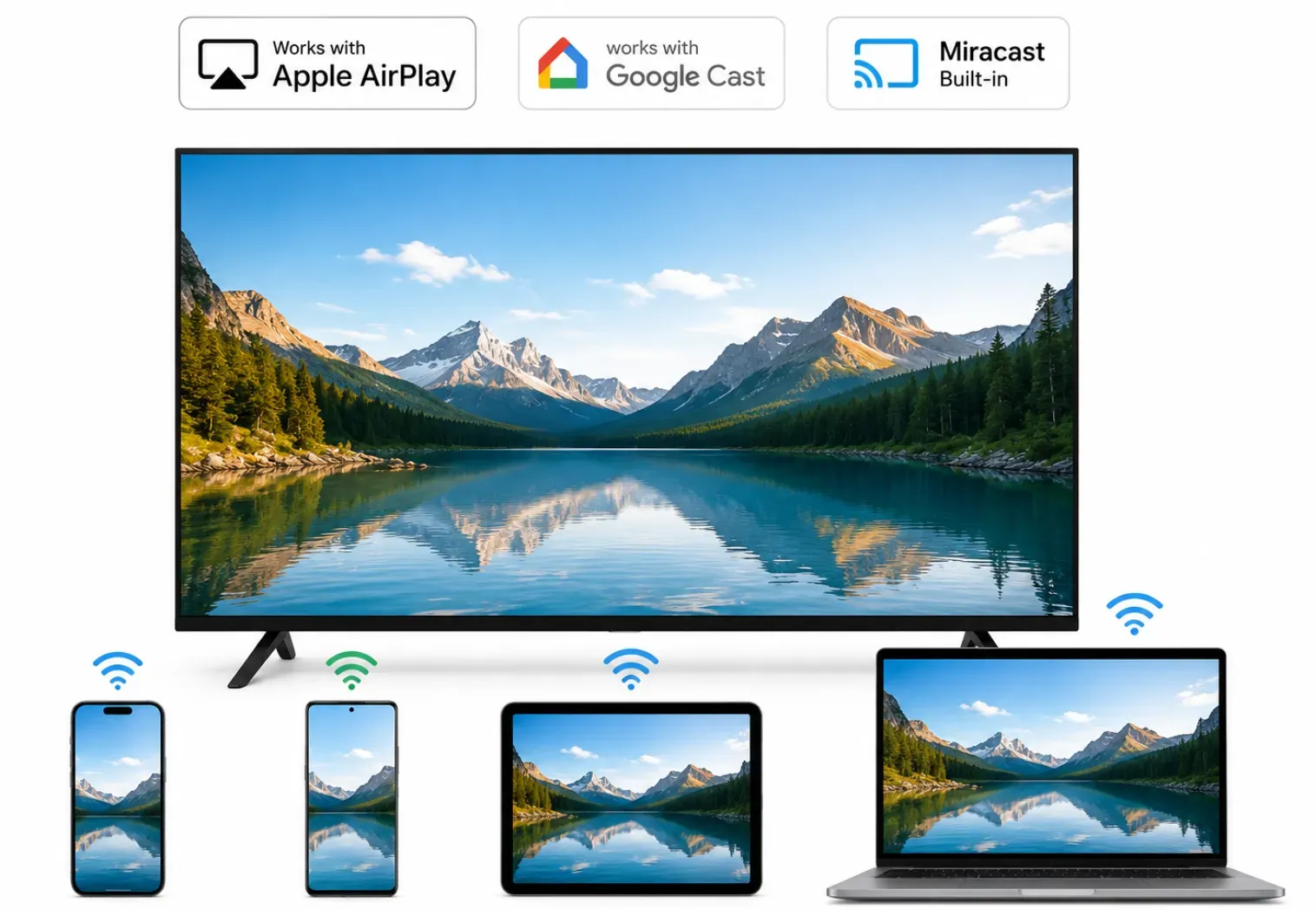
Modern smart TVs are the option I would check first before buying any separate casting device. A lot of newer TVs already support AirPlay, Google Cast, or both, which means you may have everything you need without adding another box.
For many people, that is enough. If casting mostly means displaying YouTube videos onto TV, sharing vacation photos, or occasionally mirroring a phone screen, today's TVs usually handle those jobs surprisingly well.
Modern smart TVs are a good fit if:
- your TV already supports Google Cast or AirPlay
- you want the simplest setup possible
- you mostly cast videos, photos, or music
- you do not want another box, cable, or remote
The biggest advantage is convenience. There is nothing extra to buy, install, or manage. In many living rooms, the built-in casting features are already good enough for everyday use.
Its weaker point is consistency. Some TVs handle casting smoothly, while others can be slower to connect, less reliable with screen mirroring, or limited to certain devices. If casting is something you do every day, a dedicated device can still provide a more polished experience.
Roku Is the Best Choice for Simple Everyday TV Use
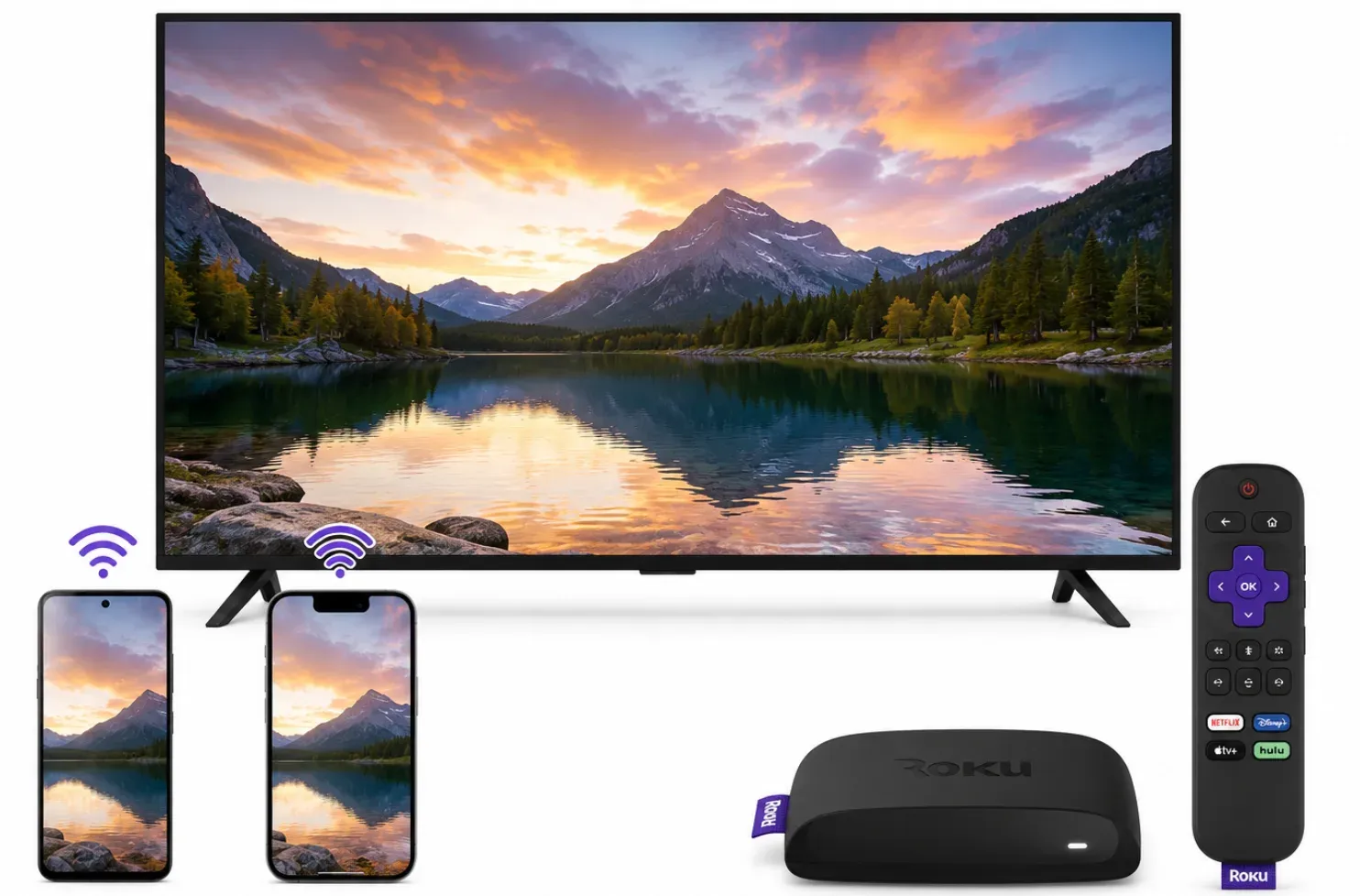
Roku is the one I think about for people who hate fuss. It is not the flashiest option, but it is often the easiest to hand to a parent, roommate, or guest and trust that they will figure it out without calling you back into the room.
That kind of simplicity has real value. A lot of buyers do not need the strongest casting setup. They just want the TV menu to make sense, the apps to be easy to find, and the remote experience to feel familiar after five minutes.
Roku is best for:
- users who care more about streaming than heavy casting
- families who want a simple interface
- less tech-focused buyers
- people replacing an older TV setup with minimal effort
Roku can still handle some casting and AirPlay use on compatible Roku models, but that is not the main reason to buy it. The appeal is that it disappears into the background. If you mostly sit down, open an app, and watch TV, Roku is often all you need.
I would move away from Roku only if casting is a regular part of your routine. Once phone-to-TV sharing starts mattering as much as streaming, Google TV and Apple TV make stronger cases.
Fire TV Stick 4K Is the Best Budget Casting Device
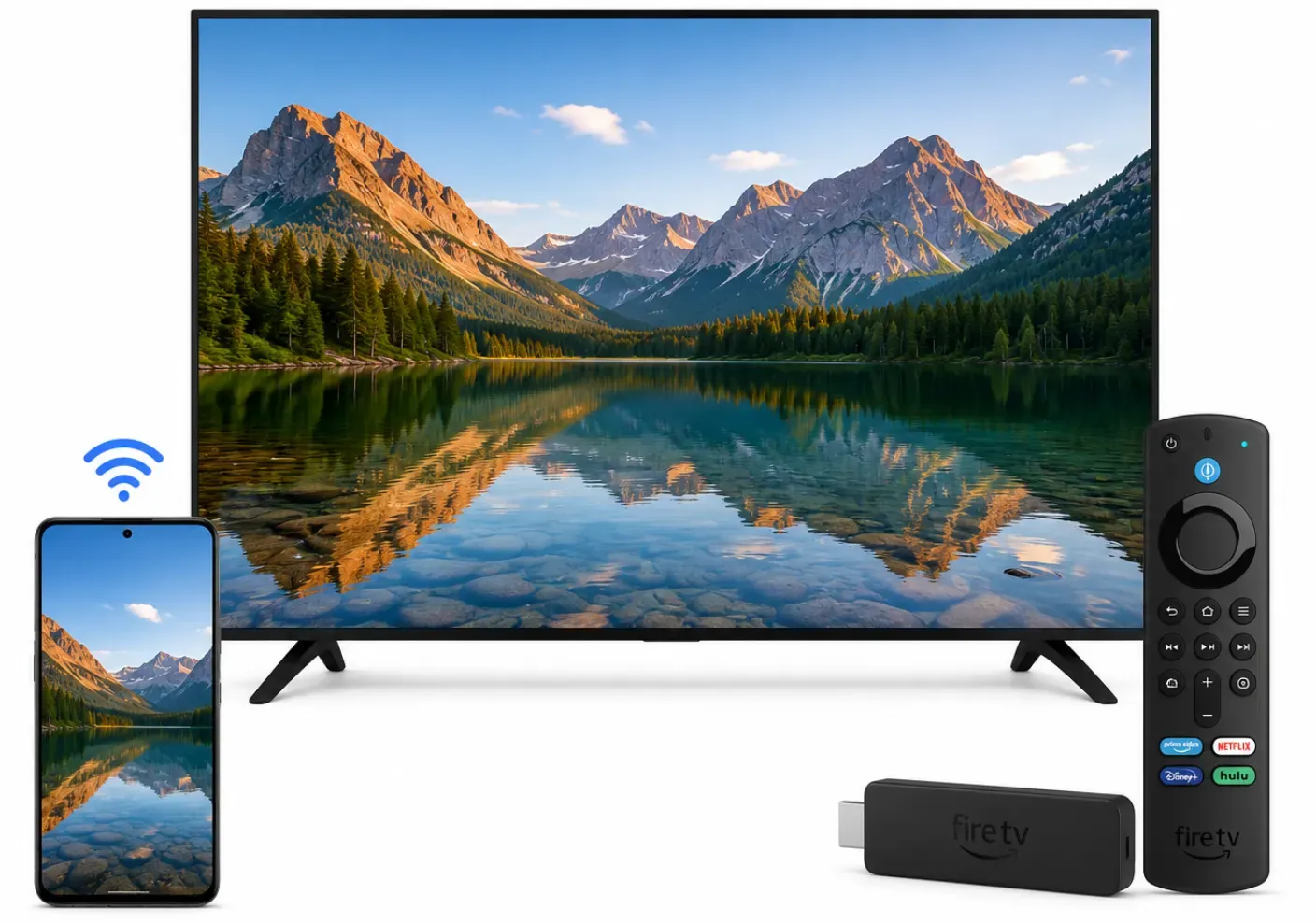
Fire TV Stick 4K is the one I would check first for a second TV, a guest room, or any setup where the budget is doing most of the talking. It is often the cheapest way to make an older screen feel current again.
At this price level, the goal is not perfection. The goal is getting solid streaming support, decent casting, and a familiar setup without spending much. Fire TV usually clears that bar, which is why it keeps showing up in budget recommendations.
Fire TV Stick 4K is a good fit if:
- you want the lowest cost option from a major brand
- you need a simple upgrade for an older TV
- you mainly watch streaming apps and cast only sometimes
- you are already comfortable with Amazon services
Its weaker point is the feel of the interface. Compared with Roku, it looks busier. Compared with Apple TV 4K, it feels less refined. It also lacks native AirPlay support, meaning iPhone users often rely on a third-party AirPlay app for Firestick for screen mirroring. Still, if the question is "What should I buy without spending much?" Fire TV Stick 4K is one of the easiest answers.
You May Not Need New Hardware for Screen Mirroring
This is where many people spend money for the wrong reason. Sometimes the issue is not your streaming box at all. It is that you are doing more screen mirroring than app streaming.
If you mostly want to put a phone screen, laptop screen, presentation, or short local video on the TV, another dongle is not always the best answer. In that case, a dedicated screen mirroring app can make more sense than replacing hardware again.
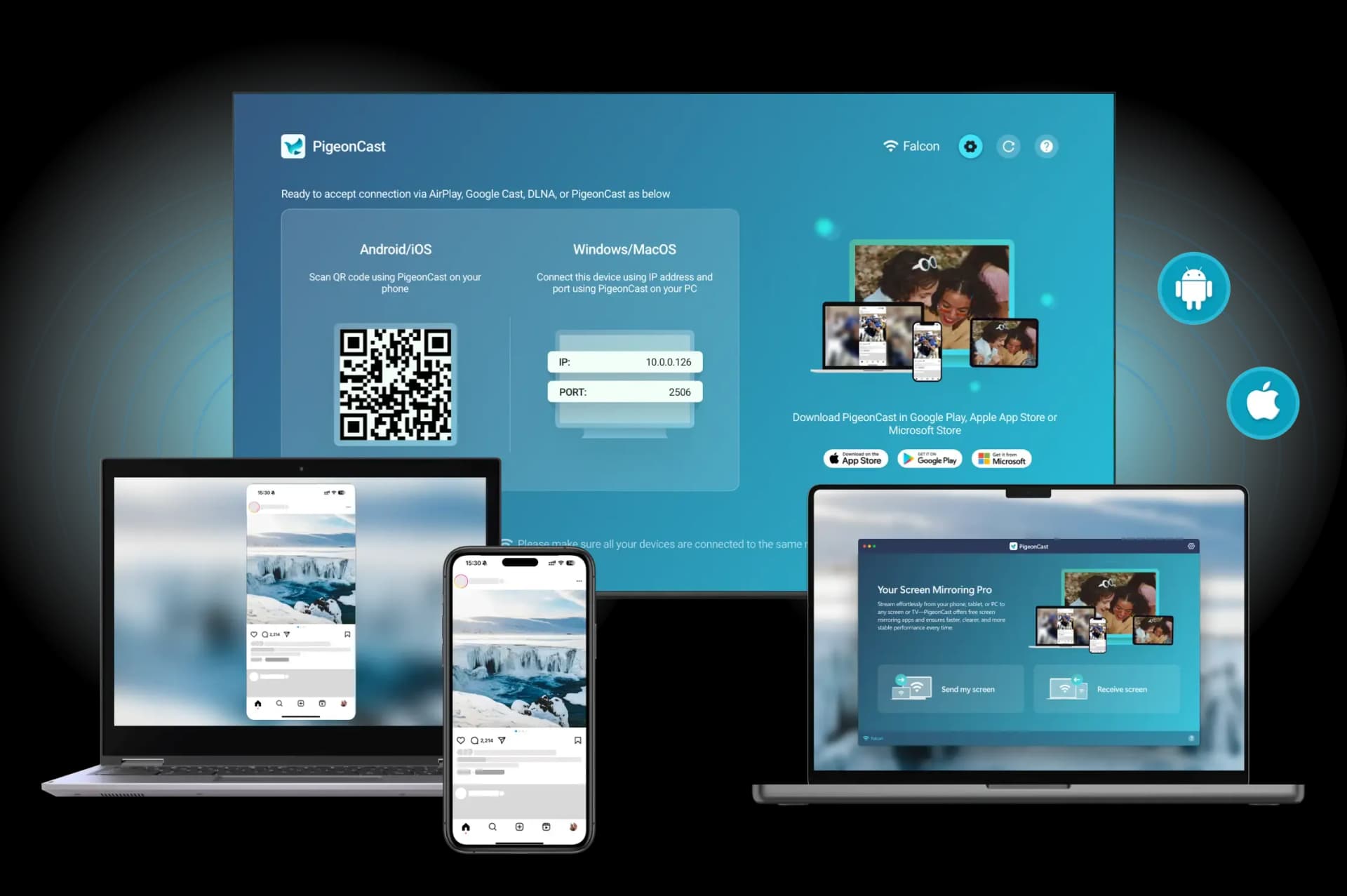
That is especially true in mixed-device homes where one person has an iPhone, another uses Android, and the TV setup changes from room to room. If the real goal is easier screen sharing rather than a better remote-led TV menu, a software option such as PigeonCast may solve the right problem with less cost and less clutter.
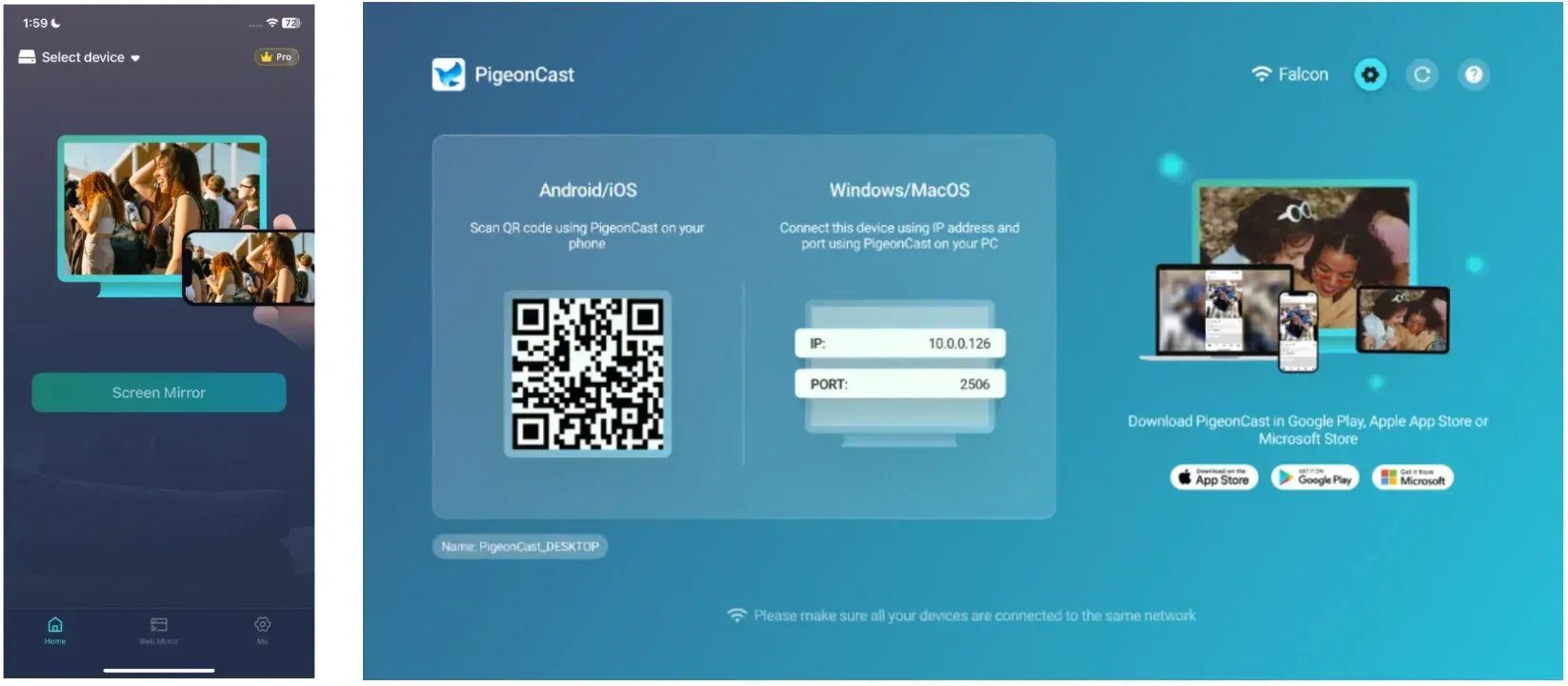
The basic setup is simple: install PigeonCast on the receiving TV or streaming device, open it on the screen you want to use, connect your phone or computer to the same Wi-Fi, and then start the cast or mirroring session from the sending device.
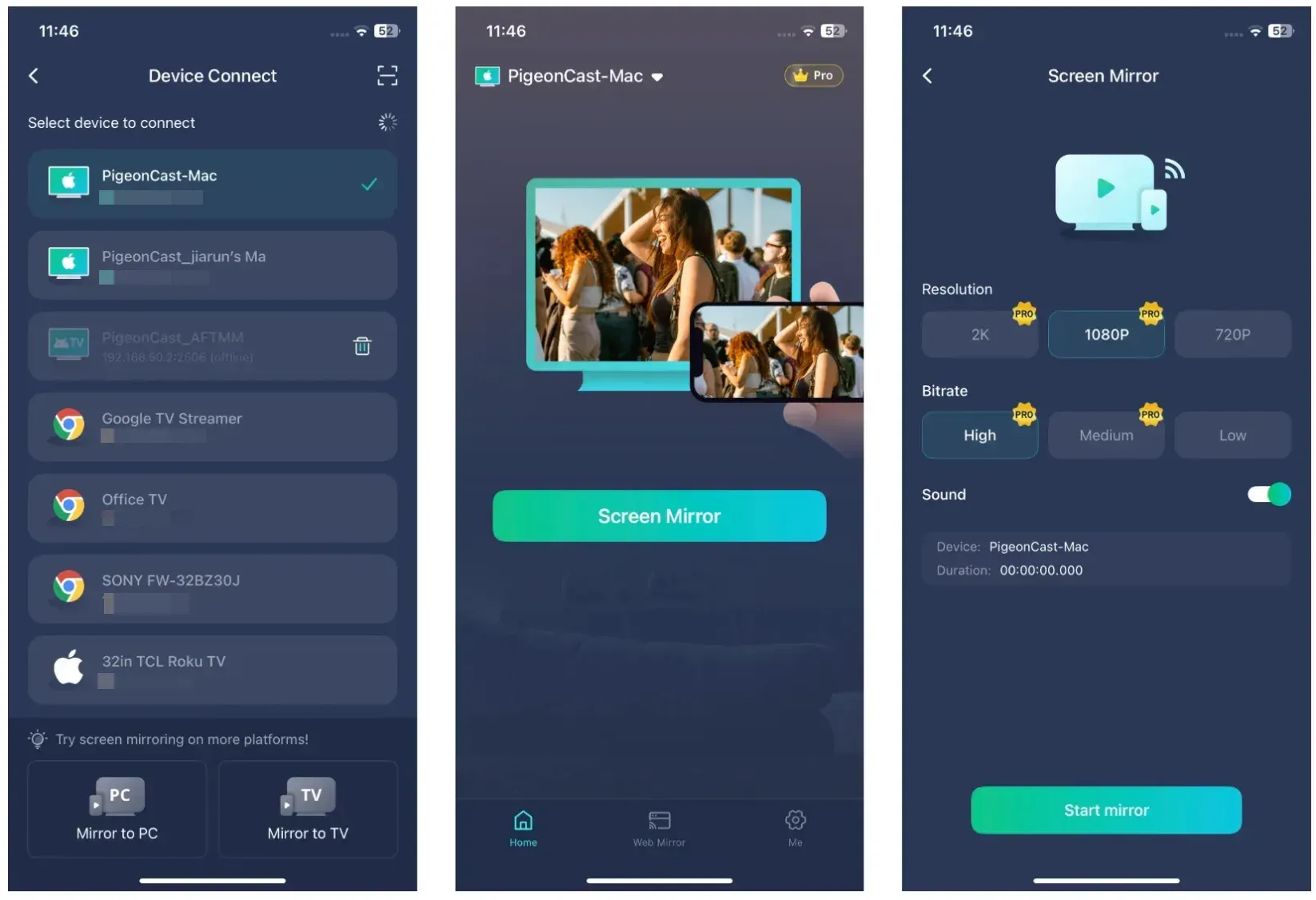
Still, that does not replace a proper TV device if your main habit is opening streaming apps every night and watching with a remote.
Which Casting Device Should You Buy?
If you just want the final buying call, here it is:
- Buy Apple TV 4K if you want the best casting device for iPhone and already live in the Apple ecosystem.
- Buy Google TV if you want the best all-around choice and your household uses mixed devices.
- Buy a modern smart TV if your current screen upgrade already includes strong built-in AirPlay or Google Cast and you do not want another box.
- Buy Roku if you care most about a simple, low-friction TV experience.
- Buy Fire TV Stick 4K if you want the lowest-cost option that still covers the basics well.
Most of the confusion disappears once you stop asking for one universal winner. Google TV is the easiest broad recommendation. Apple TV 4K earns its price in Apple-heavy homes. A modern smart TV can be enough when built-in casting already works well. Roku and Fire TV Stick 4K make more sense when simplicity or budget matters more than premium polish.
And if what you really need is flexible phone-to-TV sharing rather than another piece of hardware, a cast to TV app like PigeonCast may be the better buy.
Best Casting Device FAQ
What is the best casting device right now?
Google TV is the easiest recommendation for most buyers because it balances price, streaming, and casting well. Apple TV 4K is the stronger pick if iPhone and AirPlay are central to the room.
What is the best casting device for iPhone?
Apple TV 4K is the best casting device for iPhone because AirPlay feels the most natural on it. If you cast from iPhone often, it is the one most likely to stay easy to live with.
What is the best casting device for Android?
Google TV is the best casting device for Android because Cast support feels native there and works cleanly with many Android apps. It is usually the most straightforward Android-to-TV choice.
Is Roku better than Google TV for casting?
Roku is better if you care more about a simple TV interface and only cast occasionally. Google TV is the better choice when casting is a regular part of how you use the TV.
Is Fire TV good for casting to TV?
Yes. Fire TV Stick 4K is good enough for many casual casting needs, especially if you want an affordable streaming stick that can also handle some sharing. It is not the first choice for heavier screen mirroring use.
Do I need Apple TV to cast from an iPhone?
No. Some TVs already support AirPlay well enough, and app-based receiver options can also help. Apple TV is simply the cleanest hardware choice when you want the most reliable Apple-focused setup.
What is the best device for screen mirroring?
If full-screen mirroring matters more than app streaming, look at the device you use most. Apple TV 4K is stronger for iPhone and Mac, while Google TV usually makes more sense in Android-heavy homes.
Mia Clarke is a technology editor specializing in screen mirroring and casting solutions across multiple platforms. Mia provides clear, practical guides and in-depth insights to help users seamlessly connect their devices. Passionate about enhancing digital experiences, Mia is dedicated to keeping readers updated on the latest trends and tools in cross-platform screen sharing. Whether you’re looking to mirror your smartphone, laptop, or smart TV, Mia’s content delivers reliable, user-friendly advice to simplify your tech setup.